
BugHerd review
Visual feedback tool that pins client comments to the exact element on a page and turns them into tasks.
The cleanest way to stop receiving website feedback as vague email threads, though the integrations most dev teams need are held back to the top tier.
Pros
- Clients click an element and comment on it without creating an account, which removes the usual adoption barrier
- Every comment automatically carries a screenshot plus browser, operating system, screen resolution and the CSS selector for the element
- Guest reviewers are unlimited on every plan, so client headcount never drives the bill
- Feedback lands directly on a kanban board as triageable tasks rather than in an inbox
- Feedback works on Figma files, PDFs and images as well as live sites, so design review uses the same pipeline
Cons
- Jira, Asana, Linear, ClickUp and Monday.com connections sit on the top tier, roughly triple the entry price, so most dev teams pay the maximum or work in BugHerd's own board
- Screenshot annotation is more limited than Marker.io or Usersnap offer, with less control over drawing and markup
- Member seats are capped per plan and extra members are billed individually, so growing the internal team costs more than adding another project
BugHerd pricing
List prices in USD per month, taken from the vendor at review time.
| Plan | Per month | What it covers |
|---|---|---|
| Standard | $42 | per month billed annually, 5 members, unlimited guests |
| Studio | $67 | per month billed annually, 10 members |
| Premium | $125 | per month billed annually, 25 members, premium integrations |
What BugHerd actually does
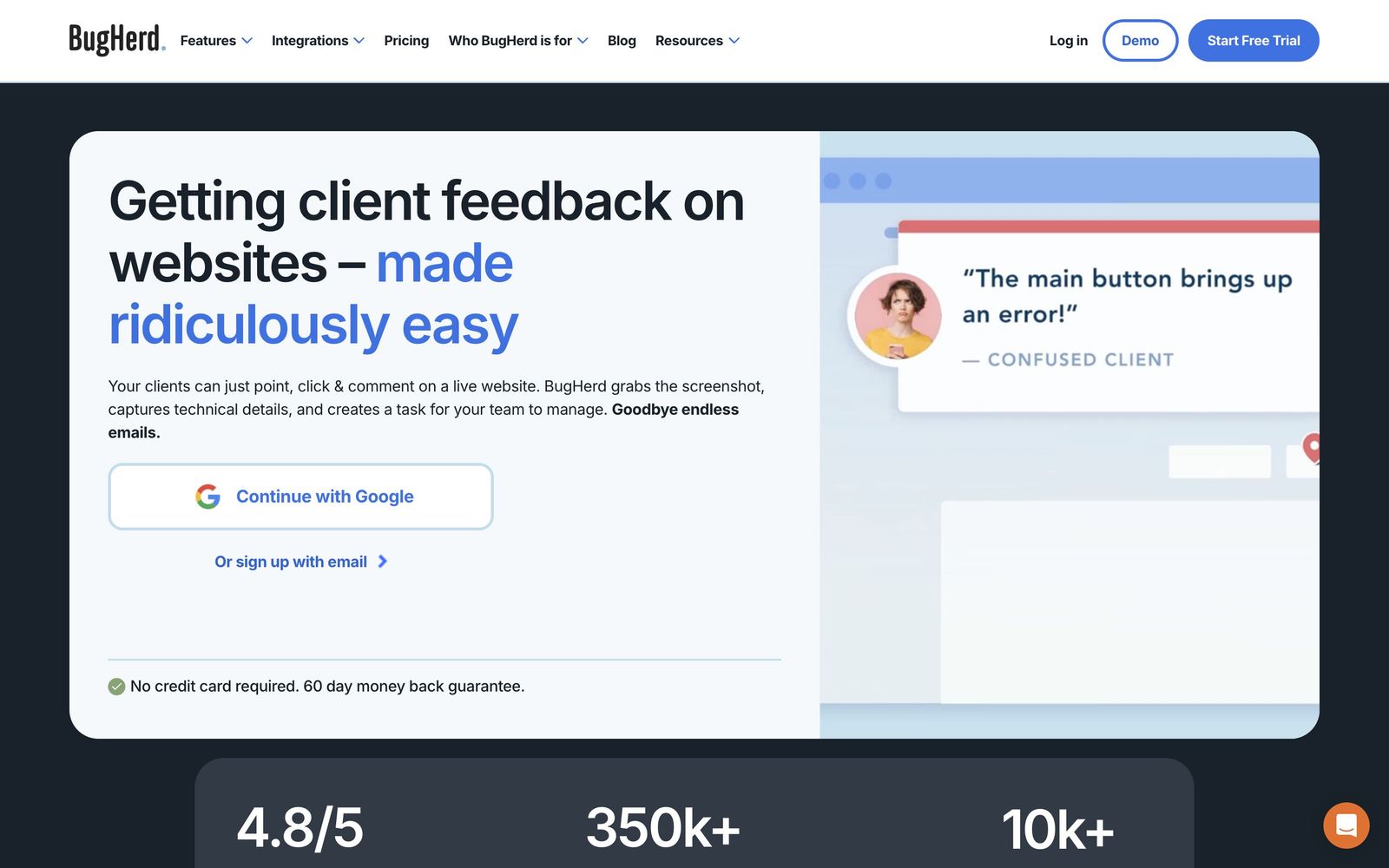
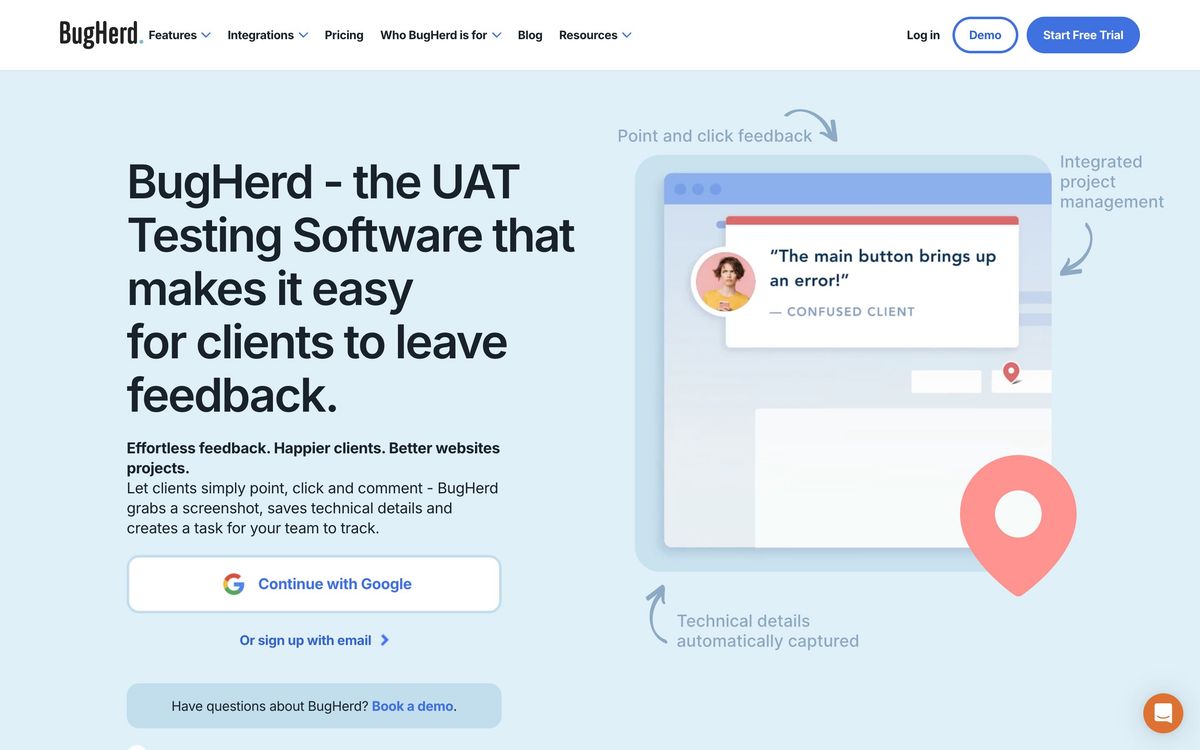
BugHerd exists to solve one specific and universally irritating problem: a client emails saying the button looks wrong, and nobody knows which button, on which page, in which browser. A small JavaScript snippet installed on the site gives reviewers a sidebar. They click the element in question, type what is wrong, and the comment is pinned to that element. Reviewers need no account and no login, which is the difference between a client actually using the tool and quietly reverting to email.
What makes the comment useful is what BugHerd attaches to it without being asked. Every piece of feedback carries a screenshot, the browser and version, the operating system, the screen resolution and the CSS selector of the element clicked. The developer receiving it does not have to conduct an investigation to reproduce the problem. Comments arrive on a kanban board where they can be assigned, prioritised, given a status and moved through to done, and from there pushed into whatever tracker the team already uses. The same widget handles Figma prototypes, PDFs and images, so design review and website QA run through one pipeline rather than two, and reviewers can record video when an issue is easier to demonstrate than describe.

Key features
The feature set is narrow and finished rather than broad and thin.
- Pin-on-page feedback widget that anchors comments to a specific element
- Automatic technical metadata capture: screenshot, browser, operating system, screen size, CSS selector
- Kanban board with assignment, severity, status columns and unlimited projects
- Unlimited guest reviewers who never need an account
- Feedback on Figma files, PDFs and images as well as live pages
- Video feedback recording alongside written comments
Who it's for
The core buyer is a web agency or a freelance studio in the review phase of a build, where the person giving feedback is a client with no technical vocabulary and no patience for a bug tracker. BugHerd is designed around that person's tolerance, and it succeeds because it demands nothing of them. In-house teams with a marketing department reviewing site changes get the same benefit for the same reason.
It is not the right tool for engineering teams whose feedback comes from other engineers, who will find Linear or GitHub issues faster and more expressive. It is also a poor fit for teams that want deep product feedback - surveys, in-app prompts, feature voting - since this is website review, not customer research. Teams already committed to Jira should price the top tier before buying, because that connection is not available lower down and running BugHerd's own board as a second source of truth causes exactly the drift it was bought to prevent.
How it compares
Marker.io is the sharper choice for teams living in Jira or GitHub: its integrations are deeper, its technical capture is richer, and its entry price is lower, though the client-facing experience is marginally less approachable. Usersnap goes further on technical logging and adds micro-surveys and broader customer feedback collection, which suits enterprise product teams but is more machinery than an agency needs for a site launch. Pastel is the cheapest and simplest, with unlimited users and live CSS editing, and is the sensible pick for a small studio doing straightforward page markup. BugHerd's advantage over all three is the balance: the reviewer experience is the least demanding, and the board is good enough to triage on without immediately integrating elsewhere.
Verdict
BugHerd is a well-made tool with a clear job and high satisfaction among the people who do that job. The pin-on-page model with automatic metadata capture removes most of the back-and-forth from client review, and the unlimited guest policy means agencies never think twice about who to invite. The caveat is the packaging: the integrations that matter most to development teams are reserved for the top tier at roughly three times the entry price, and annotation tooling lags the closest competitors. For an agency whose pain is client feedback, that is easy to accept. For a dev team whose pain is ticket flow, check the tier chart before signing.
Ready to try BugHerd?
More developers tools like BugHerd
Runpod
4.5GPU cloud for AI workloads: on-demand instances, serverless inference endpoints, and multi-node clusters.
Read Runpod review →CrowdStrike
4.4Cloud-delivered endpoint protection with one lightweight agent, sold to small teams as fixed per-device bundles.
Read CrowdStrike review →NinjaOne
4.4Endpoint management and RMM platform for monitoring, patching, backing up and remotely supporting company devices.
Read NinjaOne review →Bright Data
4.3Proxy network and managed scraping APIs for collecting public web data at production scale.
Read Bright Data review →Browse AI
4.3No-code web scraping: train point-and-click robots to extract data from any site and monitor it for changes.
Read Browse AI review →EasyDMARC
4.3Email authentication monitoring that takes a domain from DMARC reporting to enforcement without hand-editing DNS.
Read EasyDMARC review →