
Plesk review
Web hosting control panel for managing sites, WordPress, mail, DNS, and databases on Linux and Windows.
Best at managing many sites and servers from one panel with standout WordPress tooling; the tradeoff is per-server licensing and a heavier footprint than minimal panels.
Pros
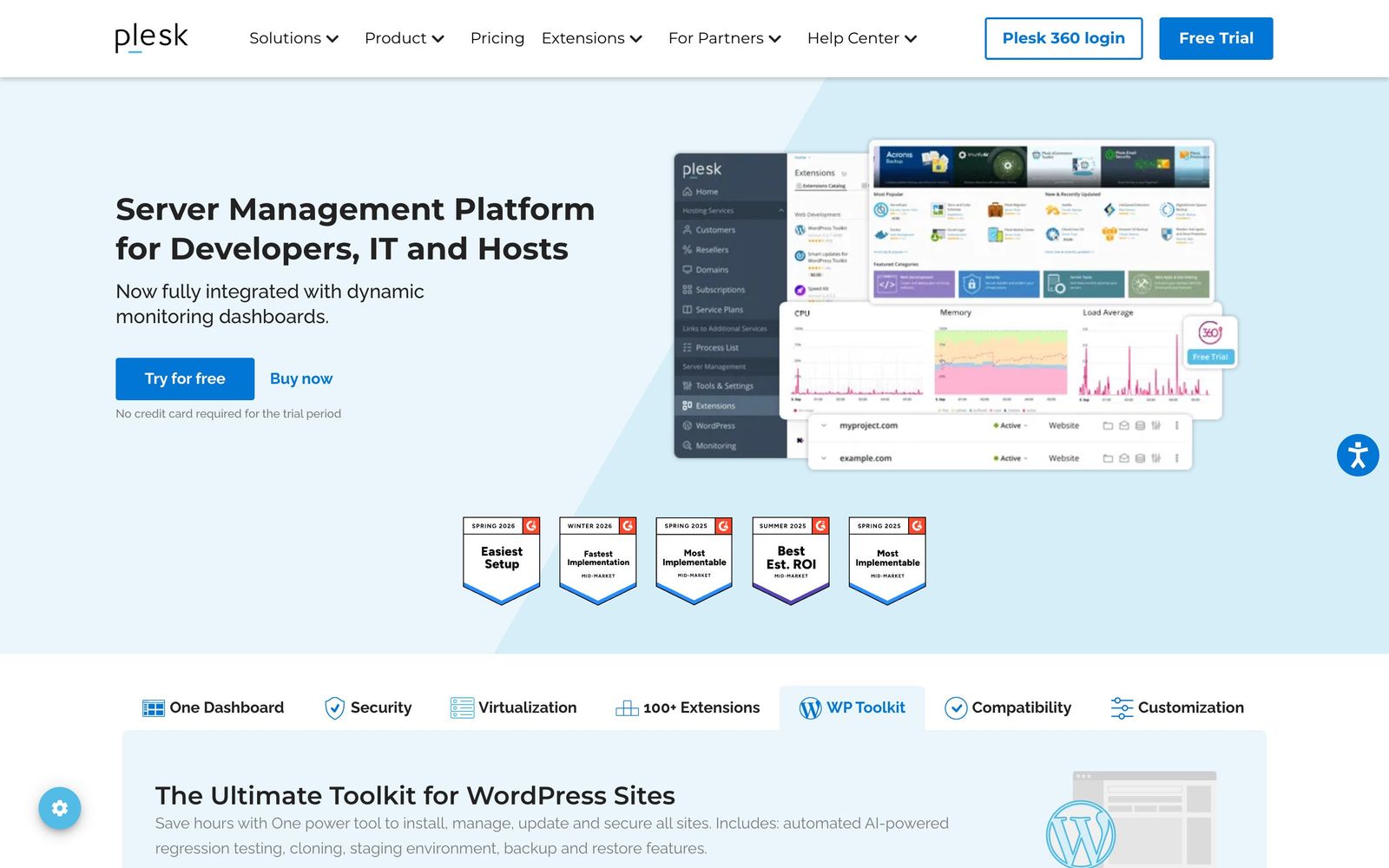
- WP Toolkit covers staging, cloning, smart updates, and backup/restore for WordPress fleets
- Runs on both Linux and Windows Server, unlike most competing panels
- Catalog of 100+ extensions for SSL, security, backups, and site building
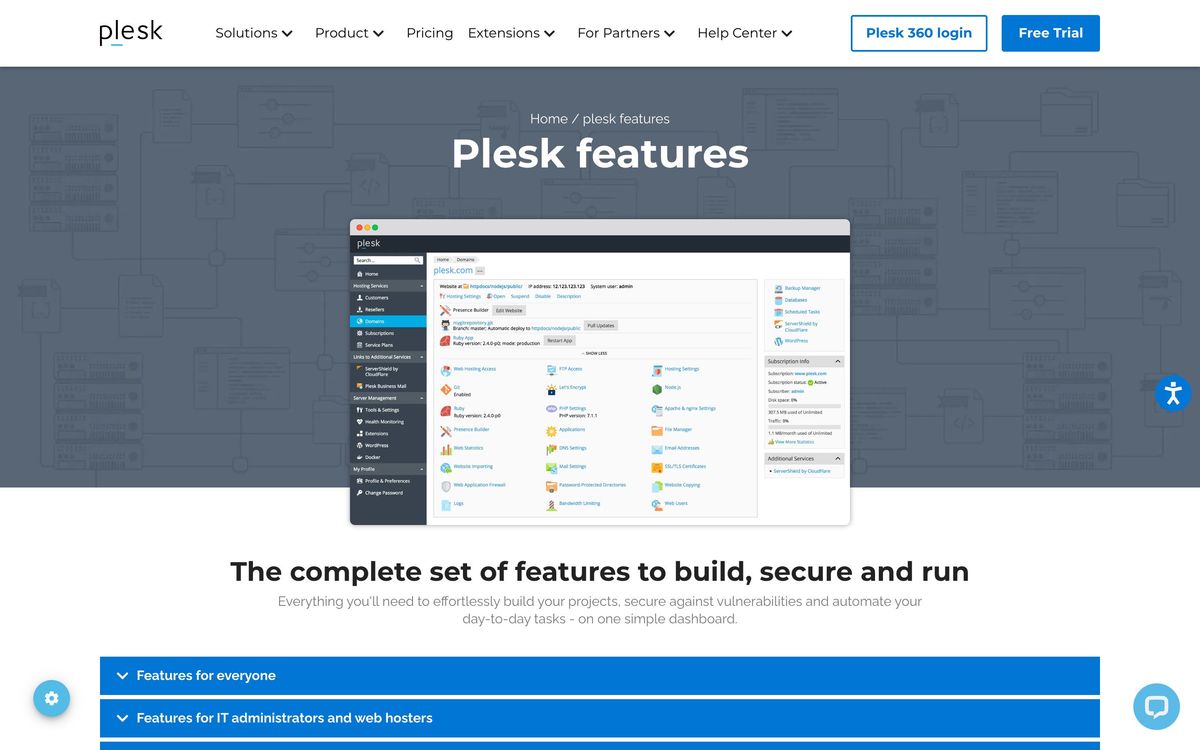
- One dashboard for sites, mail, DNS, databases, and server monitoring
- Ready-made images on AWS, Azure, Google Cloud, DigitalOcean, Vultr, and Linode
Cons
- Licensed per server, so costs scale with your fleet
- Noticeably heavier on small VPS instances than lightweight panels
- Useful capabilities are often unbundled into separately licensed extensions
- Interface depth means a learning curve for first-time server admins
Plesk is one of the two dominant web hosting control panels, a server and site management layer that turns a bare Linux or Windows server into a multi-site hosting environment with a dashboard. For developers, agencies, and hosting providers who run dozens or hundreds of websites, it replaces a pile of command-line administration with centralized management of domains, mail, DNS, databases, SSL, and backups, plus the most complete WordPress management toolkit in the panel market.
What Plesk actually does
Install Plesk on a VPS or dedicated server and it takes over the full hosting stack: web server configuration, PHP version management per site, mail service, DNS zones, database provisioning, and TLS certificates. Each website, customer, or reseller gets isolated management within the same machine, which is why infrastructure providers and digital agencies are its core audience. The WP Toolkit deserves specific mention: it handles one-click staging environments, cloning between domains, smart updates that test changes before applying them, hardening checks, and scheduled backups across every WordPress instance on the server. Security tooling spans the OS, network, and application layers, with fail2ban, firewall management, and ModSecurity rulesets configurable from the panel. An extension catalog of more than 100 add-ons covers everything from Let's Encrypt automation to full site builders.
Key features
- Single dashboard for sites, mail, DNS, databases, and performance monitoring
- WP Toolkit for staging, cloning, smart updates, and mass management of WordPress
- Support for both Linux distributions and Windows Server
- 100+ extensions including SSL automation, backup tools, and security suites
- Reseller and customer account hierarchies for hosting businesses
- Marketplace images and integrations for AWS, Azure, Google Cloud, DigitalOcean, Linode, Vultr, Alibaba Cloud, and OVH
- Full root SSH access preserved on VPS and dedicated servers
Who it's for
Plesk fits four groups well: hosting providers selling shared or managed hosting, agencies maintaining client website portfolios, IT administrators consolidating internal sites onto fewer servers, and developers who want a managed-feeling environment on their own infrastructure. The WordPress tooling alone justifies it for anyone responsible for ten or more WordPress sites. It is overkill for a developer hosting one or two projects; in that case a plain VPS with Docker, or a lightweight panel, wastes less memory and money. There is a full-featured trial without a credit card, but no permanent free tier.
How it compares
The perennial rival is cPanel. cPanel still dominates among traditional shared-hosting providers and many admins find its ecosystem familiar, but it is Linux-only and its licensing changes in recent years pushed many users to evaluate alternatives. Plesk counters with Windows support, a more modern interface, and stronger built-in WordPress management. Among lightweight challengers, open-source panels like CloudPanel or HestiaCP cost nothing and run leaner, but lack the extension ecosystem, the reseller hierarchy, and the commercial support that hosting businesses depend on. The honest summary: Plesk and cPanel remain the only serious options for running hosting as a business; the free panels are fine for personal fleets.

Verdict
Plesk has earned its position through breadth and consistency: one panel that manages the entire hosting lifecycle on both major server operating systems, with WordPress tooling that genuinely saves hours per month at fleet scale. The costs are real, both in license fees that grow with your server count and in resource overhead on small instances, and the habit of moving features into paid extensions can grate. If you manage many sites for clients or customers, Plesk is a sound, defensible choice in 2026. If you manage two sites for yourself, you do not need it.
Ready to try Plesk?
More developers tools like Plesk
Ultahost
3.3Budget shared, WordPress and VPS hosting on NVMe storage with cPanel, domains and a 30-day money-back guarantee.
Read Ultahost review →InMotion Hosting
4.0Independent US web host running shared, WordPress, VPS and dedicated plans on cPanel.
Read InMotion Hosting review →Nexcess
3.9Managed WordPress, WooCommerce and Magento hosting with auto-scaling, staging and store-specific tooling.
Read Nexcess review →CrowdStrike
4.4Cloud-delivered endpoint protection with one lightweight agent, sold to small teams as fixed per-device bundles.
Read CrowdStrike review →NinjaOne
4.4Endpoint management and RMM platform for monitoring, patching, backing up and remotely supporting company devices.
Read NinjaOne review →Bright Data
4.3Proxy network and managed scraping APIs for collecting public web data at production scale.
Read Bright Data review →