
Getscreen.me review
Browser-based remote desktop for IT teams, billed per technician seat plus per managed device.
A cheap, genuinely browser-native remote access tool for small IT teams, though the per-device line item and the feature gating between tiers make the real bill harder to predict than the seat price suggests.
Pros
- The technician side needs no installed client, sessions open in an ordinary browser tab, which sidesteps the version-matching problem of older remote access tools
- Terminal mode runs PowerShell, bash or zsh on the remote host without taking over the screen of whoever is sitting at it
- White-label branding with a custom domain on the top tier, so clients see the agency's name during a support session
- A self-hosted server edition exists for organisations that will not route remote access through a vendor's cloud
- The free plan is a standing plan rather than a trial: two permanent devices, one seat, unlimited session length
Cons
- Quick Support, the one-time session links you need for ad hoc helpdesk work, is not available on the entry business tier, only on Advanced and above
- SAML single sign-on, Active Directory sync and a custom domain are all held back for the Enterprise tier
- Billing adds a per-device charge on top of the per-seat charge, so a two-technician team watching a thousand endpoints pays far more than the headline seat price
Getscreen.me pricing
List prices in USD per month, taken from the vendor at review time.
| Plan | Per month | What it covers |
|---|---|---|
| Free | Free | 1 technician seat, 2 permanent devices, 50 MB file transfers |
| Standard | $5 | per technician seat per month, plus $0.10 per permanent device |
| Advanced | $8 | per technician seat per month, plus $0.15 per permanent device |
| Enterprise | $10 | per technician seat per month, plus $0.20 per permanent device |
What Getscreen.me actually does
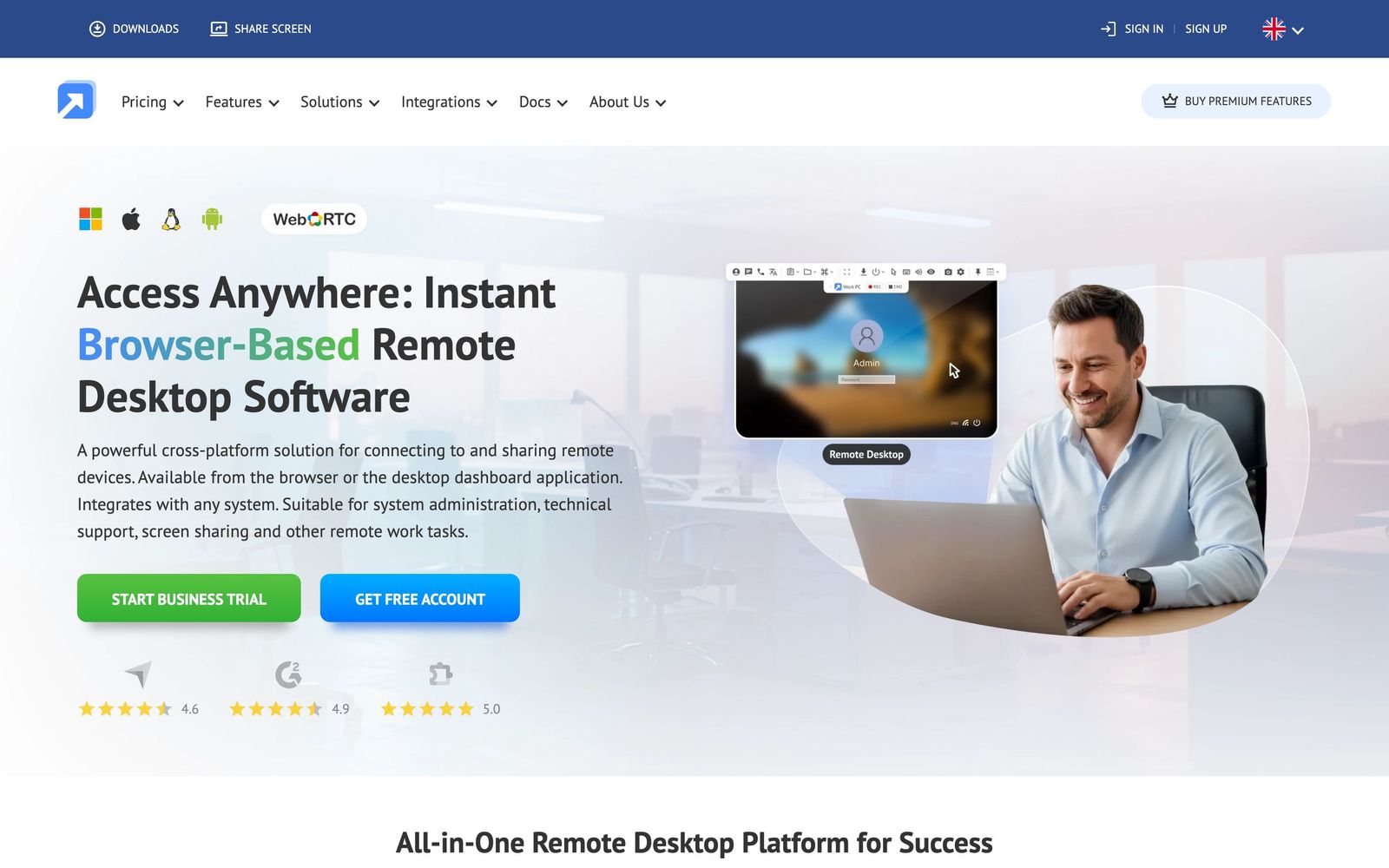
Getscreen.me is remote desktop software that runs inside a browser tab. The technician side installs nothing: you sign in to the web dashboard, click a device and the remote screen appears in Chrome, Firefox or Safari. The far end runs a small agent for Windows, macOS, Linux or Android, or, for one-off help, a temporary executable the person launches once and then throws away. That split is the entire design idea, and it removes the version-matching problem that dogs older remote access tools, where helper and helped both have to be on compatible builds.
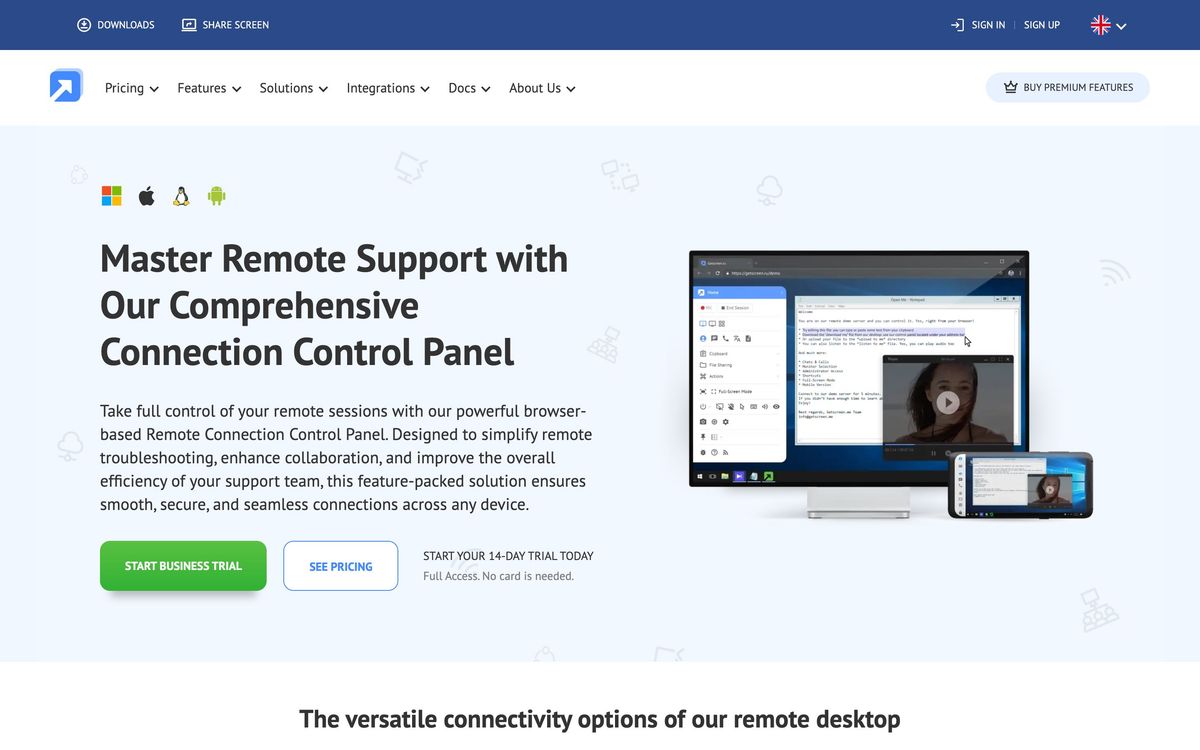
The service is run by Point B Ltd, a company registered in Cyprus, and is sold either as a hosted subscription or as a self-hosted server for organisations that will not route remote access through someone else's cloud. Sessions carry the working extras you would expect: a dual-pane file manager, clipboard sync, multi-monitor handling, in-session chat, sound streaming, remote reboot with automatic reconnect, and a terminal mode that opens a shell on the remote host without hijacking the screen of whoever is using it. Business accounts add session recording, audit logs, device groups and role-based permissions across a team.
Key features
The feature set is arranged around two jobs, permanent access to a fleet you own, and one-time access to a machine you are helping today.
- Unattended access to installed agents on Windows, macOS, Linux and Android, with wake-on-LAN and black-screen privacy mode
- One-time Quick Support links for ad hoc helpdesk work, available from the Advanced tier upward
- Dual-pane file manager with drag-and-drop transfer in both directions, folder transfers and a per-file cap that lifts on paid business tiers
- Terminal mode for PowerShell, bash and zsh, so routine fixes never interrupt the person at the keyboard
- White-label branding with a custom domain, session recording and account audit logs for teams that answer to clients or auditors
- SAML single sign-on, Active Directory and LDAP sync, an HTTP API and iframe embedding for building access into an existing tool
Who it's for
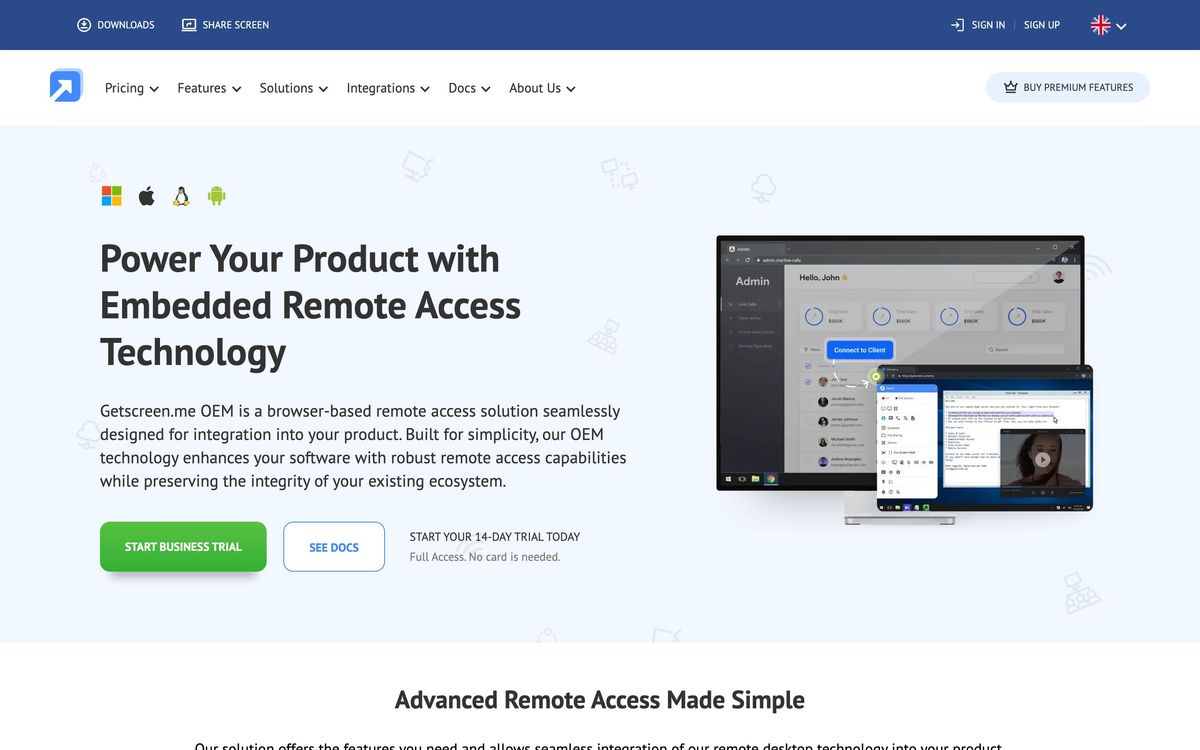
The natural buyer is a small managed service provider or an internal IT team looking after a defined fleet, a few dozen to a few hundred machines, where the appeal is not having to push a heavy client onto every technician's laptop. It also suits software vendors who want to embed remote access into their own product, since the API and iframe route is documented rather than bolted on.
It is a weaker fit for two groups. Teams whose work is mostly ticket-driven support will find no queue, no SLA tracking and no knowledge base here; this is a connection tool that sits next to a helpdesk, not one that replaces it. And anyone supporting a very large endpoint estate should model the bill before switching, because the per-device charge stacks on top of the per-seat charge and grows with the fleet rather than the team.
How it compares
TeamViewer remains the reference product: wider platform coverage, deeper enterprise administration and a support organisation to match, at a price and with packaging rigidity that pushes smaller firms away. AnyDesk is the closest performance rival, generally smoother over poor connections thanks to its own codec, but its team administration is thinner and it still expects a client on the technician side. Chrome Remote Desktop is free and perfectly adequate for reaching your own machines, and stops dead the moment you need roles, recording, branding or an audit trail. Getscreen.me sits between them: less mature than TeamViewer, better organised for teams than Chrome's option.
Verdict
This is an honest, unglamorous product that does the specific thing it claims and prices it lower than the incumbents. The browser-first approach is not marketing, it changes how quickly a new technician can start working, and the self-hosted edition gives regulated buyers a way in. The caveats are structural rather than fatal: the features most helpdesks need on day one sit above the entry tier, single sign-on is reserved for the top tier, and the two-axis pricing rewards small fleets and punishes large ones. Price it against your actual device count, not your headcount, before committing.
Ready to try Getscreen.me?
There's a free tier, so you can test it before committing.
More developers tools like Getscreen.me
Velory
4.1IT lifecycle platform that ties hardware procurement, asset tracking and offboarding to the HR system.
Read Velory review →IDrive
3.9Cloud backup covering computers, phones, servers and NAS devices under one account and one storage pool.
Read IDrive review →Passpack
3.9Zero-knowledge password manager for small teams and the MSPs that administer their credentials.
Read Passpack review →Netlify
4.6Hosting and deployment platform with Git-based CI/CD, deploy previews, serverless functions, and AI workflows.
Read Netlify review →Pinecone
4.5Fully managed serverless vector database for similarity search, RAG, and agent memory at billion-vector scale.
Read Pinecone review →Runpod
4.5GPU cloud for AI workloads: on-demand instances, serverless inference endpoints, and multi-node clusters.
Read Runpod review →