
Nutshell review
CRM for small B2B sales teams, with email marketing and an omni-channel inbox on the same contact record.
A quick-to-adopt CRM for small B2B teams that keeps campaigns and pipeline on one record, though reporting stays basic until the upper tiers.
Pros
- Drag-and-drop pipeline is legible on first use, and most teams report being productive within one to two weeks
- Email marketing runs against the same contact table the reps work from, with no sync job in between
- Two-way Gmail and Outlook sync pulls conversation history in automatically, including template sending from the mail client
- Support has a consistent reputation for responding quickly, which is rare at this price point
- Month-to-month billing and a 14-day trial make it cheap to evaluate against an incumbent CRM
Cons
- Reporting is limited to activity, quota and funnel views until the Pro tier, and analysts still hit a ceiling above that
- No native tooling to auto-archive or erase expired prospect records, which teams under GDPR retention rules have to handle manually
- Marketing, Engagement and prospecting are priced as separate add-ons, so a fully equipped team pays well above the per-seat figure
Nutshell pricing
List prices in USD per month, taken from the vendor at review time.
| Plan | Per month | What it covers |
|---|---|---|
| Foundation | $13 | per user, billed monthly; annual billing costs less |
| Growth | $25 | per user, billed monthly |
| Pro | $42 | per user, billed monthly |
| Business | $59 | per user, billed monthly |
| Enterprise | $79 | per user, billed monthly; adds SSO and SQL data access |
What Nutshell actually does
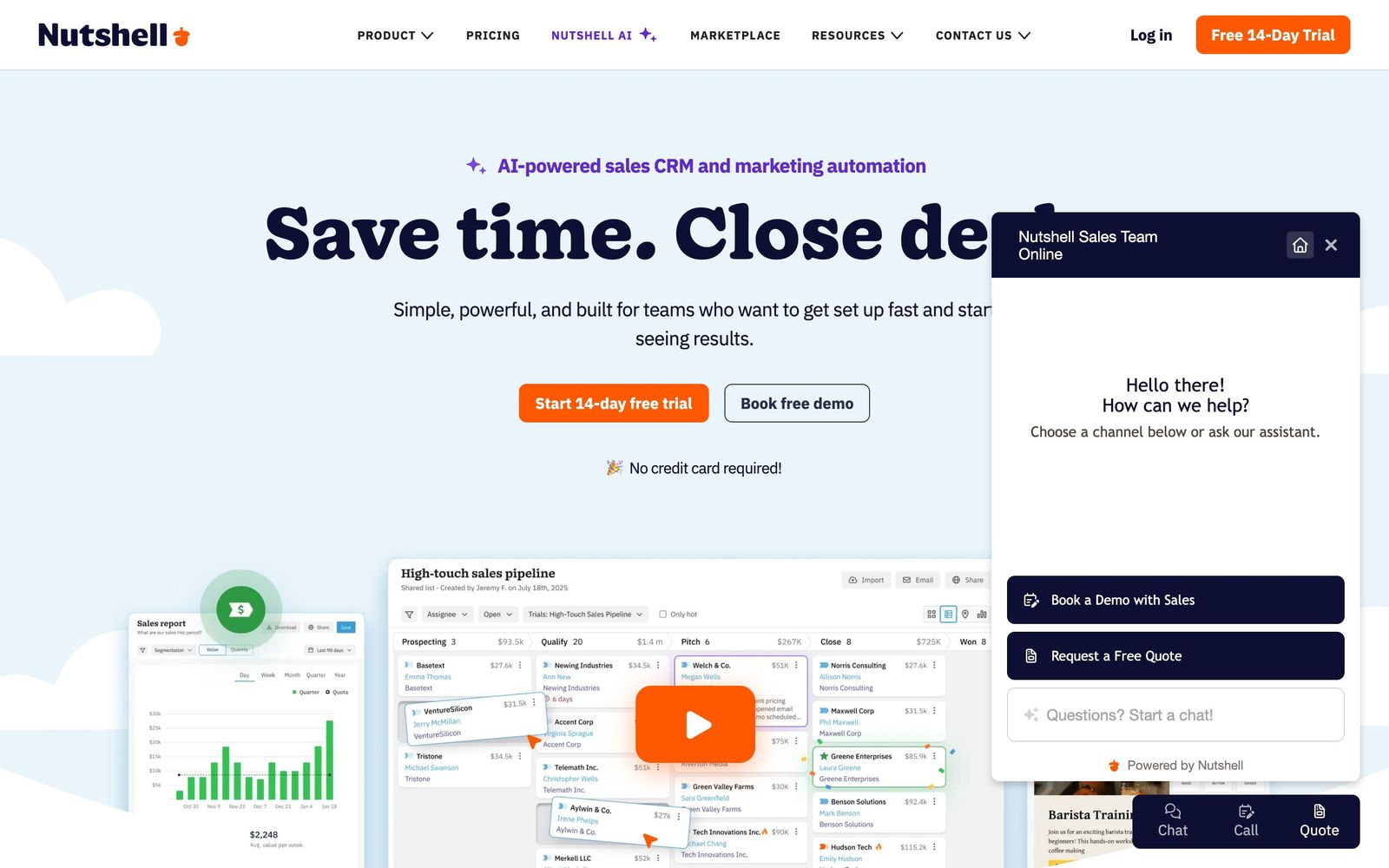
Nutshell is a CRM built for small business-to-business sales teams, with an email marketing module and a shared inbox attached to the same contact database. The core is familiar: companies, people and leads moving through a drag-and-drop pipeline, with activity logged against each record. What separates it from general-purpose CRMs is that the marketing side is not a separate product with a sync job in between. A contact that arrives through a web form sits in the same table the rep works from, and the campaign that lead received is visible on their timeline.
The product is delivered as a browser application with iOS and Android companions. Email and calendar sync with Gmail and Outlook is configured during onboarding and pulls conversation history in automatically. Beyond the CRM itself, Nutshell sells three add-on modules: Marketing for broadcast email, forms and landing pages; Engagement for a webchat, SMS and WhatsApp inbox; and a prospecting database for buying contact data. The AI layer covers meeting transcription, lead recaps and suggested next steps, metered as a fixed number of AI outcomes per seat per month rather than sold as unlimited.
Key features
The parts that carry the most weight in daily use:
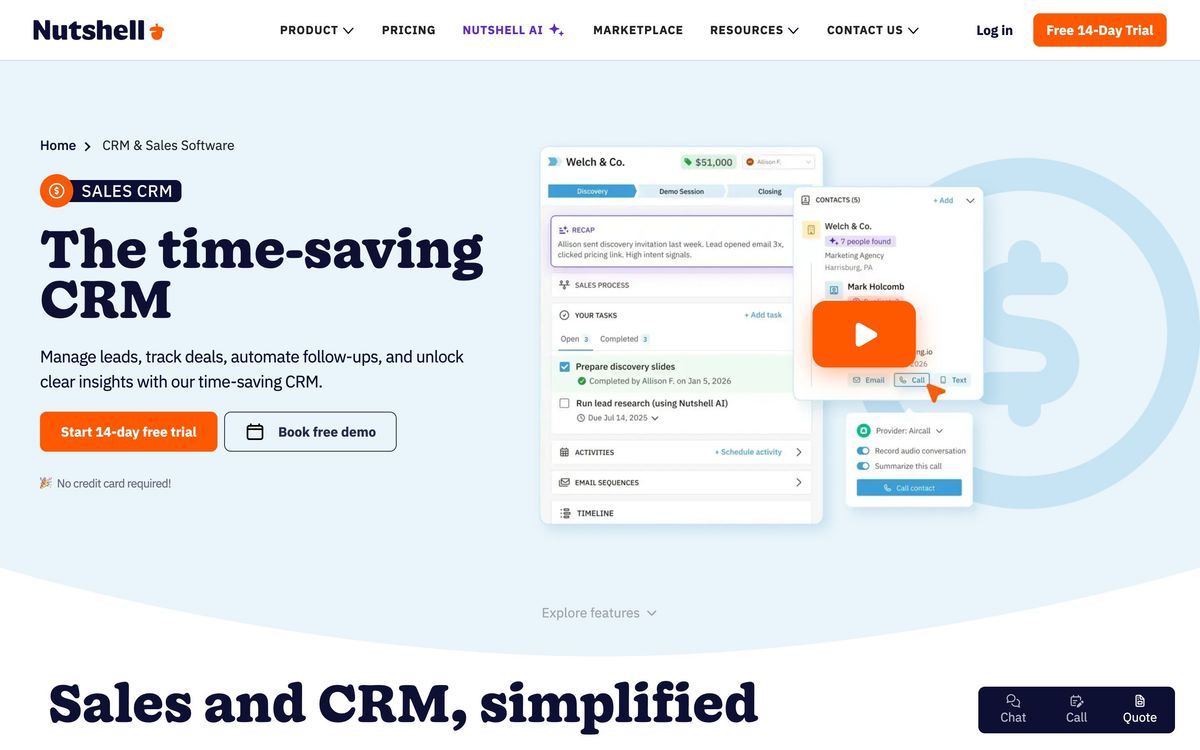
- Drag-and-drop sales pipelines with per-stage goals, plus multiple custom pipelines on the higher tiers
- Two-way Gmail and Outlook sync for email and calendar, including template sending from inside the mail client
- Broadcast campaigns, drip sequences, forms and landing pages running against the same contact list as the CRM
- Call and meeting transcription with AI summaries and suggested follow-ups
- A web chatbot and an inbox covering webchat, SMS and WhatsApp
- Quotes and contracts with e-signature, plus activity, quota and funnel reporting
Who it's for
Nutshell suits a sales team of roughly three to thirty people selling a considered product, where one or two of those people also handle marketing email and nobody has time to administer a CRM full time. Teams migrating off spreadsheets, or off an over-configured Salesforce instance nobody maintains, are the natural fit. Reviewers consistently report being productive inside a week or two, which is unusual in this category.
It is a poor fit for organisations that need deep reporting. Analysts who want to slice pipeline by arbitrary dimensions hit the ceiling quickly, and the answer is usually to upgrade a tier or export to a BI tool. Teams operating under strict GDPR retention rules have flagged the absence of native tooling to auto-archive or erase expired prospect records. And because Marketing, Engagement and prospecting are priced separately from seats, the all-in figure for a team that wants everything drifts well above the headline per-user number.
How it compares
Pipedrive is the closest match on philosophy and price, and its pipeline view and automation builder are more mature, but its marketing side is a separate purchase and its native campaign tooling is thinner. HubSpot wins decisively on reporting, ecosystem and the quality of its free tier, and loses on cost the moment a team needs marketing contacts at scale; the jump from Starter to Professional is the reason many teams start looking at Nutshell at all. Zoho CRM undercuts both on price and offers more configurability, at the cost of an interface most small teams find harder to live in. Against all three, Nutshell's argument is that the CRM and the campaign list are one thing, and that support answers.
Verdict
Nutshell is a competent, unpretentious CRM that earns its place by being quick to adopt and by folding email marketing into the record rather than beside it. The pipeline works, the mail sync works, and the support team has a genuine reputation among its users. The caveat is depth: reporting stays basic until the upper tiers, the mobile app lags the web app enough that reps notice it between visits, and the add-on modules mean the real monthly cost for a fully equipped team is considerably higher than the entry plan implies. Teams that want a CRM they will actually keep using should shortlist it; teams that need analytics should look elsewhere.
Ready to try Nutshell?
More sales tools like Nutshell
folk
4.0Lightweight CRM that builds its contact base from Gmail, LinkedIn and WhatsApp instead of manual entry.
Read folk review →SalesRabbit
3.9Field sales platform for door-to-door teams: territory canvassing, lead tracking, contracts and rep performance.
Read SalesRabbit review →Streak
3.9A CRM built as a Gmail extension, so pipelines, deals and email history stay inside the inbox.
Read Streak review →FullEnrich
4.5B2B waterfall enrichment that cascades 20+ data vendors to find verified emails and mobile numbers.
Read FullEnrich review →Amplemarket
4.4All-in-one AI sales platform: B2B contact data, multichannel sequences, and the Duo AI copilot.
Read Amplemarket review →Clay
4.4A credit-based GTM data workbench that chains 100+ enrichment providers and AI into one spreadsheet.
Read Clay review →