
Salesflare review
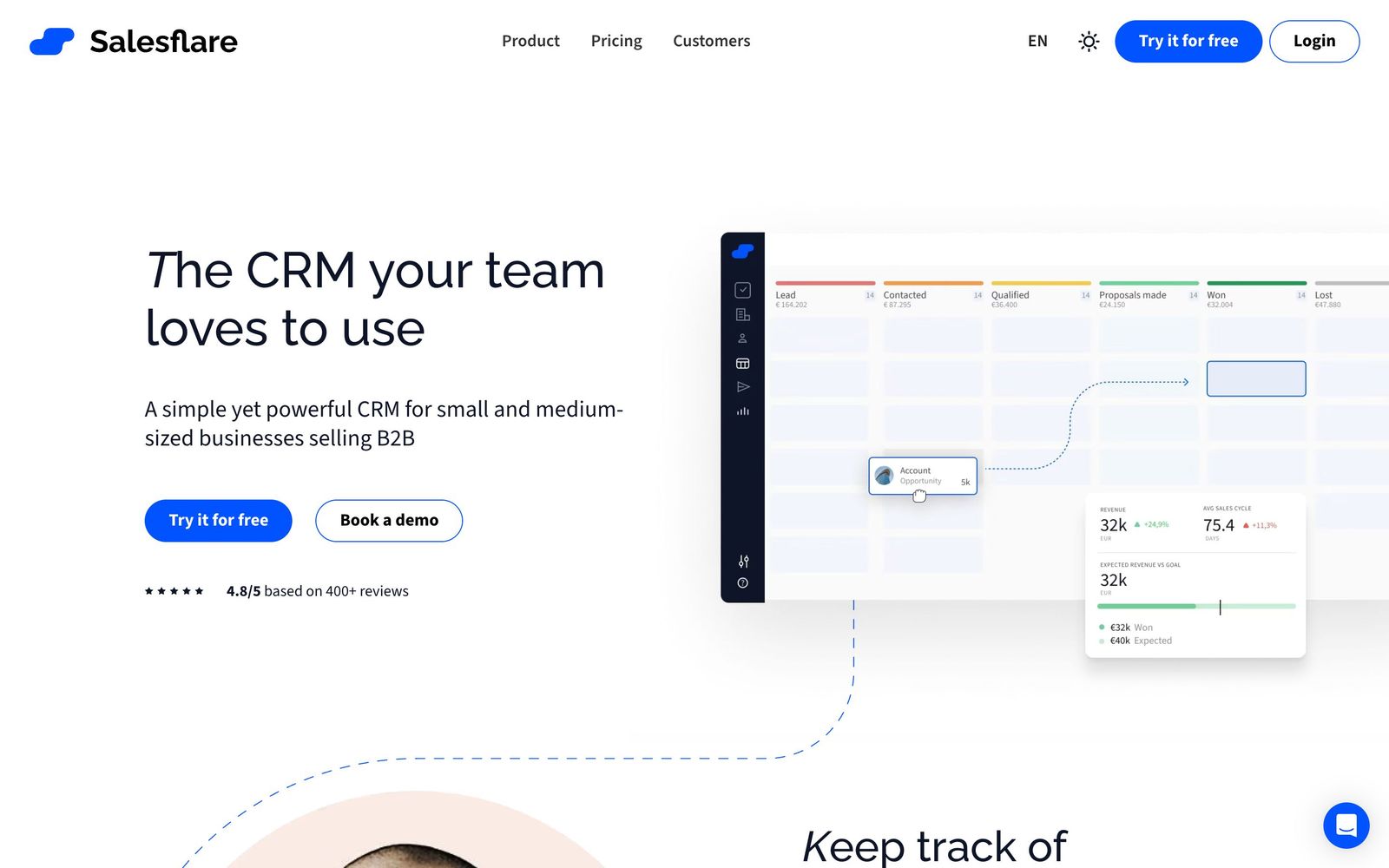
B2B CRM that builds contact and company records automatically from email, calendar and LinkedIn activity.
The least effortful CRM to keep current for a small B2B team, though its reporting and customisation run out once the sales floor grows past a dozen people.
Pros
- Contacts, companies, emails and meetings are created from mailbox and calendar traffic without manual entry
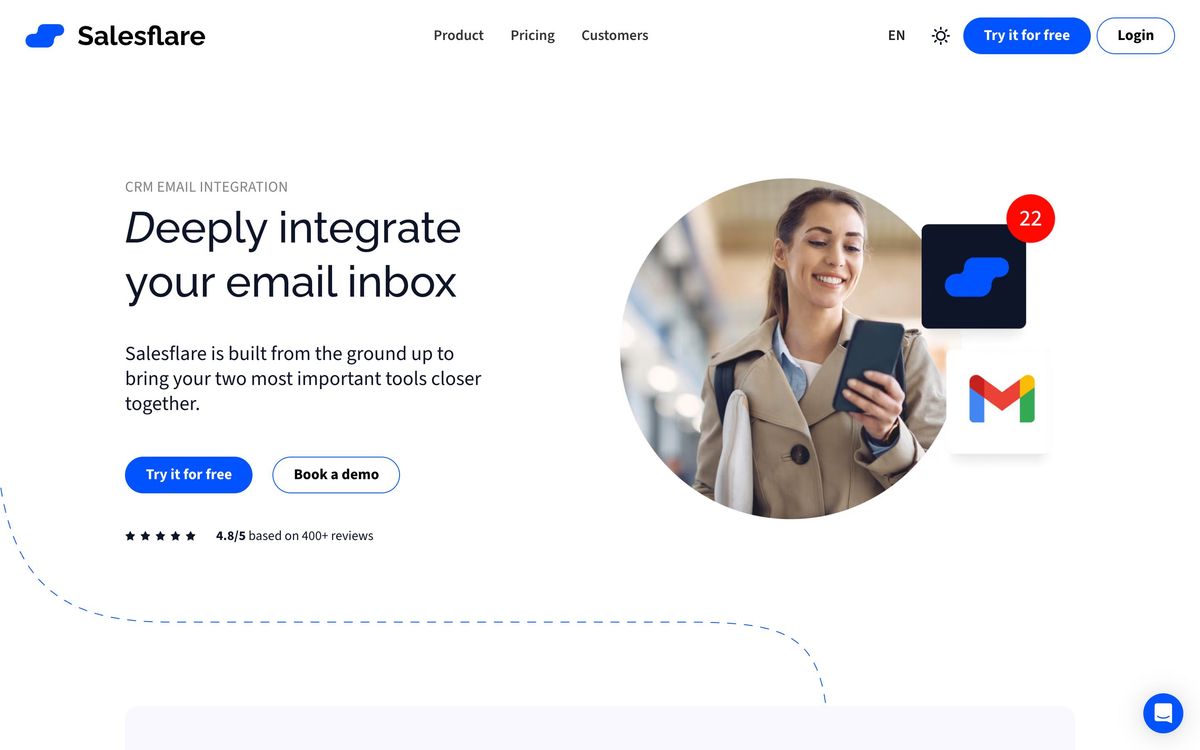
- Gmail, Outlook and LinkedIn sidebars keep the CRM inside the tools representatives already have open
- Email sequences, open tracking and website visit alerts are included rather than sold as a separate product
- No caps on contacts, emails, templates or pipelines on any plan, so the bill does not move as usage grows
- Teams are typically working in it within a day, with no implementation consultant expected
Cons
- Reporting and dashboard customisation are shallow next to what HubSpot and Pipedrive offer on paid analytics tiers
- The native integration catalogue is small, so anything unusual routes through Zapier or the API
- There is no free plan, and the top tier carries a five-user minimum that rules it out for very small teams
Salesflare pricing
List prices in USD per month, taken from the vendor at review time.
| Plan | Per month | What it covers |
|---|---|---|
| Growth | $29 | per user, billed annually; $39 monthly |
| Pro | $49 | per user, billed annually; $64 monthly; adds sequences and permissions |
| Enterprise | $99 | per user, billed annually; minimum 5 users |
What Salesflare actually does
Salesflare is a CRM for small B2B teams built around one observation: most CRMs fail because nobody updates them. Instead of asking representatives to log activity, it connects to the mailbox and calendar and reconstructs the record from what already happened. Emails, meetings and calls attach themselves to the right contact and company, address books and signatures produce contact details, and public sources fill in company information. A person who has done nothing but send email finds an account already assembled, with a timeline showing every touch across the team.
On top of that sits a conventional but tidy sales layer. Pipelines are drag-and-drop, stages can trigger reminders and tasks, and the system nudges when an opportunity has gone quiet. Email tracking reports opens, clicks and website visits, and multi-step sequences handle follow-up campaigns on the higher plan. The whole thing is designed to be operated from inside Gmail, Outlook or LinkedIn through sidebars, and there is a mobile app that is genuinely complete rather than a viewer. Contacts, emails, templates and pipelines are uncapped on every plan.
Key features
The capabilities that define the product:
- Automatic capture of contacts, companies, emails and meetings from connected mailboxes
- Enrichment of company and contact details from public sources
- Email open, click and website visit tracking with notifications
- Drag-and-drop pipelines with per-stage reminders and automated tasks
- Multi-step email sequences for follow-up campaigns
- LinkedIn sidebar for creating records while prospecting
Who it's for
Salesflare is aimed at B2B teams of roughly two to fifteen people with a relationship-led sale: agencies, consultancies, SaaS startups and technical suppliers where a handful of people work a moderate number of accounts over weeks or months. Those teams get most of the benefit, because the automatic capture removes the exact chore that kills adoption, and the setup cost is close to zero.
Two groups should look elsewhere. High-volume outbound teams working thousands of prospects at once need a purpose-built engagement platform, since the sequencing here is competent rather than deep. And any organisation whose sales leadership lives in dashboards will find the reporting frustrating: forecasting, custom reports and analytics are the thinnest part of the product, and the customisation needed to model an unusual sales process is not there. Salesflare is also entirely B2B in its data model, built around companies with several contacts attached, so a consumer sales process fits awkwardly and a support or ticketing workflow does not fit at all.
How it compares
Pipedrive is the closest alternative and wins on pipeline visualisation, reporting and its integration marketplace, while requiring more manual upkeep to stay accurate. HubSpot offers a free entry point and a far wider platform, and becomes expensive fast once the useful sales features are unlocked; its CRM is stronger but its habit cost is higher. Close suits teams whose motion is calling and texting, with a dialler at the centre rather than the inbox. Salesflare's distinctive claim is upkeep, and among these it demands the least.
Verdict
For a small B2B team that has abandoned a CRM before, Salesflare is the most likely one to survive contact with reality, and its ease-of-use ratings across the review sites are earned rather than marketed. The caveat is headroom. Reporting, customisation and the integration catalogue are all built for a team of a dozen, not fifty, and a company that grows into structured forecasting will migrate eventually. Buy it for adoption today, with the understanding that real scale means a migration later, and check that the reports your sales lead relies on can be produced before the trial ends.
Ready to try Salesflare?
More sales tools like Salesflare
Readymode
4.1Predictive dialer with a built-in CRM for outbound teams that live on call volume rather than email sequences.
Read Readymode review →Capsule CRM
4.0Straightforward CRM for small businesses, with a companion email marketing tool in Transpond.
Read Capsule CRM review →CrankWheel
4.0Screen sharing a prospect can open on a phone in seconds, with no download, account or install.
Read CrankWheel review →folk
4.0Lightweight CRM that builds its contact base from Gmail, LinkedIn and WhatsApp instead of manual entry.
Read folk review →SalesRabbit
3.9Field sales platform for door-to-door teams: territory canvassing, lead tracking, contracts and rep performance.
Read SalesRabbit review →Streak
3.9A CRM built as a Gmail extension, so pipelines, deals and email history stay inside the inbox.
Read Streak review →