
CrankWheel review
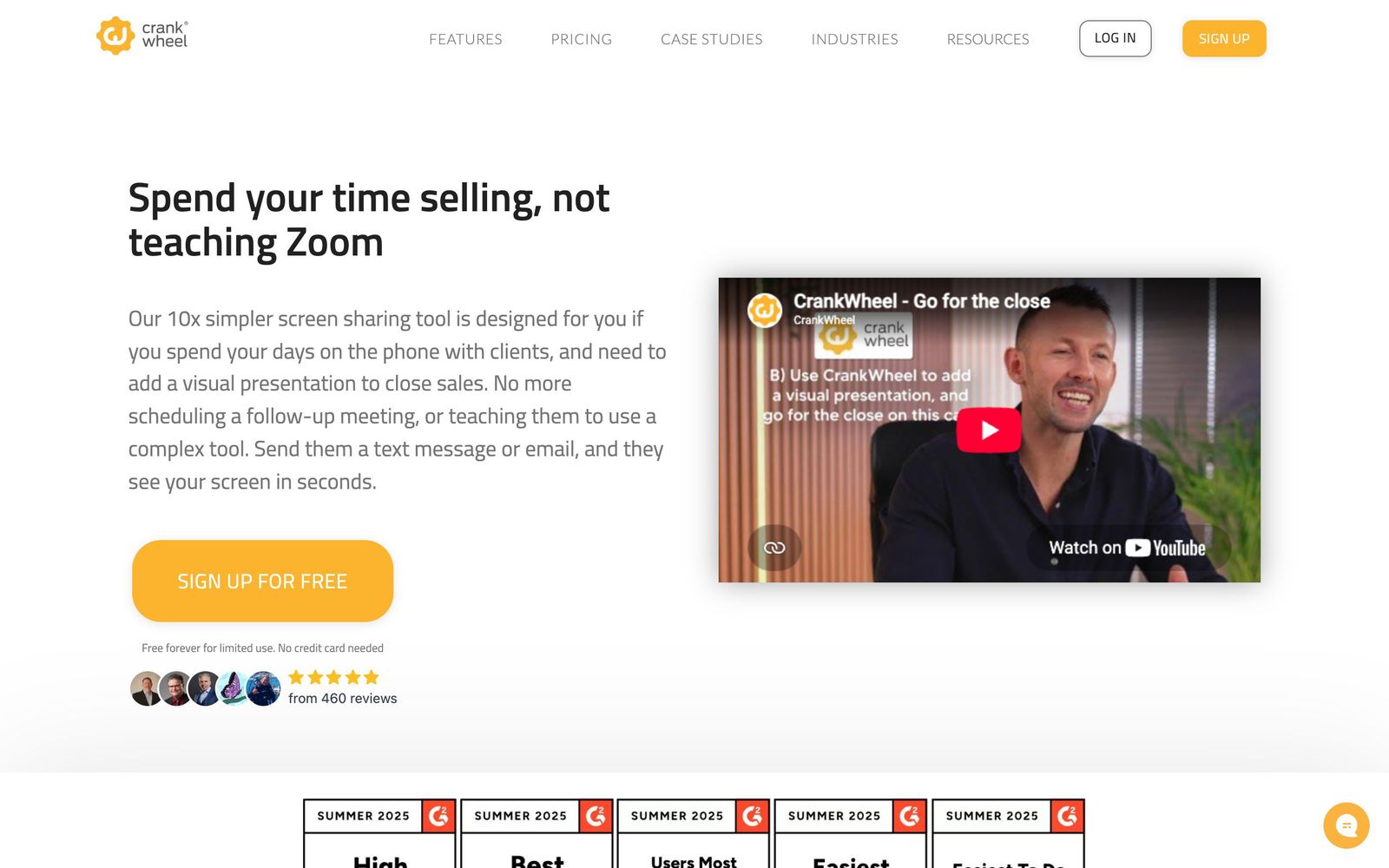
Screen sharing a prospect can open on a phone in seconds, with no download, account or install.
The fastest way to put a screen in front of someone already on the phone, though it is a single-purpose tool that will not replace a real meeting platform.
Pros
- The prospect joins by tapping a link, with no app install, plugin or account, which removes the step where most phone-to-demo handoffs fail
- Works on a prospect's mobile browser, so it fits outbound calling where the person is not sitting at a desk
- Instant Demos puts a button on the website that routes a visitor straight to an available rep, turning inbound curiosity into a live screen share
- Remote control lets the rep fill in a form while the prospect watches, or hand control over, which shortens application-style calls
- CRM connectors for Salesforce, HubSpot, Zoho and HighLevel log session details and recordings back onto the record automatically
Cons
- It was built around a parallel phone call, and the conferencing added since caps participants well below what Zoom or Teams handle
- Team plans meter meetings per month rather than selling flat seats, so a busy floor has to stack plans and forecast volume
- Integration coverage is short: a handful of CRMs and an API, with no native connector for most dialers, calendars or ticketing tools
- Reviewers report intermittent reconnection trouble when a prospect switches apps on a phone mid-session
CrankWheel pricing
List prices in USD per month, taken from the vendor at review time.
| Plan | Per month | What it covers |
|---|---|---|
| Free | Free | 1 user, 15 meetings a month, 3 viewers, no branding |
| Solo | $29 | 1 user, unlimited meetings, up to 30 viewers |
| Team | $99 | from; unlimited users, 100 meetings a month per stacked plan |
What CrankWheel actually does
CrankWheel solves one problem: a rep is on the phone with someone and needs them to see a screen, right now, without a calendar invite or a download. The rep sends a link by text or email, the prospect taps it, and the screen appears in their browser within seconds. Nothing installs on the prospect's side, there is no account to create, and it works on a phone as well as a laptop. The rep keeps talking on the existing phone line, which is why the product survives in call centres where full conferencing tools are treated as a barrier.
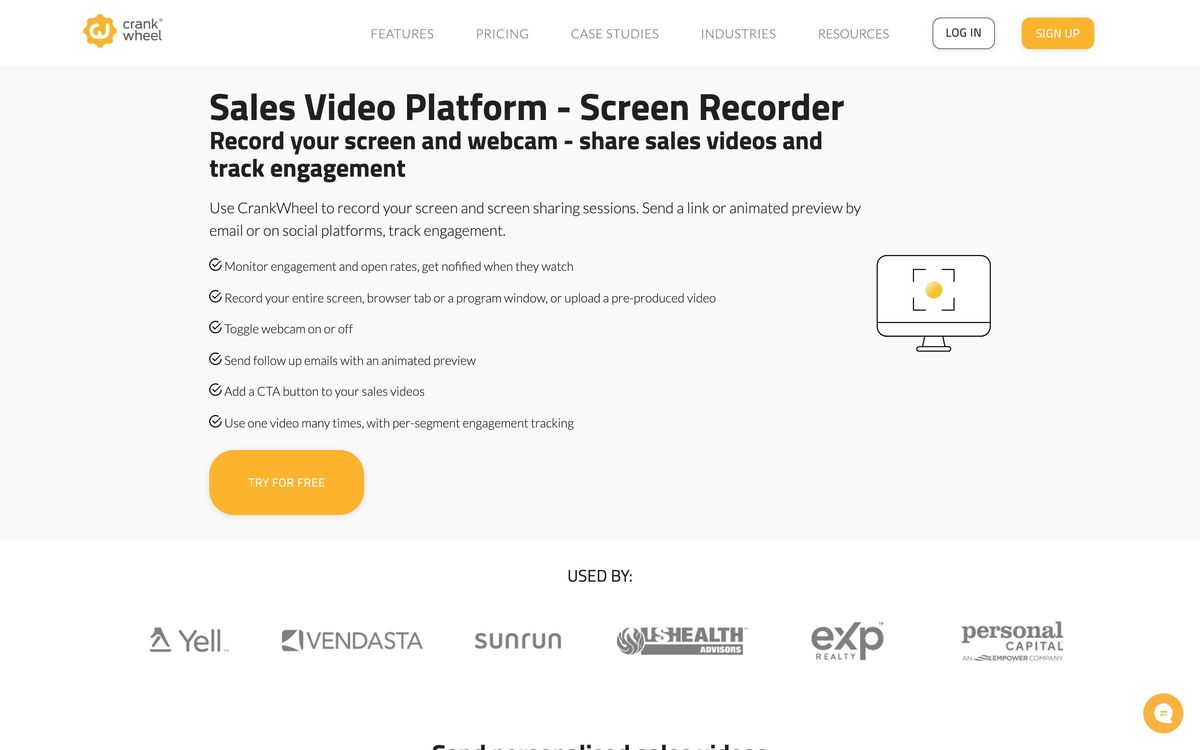
Around that core sit a few related pieces. Instant Demos is a website widget that connects a visitor straight to an available agent, so an inbound lead becomes a live screen share instead of a form submission. Remote control lets the agent complete a form while the prospect watches, or pass control the other way. Sessions can be recorded and sent afterwards as a screencast with playback tracking, and CRM connectors write the session details back to the contact record. It is delivered as a browser-based app with an extension for the presenter.
Key features
The product is deliberately small, and these are the parts that earn the subscription.
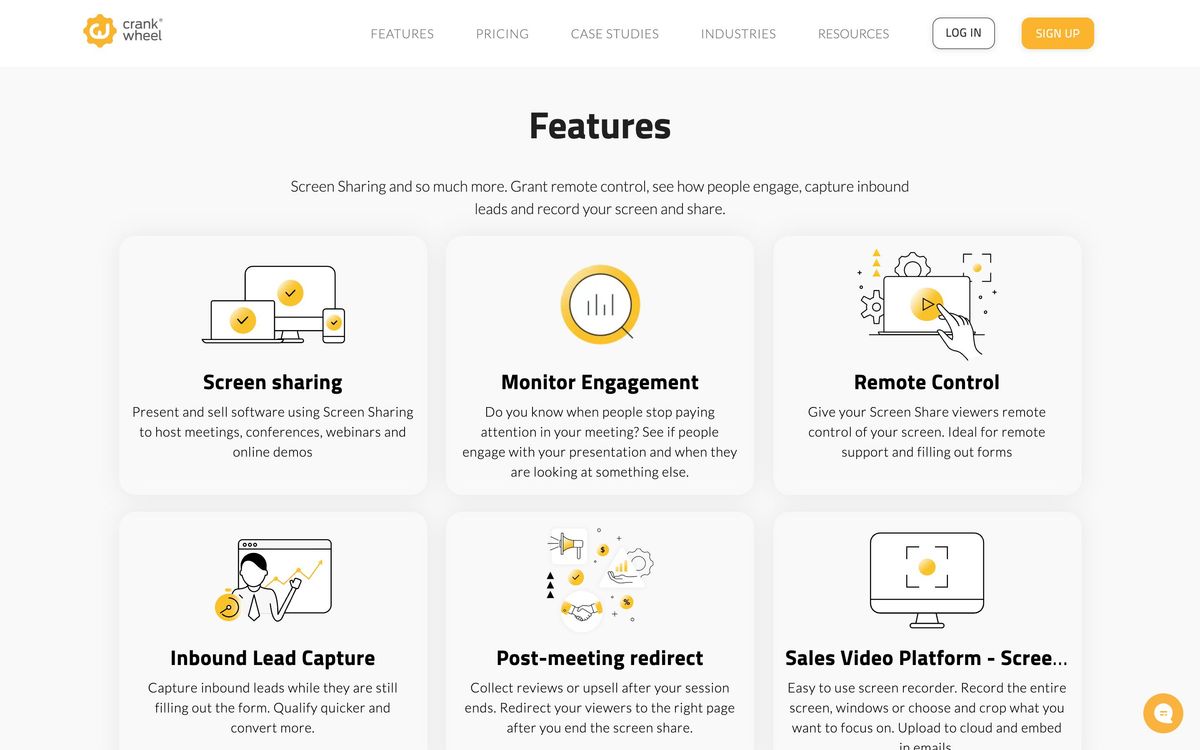
- Screen sharing that opens in the prospect's browser with no download or sign-in, on desktop or mobile
- Instant Demos button that routes website visitors to a live agent
- Remote control in both directions during a session
- Recording with retention settings, plus screencasts that can be emailed and tracked
- Engagement monitoring showing whether the viewer is still watching
- Branding controls, post-session redirects and an API for embedding
Who it's for
This is a tool for telephone sales. Insurance agents walking through policy options, mortgage and solar reps showing numbers, and inside sales teams that qualify by phone get the most from it, because the alternative is describing a document out loud and hoping. It also suits small teams that want an inbound visitor to reach a person immediately rather than book a slot for next week.
It is the wrong tool for scheduled meetings with agendas, for webinars, and for any team whose demos already run through a calendar and a conferencing platform. Regulated sales floors should also check how recording retention and consent fit their compliance policy before rolling it out, since retention windows differ by plan. The metered team plans reward predictable volume and punish spiky demand, so a floor with wide seasonal swings should model the cost before committing. Anyone who mainly needs to send recorded walkthroughs would be better served by a dedicated screencast tool.
How it compares
Zoom and Google Meet do everything CrankWheel does and more, but they ask the prospect to join a meeting, which is exactly the friction CrankWheel exists to remove. Loom covers the asynchronous half well and does nothing live. Demodesk is the closer competitor for structured sales meetings, with agendas, playbooks and coaching built in, and is priced and scoped for teams running booked demos rather than cold calls. CrankWheel wins on the first ten seconds of a call and loses on almost everything after the call ends.
Verdict
CrankWheel earns its place on a phone-heavy sales floor because it removes the single step where deals stall, and its reviewers, mostly agents rather than enterprise buyers, are unusually consistent about that. The rating reflects how narrow it is: thin integrations, limited conferencing, and a team pricing model built around meeting counts rather than seats. Bought as a companion to a dialer it is good value, and bought as a meeting platform it will disappoint.
Ready to try CrankWheel?
There's a free tier, so you can test it before committing.
More sales tools like CrankWheel
Storylane
4.3Interactive product demos captured from a browser, embedded on a site or sent after a sales call.
Read Storylane review →Salesflare
4.2B2B CRM that builds contact and company records automatically from email, calendar and LinkedIn activity.
Read Salesflare review →Readymode
4.1Predictive dialer with a built-in CRM for outbound teams that live on call volume rather than email sequences.
Read Readymode review →SalesRabbit
3.9Field sales platform for door-to-door teams: territory canvassing, lead tracking, contracts and rep performance.
Read SalesRabbit review →Dripify
3.8Cloud LinkedIn and email sequencing that runs connection requests, follow-ups and conditions with no browser open.
Read Dripify review →Kixie
3.8Power dialer and business SMS that runs inside your CRM and logs every call and text automatically.
Read Kixie review →