
Storylane review
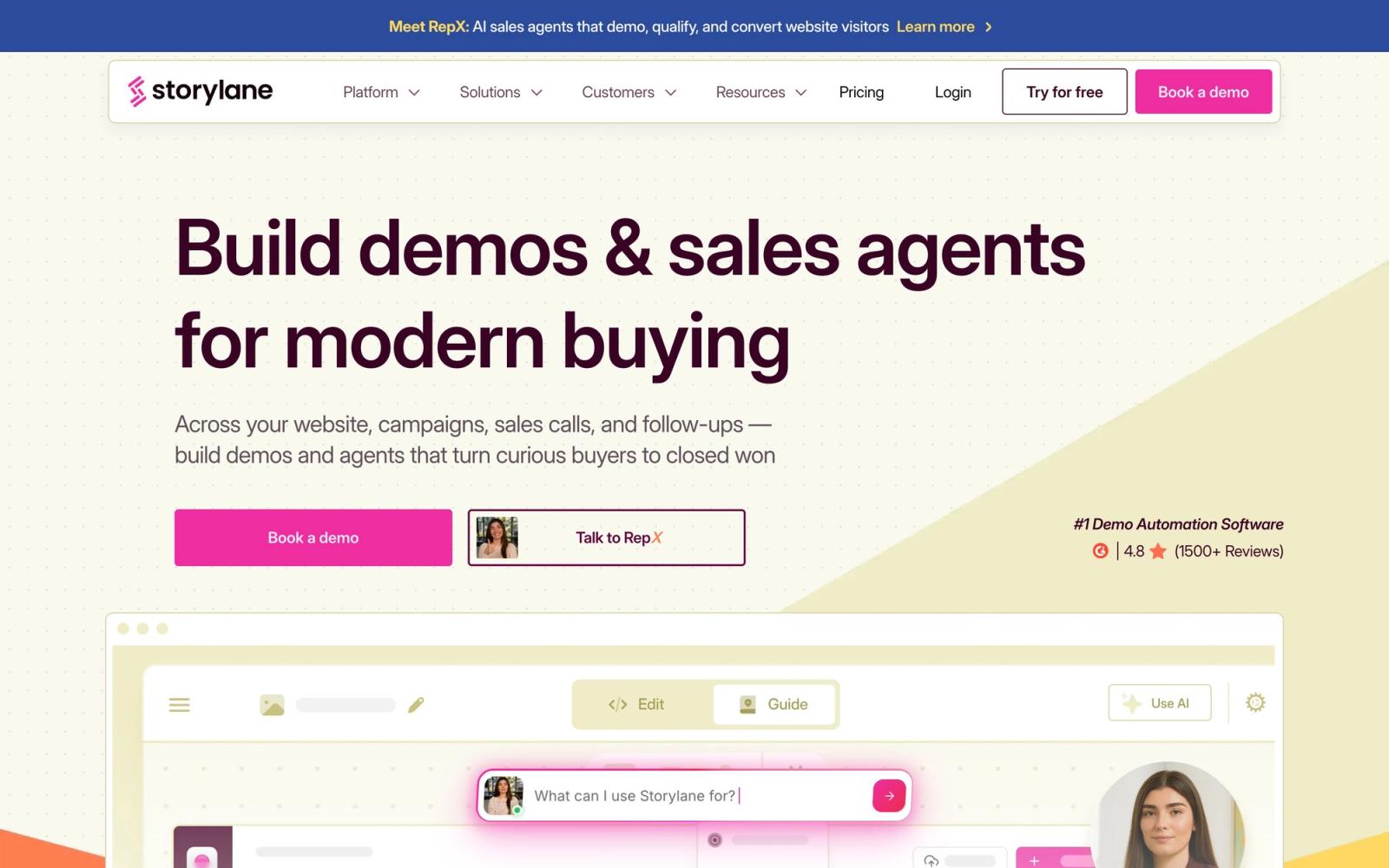
Interactive product demos captured from a browser, embedded on a site or sent after a sales call.
The most practical way for a non-technical marketer to put a working product tour on a website, though the tier jump from the single-seat plan to the one with real editing and testing is severe.
Pros
- The Chrome extension captures a real product flow as screenshots and HTML, so a simple demo can be published the same afternoon it was recorded
- The editor is genuinely usable by marketers: text, images and highlighted elements are edited without touching the product or asking engineering
- Step-level engagement data shows where prospects abandon a tour, which is a far more useful signal than a page view
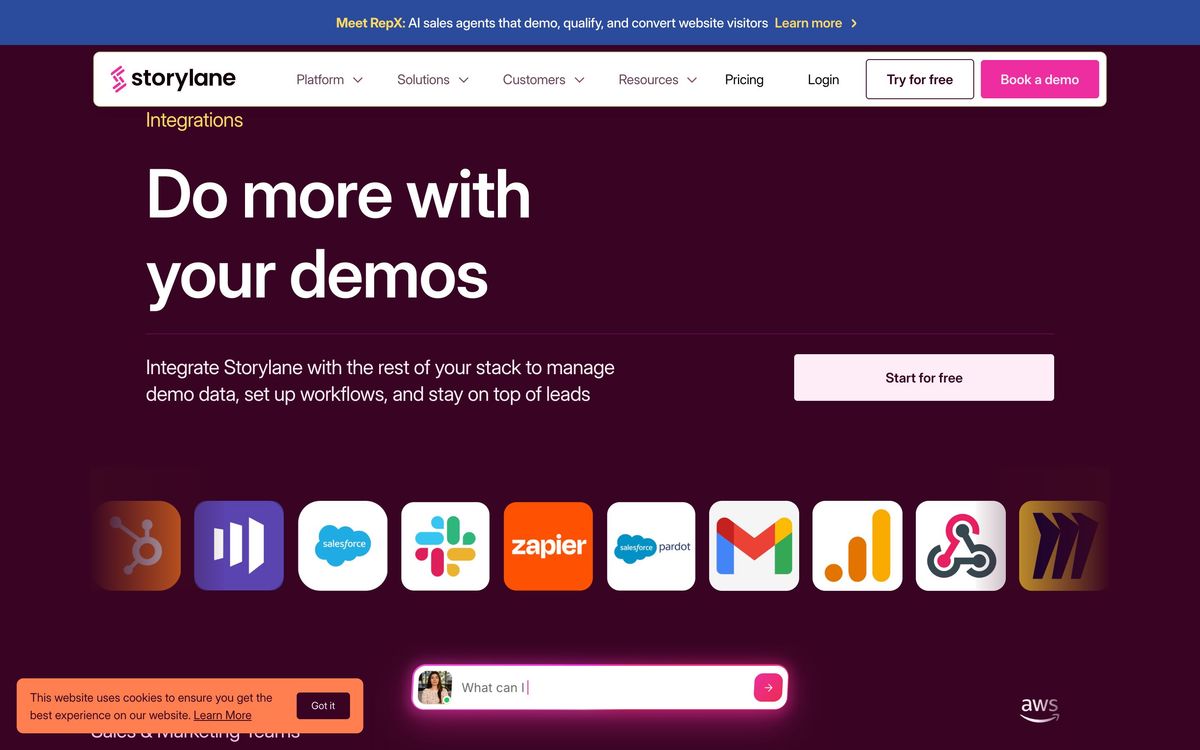
- Lead capture forms sit inside the demo and push straight into HubSpot, Salesforce or Marketo, so demo viewers arrive in the CRM with context
- The free plan is a standing plan, not a trial: one seat, one published demo, unlimited views
Cons
- Customisation depth is the most frequently raised complaint from reviewers, the HTML editing that makes a demo look exactly like the product is held back to the mid tier and above
- Mobile-optimised demos remain a weak spot, which matters when the demo is embedded on a marketing site that gets heavy phone traffic
- Long, multi-step demos load slowly for viewers, and the price step from the single-seat plan to the five-seat plan is more than tenfold
Storylane pricing
List prices in USD per month, taken from the vendor at review time.
| Plan | Per month | What it covers |
|---|---|---|
| Free | Free | 1 seat, 1 published demo, basic analytics |
| Starter | $40 | billed annually, 1 seat, unlimited published demos |
| Growth | $500 | billed annually, 5 seats, HTML editing and A/B testing |
| Premium | $1,200 | billed annually, 10 seats, Salesforce app, SSO, buyer hubs |
What Storylane actually does
Storylane records a working product and turns it into an interactive tour a stranger can click through without an account, a trial or a sales call. A Chrome extension or desktop app walks the product with you, capturing each screen as a mix of screenshots and live HTML; you then annotate the steps, blur or rewrite whatever should not be public, and publish the result as an embed on a marketing page or as a link in an email. Nothing is installed alongside the product, and nothing about the product itself changes.
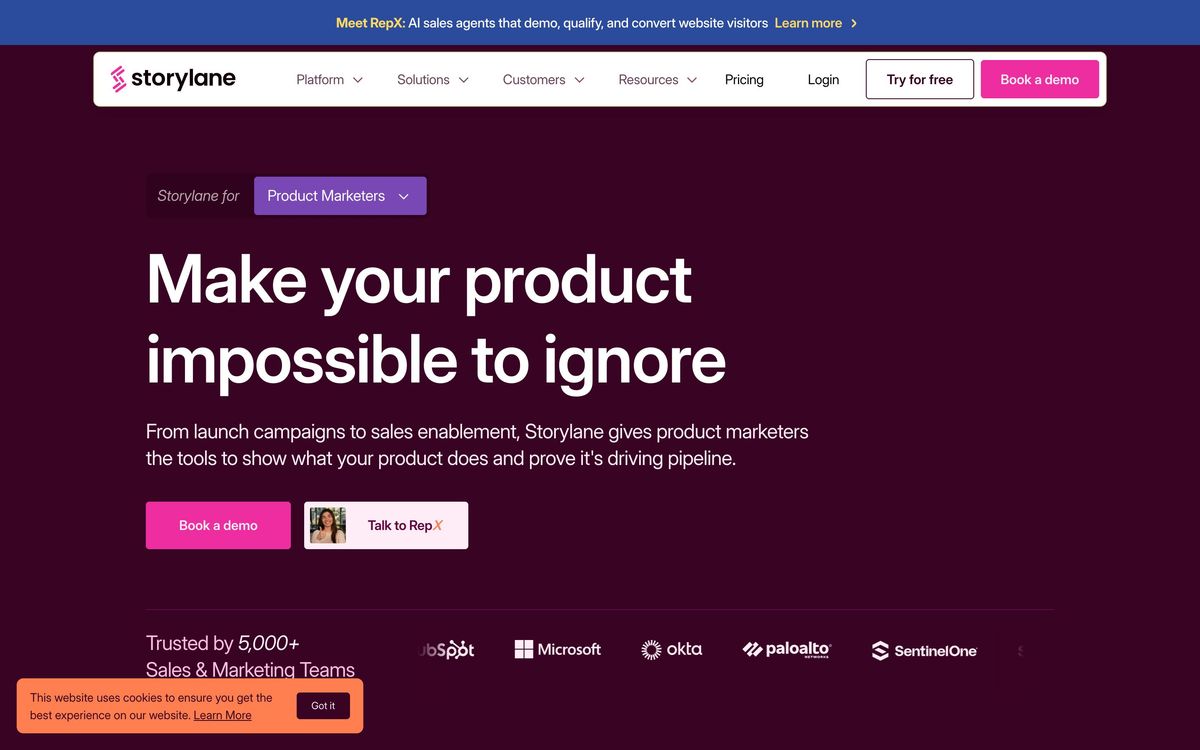
Around that core the company has built the rest of a demo programme. Sandbox demos give a stable environment for hands-on exploration that will not break when the real product ships a change. Buyer hubs bundle several demos with documents into one page for post-call follow-up. Analytics track who opened what and where they stopped, and an account-reveal feature attaches company names to anonymous viewers within a monthly allowance. A separate product, RepX Chat, puts an AI agent on the site to qualify visitors in conversation; it is priced and bought apart from the demo suite.
Key features
The useful distinction is between capturing a demo, editing it and measuring it, the tool is strong at the first and third, and tier-gated on the second.
- Browser capture of real product flows, plus import from Figma and from existing screenshots or video
- Guided demos, HTML-editable demos and sandbox environments, depending on how much fidelity is needed
- A no-code editor for text, images, masking and step order, usable by marketers without engineering support
- Step-level analytics showing completion and drop-off, with A/B testing and personalisation tokens on higher tiers
- Lead forms inside the demo, feeding HubSpot, Salesforce or Marketo with the demo context attached
- Buyer hubs and deal intelligence for turning a demo into shared follow-up material after a call
Who it's for
The strongest case is a B2B software company with a considered purchase and a website that gets qualified traffic. Product marketers use it to replace a gated video, sales engineers use it to leave something behind after a call, and both benefit from demos that can be updated in an hour rather than re-recorded. Teams already running HubSpot or Salesforce get the most out of it, because demo engagement lands where the pipeline lives.
It suits nobody trying to demonstrate a product that is mostly configuration rather than interface, and it is poor value for a team that needs one demo a year, the free plan will cover that, and the paid tiers assume a programme rather than an artefact. Anyone whose demo has to look pixel-exact and behave like the real application should test the HTML mode carefully before buying, since that is precisely where reviewers report hitting limits.
How it compares
Navattic is the closest rival and tends to win on interface polish and simplicity, while offering less in analytics depth and AI tooling. Walnut is aimed further up market at enterprise sales teams that want personalised demos per account, with a heavier setup and price to match. Reprise goes furthest on fidelity, cloning the actual application for demos that behave like the product, and asks for engineering involvement that most marketing teams cannot get. Storylane sits in the middle: faster to adopt than Reprise, deeper than Navattic, cheaper at entry than Walnut.
Verdict
For a marketing team that wants a real product tour on the site this quarter, Storylane is the shortest path there, and the analytics are good enough to justify keeping it. The rating reflects an honest ceiling rather than a flaw: fidelity and customisation stop short of what a design-led team will want, mobile viewing lags the desktop experience, and the pricing ladder has one very steep rung between the single-seat plan and the one with editing, testing and collaboration. Start on the free plan, publish something real, and only then work out which tier the programme actually needs.
Ready to try Storylane?
There's a free tier, so you can test it before committing.
More sales tools like Storylane
Springbolt ID
3.1Site pixel that names individual US visitors and hands the contact record to Clay or a CSV.
Read Springbolt ID review →Close
4.5Sales CRM for SMB teams with built-in calling, email, SMS, automation, and an embedded AI sales agent.
Read Close review →FullEnrich
4.5B2B waterfall enrichment that cascades 20+ data vendors to find verified emails and mobile numbers.
Read FullEnrich review →Amplemarket
4.4All-in-one AI sales platform: B2B contact data, multichannel sequences, and the Duo AI copilot.
Read Amplemarket review →Clay
4.4A credit-based GTM data workbench that chains 100+ enrichment providers and AI into one spreadsheet.
Read Clay review →Smartlead
4.4Cold-email sending infrastructure built for unlimited mailboxes, continuous warmup, and one unified reply inbox.
Read Smartlead review →