
Kixie review
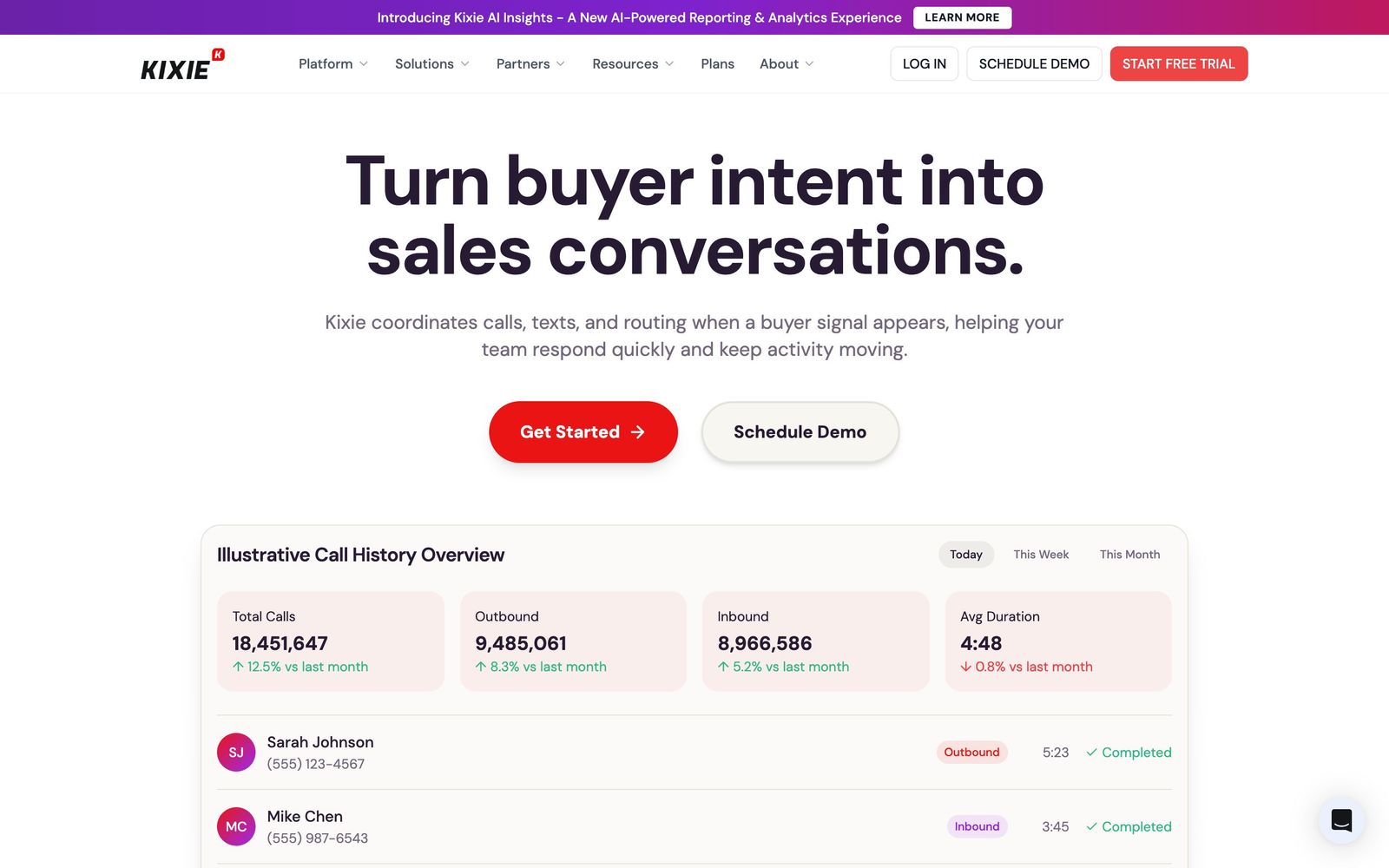
Power dialer and business SMS that runs inside your CRM and logs every call and text automatically.
A fast, CRM-native dialer that measurably lifts connect rates for outbound teams, though prices are unpublished and call reliability draws consistent complaints.
Pros
- The multi-line dialer works several numbers at once and connects the rep only when a human answers
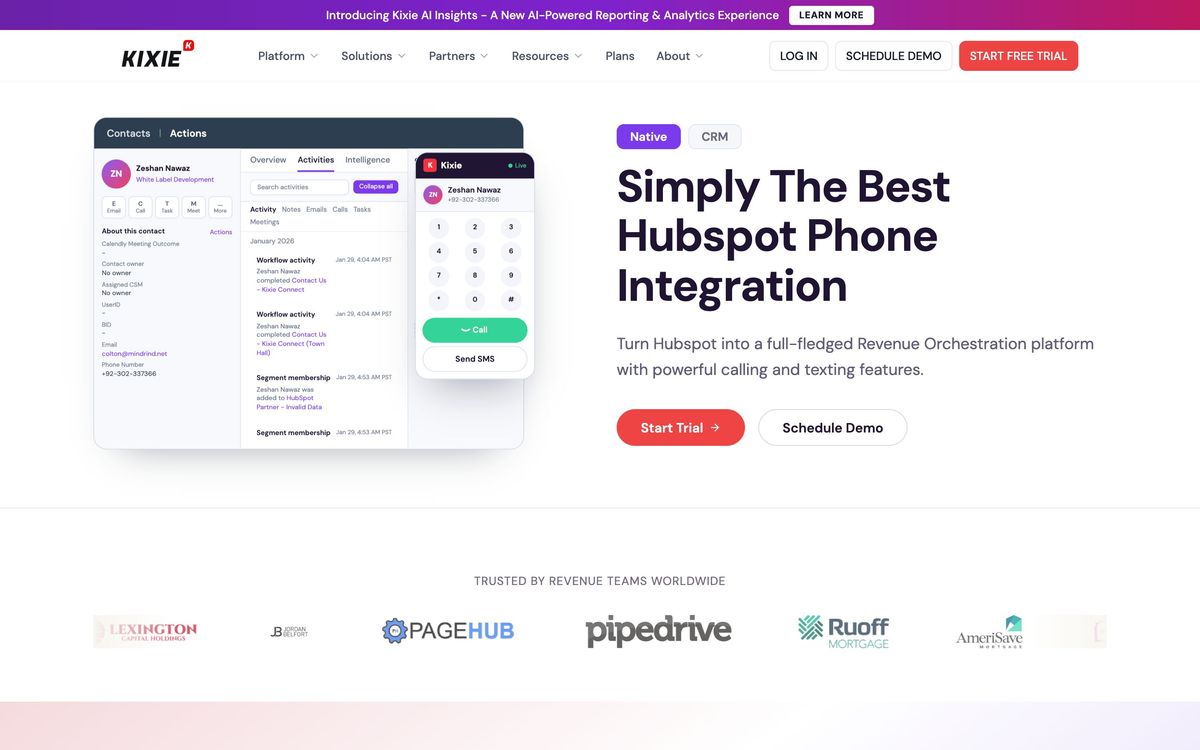
- Click to call and click to text from inside HubSpot, Salesforce, Pipedrive and Zoho, with the activity written back automatically
- Local presence and ConnectionBoost work on caller ID and routing to raise answer rates on cold lists
- Voicemail drop, SMS templates and automated follow-up sequences remove the repetitive half of an outbound day
- Live coaching with listen, whisper and barge gives managers a practical way to ramp new reps
Cons
- Kixie publishes no prices at any tier, so every plan comes through a sales conversation and the add-ons stack on top of it
- Call quality degrades noticeably on weaker connections, and reviewers report intermittent routing outages that block outbound calls for hours
- Support is chat and email only, with no phone line and no weekend coverage, which is awkward for a product whose failure mode is the phone
What Kixie actually does
Kixie is a calling and texting layer that sits on top of a CRM. Instead of a separate phone application that reps alt-tab into, it embeds through a browser extension so a phone number inside HubSpot, Salesforce, Pipedrive or Zoho becomes clickable, and every call, text, recording and disposition writes itself back to the contact record without anyone typing a note. For a team whose CRM hygiene depends on tired reps logging activity at the end of the day, that alone changes the data quality.
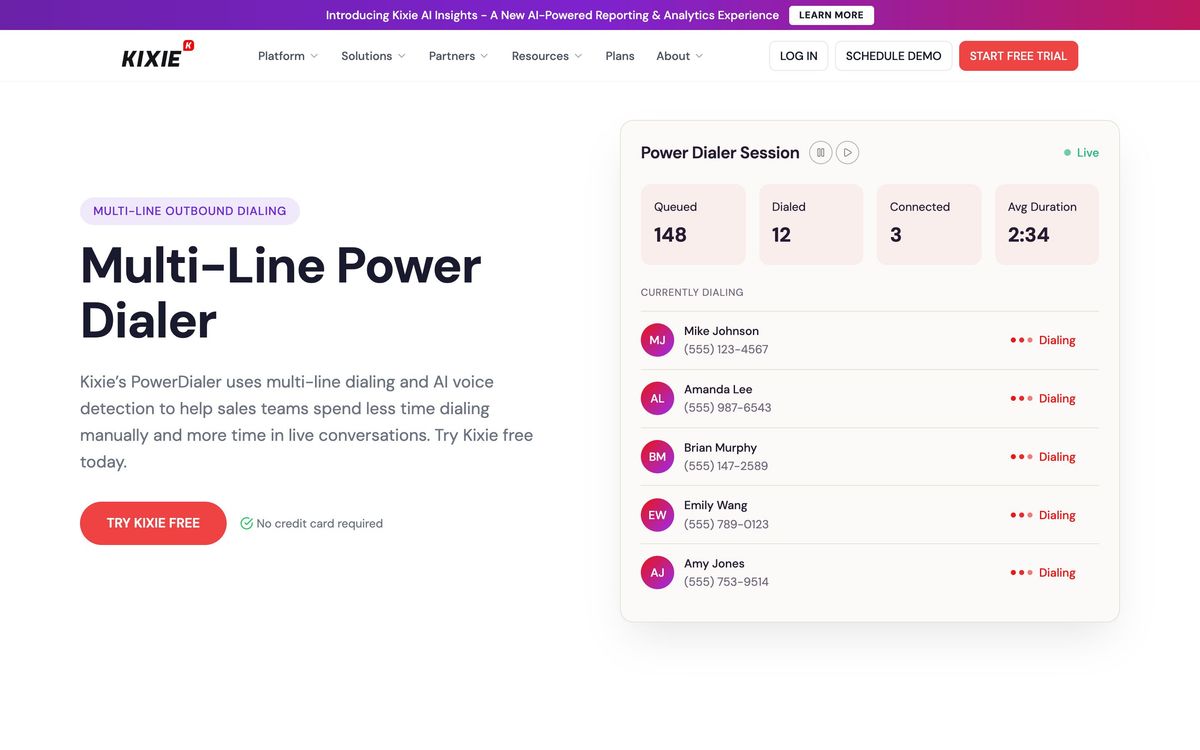
The second half of the product is throughput. A power dialer works a list automatically, and on the multi-line tiers it dials several numbers in parallel, detects answering machines and drops the rep into whichever call a person picked up. Around that sit the pieces that make a calling day survivable: voicemail drop, SMS and MMS templates, automated follow-up sequences, local presence dialing to improve answer rates, and connection tooling that works on caller ID reputation and routing. Managers get recording, live coaching with listen, whisper and barge, and conversation intelligence that transcribes calls and scores them against tracked keywords. Everything is browser-based, with unlimited domestic calling on the published plan descriptions.
Key features
What a team is actually buying:
- Parallel multi-line dialing with answering-machine detection
- Click to call and click to text from inside the CRM record
- Automatic logging of calls, texts, recordings, outcomes and call notes
- Voicemail drop and templated SMS sequences with scheduled follow-up
- Local presence dialing plus connection-rate tooling for cold lists
- Transcription, keyword tracking and call scoring for coaching and QA
Who it's for
Kixie makes sense for an outbound team large enough that dial volume is the constraint: five to fifty reps working lists out of a supported CRM, where the difference between one line and four lines is measured in meetings booked. Sales development teams get the clearest return, and the coaching tools matter most where new reps join regularly and need to be listened to in real time. It also works for inbound-heavy service teams that want texting and calling in one place, though that is not where the product is strongest.
It is a poor fit for a solo seller or a small team making a handful of considered calls a day. The dialer is the value, and if the volume is low the price cannot be justified. It is also the wrong choice for anyone who needs a full contact centre with complex IVR trees and workforce management, or for a team on an unsupported CRM, since the integration is the reason to buy.
How it compares
Aircall is the better general business phone system, with stronger call routing and a wider app catalogue, but its dialer is weaker for pure outbound. Orum and Nooks go further on parallel dialing and AI-driven conversation flow and are aimed at larger, more specialised SDR teams. Aloware and JustCall compete directly and publish their prices, which is not a small advantage when comparing quotes. Kixie's position is the middle: deeper outbound tooling than a phone system, easier and cheaper than a dedicated parallel dialer, and better CRM logging than most of either group.
Verdict
Kixie does the core job well. Reps dial more, the CRM stays accurate without discipline, and managers can hear what is happening while it happens. The rating sits below the top of the range because of how the product is sold and supported rather than what it does. Pricing is not published anywhere, so comparison requires a sales call and the add-ons that make the platform whole are quoted separately. Reviewers describe recurring call quality problems on weak connections and occasional routing outages, and support has no phone channel and no weekend hours. Get the full quote with add-ons in writing, and test call quality on your worst office connection before committing to an annual term.
Ready to try Kixie?
More sales tools like Kixie
Readymode
4.1Predictive dialer with a built-in CRM for outbound teams that live on call volume rather than email sequences.
Read Readymode review →CallHippo
3.5Virtual phone system with power and predictive dialling, numbers in 150-plus countries and CRM call logging.
Read CallHippo review →Salesmsg
4.1Two-way business texting and calling that logs to HubSpot and Salesforce from a shared team inbox.
Read Salesmsg review →CrankWheel
4.0Screen sharing a prospect can open on a phone in seconds, with no download, account or install.
Read CrankWheel review →Dripify
3.8Cloud LinkedIn and email sequencing that runs connection requests, follow-ups and conditions with no browser open.
Read Dripify review →Closely
3.6LinkedIn and email sequences run from the cloud, with lead scraping and contact enrichment attached.
Read Closely review →