
Deputy review
Shift scheduling, time clocking and break compliance for businesses that run on hourly staff.
The most complete scheduling and timesheet system for hourly teams in a single country, though its reporting layer is shallow and support is slow on the lower tiers.
Pros
- Scheduling, time clock, timesheets and leave sit in one record, so hours reach payroll without re-keying.
- Break, overtime and Fair Workweek rules are enforced while the schedule is written, not discovered at payroll run.
- Direct payroll sync with Gusto, ADP, Paychex, Xero and QuickBooks rather than CSV export.
- Kiosk clock-in with photo verification and geofencing removes buddy punching at fixed sites.
- Entry pricing is low enough per user that a single-site team can run the full scheduling product.
Cons
- Payroll and timesheet reports are shallow; splitting holiday hours against worked hours usually ends in a spreadsheet.
- Support is email-first below the top tier, and reviewers report slow replies during billing and cancellation disputes.
- It does not handle staff spread across multiple time zones cleanly, which hurts multi-state and cross-border operators.
Deputy pricing
List prices in USD per month, taken from the vendor at review time.
| Plan | Per month | What it covers |
|---|---|---|
| Lite | $5 | per user; scheduling and timesheets, $30 minimum monthly spend |
| Core | $6.50 | per user; adds auto-scheduling, demand forecasting and wage budgets |
| Pro | $9 | per user; adds SSO, custom access levels and included analytics add-ons |
| Deputy Payroll | $8 | per user add-on, plus a $49 monthly base fee |
What Deputy actually does
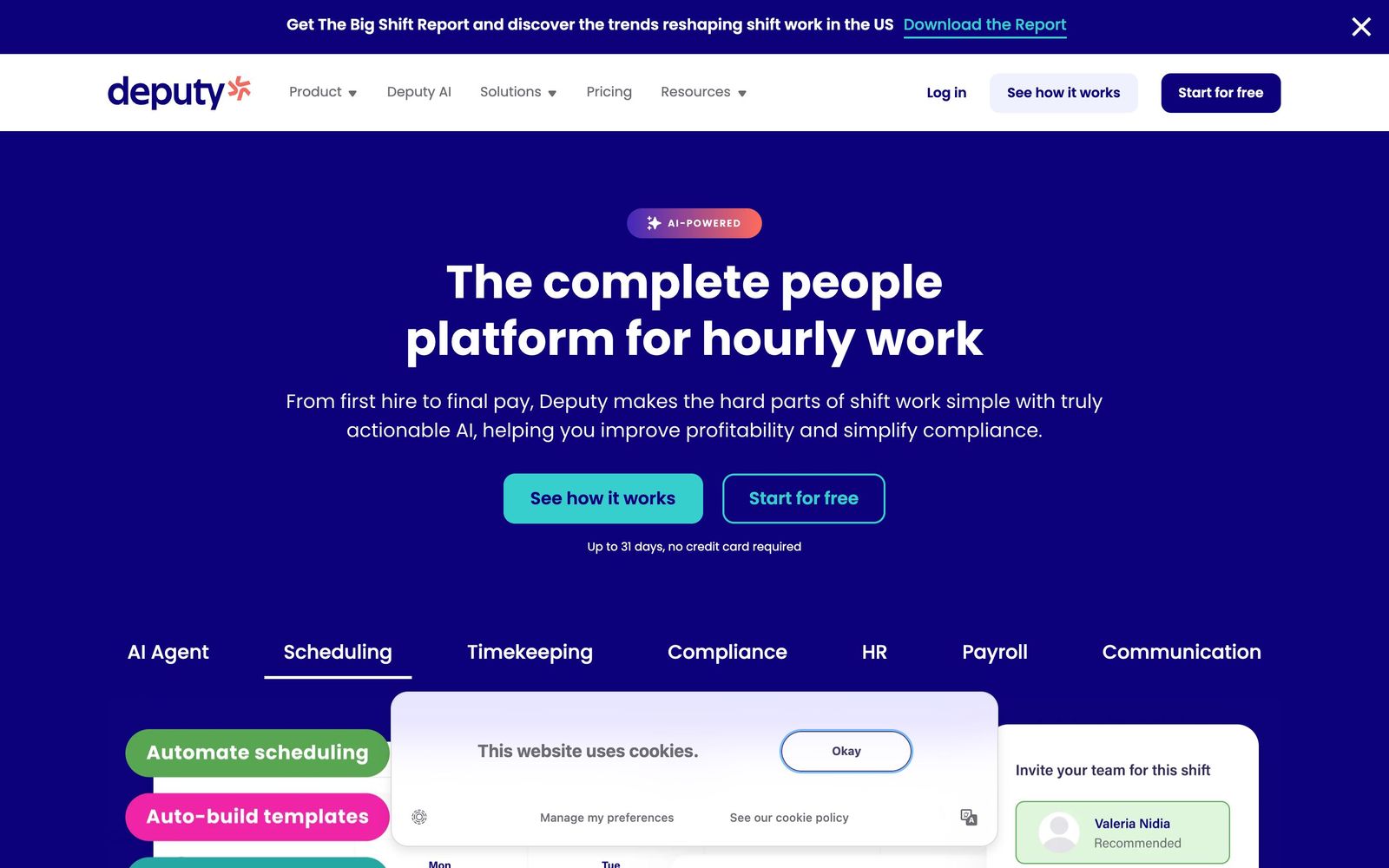
Deputy is workforce management software for businesses whose payroll cost is set by a roster rather than a salary list. It handles four connected jobs: building the schedule, publishing it to staff, capturing the hours actually worked, and turning those hours into an approved timesheet a payroll system will accept. The company reports use by around 300,000 businesses, concentrated in hospitality, retail, healthcare and other shift-based sectors.
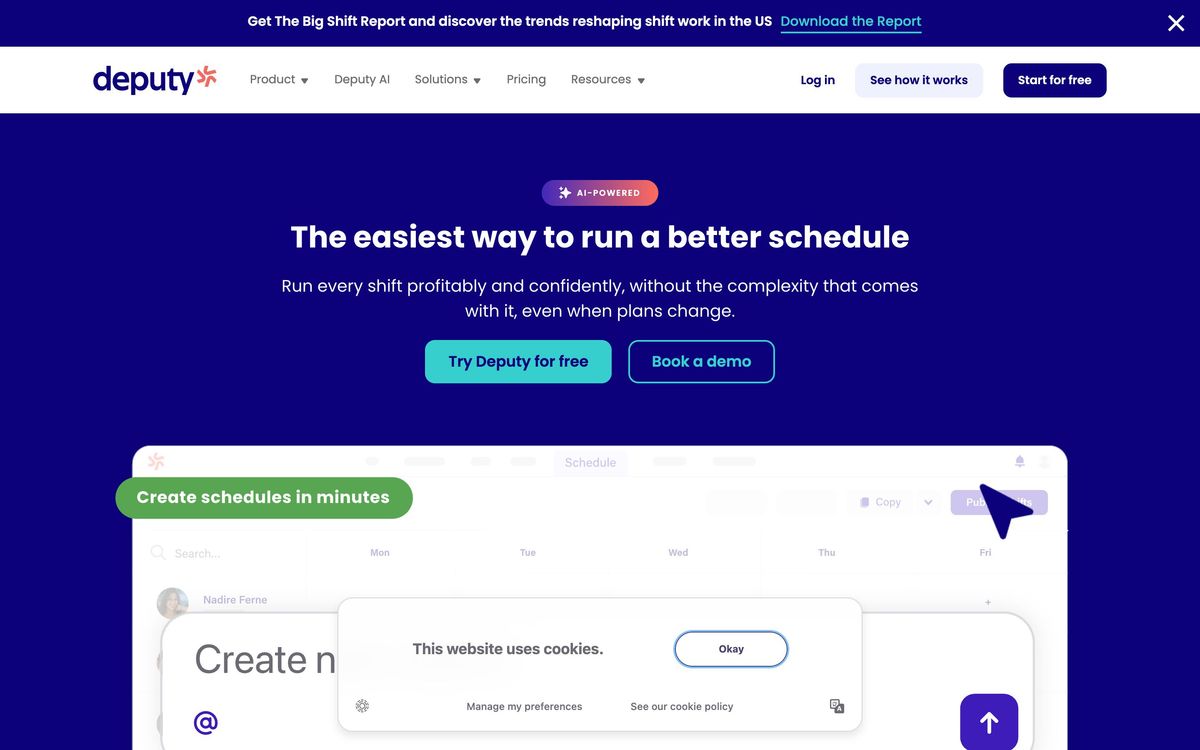
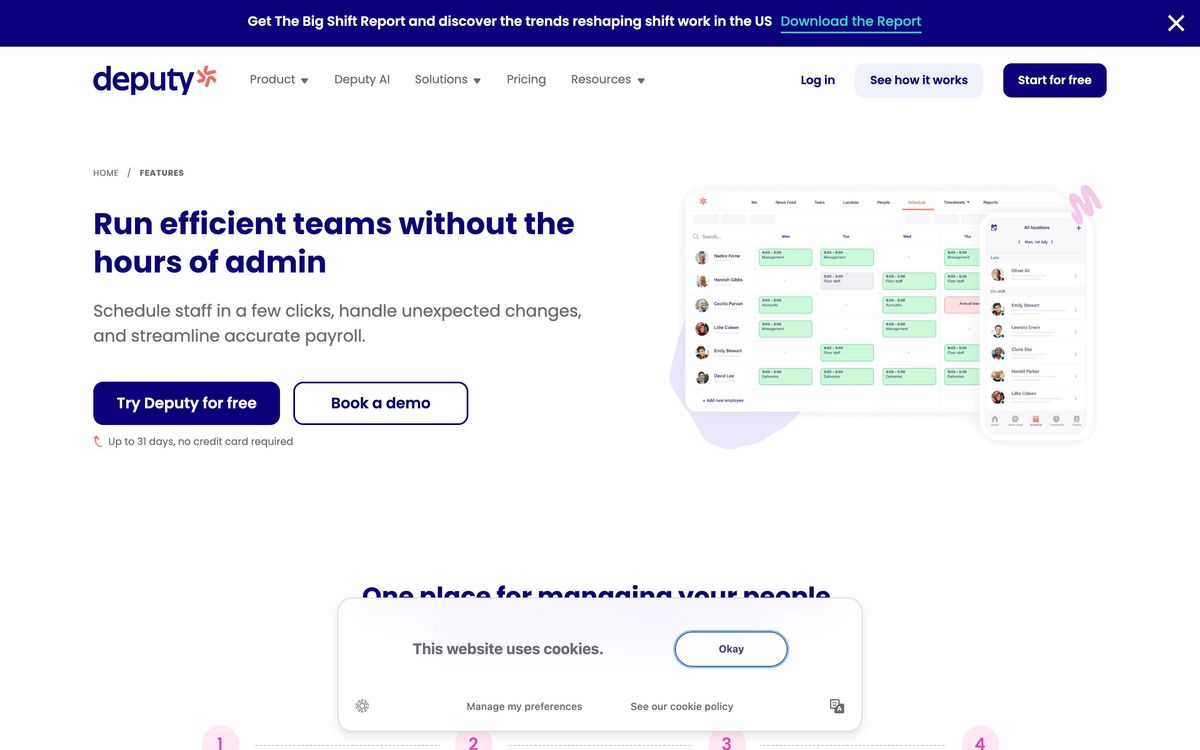
Managers work in a web console; staff get a mobile app, and fixed sites can run a tablet kiosk that acts as a time clock with photo verification and geolocation. Schedules are built by hand, copied from a prior week, or generated from demand forecasts measured against a wage budget. Break, overtime and predictive-scheduling rules are applied while the schedule is being written rather than discovered at payroll run, which is the part that separates the product from a shared spreadsheet. Approved timesheets then sync to payroll through direct connections to Gusto, ADP, Paychex, Xero and QuickBooks, among roughly seventy integrations, or into Deputy's own payroll add-on where it is offered.
Key features
The product stays narrow, and these are the pieces that carry it.
- Drag-and-drop and automatic scheduling driven by demand forecasts and wage budgets
- Mobile time clock with geofencing, photo verification and offline capture, plus a tablet kiosk
- Break, overtime and Fair Workweek compliance rules configured per location
- Timesheet auto-approval that compares scheduled hours against clocked hours and flags the gap
- Shift swapping, open-shift claiming and leave requests handled by staff without a manager thread
- Deputy Payroll and an HR module covering onboarding, documents and performance as paid add-ons
Who it's for
Deputy suits an operator running one to a few dozen sites with hourly staff whose schedules change every week: cafes, clinics, retail floors, care providers, cleaning crews. The value shows up where compliance is genuinely at risk, because meal-break penalties, overtime thresholds and predictive-scheduling ordinances are checked at the moment a shift is placed rather than after the fact. It also fits a business that has outgrown a spreadsheet but has no appetite for a full human capital suite and the implementation project that comes with one.
It is a poor fit for salaried teams on fixed hours, where the scheduling engine has nothing to solve and the per-user fee buys little. It also struggles for employers spread across time zones, which reviewers cite consistently. Anyone whose central need is labor analytics rather than rostering should look elsewhere, since reporting is the weakest part of the product.
How it compares
When I Work and Homebase are the closest rivals at the small end. Homebase is cheaper, has a genuine free tier and bundles hiring and team messaging, but its compliance handling is lighter and it is weakest outside the United States. When I Work is quicker to learn and priced similarly, though its forecasting and labor-cost controls are less developed. Connecteam wins for deskless teams that also need training, checklists and internal communication in one app, while Deputy stays focused on the roster and the timesheet. Inside restaurants specifically, 7shifts beats all of them with POS-driven sales-per-labor-hour reporting Deputy does not match. Against ADP Workforce Now or UKG, Deputy is far faster to deploy and far less capable as a system of record.
Verdict
Deputy earns its rating on the scheduling and compliance engine, which is well built and fairly priced per user. Hours move from roster to payroll with less manual correction than most alternatives, and the staff app is good enough that people actually use it instead of texting a manager. The caveats are real: the reporting layer is thin enough that finance teams rebuild timesheet splits by hand, support is email-first and slow when something goes wrong with billing, and multi-time-zone operations expose a structural gap rather than a missing setting. For a single-country operator with hourly staff and genuine compliance exposure, it remains one of the safer choices in the category.
Ready to try Deputy?
More recruiters tools like Deputy
Employment Hero
4.0HR records, payroll, rostering and hiring in one platform for small and mid-sized employers.
Read Employment Hero review →Oyster HR
4.0Employer of record and contractor payments for teams hiring in countries where they have no entity.
Read Oyster HR review →PARiM
4.0Shift scheduling, time and attendance and compliance for security, events and staffing operations.
Read PARiM review →Paylocity
4.0US payroll and HCM suite that adds engagement, recognition and survey tools to the core HR record.
Read Paylocity review →Payoneer Workforce Management
4.0Employer of record, contractor management and cross-border payouts for teams hired in 160-plus countries.
Read Payoneer Workforce Management review →Papaya Global
3.9Runs global payroll, employer of record hiring and cross-border workforce payments from one platform.
Read Papaya Global review →