
Jibble review
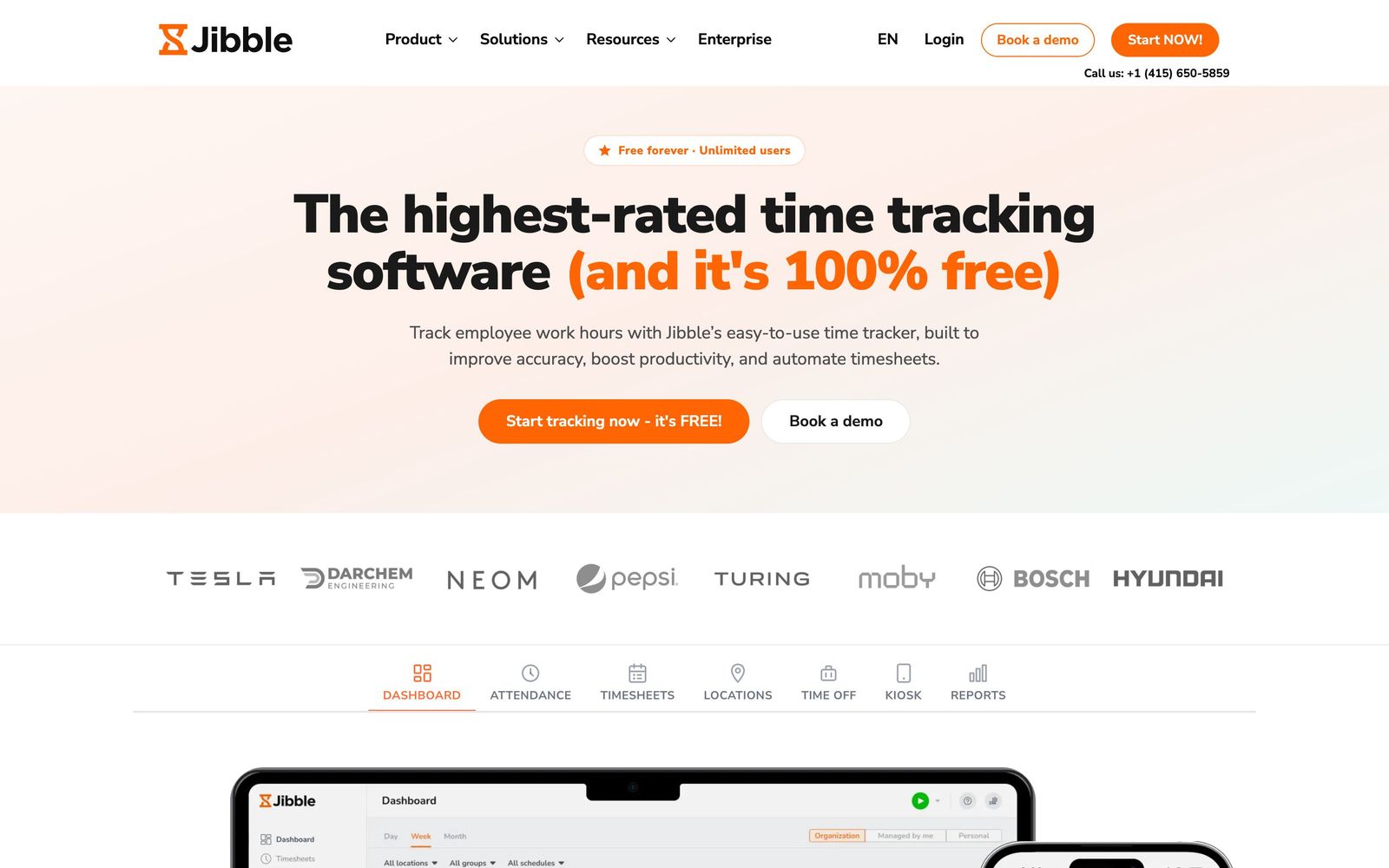
Time and attendance tracking with face verification and GPS, free for unlimited users on the entry plan.
The strongest free option for hourly time and attendance, though the export and reporting features payroll actually needs sit behind paid tiers whose prices are not published.
Pros
- The free plan carries unlimited users, including face recognition and GPS-stamped entries that competitors reserve for paid tiers
- Multiple clock-in methods, mobile, web, shared kiosk, NFC card and PIN, cover mixed office and field crews on one account
- Offline mode records entries without signal and syncs them when the device reconnects, which matters on construction and logistics sites
- Geofencing restricts clock-in to approved sites, closing the most common form of hourly time padding
- Deliberately narrow scope: it does time and attendance rather than a half-built HR suite, and exports hours to QuickBooks, Xero or Deel
Cons
- Paid tier prices are not shown on the pricing page, seeing what the upper plans cost requires creating an account or booking a demo
- The free plan withholds timesheet exports, time-off accrual control and advanced reporting, which are precisely the features payroll day depends on
- Face recognition, selfie capture and GPS breadcrumb trails need a written staff policy and, in several jurisdictions, explicit biometric consent before rollout
Jibble pricing
List prices in USD per month, taken from the vendor at review time.
| Plan | Per month | What it covers |
|---|---|---|
| Free | Free | unlimited users, mobile and web clock-in, basic timesheets, Slack and Teams integrations |
What Jibble actually does
Jibble is time and attendance software for teams paid by the hour. Staff clock in from a phone, a browser, a shared tablet acting as a kiosk, an NFC card or a PIN pad; each entry can carry a selfie, a face-verification check and a GPS stamp. Those entries become timesheets, timesheets get approved by a manager, and approved hours leave the system as a payroll file or a sync to an accounting tool. That loop is the whole product.
The unusual part is the commercial model. The entry plan is free for an unlimited number of users, and it is not a stripped demo, it includes the mobile and web apps, face recognition, GPS-tracked entries, projects and activities. The company positions this as focus rather than generosity: it does time tracking and stops there, leaving benefits, hiring and payroll processing to other systems. Customers come from construction, manufacturing, logistics, hospitality, healthcare, retail and field services, which is a good description of where verified clock-in earns its keep.
Key features
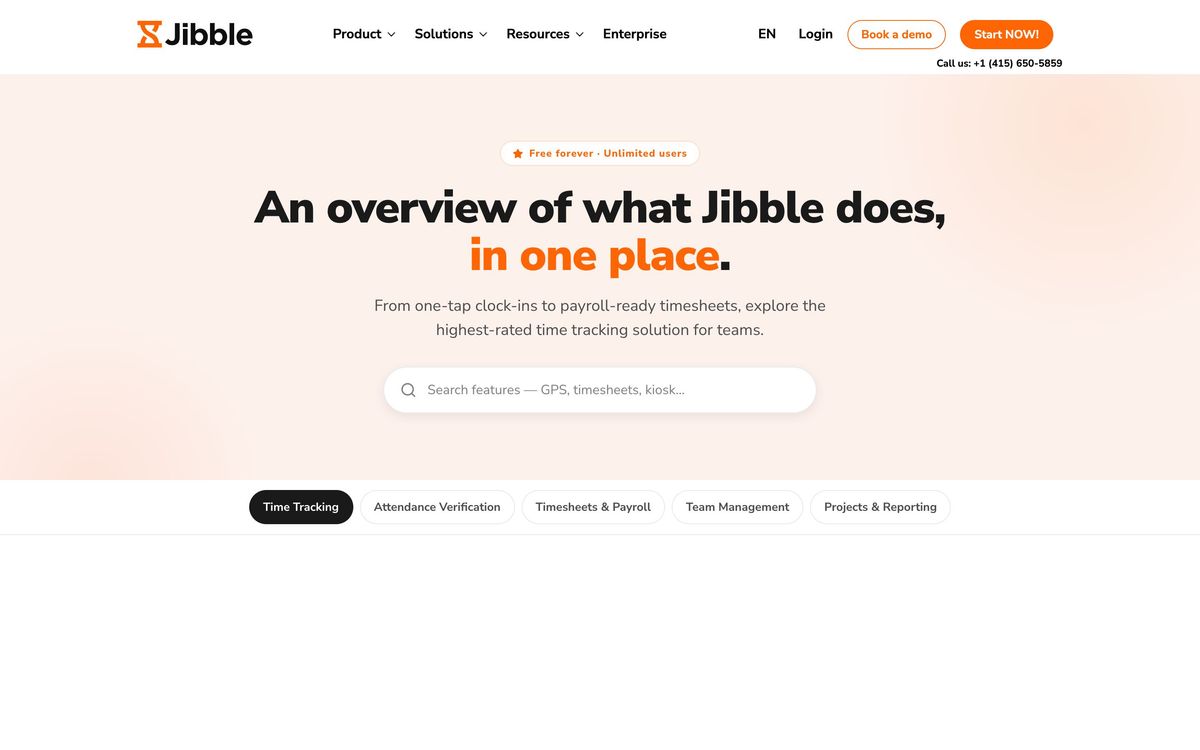
The feature set clusters around proving that a shift happened where and when it was claimed.
- Timers, timesheets and approval workflows, with overtime and break calculation applied automatically
- Face recognition and selfie capture at clock-in, aimed squarely at buddy punching
- GPS stamps on entries plus breadcrumb tracking for staff who move between sites
- Geofencing that refuses a clock-in outside an approved location radius
- Schedule creation and publishing, with time-off requests and accrual tracking
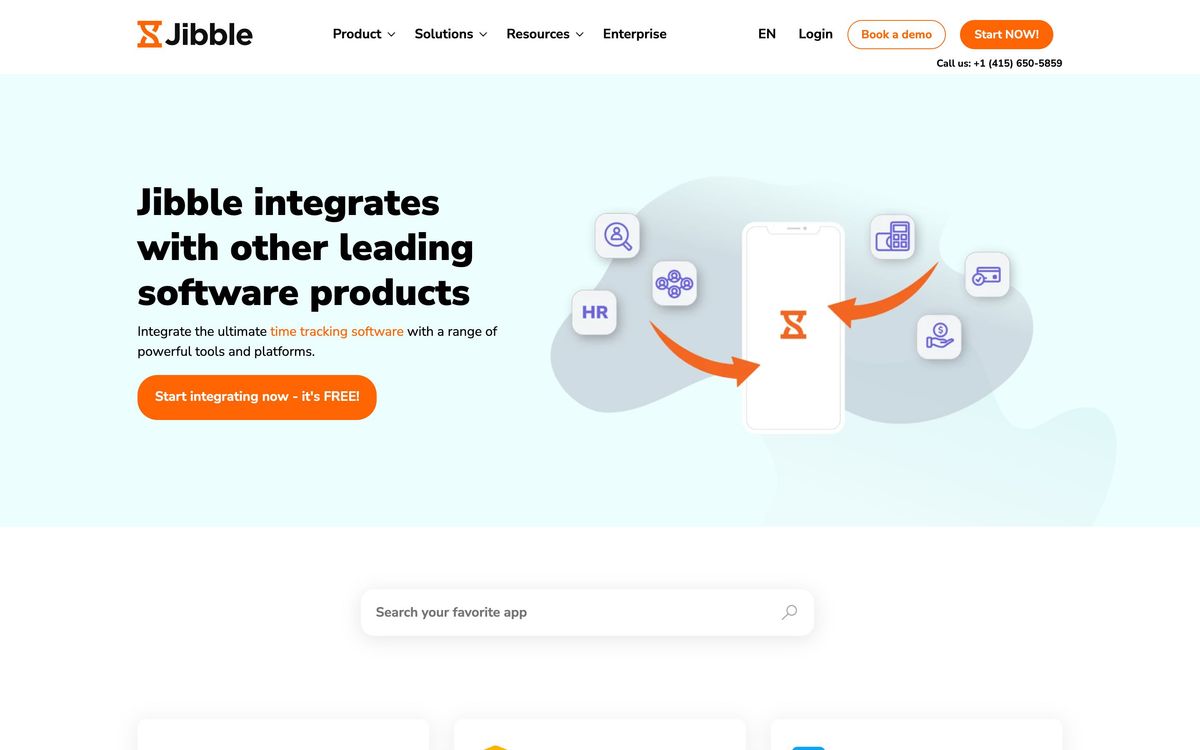
- Exports to XLS and CSV and direct integration with QuickBooks, Xero and Deel for payroll
Who it's for
The natural buyer runs somewhere between five and a few hundred hourly staff, has at least some of them working away from a fixed desk, and currently reconciles paper sheets or a group chat. For that team the free plan is unusually credible: it removes the cost objection entirely, and the verification tools it includes are the ones that change behaviour. Businesses with mixed crews benefit most, because a kiosk in the workshop and a phone app in the field feed one timesheet.
It is the wrong purchase for two groups. Salaried knowledge teams tracking billable project time will find the attendance features irrelevant and the reporting shallow compared with tools built for utilisation analysis. Companies wanting one system for hiring, onboarding, benefits and pay will end up buying an HR platform anyway, and Jibble will be a redundant layer. Anyone rolling out biometric clock-in also needs to do the compliance work first, staff notice, written policy and, in some regions, recorded consent.
How it compares
Clockify is the closest free rival and better suited to project time and billing, but its attendance verification is thinner and its field tooling weaker. Deputy comes at the same problem from scheduling, with stronger shift planning and labour forecasting, though it has no free tier and costs more per head. Connecteam bundles time tracking into a wider frontline suite with chat, checklists and training, which is right for a company that wants one app on the crew's phones and wrong for one that only needs hours. Against all three, Jibble's argument is that verified clock-in should not carry a per-user bill.
Verdict
Jibble is the best starting point in this category for a team that has never tracked time properly, because the free plan is real and the verification features work. The honest caveat is that the free tier stops exactly where payroll begins: exports, accruals and deeper reporting sit behind paid tiers, and the company does not publish what those tiers cost, so budgeting requires a sales conversation it otherwise avoids. Treat the free plan as a genuine trial of the workflow, not as the final answer.
Ready to try Jibble?
There's a free tier, so you can test it before committing.
More recruiters tools like Jibble
Checkr
4.4AI-powered background check platform: criminal, identity, MVR, drug, and verification screening at scale.
Read Checkr review →Deel
4.4Global EOR, contractor management and payroll for hiring across 150+ countries from one platform.
Read Deel review →Rippling
4.4One employee record driving HR, payroll, benefits, devices and spend, with onboarding automated end to end.
Read Rippling review →HiBob
4.3HRIS for mid-sized, multi-country companies, covering the employee record, performance, compensation and payroll sync.
Read HiBob review →Recruit CRM
4.3An all-in-one ATS and CRM built specifically for recruitment and executive-search agencies.
Read Recruit CRM review →Breezy HR
4.2Drag-and-drop applicant tracking and hiring automation built for small and growing recruiting teams.
Read Breezy HR review →