
Time Doctor review
Time tracking and workforce analytics for distributed teams, with configurable screenshots and activity monitoring.
The most complete workforce analytics stack in the time-tracking bracket, though its monitoring defaults read as surveillance to a lot of employees.
Pros
- Automatic tracking splits time by project, task, app and website without asking staff to categorise anything
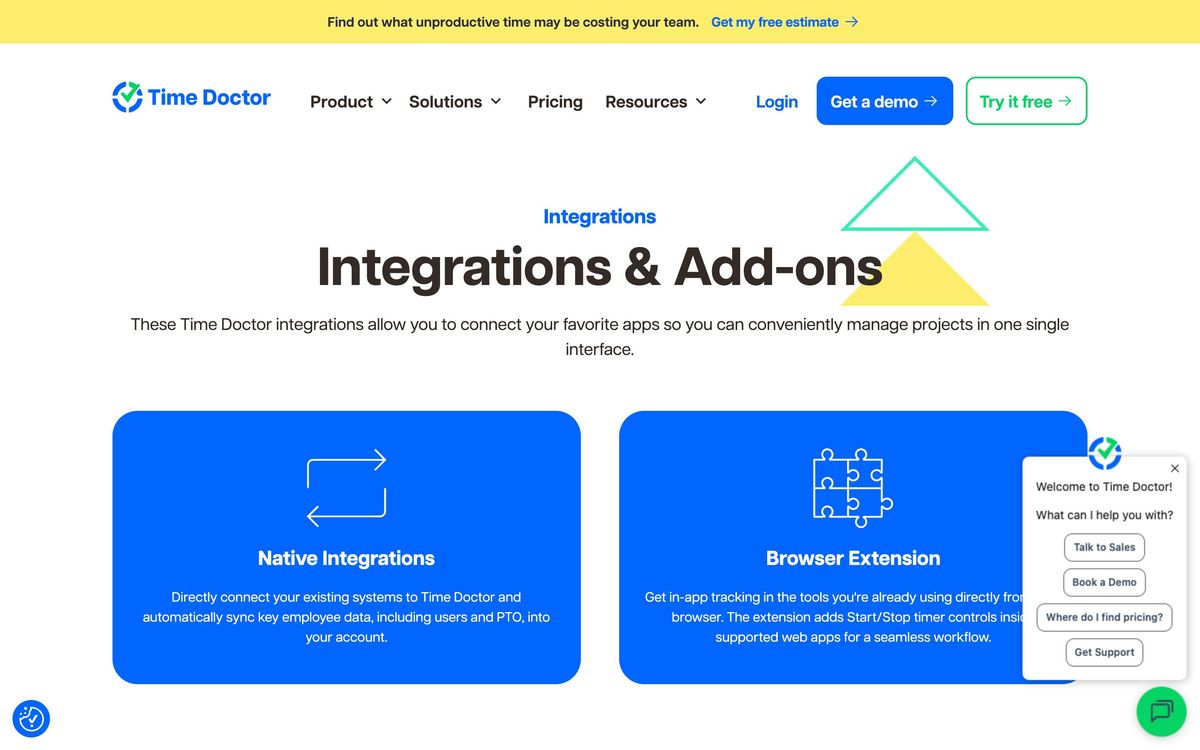
- Over sixty native integrations, covering project management, payroll, HRIS and help desk systems, plus an open API on Premium
- Screenshots can be blurred and manual time can be enabled, so the monitoring level is a policy decision rather than fixed
- Payroll and attendance reporting is detailed enough to bill clients and pay contractors directly from tracked hours
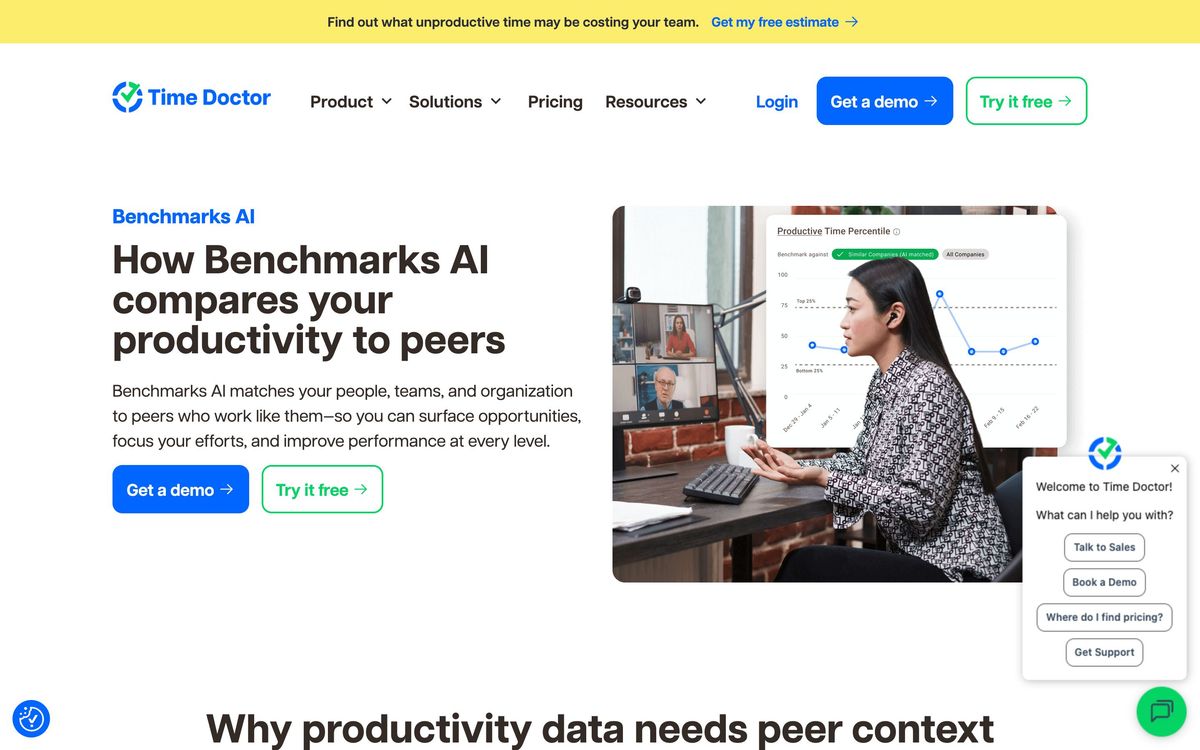
- Benchmarks AI compares team performance against peer data rather than only against last month
Cons
- The default configuration is monitoring-first, and reviewers report staff experiencing screenshots and activity ratings as micromanagement
- Several of the features that justify the product - Benchmarks AI, video screen recording, SSO - sit on the top tier or are sold as paid add-ons to lower plans
- Billing and charge disputes are the most common complaint in public reviews, which is a poor signal for an annual commitment
Time Doctor pricing
List prices in USD per month, taken from the vendor at review time.
| Plan | Per month | What it covers |
|---|---|---|
| Basic | $8 | per user, billed monthly; annual billing is lower |
| Standard | $14 | per user, billed monthly; adds payroll, integrations and productivity ratings |
| Premium | $20 | per user, billed monthly; adds Benchmarks AI, video recording, SSO and API access |
What Time Doctor actually does
Time Doctor tracks how working hours are spent and turns that record into workforce analytics. A desktop agent runs on each employee's machine, logging time against projects and tasks, capturing which applications and sites were in use, and - depending on how the account is configured - taking periodic screenshots. Those inputs become timesheets, attendance records, productivity ratings and payroll-ready reports. It works online and offline, and the same data feeds both the operational view a manager needs at the end of a week and the invoice a services business sends a client.
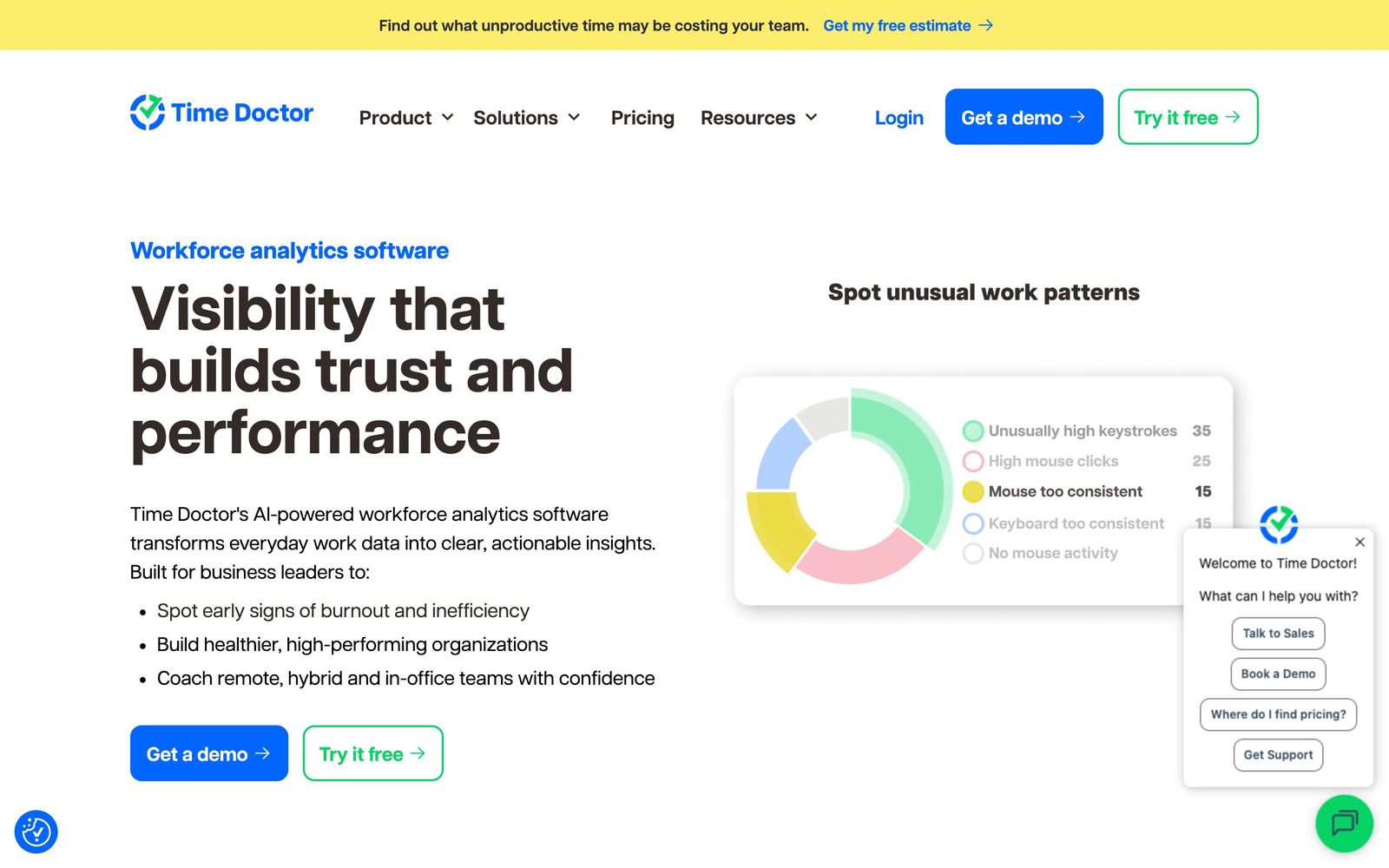
The recent product direction leans away from surveillance language and toward analytics. Benchmarks AI compares a team's patterns against peer organisations rather than only against its own history; other reports flag unusual activity, workload distribution and signals that a team member is trending toward burnout. There is also a detection layer for gaming the tracker - mouse jigglers, clicker tools, irregular keyboard activity. Administrators can soften the monitoring by blurring screenshots or allowing manual time entry, which materially changes how the tool lands with staff.
Key features
What separates it from a plain timesheet app:
- Automatic and manual time tracking against projects and tasks, working online and offline
- Configurable screenshots, web and app usage reporting, and productivity ratings by category
- Attendance, schedules, break tracking, leave tracking and time approvals
- Payroll reporting with per-employee rates, feeding payroll and HRIS systems directly
- Benchmarks AI plus unusual-activity reporting, including mouse jiggler and clicker detection
- Executive dashboards, work-life balance metrics, meeting insights and software cost reporting
Who it's for
The natural buyer is an operations or people leader running a distributed workforce where hours are the unit of account: outsourcing and BPO firms, agencies billing clients by time, support teams across several time zones, companies with a large contractor base. In those settings the tracking is not a trust question so much as an invoicing one, and the integrations into payroll and HRIS remove a week of manual reconciliation per month.
It is a bad fit for outcome-based cultures. Teams judged on shipped work rather than logged hours will read screenshots and activity percentages as a statement about how much they are trusted, and the reviews reflect that plainly. It is also a poor fit for field workers, since the agent is desk-shaped and there is no meaningful GPS story, and for a small team that wants nothing more than a timer against a project.
How it compares
Hubstaff is the closest competitor and the better choice for mobile and field teams thanks to GPS and geofencing, while Time Doctor keeps a clear lead on analytics depth and integration count. Clockify wins on price - it has a genuinely usable free tier and a much lighter touch - but stops well short on monitoring and workforce reporting. ActivTrak sits on the analytics end without much time tracking, which suits companies studying work patterns rather than billing hours. Time Doctor's position is between the timers and the monitoring suites, which is defensible until the buyer has to explain the screenshots to their team.
Verdict
Time Doctor is the most complete product in its bracket: the tracking is accurate, the payroll and attendance reporting is genuinely useful, and the integration list means the numbers do not stay trapped in one dashboard. The trial covers the top tier for two weeks, which is enough to test it properly. The caveat is cultural rather than technical. The defaults are monitoring-heavy, staff notice, and a rollout that skips the conversation about what is captured tends to cost more in goodwill than it recovers in productivity. Configure it deliberately, or buy something lighter.
Ready to try Time Doctor?
More recruiters tools like Time Doctor
Paylocity
4.0US payroll and HCM suite that adds engagement, recognition and survey tools to the core HR record.
Read Paylocity review →Tellent
4.0Modular hiring and HR suite pairing the Recruitee ATS with an HRIS and performance reviews.
Read Tellent review →Checkr
4.4AI-powered background check platform: criminal, identity, MVR, drug, and verification screening at scale.
Read Checkr review →Deel
4.4Global EOR, contractor management and payroll for hiring across 150+ countries from one platform.
Read Deel review →Rippling
4.4One employee record driving HR, payroll, benefits, devices and spend, with onboarding automated end to end.
Read Rippling review →Recruit CRM
4.3An all-in-one ATS and CRM built specifically for recruitment and executive-search agencies.
Read Recruit CRM review →