
Whale review
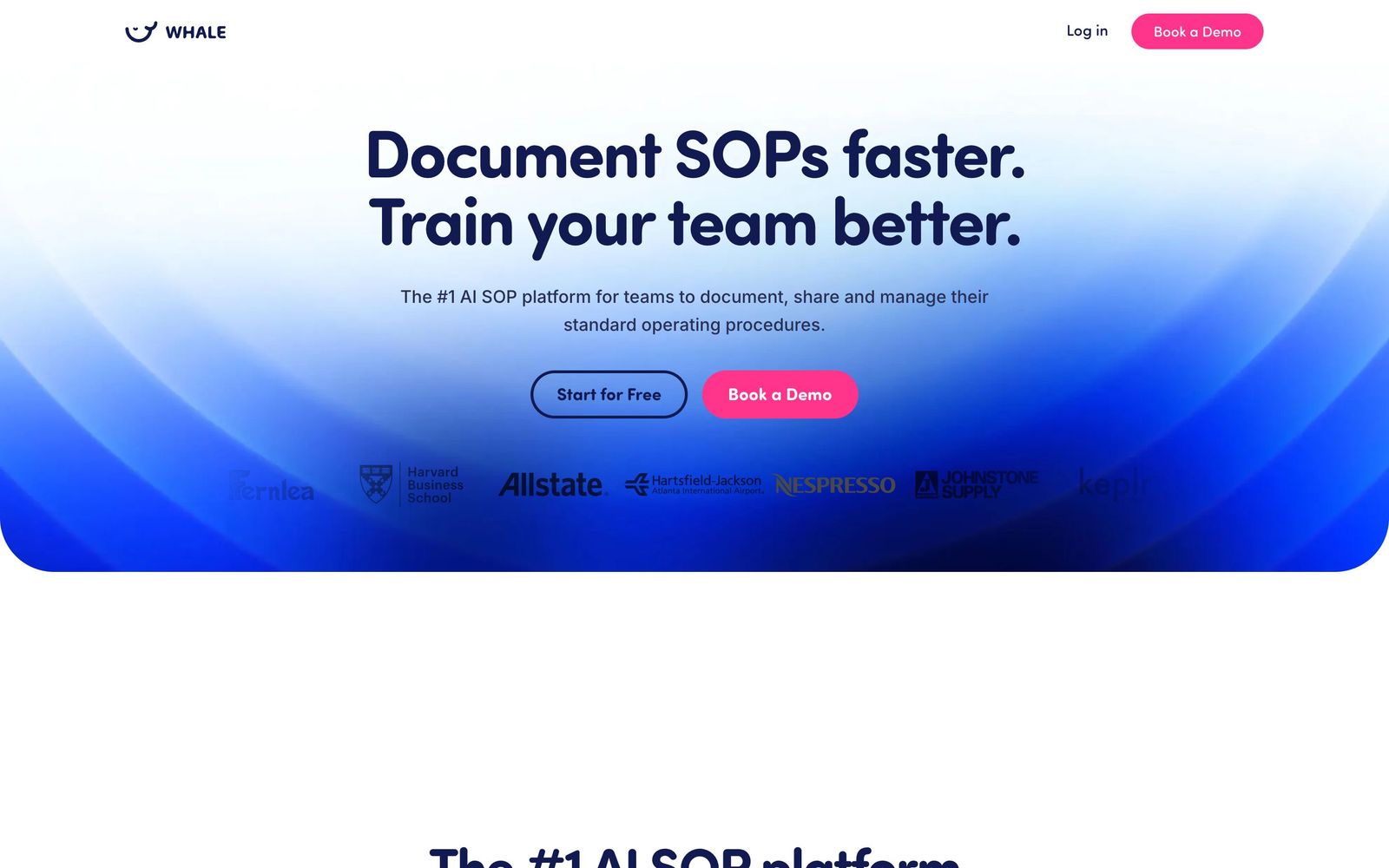
SOP documentation and training software that records a process once and turns it into a written guide.
A well-judged tool for small companies that want their processes written down and actually read, though the credit-metered AI and the per-creator pricing make it expensive for teams where everyone documents.
Pros
- The step recorder captures a workflow as you perform it and produces a screenshotted, annotated draft, which is the difference between a process being documented and being talked about
- Video-to-guide conversion turns an existing screen recording or Loom-style walkthrough into a written SOP with transcribed steps
- Training flows assign documents as courses with AI-generated quizzes and completion reporting, so onboarding is measurable rather than assumed
- Named subject-matter experts and scheduled review intervals push documents back for re-approval, which is the only reliable defence against a stale knowledge base
- A remote MCP server is included on every plan, so Claude or another assistant can read and draft against approved procedures within a user's existing permissions
Cons
- AI usage is metered in credits per creator per month, and reviewers report burning through the allowance fast enough that the AI features start to feel rationed
- Pricing counts creators, not readers, anyone who writes a document is a paid seat, charged per head above the plan's included count
- Enforced single sign-on and granular permissions are held back to the second paid tier, which is late for anything handling regulated or sensitive procedures
Whale pricing
List prices in USD per month, taken from the vendor at review time.
| Plan | Per month | What it covers |
|---|---|---|
| Free | Free | 1 creator, 10 members, limited AI credits |
| Team | $99 | billed yearly, 10 users included, $10 per additional user |
| Scale | $249 | billed yearly, 3 creators and unlimited members, $29 per additional creator |
| Advance | $499 | billed yearly, 5 creators, adds SSO enforcement and granular permissions |
What Whale actually does
Whale is documentation software for the processes a company runs on: how a quote is built, how a new client is onboarded, how the month-end close works. Its central bet is that the hard part is not storing procedures but capturing them, so the tool starts with a recorder. You perform the task while an extension watches, and it returns a draft made of screenshots and step text that you correct rather than write. Existing material comes in through a video-to-guide converter that transcribes a walkthrough into written steps, and through importers for PDF and Word files.
The second bet is that documents are worthless unless people read them, so the platform is also a training system. Guides can be bundled into flows and assigned to a new starter, quizzes are generated from the content, and completion is reported back. An assistant called Alice answers questions conversationally from the approved library, and a remote MCP server, included on every plan, lets an external AI tool read the same library and draft new cards against it under the user's existing permissions. Ownership is enforced through named experts and scheduled review intervals, so a document that nobody has confirmed in six months surfaces as stale.
Key features
The features divide cleanly into capture, distribution and maintenance.
- Step recorder and screen recorder that produce annotated draft guides from a performed workflow
- Video-to-guide conversion and PDF or Word import for existing documentation
- Ask Alice conversational search across approved procedures, plus contextual suggestions surfaced while people work
- Training flows with AI-generated quizzes, assignment and completion reporting
- Named experts, review intervals, approval flows and version history to keep the library current
- A remote MCP server and integrations with Slack, Google Workspace, HRIS platforms and project tools, with user provisioning on higher tiers
Who it's for
The natural buyer is an operations or people lead at a company of twenty to a couple of hundred staff that has outgrown tribal knowledge, often one running the Entrepreneurial Operating System, a community Whale markets to directly. In that shape, the unlimited-members model works well: a handful of people write, everybody reads, and the bill does not grow with headcount.
It suits nobody who needs to diagram. There is no flowchart or process-map view, so a procedure with genuine branching has to be expressed as prose and checklists, which is a real limitation for quality or compliance teams used to swimlanes. It is also poor value for a company where documentation is genuinely distributed, since every person who writes is a billable creator. And a two-person startup will find the free plan pleasant and the first paid step large.
How it compares
Trainual is the closest competitor and leans further toward onboarding and role-based training, with a comparable price and a weaker capture story. Scribe is the sharpest capture tool of the three, its recorder produces cleaner guides faster, but it is a step-capture product with a library attached rather than a training system, and its permissions and review workflow are thinner. Notion will hold the same content for a fraction of the price and gives you nothing to enforce reading, reviewing or quizzing; teams that choose it usually end up with a wiki nobody trusts. Whale sits between Scribe's capture and Trainual's training, which is a defensible place to be.
Verdict
For a growing company that has decided to write things down, this is a sensible purchase, and the maintenance features, expert ownership, review cycles, version history, are the ones that separate a living library from a graveyard. The reservations are commercial rather than technical: AI capability is rationed by credits that reviewers say run out, the creator-based model penalises exactly the distributed documentation culture the product advocates, and access controls that regulated teams need sit two tiers up. Start on the free plan, record three real processes, and see how far the credits go before committing to a year.
Ready to try Whale?
There's a free tier, so you can test it before committing.
More founders tools like Whale
Bitdefender
4.6Enterprise-grade GravityZone security for SMBs: ransomware, phishing, and fileless attack protection.
Read Bitdefender review →1Password
4.5Team password manager and credential vault that has grown into a wider access platform for small IT teams.
Read 1Password review →ClickUp
4.5All-in-one work platform: tasks, docs, goals, chat, whiteboards, and AI agents in a single workspace.
Read ClickUp review →Fireflies.ai
4.5AI meeting teammate that records, transcribes, and summarizes calls, with action items and searchable notes.
Read Fireflies.ai review →Miro
4.5Infinite shared canvas for workshops, diagrams and planning, now wrapped around docs, tables and AI.
Read Miro review →Reclaim.ai
4.5AI calendar assistant that auto-schedules focus time, tasks, and habits on Google and Outlook calendars.
Read Reclaim.ai review →