
Trainual review
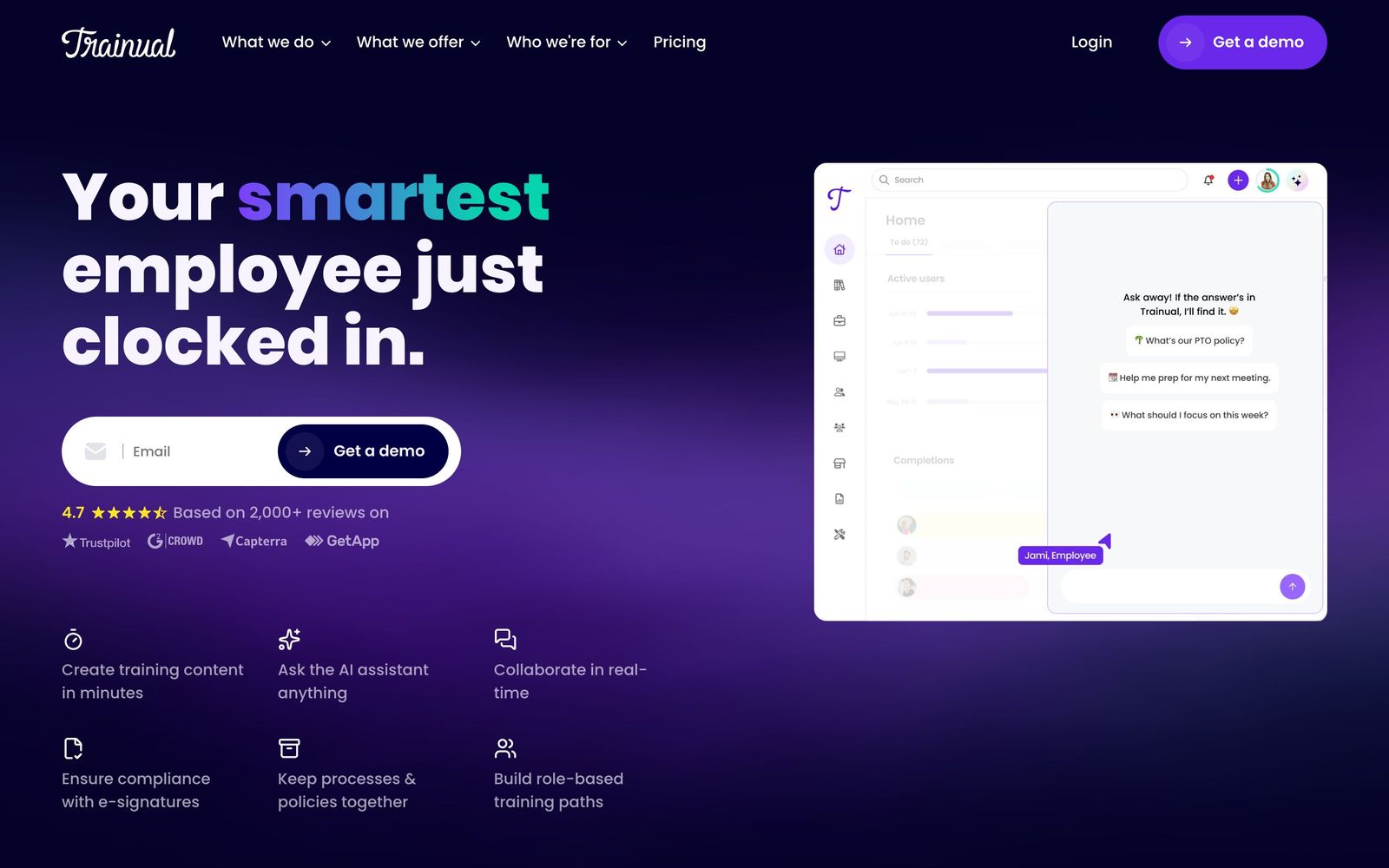
Turns scattered company processes into role-based onboarding and training with completion tracking.
A practical way to document how a small business runs and hold people to it, though pricing sits behind a demo and the features most teams want are spread across the upper tiers.
Pros
- AI-assisted drafting and 500-plus templates make the first pass at a process document far less daunting than a blank page
- Training is assigned by role, department or location, so a new hire receives only the subjects their job requires
- Testing, due dates and completion reporting turn documentation into something measurable rather than a wiki nobody opens
- AI knowledge search answers questions about processes and ownership from the existing content
- Roles, responsibilities and org chart tooling ties each documented process to a named owner
Cons
- No published prices anywhere on the site: every plan routes through a sales demo, and onboarding carries a separate one-time implementation fee
- Video is the natural medium for process training, yet uploading and hosting is withheld from the entry tier and storage is capped until the third
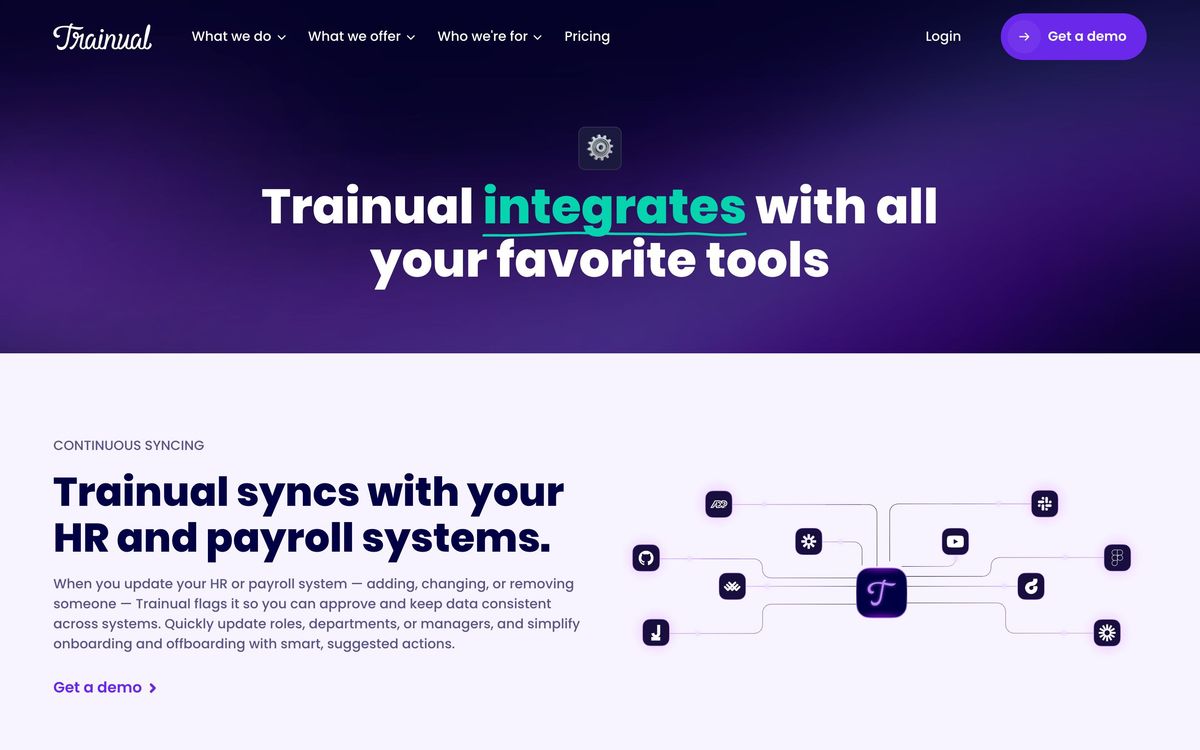
- Custom branding, custom domain and single sign-on only appear on the third tier, and API access only on the quoted enterprise plan
What Trainual actually does
Trainual is a place to write down how a business operates and then make people read it. Processes are documented as subjects and topics, mixed with screen recordings, embedded video and flowcharts, and assigned to employees by role, department or location. Each assignment can carry a due date, a test and an acknowledgement, so an owner can see who has completed onboarding and who has been ignoring the new refund policy for three weeks.
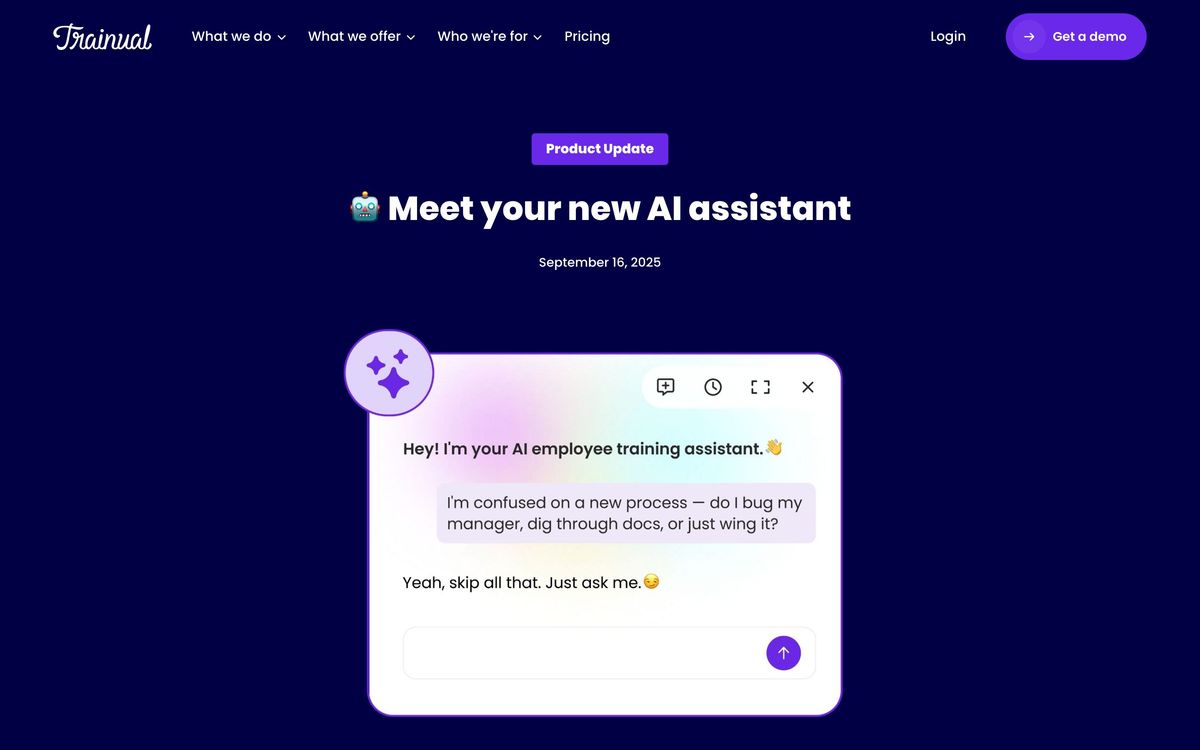
Around that core sit two other layers. An AI assistant drafts documentation from prompts and existing material, and an AI search answers questions about processes, tools and ownership without the employee hunting through folders. A separate operations suite handles meeting agendas, decisions and action items, team updates, scorecards and goals, which pushes the product past documentation into light business operating system territory. It runs in the browser with a mobile app and a Chrome extension for capturing steps as they happen.
Key features
The capabilities most customers actually use:
- Documentation with built-in screen recording, flowcharts, file uploads and 500-plus starting templates
- Role-based assignment with training paths, due dates, completion nudges and reporting
- AI knowledge search answering process and ownership questions from existing content
- Testing plus e-signature acknowledgements and periodic content verification reminders
- Org chart, accountability chart and delegation planning tied to documented responsibilities
- Operations tooling for meetings, decisions, action tracking, scorecards and goals
Who it's for
The fit is an owner-led business past the point where everything can live in one person's head: field service companies, clinics, agencies, multi-location retail, professional services firms of roughly ten to two hundred people. The strongest use case is onboarding, where a documented path and a completion report replace a week of shadowing. The second is turnover-heavy operations, where the same training runs again every few months.
It is a poor fit for teams that need a real learning management system with SCORM-heavy compliance libraries, detailed certification tracking and deep reporting. It is also awkward for very small teams: the price is set for companies, not for three co-founders, and much of the value depends on having enough employees for consistency to matter. Engineering-heavy organisations already documenting in a wiki will find the structure restrictive rather than helpful, and teams that expect to connect it to their own systems should note that the API is reserved for the quoted enterprise plan. Content still has to be written by someone, and the AI drafting shortens that work without removing it.
How it compares
Notion is far cheaper and more flexible for writing things down, but has no concept of assigned training, testing or completion tracking without bolting on extra tooling. Whale targets the same documentation-plus-training job at a lower price with a lighter feature set and a smaller template library. TalentLMS wins on course structure, SCORM support and certification depth, and loses on the process documentation and organisational mapping that make Trainual useful day to day. The choice usually comes down to whether the goal is a knowledge base or accountability.
Verdict
Trainual is well built and genuinely reduces the cost of onboarding for businesses that keep hiring for the same roles. The template library and AI drafting solve the hardest part, which is starting, and the reporting makes completion visible to an owner who otherwise has to ask. Two things hold the rating down. Pricing is invisible until a sales call, and a mandatory implementation fee is easy to miss until quoting. Feature placement is also aggressive, with video hosting, branding and single sign-on scattered across the upper tiers. Worth a demo if documented process is a bottleneck; not worth it as a wiki replacement.
Ready to try Trainual?
More founders tools like Trainual
Bitdefender
4.6Enterprise-grade GravityZone security for SMBs: ransomware, phishing, and fileless attack protection.
Read Bitdefender review →1Password
4.5Team password manager and credential vault that has grown into a wider access platform for small IT teams.
Read 1Password review →ClickUp
4.5All-in-one work platform: tasks, docs, goals, chat, whiteboards, and AI agents in a single workspace.
Read ClickUp review →Fireflies.ai
4.5AI meeting teammate that records, transcribes, and summarizes calls, with action items and searchable notes.
Read Fireflies.ai review →Miro
4.5Infinite shared canvas for workshops, diagrams and planning, now wrapped around docs, tables and AI.
Read Miro review →Reclaim.ai
4.5AI calendar assistant that auto-schedules focus time, tasks, and habits on Google and Outlook calendars.
Read Reclaim.ai review →