
Success.co review
Licensed EOS software for quarterly rocks, scorecards, issues and the weekly leadership meeting.
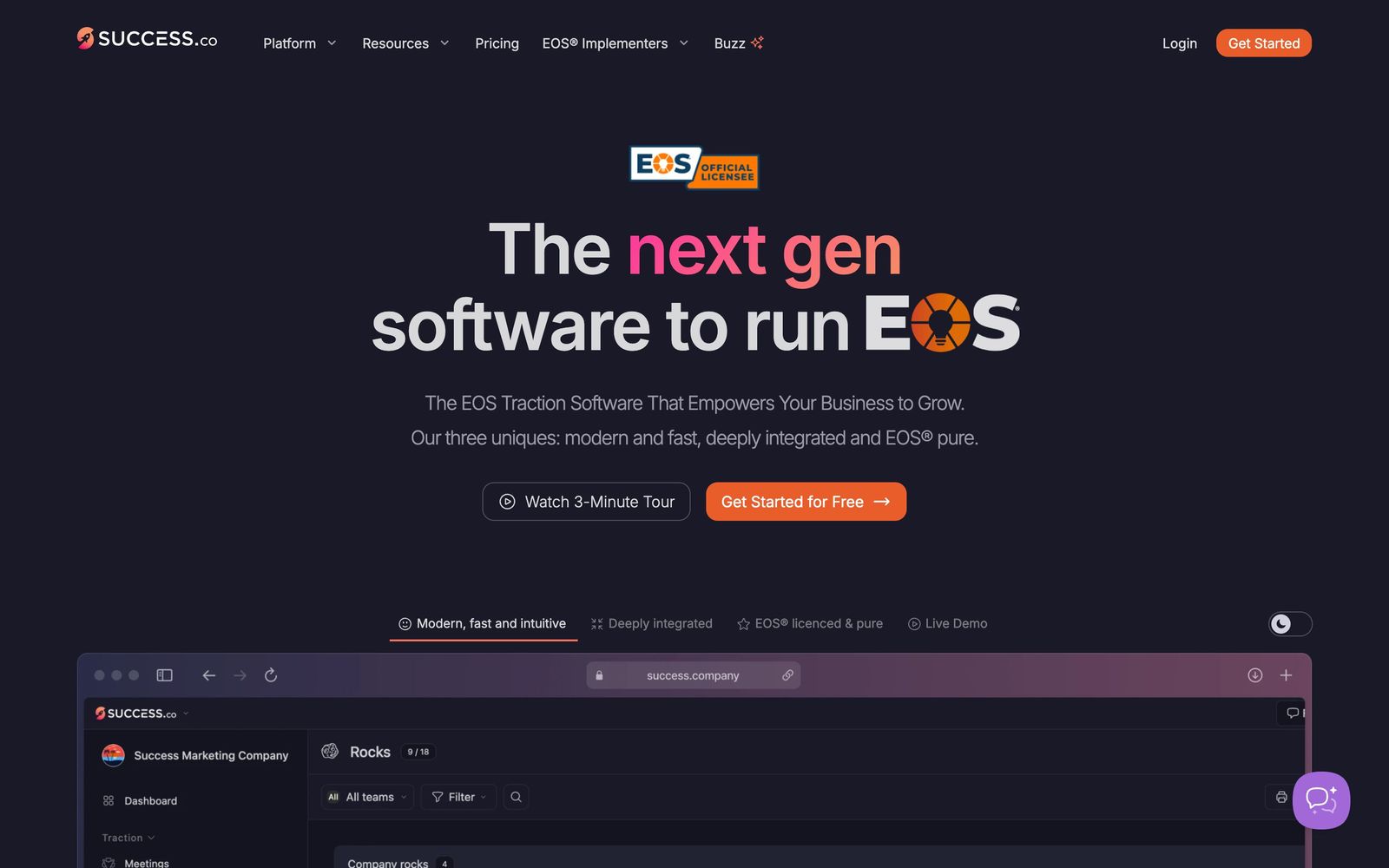
The most modern of the EOS platforms and the only one whose free tier is genuinely usable, though it deliberately does nothing outside the EOS model.
Pros
- The free tier covers the vision organiser, accountability chart and organisational checkup with unlimited seats, so a company can start EOS without a purchase order
- Meeting sessions are fast and hold up when the connection drops, which matters when a leadership meeting runs on a hotel network
- Two-way sync with Asana, ClickUp and Monday.com means to-dos agreed in the weekly meeting land where the work actually happens
- Slack and Microsoft Teams integration lets someone raise an issue or a headline from a message rather than opening another tab
- A public API and Zapier support make scorecard updates automatic instead of a Monday morning copying exercise
Cons
- The scope is EOS and nothing else: no file sharing, no project management, no document store, so it sits alongside other tools rather than replacing any
- Single sign-on and directory sync are separately priced add-ons, and directory sync requires the sign-on add-on first
- The product is young, and the independent review base on G2 and Capterra is thin compared with Ninety's, so buyers have less outside evidence to lean on
Success.co pricing
List prices in USD per month, taken from the vendor at review time.
| Plan | Per month | What it covers |
|---|---|---|
| Free Forever | Free | unlimited seats; vision organiser, accountability chart and organisational checkup |
What Success.co actually does
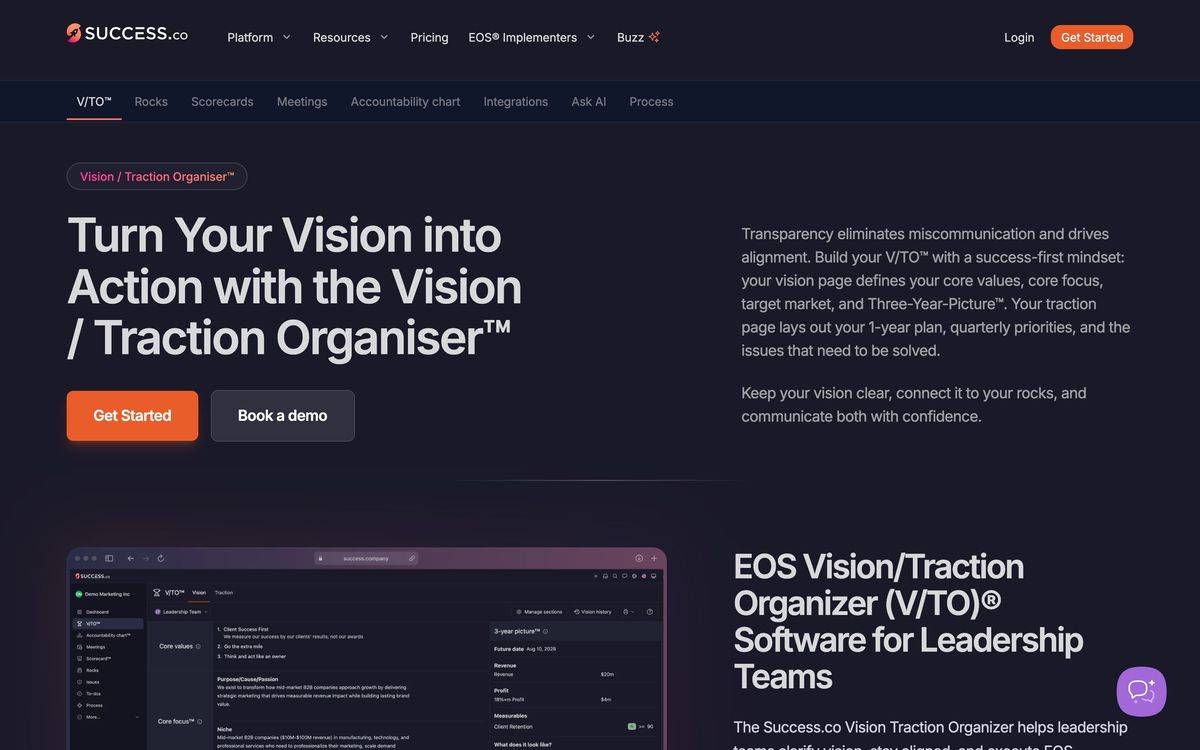
Success.co is licensed software for running the Entrepreneurial Operating System, the management framework a large number of small and mid-sized companies use to structure their quarter. Every artefact of that model has a home in the product: the vision and traction organiser, the accountability chart of roles and seats, quarterly rocks with owners and milestones, a weekly scorecard of measurables, an issues list, to-dos, headlines and one-on-ones.
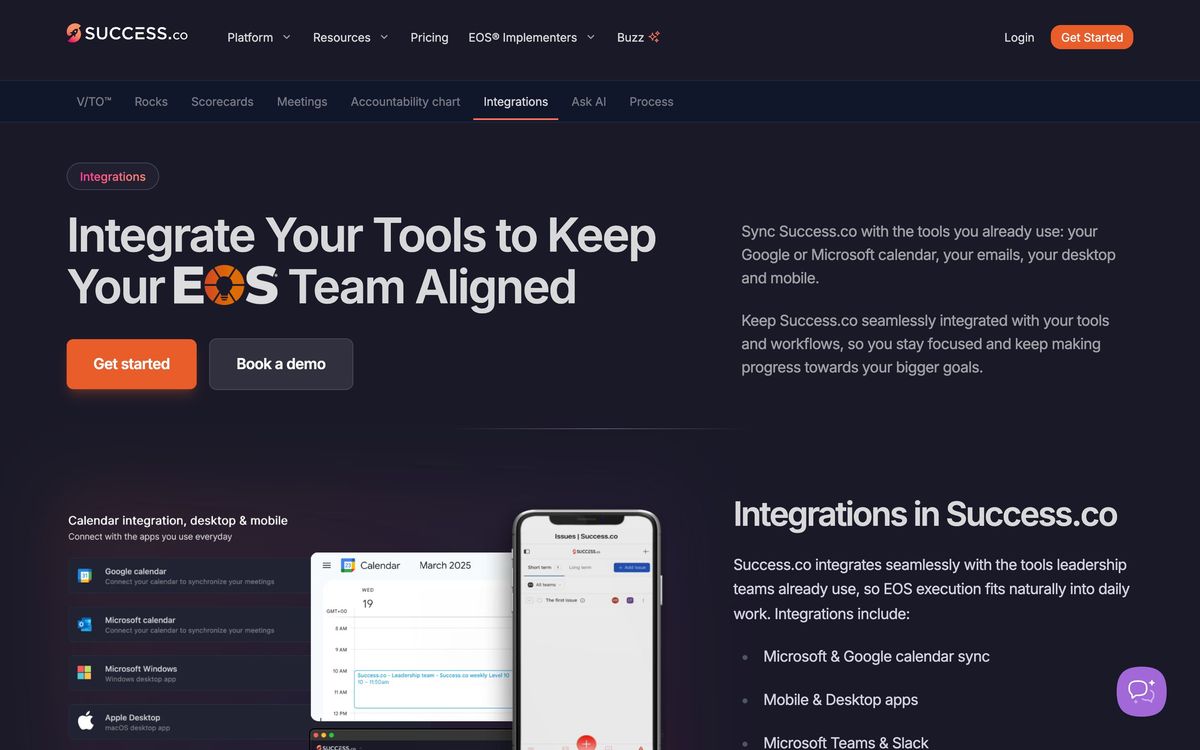
The part that gets used most is the meeting. A level ten session runs on a timed agenda inside the application, with the scorecard reviewed, rocks checked off, issues raised, discussed and either solved or parked, and to-dos assigned before the hour closes. Because the vendor rebuilt the platform on its own sync engine, that session stays responsive and survives a patchy connection, which sounds like a small thing until a leadership meeting stalls. Around the meeting sit the integrations that keep the data honest between sessions: calendar sync, Slack and Microsoft Teams capture, two-way task sync with the main project tools, an API and Zapier for feeding the scorecard automatically.
Key features
The product covers the EOS toolkit and stops at its edges:
- Quarterly rocks with owners, milestones and status rolled up by team
- Scorecards with weekly measurables, targets, trend view and import or export
- Level ten meeting agenda with timed segments, live issue capture and to-do assignment
- Vision and traction organiser plus an accountability chart of roles and seats
- One-on-ones and headlines for the weeks between formal meetings
- Two-way task sync with Asana, ClickUp and Monday.com, plus a public API and Zapier
Who it's for
The buyer is a leadership team of five to fifteen people that has decided to run EOS, usually with an implementer guiding the first year. For them the software replaces a spreadsheet scorecard, a shared document holding the vision, and a meeting agenda someone retypes each week. The free tier is unusually well judged for this audience, because the vision organiser and accountability chart are exactly the artefacts a company builds first, months before it is ready to pay for anything.
It is not a general management platform. There is no file store, no project plan, no chat. A team that wants one place for everything will be disappointed, and a team not actually running EOS will find the model imposed on it rather than offered. Companies with a strict identity policy should also price the single sign-on and directory sync add-ons into the comparison, because they are charged separately from seats.
How it compares
Ninety is the incumbent, with a larger customer base, a deeper review record and a wider feature spread that has drifted well past EOS into general people and process tooling; it is also the safer procurement choice for a cautious buyer. Bloom Growth, the former Traction Tools, prices by tier with unlimited seats rather than per user, which suits large teams and penalises small ones, and its interface is the most utilitarian of the three. Traction-adjacent generalists such as Asana or Monday.com can host rocks and to-dos, but nothing in them enforces the weekly rhythm the framework depends on. Success.co's claim is speed and focus: the newest interface, the cleanest meeting flow, and no ambition to be anything other than EOS software.
Verdict
For a leadership team already committed to EOS, Success.co is the most pleasant place to do the work, and the free tier lowers the cost of trying it to nothing. The meeting experience is quick, the task sync into project tools closes the usual gap between deciding and doing, and the vocabulary matches the framework precisely rather than approximately. The caveats are its youth and its narrowness: less independent evidence than Ninety has accumulated, add-on pricing for identity features, and a product that assumes the framework rather than adapting to a company that runs its quarter some other way.
Ready to try Success.co?
There's a free tier, so you can test it before committing.
More founders tools like Success.co
P3MO
3.7Portfolio management for PMOs and boards: one view from strategic objectives down to individual projects.
Read P3MO review →PDWare
3.7Resource and portfolio planning that tests whether the people you have can deliver the projects you approved.
Read PDWare review →Cerri
3.6Project and portfolio management with resource capacity, budgets and stage-gate governance, on cloud or on-premise.
Read Cerri review →Plansom
3.5Turns a strategy document into SMART goals, a prioritised task list and a shareable execution plan.
Read Plansom review →Bitdefender
4.6Enterprise-grade GravityZone security for SMBs: ransomware, phishing, and fileless attack protection.
Read Bitdefender review →1Password
4.5Team password manager and credential vault that has grown into a wider access platform for small IT teams.
Read 1Password review →