
Restream review
Multistreaming relay and browser studio that sends one live broadcast to dozens of platforms at once.
The cheapest reliable way to be live everywhere at once, though the studio is less polished than StreamYard's and the free tier brands your broadcast.
Pros
- One encoder feed reaches more than thirty destinations, which removes the usual bandwidth ceiling on a single laptop
- Chat from every connected platform lands in one panel, so a host can answer comments without switching windows
- Studio runs in the browser with guests, scenes and overlays, so no software has to be installed on a guest's machine
- Works either as a full production tool or as a pure relay behind OBS Studio, Streamlabs, vMix or Ecamm Live
- The free tier is genuinely usable for two destinations, which makes testing the workflow risk-free
Cons
- The free tier appends Restream branding to the stream and adds a line to video descriptions that has to be edited out by hand
- Studio streams top out below the 4K the platform can record at, so broadcast quality lags what the recording captures
- Cost climbs steeply once you need more than five destinations, and Clips and Webinars are priced as separate add-ons rather than being included
Restream pricing
List prices in USD per month, taken from the vendor at review time.
| Plan | Per month | What it covers |
|---|---|---|
| Free | Free | two destinations, Restream branding shown |
| Standard | $19 | billed monthly; three destinations, no branding |
| Professional | $49 | billed monthly; five destinations, 1080p streaming, 4K recording |
| Business | $239 | billed monthly; eight destinations, two seats, website player |
What Restream actually does
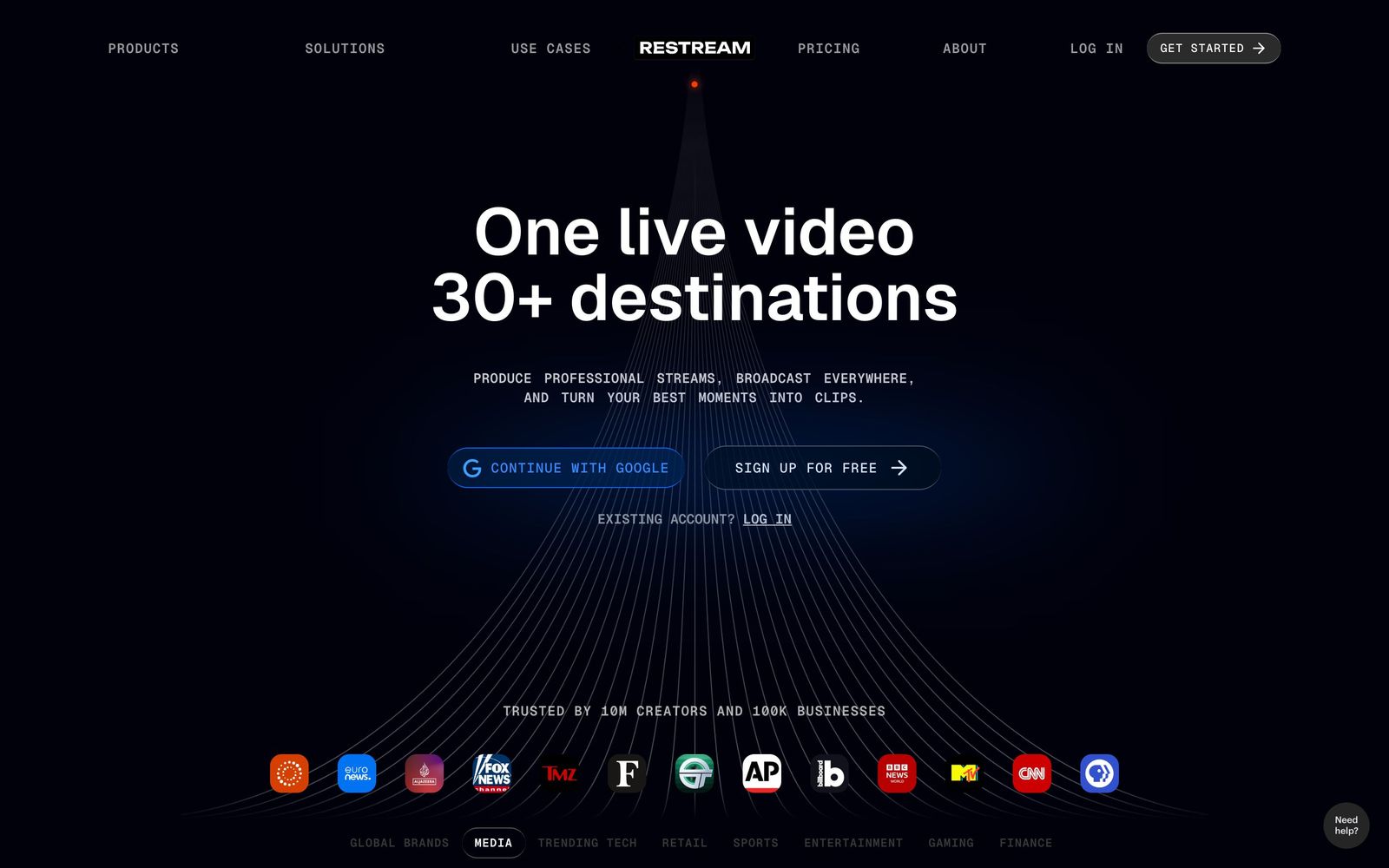
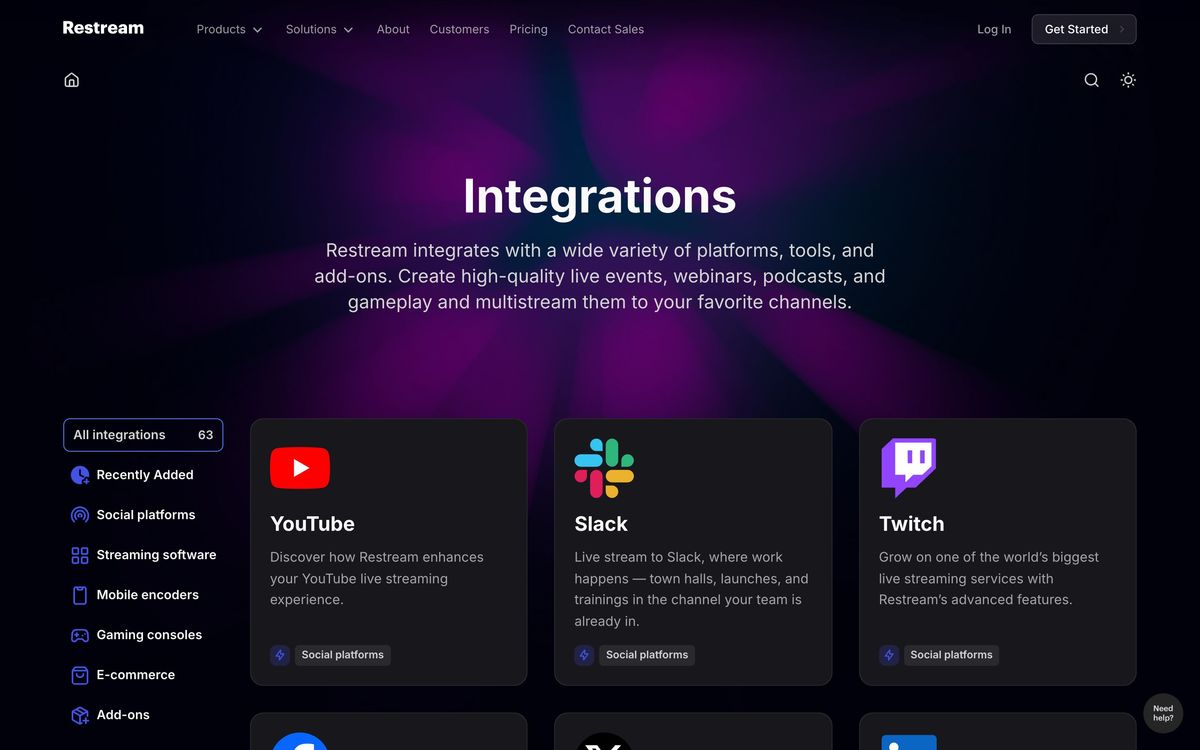
Restream sits between a broadcaster and the platforms. Its first half is a relay: one video feed goes up to Restream, and Restream fans it out to more than thirty destinations at the same moment, YouTube, Twitch, Facebook, LinkedIn, TikTok and the rest, so a single show reaches every audience without one laptop trying to hold four simultaneous uploads open. That is the part of the product that has no real substitute. Home and office upload bandwidth is the hard constraint on live video, and moving the fan-out into the cloud removes it.
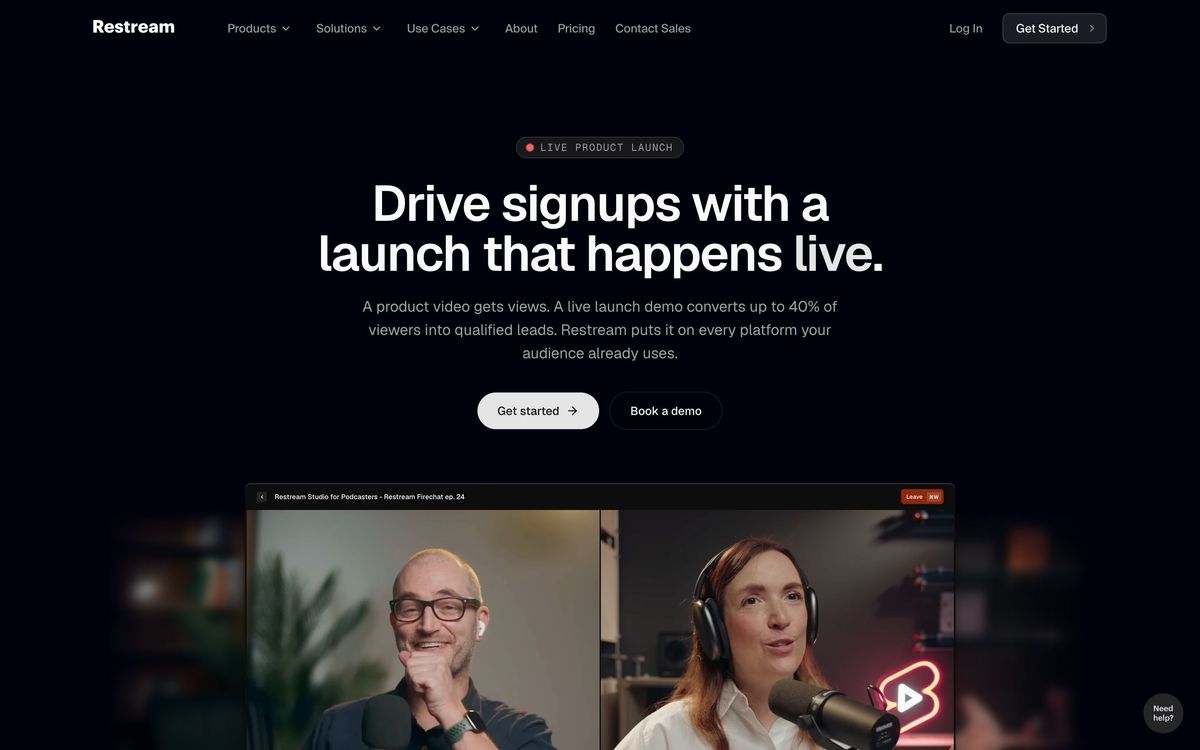
The second half is Studio, a production room that runs in a browser tab. Guests join from a link with nothing to install, scenes and branded overlays are arranged on screen, screen sharing and captions are handled in the same tab, and the session is recorded for editing afterwards. Teams already running OBS Studio, Streamlabs, vMix, Ecamm Live, XSplit or Zoom can ignore Studio entirely and point their existing encoder at Restream as a pure relay. Either way, comments from every connected destination are pooled into one chat panel, which is the small feature that most changes how a live show actually feels to host.
Key features
The product is organised around a single broadcast reaching many endpoints, with production tooling layered on top.
- Simultaneous delivery to more than thirty named platforms plus custom RTMP endpoints
- Browser Studio with invited guests, scenes, overlays, backgrounds, screen sharing and live captions
- Unified chat that merges comments from every destination into one panel during the broadcast
- Encoder support for OBS Studio, Streamlabs, vMix, Ecamm Live, XSplit, Switcher Studio and Zoom
- Session recording with 4K capture and thirty-day storage on the higher tiers
- AI Clips add-on that crops, captions and exports vertical highlights for short-form feeds
Who it's for
Restream fits a recurring show with a fixed format and an audience scattered across platforms: a weekly podcast filmed on camera, a church or community broadcast, a product update, a webinar series that also has to land on LinkedIn. The economics work when the same hour of content is worth publishing in four places, because the marginal cost of the fourth destination is close to nothing. Small marketing teams get the most from the Business tier, where a second seat and a co-producer role let one person host while another watches chat and runs scenes.
It is a poor fit for broadcasters who need heavy production effects, high-bitrate streaming from Studio itself, or built-in monetisation. Anyone whose audience lives on exactly one platform is paying for fan-out they will never use, and a solo streamer on YouTube alone will find the native tools sufficient. Podcasters who care more about isolated, high-fidelity recordings than about being live should look elsewhere first.
How it compares
StreamYard is the obvious rival and the closer comparison on production quality: its studio feels more finished and its guest experience is smoother, but multistreaming is where Restream's destination count and price hold the advantage. Riverside beats both on recorded audio and video fidelity because it records each participant locally, which matters for podcast editing but not for reaching a live audience. Castr competes purely on relay economics and undercuts on price, while giving up nearly all of the browser production layer. The honest split is that Restream wins on distribution and loses on polish.
Verdict
Restream does the unglamorous part of live video well: it takes one feed and makes it appear everywhere, reliably, without special hardware. The Studio has improved to the point where a small team can run a competent show inside it, and the pooled chat panel is worth more in practice than the feature list suggests. The caveats are real, though. The free tier watermarks the output and tags video descriptions, streaming quality from Studio trails the recording quality, and Clips and Webinars are billed as add-ons that push the real monthly cost well above the headline tier. For a team publishing live content weekly to several platforms it earns its rating; for anyone streaming to one place, it is solving a problem they do not have.
Ready to try Restream?
There's a free tier, so you can test it before committing.
More creators tools like Restream
Gamma
4.5AI design partner that generates presentations, documents, websites, and social content from a prompt.
Read Gamma review →Riverside
4.5Browser recording studio that captures every remote guest locally in 4K, then edits and publishes the episode.
Read Riverside review →Consensus
4.4AI search engine over 200M+ academic papers, with a Consensus Meter showing where the science agrees.
Read Consensus review →QuillBot
4.4AI writing suite used by 35M+ writers: paraphrasing, grammar checking, summarizing, and citations.
Read QuillBot review →Murf AI
4.3Generative speech platform with 200+ voices in 35+ languages: studio voiceovers, dubbing, and a real-time API.
Read Murf AI review →Pangram Labs
4.3Research-backed AI detection with independently verified accuracy, covering 20+ languages and major LLMs.
Read Pangram Labs review →