
Sage Accounting review
Sage's entry-level cloud ledger for small businesses: invoicing, banking and financial reporting.
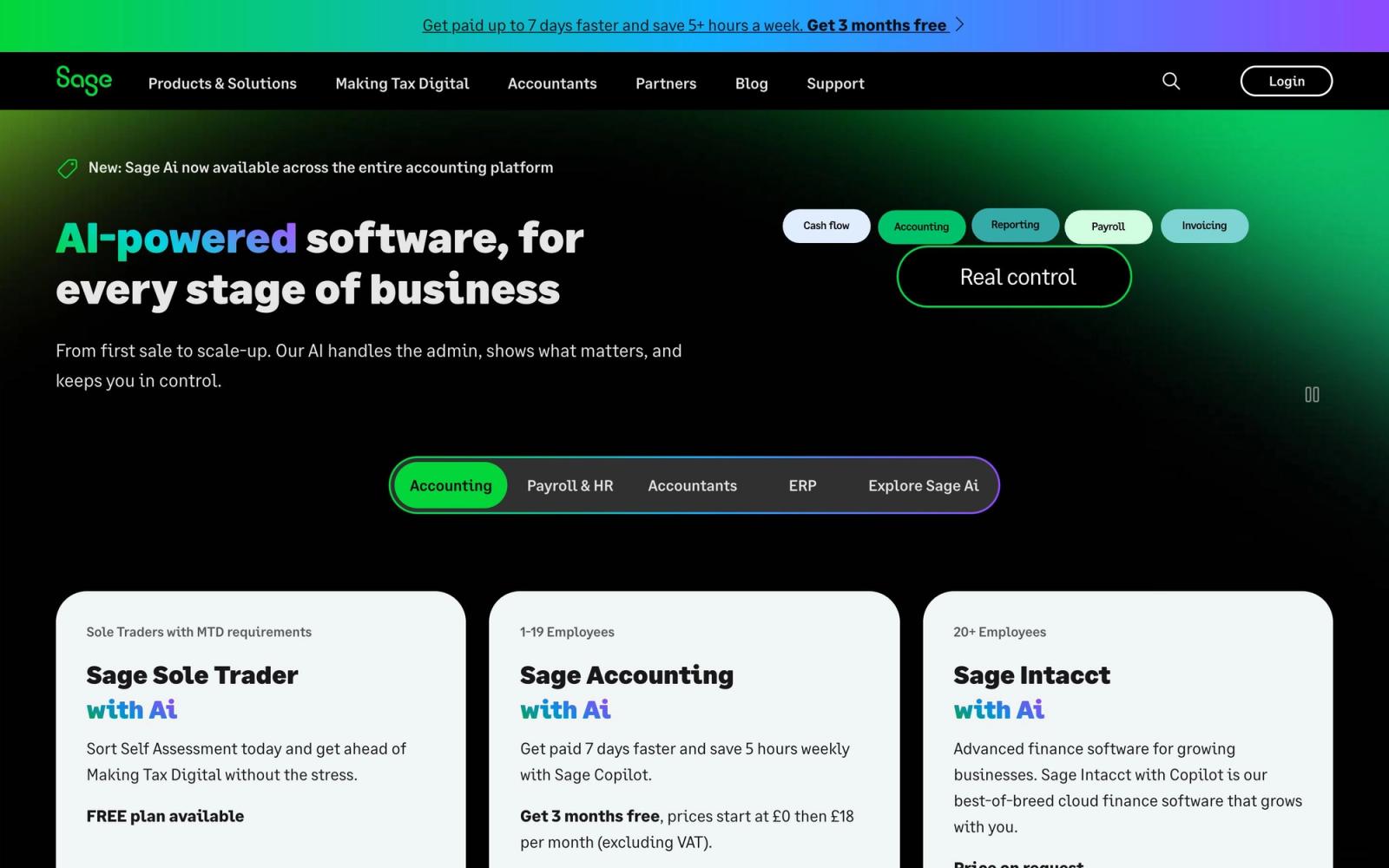
A solid, trustworthy small-business ledger: best for the Sage ecosystem, but trails Xero/QBO on integrations and polish.
Pros
- Backed by Sage with a large accountant network
- Lower tiers include unlimited users
- Covers core ledger end-to-end
Cons
- Entry 'Start' tier is feature-limited
- Fewer integrations and a more dated UI than Xero/QBO
Key features
- General ledger + AP/AR
- Bank reconciliation & cash flow
- Invoicing with real-time reporting
Sage Accounting pricing
List prices in USD per month, taken from the vendor at review time.
| Plan | Per month | What it covers |
|---|---|---|
| Start | $19 | ~£15/mo UK; single user; sole traders |
| Standard | $38 | ~£30/mo UK; up to 3 users; 30 receipt captures/mo |
| Plus | $75 | ~£59/mo UK; multi-currency + inventory; 100 captures/mo |
What it is and who it's for
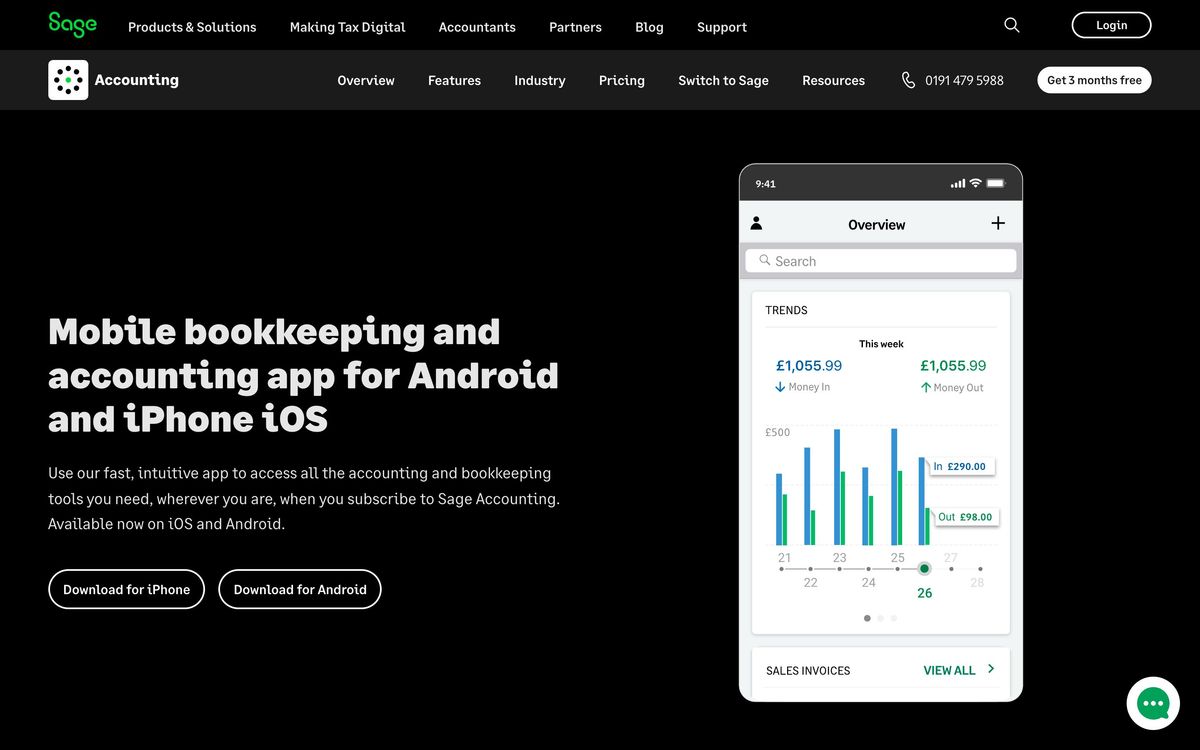
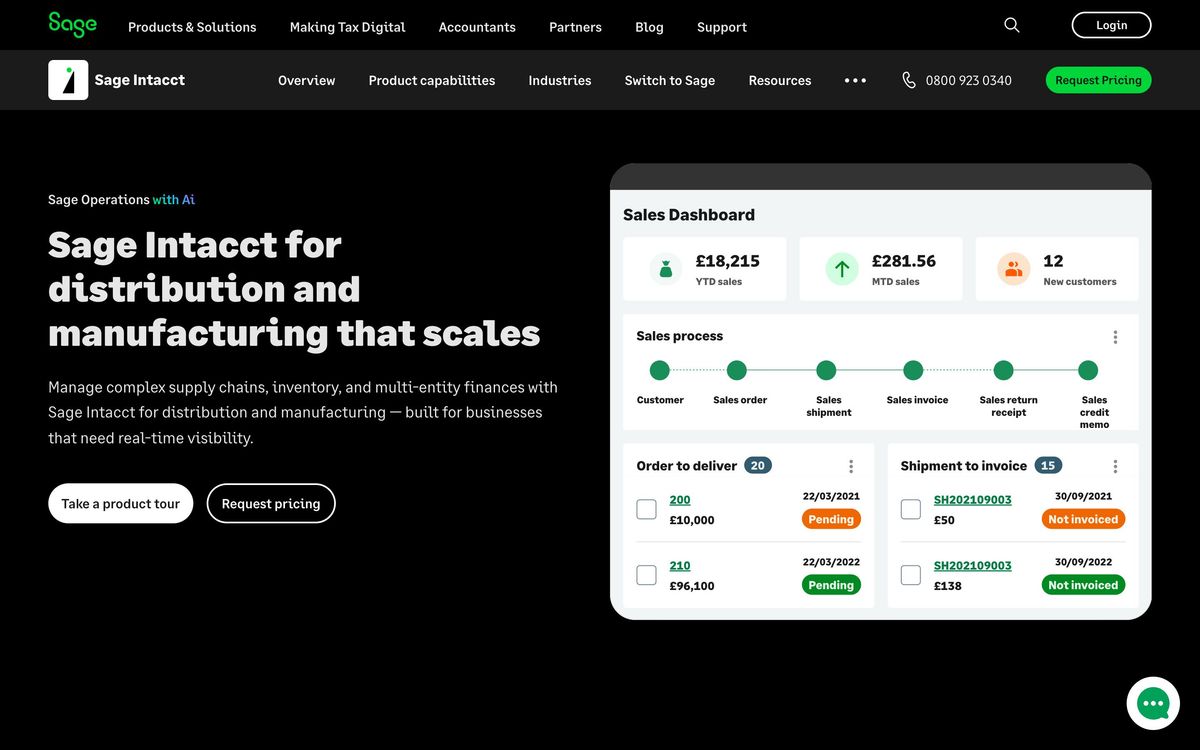
Sage Accounting is the cloud, double-entry ledger in Sage's small-business range, sitting below Sage 50 and the mid-market Intacct platform. It targets sole traders, micro-businesses and small companies that want bank feeds, invoicing, VAT/MTD submissions and basic reporting without a desktop install. One thing trust-first buyers must know up front: this is the live product in the UK and several other regions, but the US edition (Sage Business Cloud Accounting) was retired on 31 December 2024, with support ending 31 January 2025; new US customers are steered to Sage 50 or Intacct instead.
Where it's strong
Entry pricing is genuinely low and every tier includes phone support, which is rare at this end of the market where rivals push you to chat or email. Core bookkeeping is solid: bank reconciliation, invoicing, cash-flow forecasting and profit-and-loss reporting are reliable and quick to set up, and the AutoEntry receipt-capture add-on is bundled (with monthly caps) rather than sold separately. The Sage brand also carries weight with accountants, and MTD-compliant VAT handling is mature.
Where it falls short
The interface feels a generation behind Xero: navigation is more cluttered and several conveniences are missing or thin, including limited recurring invoices and automatic payment reminders. The third-party app ecosystem is the smallest of the big three, so integrations beyond Sage's own stack are hit-or-miss, and AutoEntry's line-item coding accuracy draws mixed reviews. Despite phone support being included, response quality is a recurring complaint, and Sage's broader product line (Accounting, 50, 200, Intacct) genuinely confuses buyers about which product they actually need.
Pricing and value
In the UK the three tiers run roughly £15, £30 and £59 per month: Start covers a single user and basics, Standard adds up to three users plus supplier/control accounts and 30 monthly receipt captures, and Plus adds multi-currency, inventory and 100 captures. For a single-entity micro-business that wants included phone support and bundled receipt capture, the Standard tier is fair value. Payroll is not bundled and third-party payroll integration is comparatively weak, so factor that in.
Verdict
For UK and international micro-businesses wanting an affordable, no-frills ledger with real phone support, Sage Accounting is a reasonable, if dated, choice; best where bookkeeping needs are straightforward and the practice already lives in the Sage world. US-based readers should treat it as effectively unavailable for new sign-ups and look at Sage 50, or a cloud-native rival, instead. If you want a modern interface and a deep app ecosystem, Xero or QuickBooks Online will feel more current.
Invoicing, in detail
Invoicing is the part of Sage Accounting that holds up best against newer rivals, and it is the reason the product survives in practices that find the rest of it dated. The quote-to-invoice path is complete rather than partial: you raise a quote or estimate, the customer accepts or declines it and can attach a message when they do, you get notified, and the accepted quote converts straight into an invoice without rekeying.
Recurring invoices are handled properly for a product at this price. You build them from a dropdown of your existing products and services, and (an addition that matters more than it sounds if you run a few dozen retainers) you can activate, deactivate and cancel them in batches instead of opening each one. Anyone who has had to pause forty monthly invoices by hand will recognise what that saves.
On the collection side you get invoice status tracking that surfaces what is unpaid, custom reminders you can send against those, and a Pay Now button on the invoice itself powered by Stripe. That last one closes the loop: the customer pays from the invoice and the payment reconciles back into Accounting automatically, which removes the manual matching step that otherwise eats the time the invoicing automation just saved.
What you do not get is the deep receivables tooling of a dedicated AR product; no meaningful dunning sequences, no collections workflow, no cash application beyond the Stripe path. For a sole trader or a micro-business chasing a handful of late payers, the reminders are enough. For a firm managing receivables as a service line, they are not, and the answer is a layer above the ledger rather than a different ledger.
What the tiers actually include
The tier names hide a fairly aggressive feature ladder, and the entry plan is more limited than the price suggests.
- Start: around $19/month (~£15 in the UK). Single user, aimed at sole traders. Core invoicing and banking, and little else; this is the tier our review means when it calls the entry plan feature-limited.
- Standard: around $38/month (~£30). Up to three users, and 30 receipt captures a month. The first tier that works for a real small business, and the receipt cap is the number to watch: 30 a month is roughly one and a half documents per working day.
- Plus: around $75/month (~£59). Adds multi-currency and inventory, and lifts receipt capture to 100 a month. Multi-currency is the usual reason to be here rather than on Standard.
Read that ladder against the alternatives and the picture is clear enough: on features per pound Sage is competitive at Standard and Plus, and the gap to Xero or QuickBooks Online is not the core ledger but everything around it; the app marketplace, the interface, and the volume of third-party tooling that assumes you are on one of the other two. If your practice already lives in the Sage world, that gap costs you little. If it does not, the receipt-capture caps alone will push you toward a separate capture layer, at which point the price advantage narrows considerably.
Ready to try Sage Accounting?
More accountants tools like Sage Accounting
Aplos
4.0Fund accounting and donation tracking built for nonprofits and churches rather than adapted from small-business books.
Read Aplos review →Qoyod
3.8Arabic-first cloud accounting for Saudi businesses, with ZATCA e-invoicing, VAT and Zakat reporting built in.
Read Qoyod review →Dext
4.6AI receipt and invoice capture that pushes clean data into Xero, QuickBooks and Sage.
Read Dext review →Ignition
4.5Client engagement for accounting firms: proposals, engagement letters, and automated billing in one flow.
Read Ignition review →BILL
4.4Category-leading AP/AR automation for US firms, with a free Spend & Expense module bundled in.
Read BILL review →DataSnipper
4.4Excel-native AI document extraction and matching for audit and finance teams.
Read DataSnipper review →