
FreshBooks review
Invoicing-first accounting aimed at freelancers and service-based small businesses.
Strong on invoicing and time-tracking for solo service businesses. Less of a full bookkeeping ledger than Xero or QuickBooks.
Pros
- Excellent invoicing & time tracking
- Easy for non-accountants
- Good mobile app
Cons
- Weaker double-entry depth
- Fewer integrations than Xero
Key features
- Invoicing
- Time tracking
- Expense capture
FreshBooks pricing
List prices in USD per month, taken from the vendor at review time. Custom means quote-only.
| Plan | Per month | What it covers |
|---|---|---|
| Lite | $23 | up to 5 billable clients; 1 user, no double-entry/reconciliation |
| Plus | $43 | up to 50 clients; adds double-entry, bank reconciliation, accountant access |
| Premium | $70 | unlimited billable clients; 1 user |
| Select | Custom | custom quote for high-volume teams; +$11/user/mo on all paid plans |
What it is and who it's for
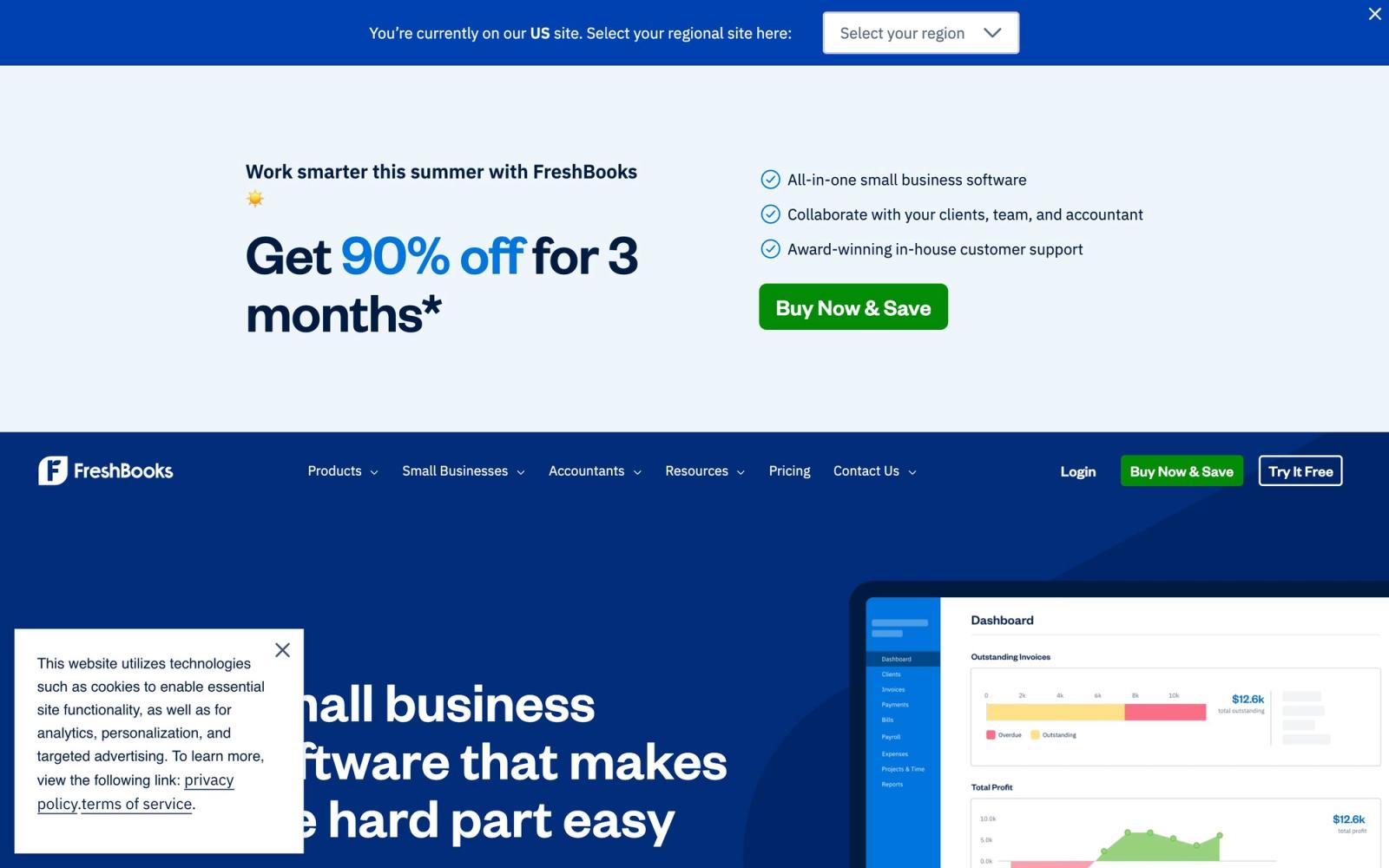
FreshBooks started life as invoicing software and still leads with that strength, now wrapped in a cloud accounting suite aimed at freelancers, solo consultants, and small service businesses that bill by project or hour. The interface is genuinely approachable for non-accountants, and built-in time tracking, expense capture, proposals, and estimates make it a natural fit for agencies, designers, and contractors. For an accountant or bookkeeper evaluating it on a client's behalf, the honest framing is this: it is a client-facing AR and light-bookkeeping tool first, and a general ledger second.
Key strengths
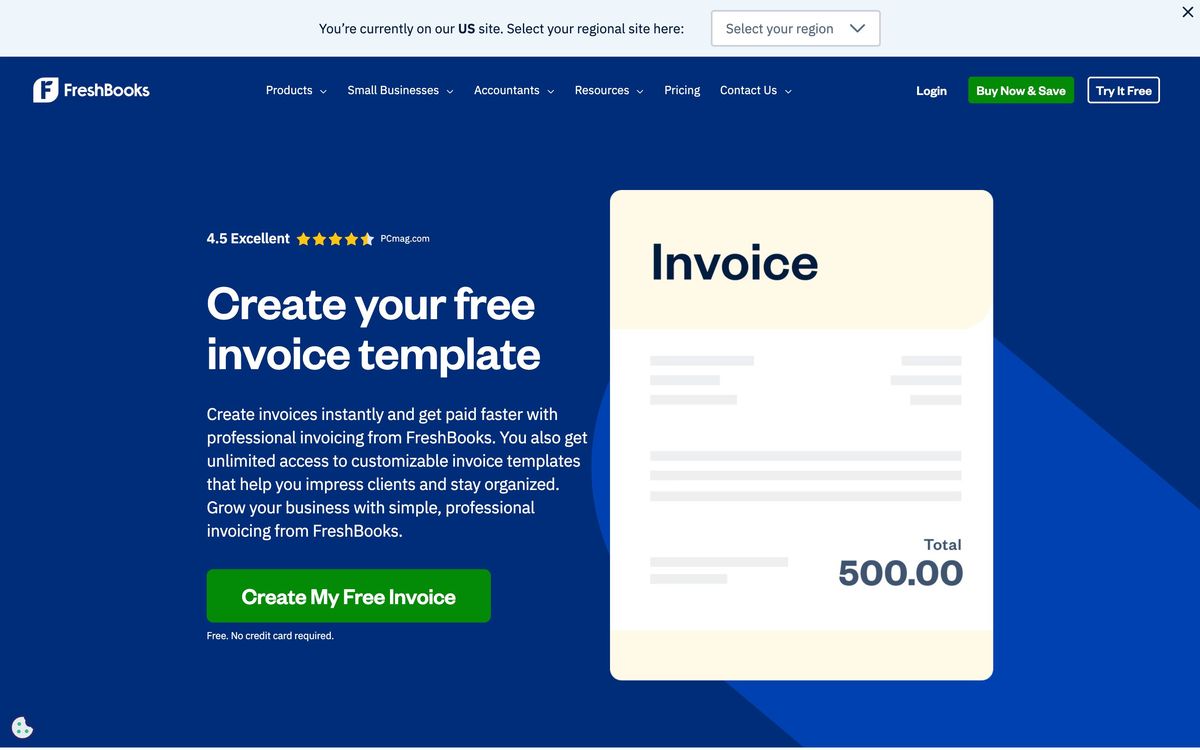
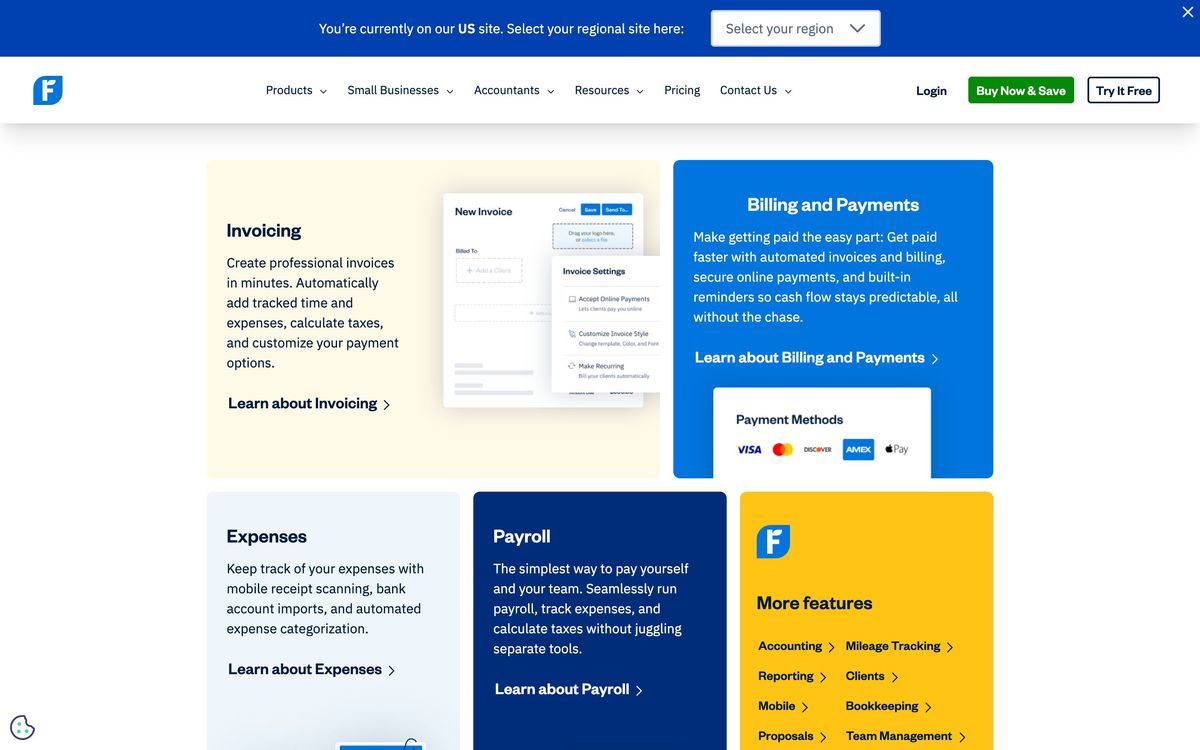
Invoicing and accounts-receivable workflows are the clear high point: recurring invoices, automated late-payment reminders, customizable templates, retainers, and one-click client payments are well executed and require little training. Time tracking ties directly into billable invoices, which is exactly what hourly service providers want. Double-entry features did arrive a few years back, so Plus and higher now include a Chart of Accounts, General Ledger, Trial Balance, and bank reconciliation. Mobile apps and customer support are consistently rated above the category average, which matters for the solo operators who are the core audience.
Where it falls short
The billable-client cap is the limitation accountants notice first: Lite tops out at 5 clients and Plus at 50, so a growing freelancer can outgrow a tier on client count alone, independent of invoice volume. Proper double-entry accounting, bank reconciliation, and accountant access only appear on Plus and above, so the entry Lite plan is effectively single-entry and not something you would hand to a bookkeeper. Reporting is thinner than the competition, with no real budgeting or forecasting and limited filtering, such as the inability to break a P&L out by client. The third-party integration marketplace is also smaller than QuickBooks Online's or Xero's, and inventory handling is minimal, so product-based or more complex businesses will feel the ceiling.
Pricing and value
List pricing is Lite at $23, Plus at $43, and Premium at $70 per month, with a custom-quoted Select tier for high-volume teams; annual billing and frequent promotional discounts bring the effective cost down. The catch for teams is that every plan includes just one user, with each additional team member adding $11 per month, so a three-person shop on Plus realistically lands near $60 rather than the headline figure. FreshBooks Payments runs the standard 2.9% + $0.30 per card transaction (3.5% for Amex) and 1% for US ACH, capped at $15. Relative to QuickBooks Online and Xero, you are paying a comparable or higher monthly price for a narrower accounting feature set, so the value case rests almost entirely on the invoicing experience.
Verdict
For a freelancer or small service business whose primary pain is getting invoices out and getting paid, this is one of the easiest tools to recommend and adopt. For clients who need robust reporting, inventory, deep integrations, or a true accountant-grade ledger from day one, QuickBooks Online or Xero remain the safer long-term homes. The practical advice: skip Lite if real bookkeeping matters, start at Plus, and watch the client cap and per-user fees as the business scales.
Ready to try FreshBooks?
More accountants tools like FreshBooks
Aplos
4.0Fund accounting and donation tracking built for nonprofits and churches rather than adapted from small-business books.
Read Aplos review →Qoyod
3.8Arabic-first cloud accounting for Saudi businesses, with ZATCA e-invoicing, VAT and Zakat reporting built in.
Read Qoyod review →Dext
4.6AI receipt and invoice capture that pushes clean data into Xero, QuickBooks and Sage.
Read Dext review →Ignition
4.5Client engagement for accounting firms: proposals, engagement letters, and automated billing in one flow.
Read Ignition review →BILL
4.4Category-leading AP/AR automation for US firms, with a free Spend & Expense module bundled in.
Read BILL review →DataSnipper
4.4Excel-native AI document extraction and matching for audit and finance teams.
Read DataSnipper review →