
DataSnipper review
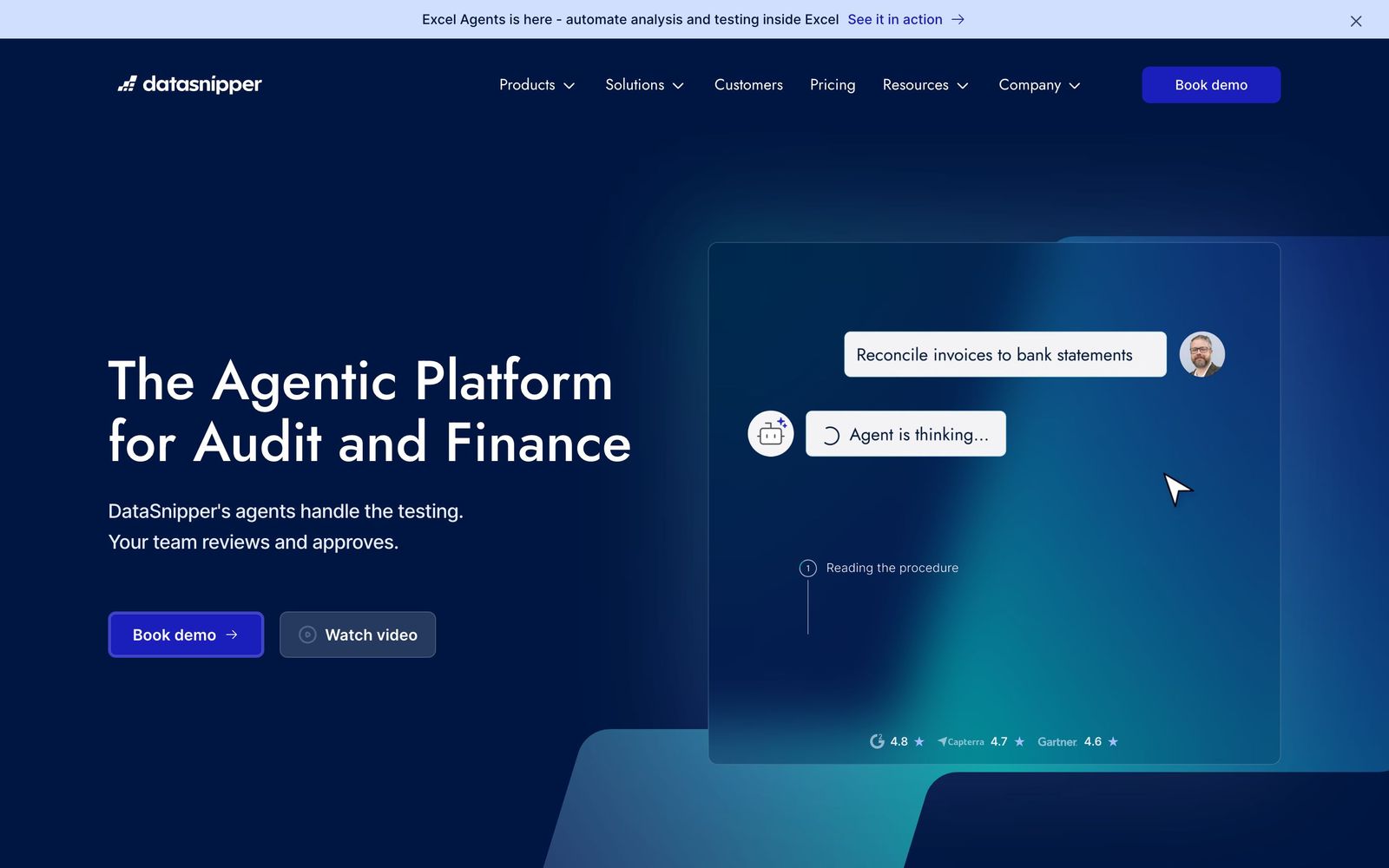
Excel-native AI document extraction and matching for audit and finance teams.
The default choice for Excel-based audit automation, but seat pricing is opaque and only worth it if your team lives in spreadsheets.
Pros
- Lives entirely inside Excel, so there's almost no workflow disruption or new interface to learn
- Every extracted value links back to its source document, producing review-ready, defensible workpapers
- Genuinely strong at high-volume reconciliation, tie-outs and tests of detail that are otherwise manual copy-paste
Cons
- Pricing is per-seat and largely quote-only beyond the entry tier, so total cost is hard to predict and scales steeply with team size
- Value collapses if your work isn't Excel-centric or your document volume is low; it's overkill for small or occasional users
Key features
- Document Matching, Text Snip, Table Snip and Form Extraction to pull data from PDFs and scans into Excel cells
- Excel Agents and DocuMine AI for automated extraction, matching and document analysis without leaving the sheet
- Financial Statement Suite with cast-checking, version comparison and full source-linked audit trail
DataSnipper pricing
List prices in USD per month, taken from the vendor at review time. Custom means quote-only.
| Plan | Per month | What it covers |
|---|---|---|
| Start | $64 | Per user/month; ~$64 billed monthly or ~EUR 49/user/mo on annual billing. Core snipping, document matching, form extraction. 14-day free trial available. |
| Accelerate | $175 | Per user/month, vendor-quoted (~$175 estimated); adds DocuMine AI analysis, advanced extraction and data export. Price varies by team size. |
| Elevate | Custom | Custom enterprise pricing, contact sales. Adds directory sync/SSO, company templates, external guest access and premium support. |
What it is and who it's for
This is an AI-powered document-extraction and automation add-in that runs natively inside Microsoft Excel, built specifically for audit, assurance, tax and financial-control teams. Instead of replacing your spreadsheets with another platform, it sits on top of them, letting you snip data out of PDFs, contracts and scans straight into cells. The target buyer is a firm or in-house team that already does tests of detail, reconciliations and tie-outs in Excel and wants to cut the manual copy-paste. It is firmly an audit tool, not a general-purpose accounting or bookkeeping app.
Where it's strong
The core strength is staying inside Excel, which removes the adoption friction that kills most audit-tech rollouts; reviewers do not have to learn a new environment. Document Matching, Text Snip, Table Snip and Form Extraction handle the grunt work of pulling values out of source documents, and every snip stays linked back to the original evidence. That source-linking is the real selling point: workpapers come out review-ready and defensible, which matters when a manager or regulator wants to trace a number. The newer Excel Agents and DocuMine layer add AI matching and analysis on top, and Big Four adoption across hundreds of thousands of professionals signals the workflow is proven.
Weaknesses and who should not buy it
The value proposition is narrow: if your work is not Excel-centric, or your document volume is low, you will not recover the seat cost, so solo practitioners and small teams handling occasional PDFs should look at cheaper OCR or lighter tools. AI extraction also still needs human review; complex tables, poor scans and inconsistent layouts produce errors, so it speeds up testing rather than removing the need to check. And because it is per-seat, occasional users on a team still consume a full licence.
Pricing, notes and verdict
Pricing is per user across three tiers and is hard to evaluate because exact figures are not published: Start runs roughly $64 per user monthly (~$55 on annual billing), Accelerate is vendor-quoted at an estimated ~$175, and Elevate is fully custom. A 14-day free trial exists, but scaling beyond a handful of seats means a sales conversation. The vendor serves 100+ countries, so availability is a non-issue; because it processes your own client documents rather than scraping third-party data, privacy risk is about document handling, not data sourcing, though data-residency terms aren't published and should be confirmed for regulated engagements. Net: for teams that already live in Excel this is close to the category default, but run the trial, measure hours saved per seat, and skip it if your work isn't spreadsheet-heavy.
Ready to try DataSnipper?
There's a free tier, so you can test it before committing.
More accountants tools like DataSnipper
Datamolino
4.3Bookkeeping automation that extracts data from bills, receipts and bank statements into your cloud ledger.
Read Datamolino review →Synder
4.3Connects e-commerce and payment platforms to accounting software, syncing and reconciling sales, fees and payouts.
Read Synder review →AutoEntry
4.3Sage-owned capture tool that publishes data from receipts, invoices and bank statements into accounting software.
Read AutoEntry review →Airwallex
4.3Multi-currency business accounts and low-markup global payments for cross-border firms.
Read Airwallex review →Puzzle
4.3AI-native accounting software: cash and accrual from one ledger, with up to 98% automated categorization.
Read Puzzle review →Tax1099
4.3IRS-authorized e-filing for 1099, W-2 and ACA forms, built for year-end information returns.
Read Tax1099 review →