
Zoho Books review
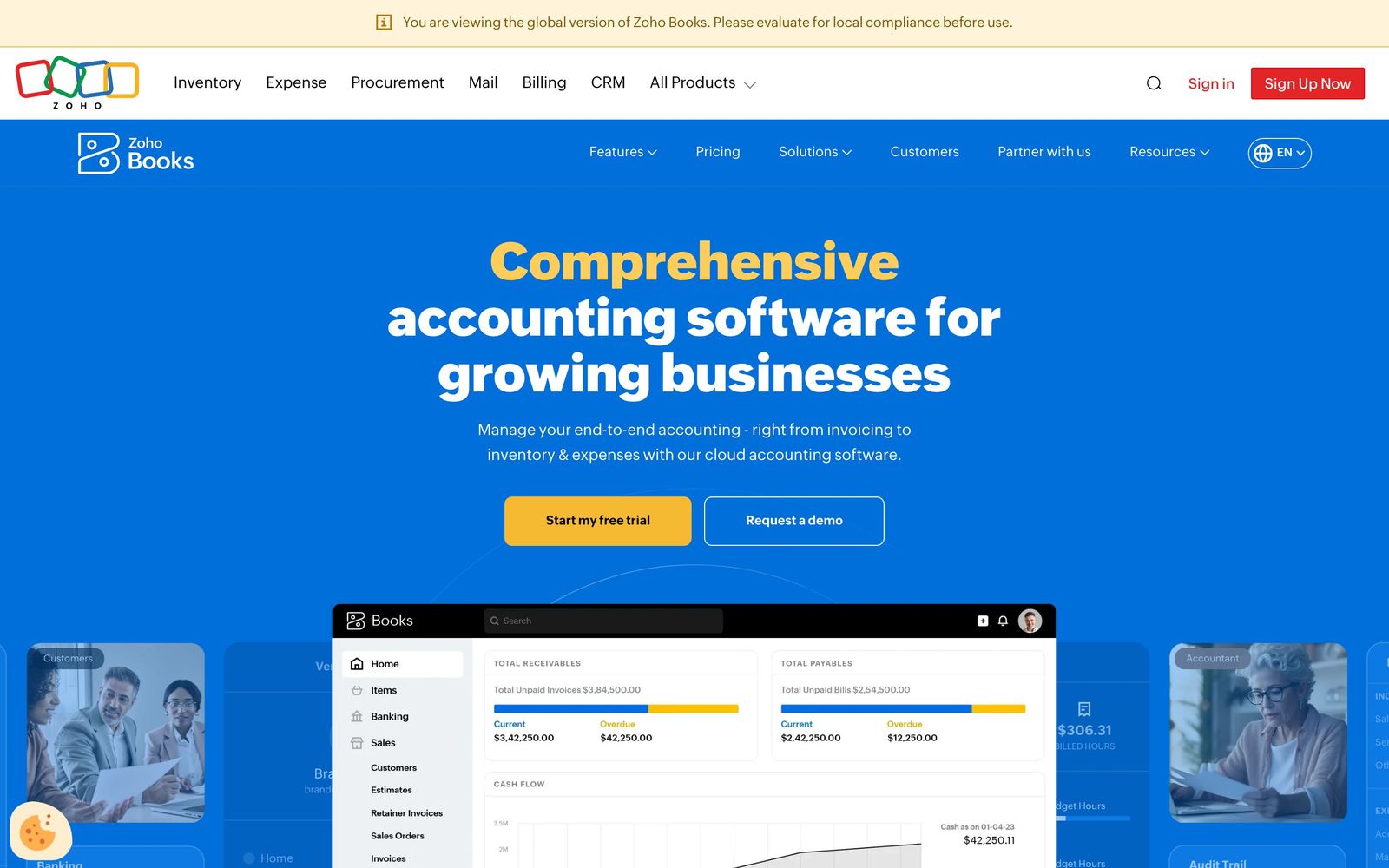
Cloud accounting and ledger software for small and mid-size businesses, part of the wider Zoho suite.
The best-value cloud ledger for cost-conscious small businesses, especially anyone already in the Zoho ecosystem.
Pros
- Genuinely free plan under $50K annual revenue
- Deep integration with 40+ Zoho apps
- Strong feature-per-dollar value
Cons
- Best value requires buying into the Zoho ecosystem
- User counts capped per tier: adding seats forces a tier jump
Key features
- Double-entry accounting + bank reconciliation
- Invoicing, expenses & client portal
- Multi-currency, inventory, sales/purchase orders
Zoho Books pricing
List prices in USD per month, taken from the vendor at review time.
| Plan | Per month | What it covers |
|---|---|---|
| Free | Free | 1 user + accountant; revenue under $50K/yr, 1,000 invoices/yr |
| Standard | $15 | billed annually ($20 monthly); 3 users |
| Professional | $40 | billed annually ($50 monthly); 5 users; adds projects & inventory |
| Premium | $60 | billed annually ($70 monthly); 10 users; adds budgeting |
What it is and who it's for
Zoho Books is a full double-entry cloud accounting ledger covering invoicing, bills, banking, expenses, projects, inventory and financial reports. It sits squarely in the same category as QuickBooks Online and Xero, but its real differentiator is that it's one node in the broader Zoho ecosystem (CRM, Inventory, Projects, Payroll, the Zoho One bundle). It fits best for small-to-midsize businesses and the bookkeepers serving them, and it's an especially natural choice for firms whose clients already live inside other Zoho apps.
Where it's strong
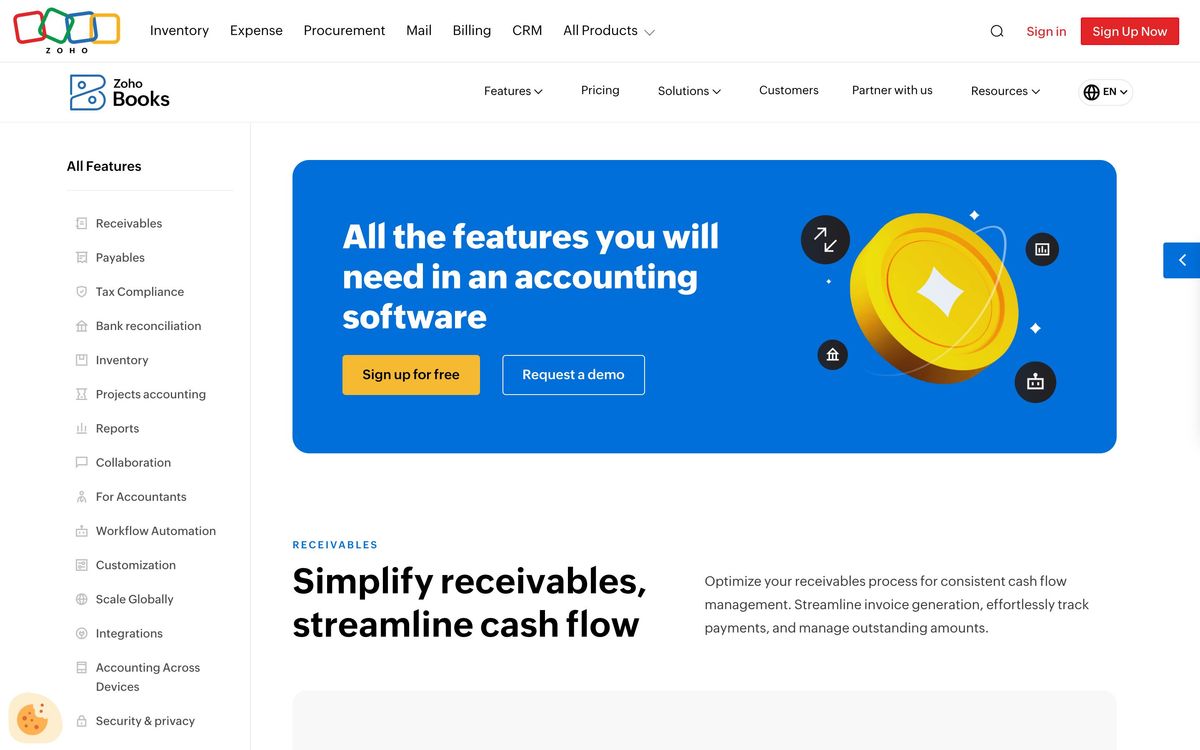
The standout is automation: workflow rules let you chain multiple actions per trigger (field updates, email alerts, payment reminders), and there's a built-in scripting layer for power users who want to go further. Pricing is aggressive for what you get, and the free tier is genuinely usable for solopreneurs rather than a crippled trial. Every plan, including the free one, lets you invite an accountant at no charge, and the bank reconciliation tooling has been getting steady investment, including AI-assisted matching and a quick-categorize view for clearing transactions in bulk.
Where it falls short
The biggest practical gaps are payroll and integrations. Zoho's own US payroll only handles full automated state compliance in roughly 21 states, so businesses elsewhere are stuck with manual payroll journals, and the third-party app marketplace is thin compared with QuickBooks and Xero outside Zoho's own products. Bank feeds can be temperamental too, with users reporting periodic drops that require re-authentication. There's also an ecosystem-fit problem for accountants: far fewer US bookkeepers are Zoho-certified than QuickBooks-proficient, which can raise onboarding friction for client work.
Pricing and value
There's a free plan capped at $50K annual revenue and 1,000 invoices/year, then paid tiers run Standard $15, Professional $40 and Premium $60 per month billed annually (about 20% more month-to-month), climbing to Elite and Ultimate for heavier inventory and analytics needs. Note the seat model: plans bundle a fixed number of users (3/5/10) and extra seats cost roughly $3 each per month. Useful features are gated by tier, so projects and inventory only appear from Professional up, and budgeting from Premium, which is worth mapping against your actual needs before committing.
Verdict
For value per dollar and depth of automation at the low end, Zoho Books is one of the strongest ledgers available, and it's close to unbeatable if a client is already invested in Zoho One. The caveats are real and specific: weak US payroll coverage, a smaller third-party integration network, occasional bank-feed flakiness, and a smaller pool of certified accountants. Weigh those against your client base and existing toolchain rather than the headline price alone.
Ready to try Zoho Books?
There's a free tier, so you can test it before committing.
More accountants tools like Zoho Books
Aplos
4.0Fund accounting and donation tracking built for nonprofits and churches rather than adapted from small-business books.
Read Aplos review →Qoyod
3.8Arabic-first cloud accounting for Saudi businesses, with ZATCA e-invoicing, VAT and Zakat reporting built in.
Read Qoyod review →Dext
4.6AI receipt and invoice capture that pushes clean data into Xero, QuickBooks and Sage.
Read Dext review →Ignition
4.5Client engagement for accounting firms: proposals, engagement letters, and automated billing in one flow.
Read Ignition review →BILL
4.4Category-leading AP/AR automation for US firms, with a free Spend & Expense module bundled in.
Read BILL review →DataSnipper
4.4Excel-native AI document extraction and matching for audit and finance teams.
Read DataSnipper review →