
BILL review
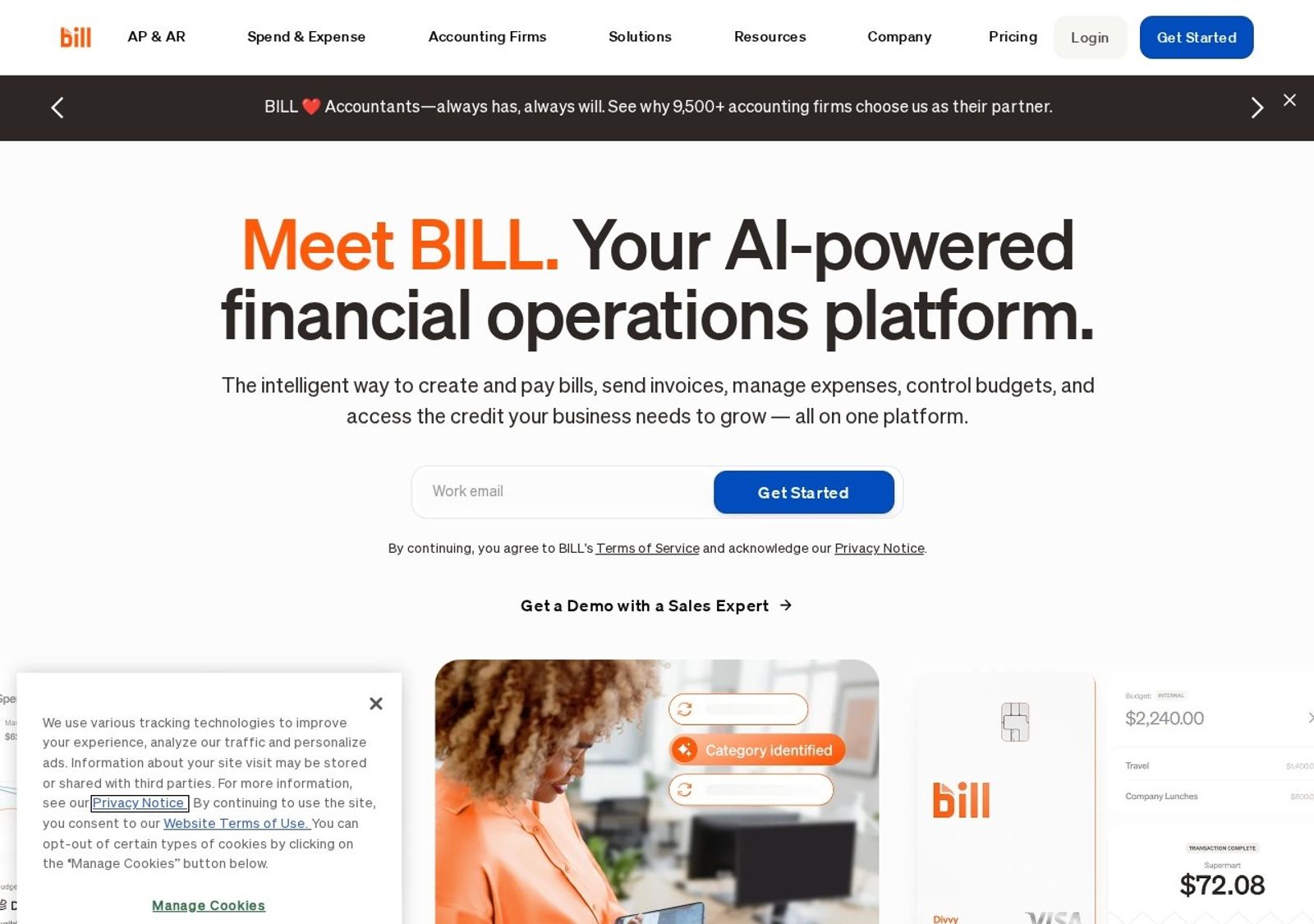
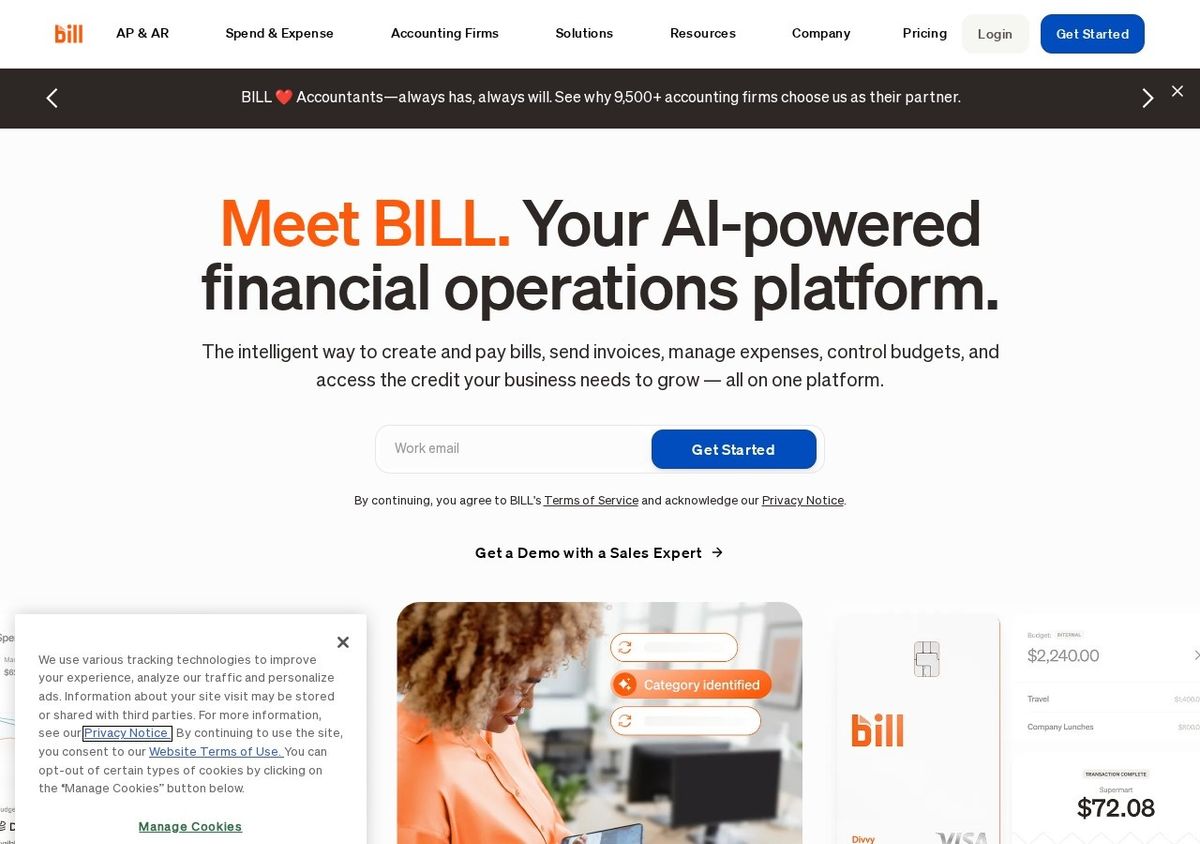
Category-leading AP/AR automation for US firms, with a free Spend & Expense module bundled in.
The default AP automation choice for US accounting firms and their clients, but the per-user pricing and US-centric account model mean it isn't for everyone.
Pros
- Exception-based, AI-assisted AP workflow that genuinely cuts manual bill entry and approval routing at volume
- Free Spend & Expense module with unlimited virtual and employee cards bundled alongside paid AP/AR
- Deep two-way sync with QuickBooks, Xero, NetSuite, Sage Intacct and Dynamics, plus a strong accountant partner/resale program
Cons
- Per-user monthly pricing plus per-transaction fees (ACH, wires, virtual card %) add up and get expensive for larger teams
- The paying account must be a US business with a US bank account; non-US firms can be paid as vendors but cannot run their own AP on it
Key features
- AI-driven, exception-based accounts payable: bill capture, approval routing and payment in one flow
- Accounts receivable automation with invoicing and online customer payments
- Spend & Expense: corporate cards, virtual cards and budget controls that sync to the GL
BILL pricing
List prices in USD per month, taken from the vendor at review time. Custom means quote-only.
| Plan | Per month | What it covers |
|---|---|---|
| Essentials | $45 | per user/month; AP or AR automation. Plus per-transaction fees (e.g. ~$0.59 ACH, $9.99 USD international wire, 2.9% virtual card). |
| Team | $55 | per user/month; AP and AR together with accounting sync. Transaction fees apply on top. |
| Corporate | $89 | per user/month; advanced approval policies, PO matching, lower-cost approver-only seats. Transaction fees apply. |
| Spend & Expense | Custom | No per-user subscription fee; unlimited virtual/employee cards. Revenue comes from interchange, not seat fees. |
What it is and who it's for
BILL is a financial operations platform built around accounts payable and receivable automation, with a free Spend & Expense module sitting alongside the paid tiers. It is squarely aimed at US accounting firms and the small-to-mid-market clients they serve, and the dedicated Accountant Console and partner pricing make that focus obvious. If you process a meaningful volume of vendor bills each month and live inside QuickBooks, Xero, NetSuite or Sage Intacct, this is the tool most peers will already be using.
Strengths and weaknesses
The core strength is exception-based AP: AI handles bill capture and coding, then routes only the items that need a human, and the two-way accounting sync is mature enough that bills and payments reconcile without double entry. Bundling Spend & Expense for free, with unlimited virtual and employee cards, is real added value. The flip side is that the platform rewards volume; for a business cutting a handful of checks a month the subscription rarely pays for itself, onboarding and approval setup can be fiddly, and support quality is uneven once you are past implementation.
Pricing and value
Current tiers run roughly $45 (Essentials), $55 (Team) and $89 (Corporate) per user per month, with Corporate adding advanced approval policies, PO matching and cheaper approver-only seats. Layered on top are transaction fees such as about $0.59 for ACH, $9.99 for a USD international wire and 2.9% for virtual card payments, which can push true cost well above the headline number as a team grows. The value math works best for firms billing AP/AR as a service or for clients with high invoice volume; light users will find the per-seat plus per-transaction model poor value.
Regional note and verdict
This is fundamentally a US product: the paying account holder must be a US-registered business with a US bank account, so a firm registered elsewhere generally cannot run its own AP through it, though it can pay vendors and contractors internationally in 135+ currencies. As a US-headquartered SaaS, confirm its data-handling and storage posture directly if you process personal data subject to local privacy law. Net: for a US firm or finance team automating real AP/AR volume this is the safe, capable default, but lighter users, very small businesses, and non-US firms wanting to run their own payables should look elsewhere.
Ready to try BILL?
There's a free tier, so you can test it before committing.
More accountants tools like BILL
Compliancely
3.9Real-time TIN matching and business verification for teams that onboard vendors and file 1099s.
Read Compliancely review →Quadient
3.9Accounts payable and receivable automation that plugs into NetSuite, Sage Intacct, QuickBooks and Dynamics.
Read Quadient review →DataSnipper
4.4Excel-native AI document extraction and matching for audit and finance teams.
Read DataSnipper review →Gusto
4.4Full-service US payroll, benefits and HR with a genuinely strong accountant partner dashboard.
Read Gusto review →Datamolino
4.3Bookkeeping automation that extracts data from bills, receipts and bank statements into your cloud ledger.
Read Datamolino review →Synder
4.3Connects e-commerce and payment platforms to accounting software, syncing and reconciling sales, fees and payouts.
Read Synder review →