
Zendesk review
Omnichannel support platform: ticketing, messaging, voice, help centre and AI agents in one agent workspace.
Still the reference platform for a support team that has outgrown a shared inbox, though the advertised seat price is only the start once Copilot, voice and workforce bundles are added.

Pros
- Email, messaging, live chat, voice and social land in one agent workspace with a shared customer record, rather than in separate tools per channel
- AI agents are included in every Suite and Support plan and priced on resolutions delivered, so deflection cost tracks deflection value
- The help centre feeds agents, the AI agents and public self-service from the same articles, which stops answers diverging between channels
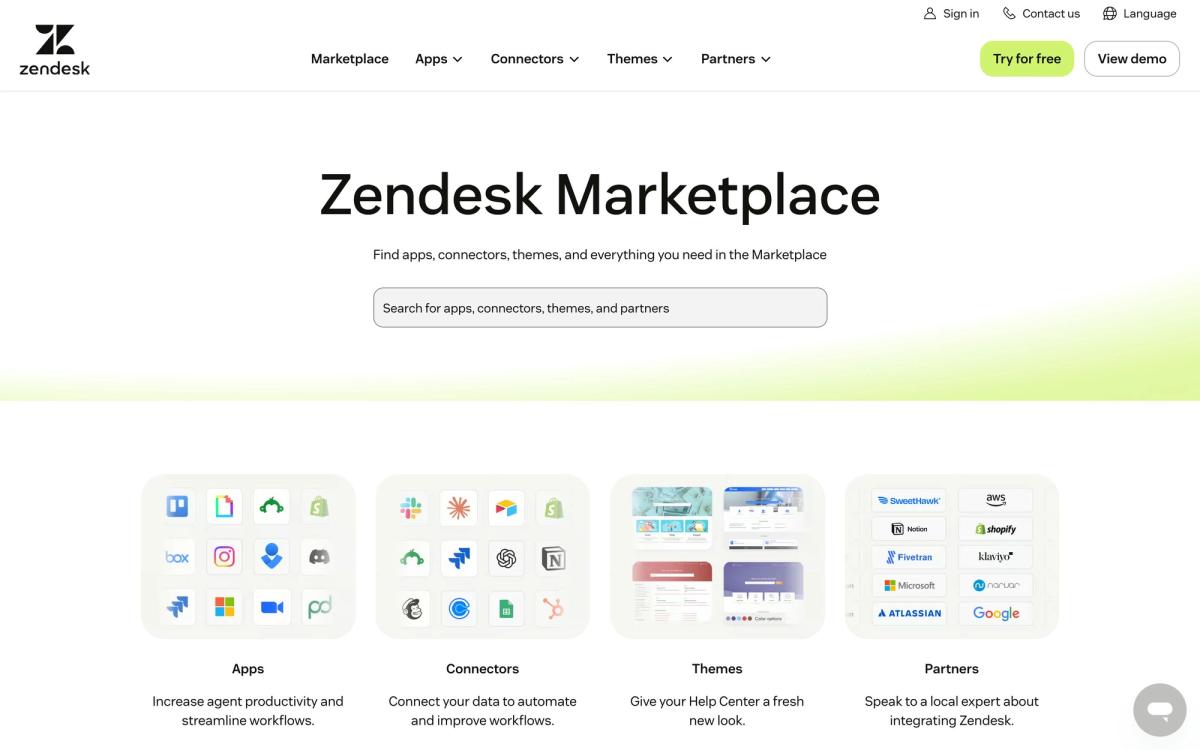
- A marketplace of more than 1,800 apps and integrations covers most stacks, including Slack, Salesforce, Shopify and Jira
- Quality assurance scoring and workforce management are available as bundles, so scheduling and conversation review stay inside the platform
Cons
- The plan price is a base, not a budget: Copilot, the workforce engagement bundle and the contact centre each add a separate per-agent charge on top of the Suite seat
- Explore, the reporting layer, is effectively a second product to learn, teams routinely need an experienced admin or a partner to build the dashboards a support manager asks for
- Enterprise pricing is quote-only, so the tier carrying the deeper governance, sandbox and role controls cannot be costed from the website
Zendesk pricing
List prices in USD per month, taken from the vendor at review time.
| Plan | Per month | What it covers |
|---|---|---|
| Support Team | $19 | per agent, billed annually; ticketing only, no full Suite channels |
| Suite Team | $55 | per agent, billed annually |
| Suite Professional | $115 | per agent, billed annually |
| Copilot add-on | $50 | per agent, billed annually, on top of a Suite or Support plan |
What Zendesk actually does
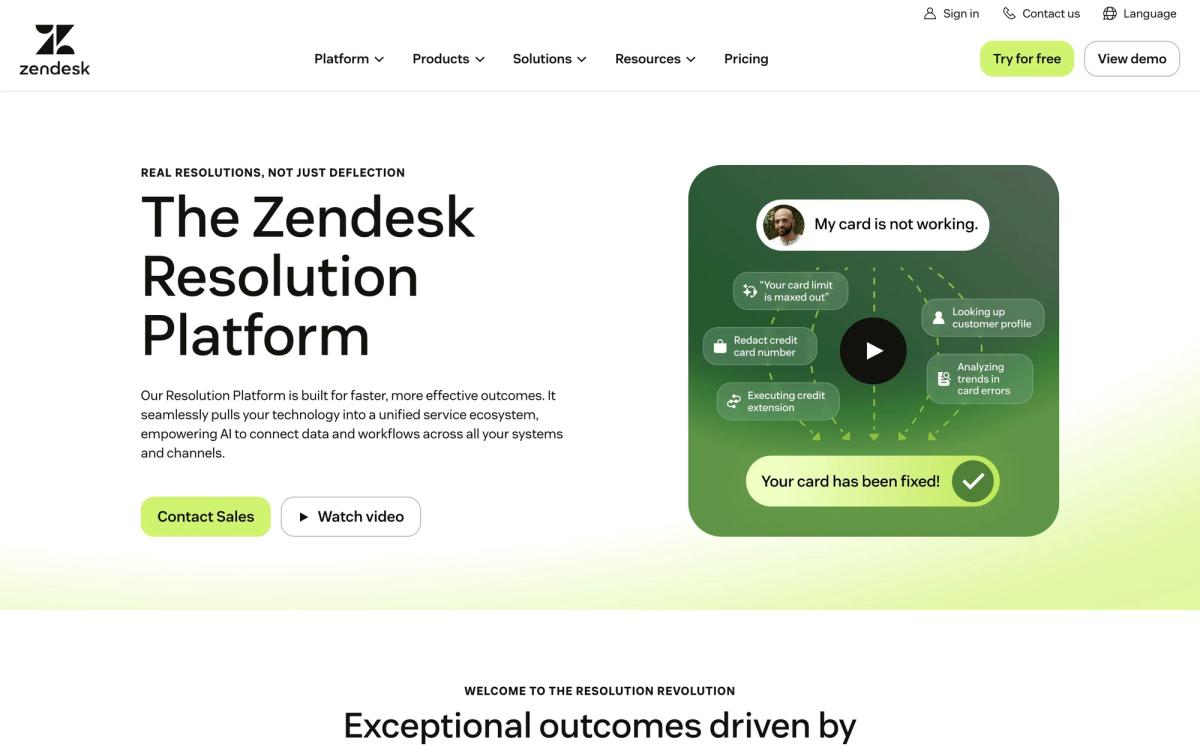
Zendesk is a customer service platform built around a ticket. Every inbound contact, an email, a web chat, a WhatsApp message, a phone call, a social mention, becomes a record in one agent workspace, attached to a customer profile that carries the previous conversations. Rules route it, service level agreements time it, macros answer the repetitive parts, and reporting counts what happened. That model is now old enough to be the industry default, which is both the product's strength and the reason it is measured against everything newer.
The current platform layers automation over that core in three distinct ways, and they are priced differently. AI agents handle whole conversations without a human and are charged on the resolutions they deliver rather than by seat. Copilot works alongside a human agent, suggesting replies and next steps, and is sold per agent as an add-on. Workforce management and quality assurance, scheduling agents, then scoring both human and AI conversations, form a further bundle. Around all of it sits a help centre, a marketplace of more than 1,800 apps, and Explore for analytics.
Key features
The core is broad, and the interesting capabilities of the last two years are automation rather than channels.
- One agent workspace covering email, messaging, live chat, voice and social channels
- AI agents that resolve routine tickets end to end, billed on outcomes rather than seats
- Copilot suggesting responses and actions inside a live conversation
- A help centre whose articles serve agents, AI and public self-service simultaneously
- Triggers, automations and macros for routing, escalation and SLA enforcement
- Explore reporting, automatic conversation quality scoring and optional workforce scheduling
Who it's for
Zendesk starts making sense at roughly ten agents, or below that if the team is answering on three or more channels. At that size the things it does well, routing rules, SLA visibility, a knowledge base that agents and automation share, reporting a manager can defend in a QBR, outweigh the administration it demands. Businesses running support and IT service desks together get further value, since the same instance covers both employee and customer queues.
It is a poor purchase for a team of two or three answering a support address. The ticket paradigm adds ceremony to conversations that are still just email, and the configuration work will not pay back. It also asks for an owner. Someone has to maintain triggers, prune macros, keep articles current and build reports; instances without that person accumulate rules nobody understands within about a year, which is the root of most complaints about the product feeling heavy.
How it compares
Freshdesk undercuts Zendesk on price and is quicker to configure, making it the reasonable choice for a mid-size team with straightforward channels, though its reporting and AI tooling are shallower. Intercom comes from the opposite direction, messaging-first, strongest for in-product support and self-serve resolution, weaker when a queue is dominated by email and voice. Help Scout stays deliberately small: better for teams that want the shared inbox to still feel like email, and clearly outmatched once routing, SLAs and workforce scheduling matter. Zendesk wins on breadth and on the maturity of its automation, and loses on cost predictability against all three.
Verdict
The product does what it claims, and for a support organisation with real volume it remains the safest choice: the channels are complete, the AI agents work on genuine deflection rather than a chatbot script, and the ecosystem covers whatever else the business runs. The caveat is the bill. Copilot, the contact centre and workforce engagement are each priced per agent on top of the plan, AI resolutions are metered, and the strongest tier is quote-only, so anyone budgeting from the published Suite price will be wrong by a wide margin. Model the add-ons before signing, and the platform justifies itself.
Ready to try Zendesk?
More service-businesses tools like Zendesk
Textline
4.1Shared inbox for business texting, with HIPAA-grade controls for support, logistics and clinic teams.
Read Textline review →respond.io
4.0Shared inbox and automation layer for WhatsApp, Instagram, Messenger and TikTok conversations across a whole team.
Read respond.io review →Nextiva
3.9Cloud phone system that extends into a contact centre with shared inboxes, chat and AI call handling.
Read Nextiva review →Ruby
3.8Live virtual receptionists and managed website chat answering for small businesses around the clock.
Read Ruby review →SupportBee
3.5Email-first ticketing with a shared inbox, knowledge base and customer portal for small support teams.
Read SupportBee review →Tradify
4.6Job management app for tradespeople covering quoting, scheduling, invoicing and payments in one place.
Read Tradify review →