
Textline review
Shared inbox for business texting, with HIPAA-grade controls for support, logistics and clinic teams.
The safest business texting platform for teams handling regulated or sensitive conversations, though the agent minimums and unpublished plan prices make it hard to size for a small front desk.
Pros
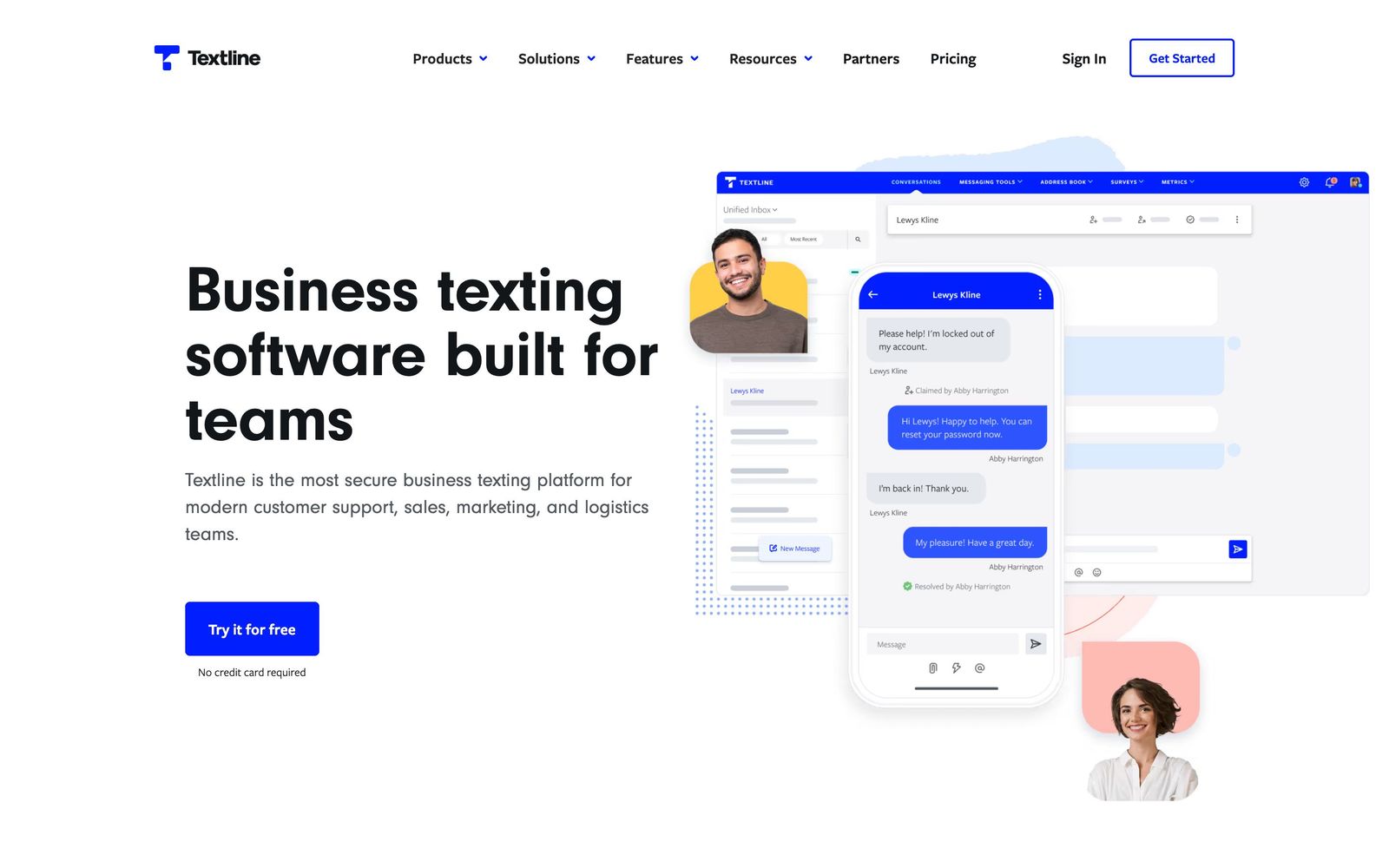
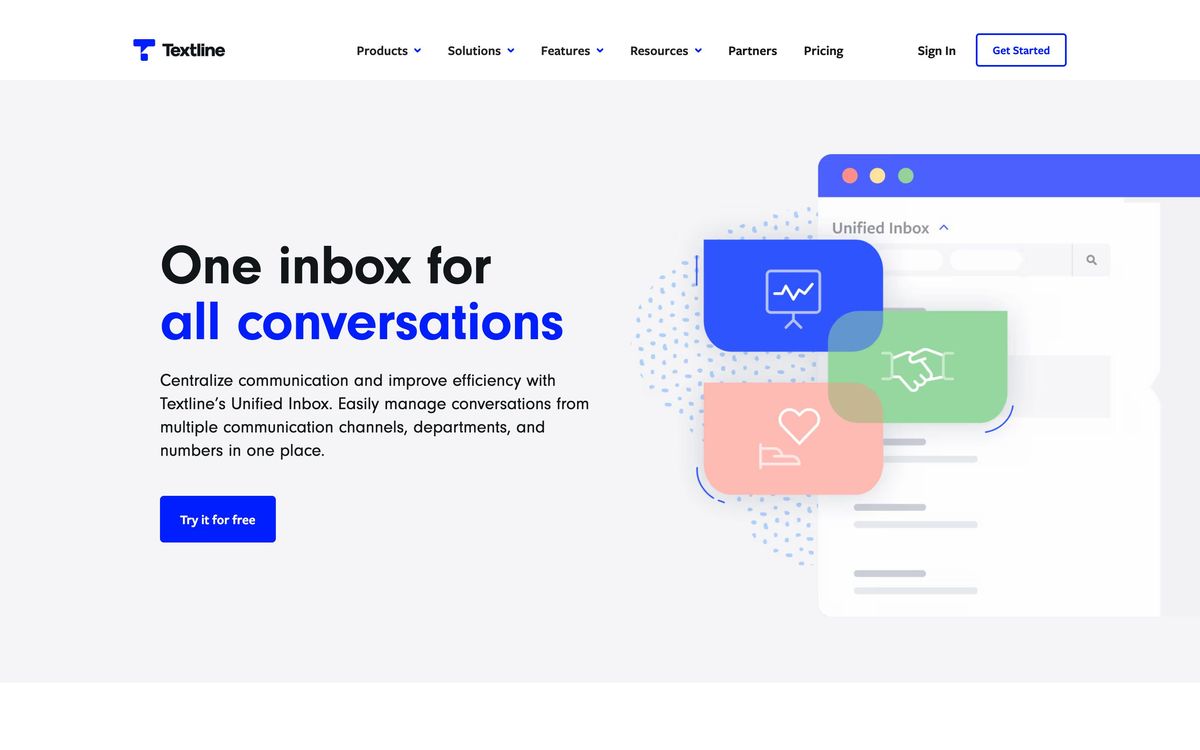
- One shared inbox holds SMS, MMS, webchat, Facebook and Instagram threads, so a customer conversation stays in one place
- HIPAA compatibility, SOC 2, TCPA and CTIA compliance are available on every plan rather than reserved for enterprise buyers
- Whispers and private notes let a colleague help mid-conversation without the customer seeing the exchange
- Automations route by keyword, time or date, and scheduled messages cover after-hours replies
- Announcements handle mass texting to a segment, and SMS surveys collect CSAT or NPS in the same thread
Cons
- Plan prices are no longer published, so a buyer cannot compare cost without a sales conversation
- Seats are sold in blocks with minimums on each tier, which means a three-person front desk still pays for the block
- Messaging is metered in credits, and MMS consumes three credits per message, so photo-heavy support gets expensive quietly
What Textline actually does
Textline gives a business a phone number that a whole team can text from. Messages land in a shared inbox rather than on one person's mobile, conversations can be assigned or routed, and colleagues can leave private notes or whispers on a thread without the customer seeing them. Alongside SMS and MMS the same inbox carries webchat from the company website and messages from Facebook and Instagram, so a support agent works one queue instead of four apps.
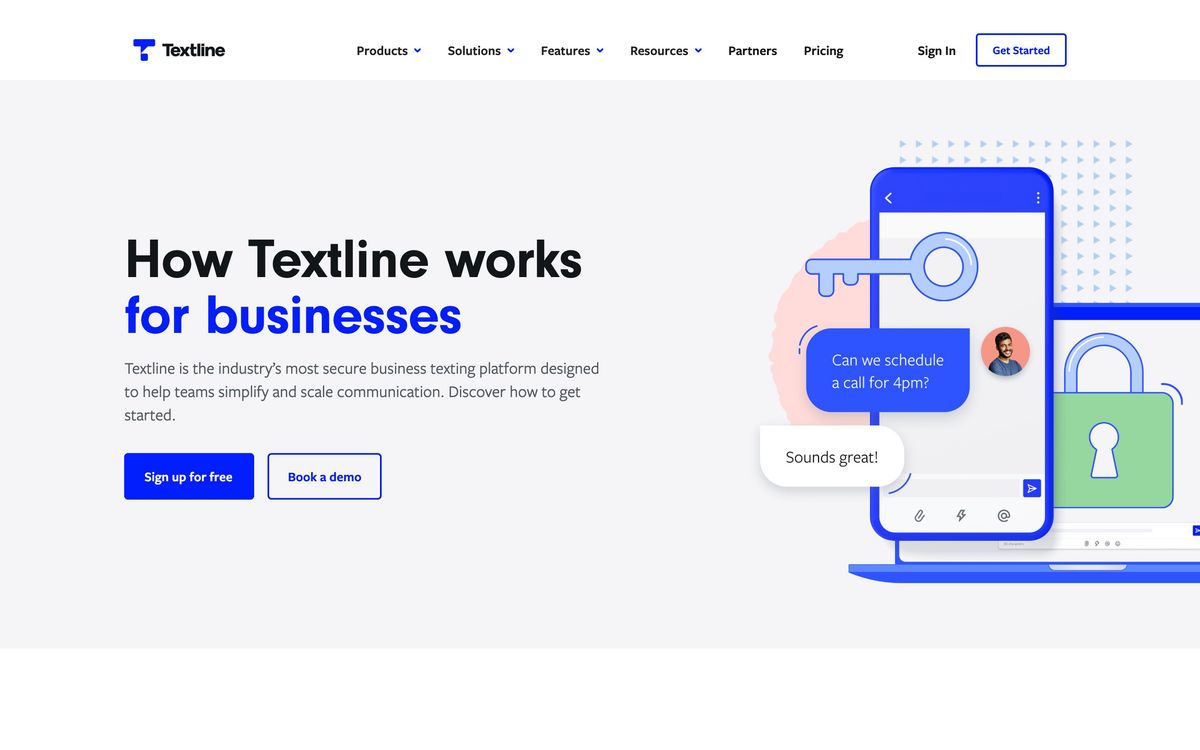
The distinguishing choice is compliance. Textline is built for teams whose messages carry consequences: clinics confirming appointments, pharmacies chasing prescriptions, logistics dispatchers coordinating drivers, financial services teams answering account questions. The platform supports HIPAA-compatible workflows, holds SOC 2 certification, and handles TCPA obligations, Campaign Registry requirements and CTIA rules that govern business texting in the United States. Multi-factor authentication and configurable conversation retention are part of the same posture. Around that core sit the everyday tools: automations, scheduled sends, templates called Shortcuts, mass announcements and text surveys.
Key features
Most of the product exists to keep a busy queue moving without losing the record of what was said.
- Shared inbox unifying SMS, MMS, webchat, Facebook and Instagram with assignment and routing rules
- Automations that fire on keyword, time or date, including after-hours auto-replies
- Announcements for texting a whole segment at once, with opt-out handling built in
- Shortcuts, saved templates that keep repeated answers consistent between agents
- Surveys for CSAT, NPS or custom questions delivered inside the message thread
- Integrations with Salesforce, HubSpot, Zendesk, Slack, Freshdesk, Pipedrive, Aircall and Zapier, plus an API and webhooks
Who it's for
Textline is a strong fit for a team of roughly five to fifty people that already texts customers informally and needs to make that practice defensible: a multi-site clinic group, a home services dispatcher, a logistics coordinator sending driver updates, a support desk that finds email too slow. The compliance features are the reason to choose it over a general messaging tool, and they are available across the tiers rather than gated behind an enterprise contract.
It is less suitable for a marketing team whose main goal is promotional volume, where Klaviyo or Attentive tie texting to the commerce data that makes campaigns work. It also fits awkwardly around very small operations. Seats come in blocks with a minimum on each plan, so a two-person front desk pays for capacity it will not use, and the credit-metered message allowance rewards predictable volume over spiky seasonal bursts.
How it compares
Podium bundles texting with reviews and payments and suits local businesses that want one system for reputation and messaging, though it costs more and is weaker on compliance depth. SimpleTexting is cheaper and better suited to marketing broadcasts, but its shared inbox and team collaboration tools are thinner. Front is the better product for teams whose main channel is still email with texting as a secondary lane, while Textline is the opposite: text first, with email nowhere in the picture. For a healthcare or logistics team, Textline's certifications are the argument that ends the comparison.
Verdict
Textline does a narrow job carefully. The shared inbox is well organised, the automations save real time on repetitive replies, and the compliance work is genuine rather than a marketing page, which matters enormously if patient or financial information ever travels by text. The caveats are commercial. Plan prices are no longer published, seats are sold in blocks with tier minimums, and messages draw on a monthly credit allowance where a photo costs several times what a text costs. Teams with steady volume and a compliance requirement will find it worth the process of getting a quote. Small teams texting occasionally should look at something metered more forgivingly.
Ready to try Textline?
More service-businesses tools like Textline
Aircall
4.1Cloud phone system with a shared call inbox and automatic CRM logging, for support and inside-sales teams.
Read Aircall review →respond.io
4.0Shared inbox and automation layer for WhatsApp, Instagram, Messenger and TikTok conversations across a whole team.
Read respond.io review →Nextiva
3.9Cloud phone system that extends into a contact centre with shared inboxes, chat and AI call handling.
Read Nextiva review →Ruby
3.8Live virtual receptionists and managed website chat answering for small businesses around the clock.
Read Ruby review →800.com
3.7Toll-free, local and vanity business numbers with call forwarding, texting and call tracking in one account.
Read 800.com review →SupportBee
3.5Email-first ticketing with a shared inbox, knowledge base and customer portal for small support teams.
Read SupportBee review →