
Aircall review
Cloud phone system with a shared call inbox and automatic CRM logging, for support and inside-sales teams.
Best when the phone has to be an extension of the CRM rather than a separate system, though the annual term hidden behind monthly invoices deserves a careful read.
Pros
- Call logging into Salesforce, HubSpot and Zendesk is automatic and carries the recording and notes with it
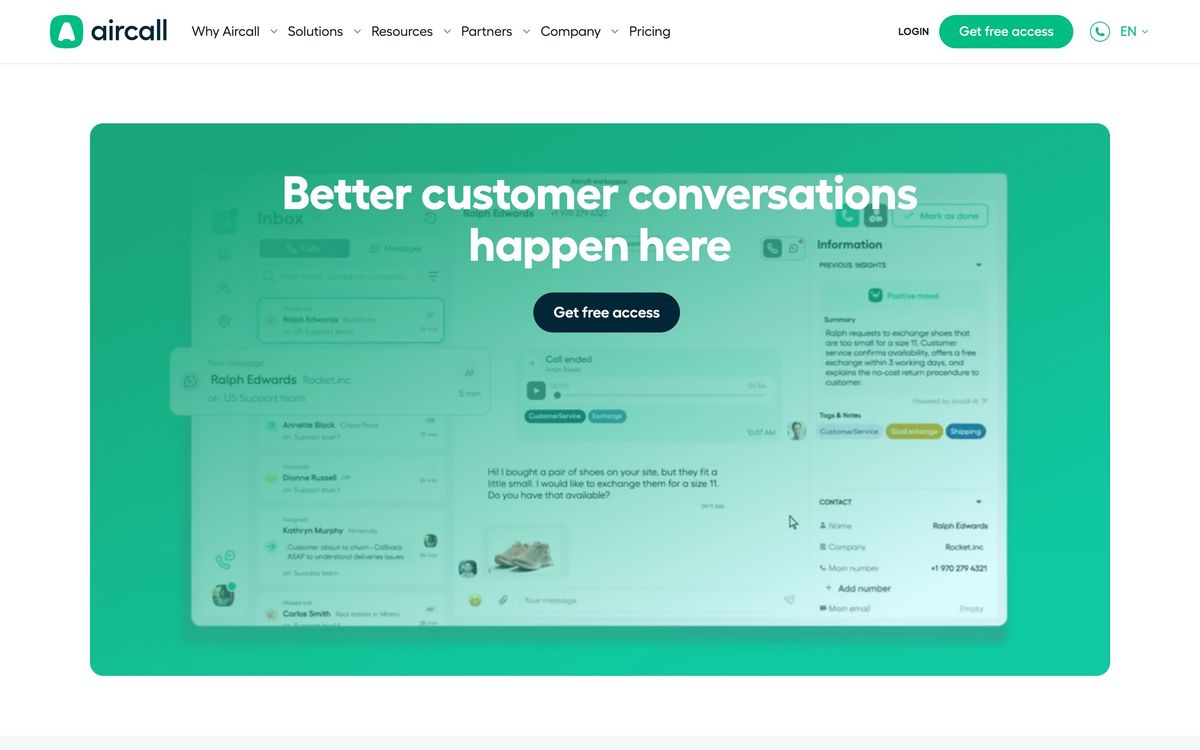
- The shared inbox model lets a team assign, tag and comment on calls the way it handles tickets
- Around 250 integrations, most of them vendor-maintained rather than community projects
- Numbers, IVR menus and routing rules can be configured by an office manager without telecom knowledge
- Transcription and sentiment scoring are good enough for coaching without exporting anything
Cons
- A hard three-seat minimum locks out solo operators and two-person teams
- Monthly invoicing masks an annual commitment, and billing and cancellation are the most consistent complaints across review sites
- AI voice and messaging agents are metered add-ons, so heavy automation lands outside the seat price
Aircall pricing
List prices in USD per month, taken from the vendor at review time.
| Plan | Per month | What it covers |
|---|---|---|
| Essentials | $30 | per user, billed annually, three-user minimum |
| Professional | $50 | per user, billed annually, three-user minimum |
What Aircall actually does
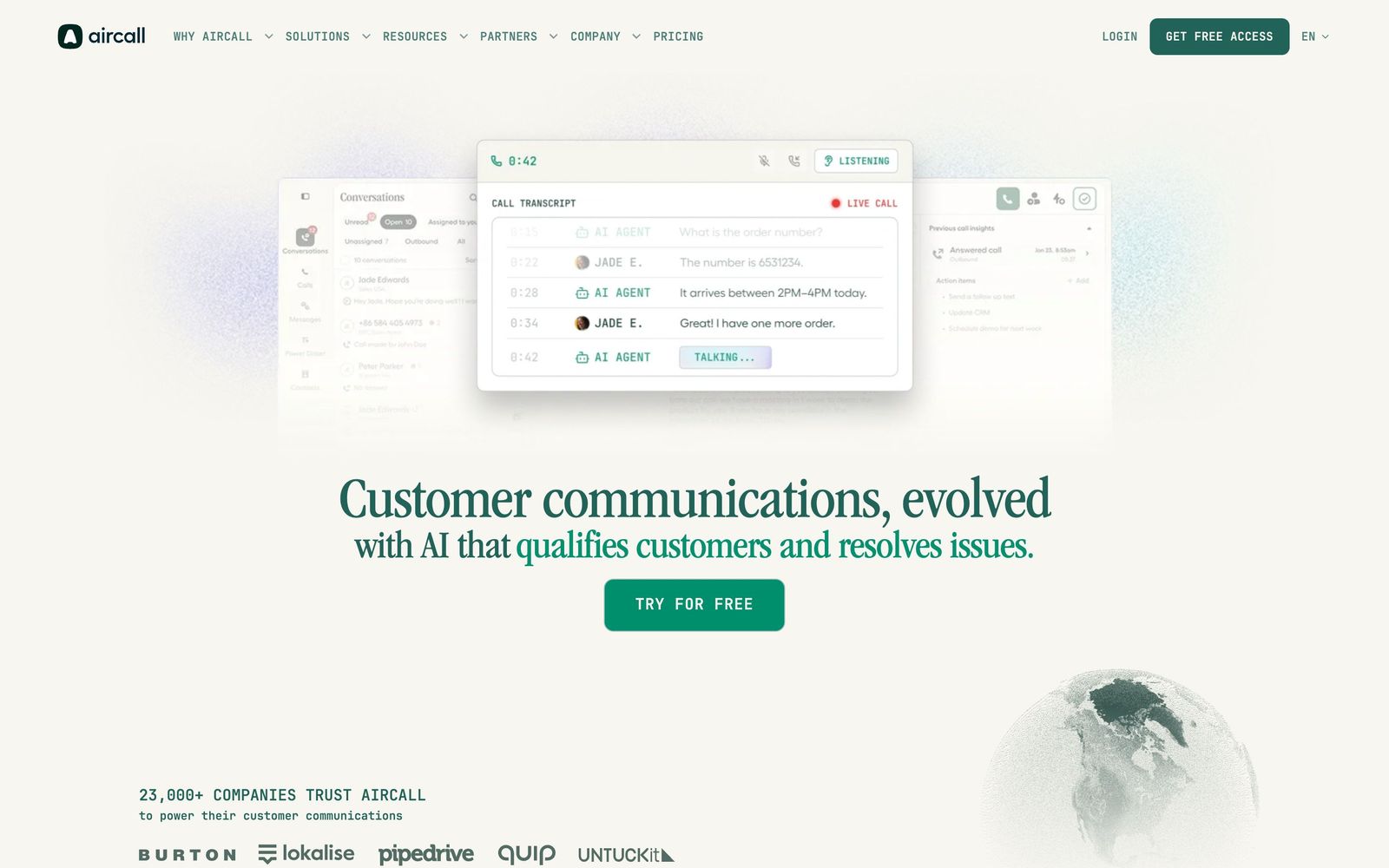
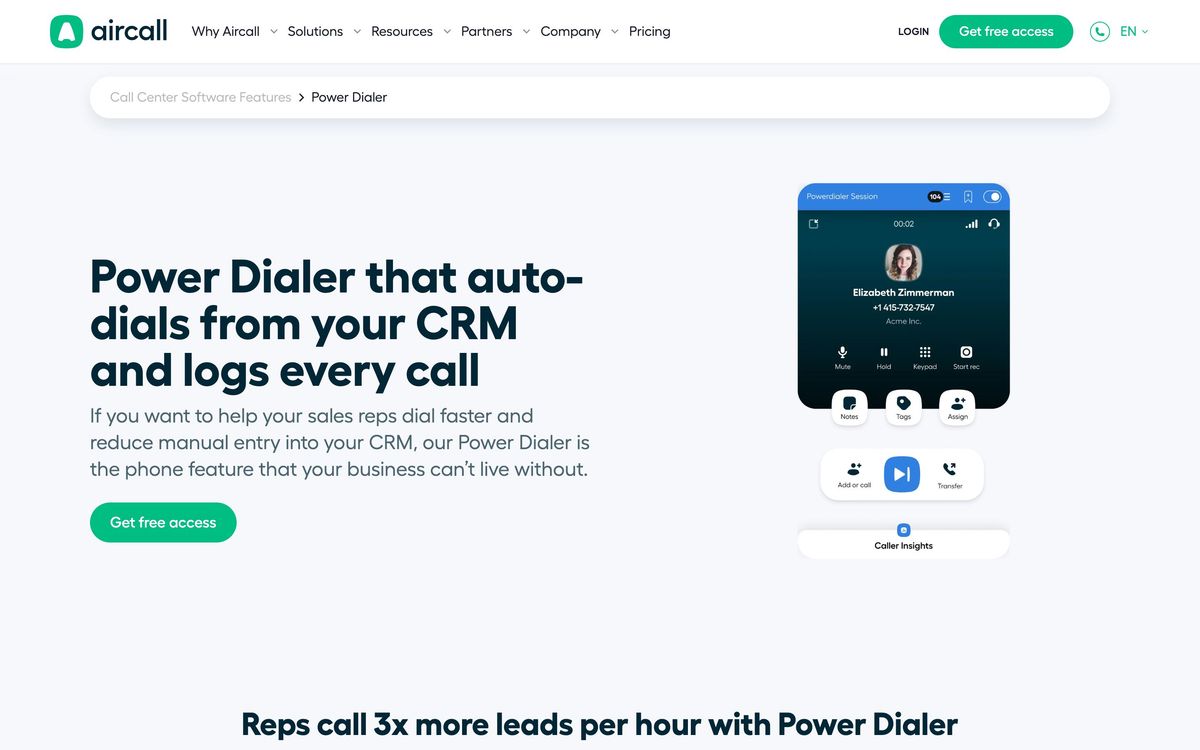
Aircall is a cloud phone system that runs in a browser tab and in desktop and mobile apps, with no PBX hardware behind it. An administrator buys numbers, assigns them to teams and builds the routing: an IVR menu, business hours, ring groups, voicemail. Inbound calls land in a shared inbox that behaves more like a support queue than a phone line, with assignment, tagging and internal comments on each conversation. Outbound calls go out from the same interface, and on the mid tier a Power Dialer works through a list of numbers without manual dialling.
The part that decides the purchase is the integration layer. Aircall maintains roughly 250 connectors, and the Salesforce, HubSpot, Zendesk and Pipedrive ones are deep rather than decorative: the caller is matched to a record, the call and its recording are logged automatically, and follow-up tasks can be created from the call card. On top of that sits an AI layer that transcribes calls, scores sentiment, writes summaries and suggests replies mid-conversation. Aircall has also added autonomous voice and messaging agents that handle routine inbound requests and escalate with the transcript attached; those are metered add-ons rather than part of the seat price.
Key features
The list below covers what most teams end up using day to day.
- Shared call inbox with assignment, tagging and internal comments on individual conversations
- IVR menus, business-hours rules and skill-based smart routing, the last of these on the mid tier
- Power Dialer that works through CRM-sourced call lists, plus SMS and MMS from the same numbers
- Call recording with transcription and sentiment analysis attached to the contact record
- Roughly 250 integrations, including a Salesforce CTI, HubSpot, Zendesk, Shopify and Bullhorn
- AI voice and messaging agents with a small free monthly allowance, then metered bundles
Who it's for
Aircall suits support and inside-sales teams of roughly three to fifty people whose work already lives in a CRM or help desk, and who care more about call context than about telephony features. A support lead who wants call notes to appear beside the ticket, or a sales manager who wants recordings on the opportunity, gets that on the first afternoon with no engineering time. The analytics are sufficient to spot queue problems and coaching gaps without exporting data anywhere.
It is the wrong purchase for two groups. Solo operators and pairs are shut out by the three-seat minimum, which makes the real entry price triple the advertised per-seat figure. Larger contact centres will find the workforce management, quality scoring and forecasting thin next to a dedicated contact-centre platform, and high-volume outbound teams can buy more dialling capacity elsewhere for less.
How it compares
RingCentral bundles meetings, messaging and phone into one licence and works out cheaper per seat at scale, but its CRM integrations feel bolted on and its admin console is heavier to learn. Dialpad has stronger native AI, with transcription and live assist included rather than metered, though its integration catalogue is shorter and its support tooling weaker. JustCall and CloudTalk undercut Aircall and lead on outbound dialling, which makes them reasonable when cost per dial matters more than CRM fidelity. Aircall's edge is the breadth and depth of the integrations, not the calling itself.
Verdict
Aircall is the safest choice when the phone has to be an extension of the CRM, and the shared-inbox model genuinely suits teams that treat calls as work items rather than interruptions. Voice quality is dependable, setup takes an afternoon, and the AI features are useful without being mandatory. The caveat is commercial rather than technical: monthly invoicing does not mean a monthly contract, auto-renewal is aggressive, and billing and cancellation draw the most consistent complaints across review sites. Read the term and the notice period before signing, and budget the AI add-ons separately from seats.
Ready to try Aircall?
More service-businesses tools like Aircall
Nextiva
3.9Cloud phone system that extends into a contact centre with shared inboxes, chat and AI call handling.
Read Nextiva review →Ruby
3.8Live virtual receptionists and managed website chat answering for small businesses around the clock.
Read Ruby review →KrispCall
4.2AI cloud phone: numbers from 100+ countries, unified callbox, AI Copilot, 100+ CRM integrations.
Read KrispCall review →Quo
4.2Shared business phone system for calls and texts, with an AI agent that answers when nobody can.
Read Quo review →Zendesk
4.2Omnichannel support platform: ticketing, messaging, voice, help centre and AI agents in one agent workspace.
Read Zendesk review →Textline
4.1Shared inbox for business texting, with HIPAA-grade controls for support, logistics and clinic teams.
Read Textline review →