
Help Scout review
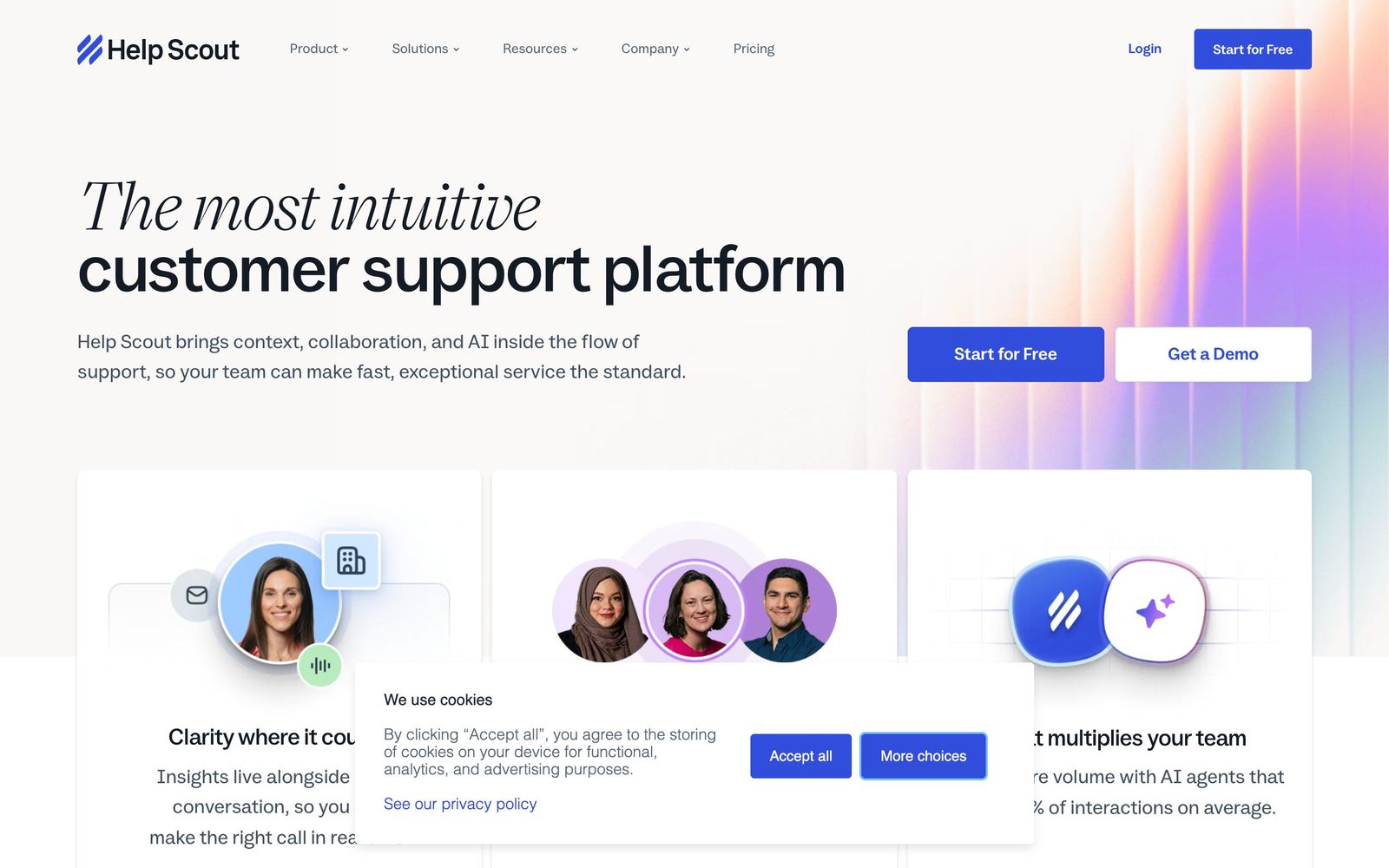
Shared inbox and help desk built for small support teams who want email to stay email.
Best for small teams that want a help desk without the ticket-number feel, though reporting is thinner than Zendesk's and there is no voice channel.
Pros
- Replies arrive as ordinary email with no ticket number or customer portal, which keeps conversations feeling like conversations
- The Docs knowledge base and the Beacon widget are included rather than sold as separate products
- Email, live chat, SMS, WhatsApp, Instagram and Messenger land in the same queue from the entry paid plan
- Setup is genuinely quick; small teams are usually live in a day without an implementation partner
- The free plan covers five users and one inbox, which is enough to run a small team's support properly
Cons
- No native voice channel, so phone support requires a separate system and a separate record of the conversation
- Reporting is pre-built with no custom or real-time reports, and thread-based counting can flatter resolution figures
- Inboxes are metered per plan and each additional inbox carries its own monthly charge, which adds up for teams that segment by brand or product
Help Scout pricing
List prices in USD per month, taken from the vendor at review time.
| Plan | Per month | What it covers |
|---|---|---|
| Free | Free | 5 users, 1 inbox, 1 docs site, 100 contacts a month |
| Standard | $25 | per user, up to 25 users, 2 inboxes, basic workflows |
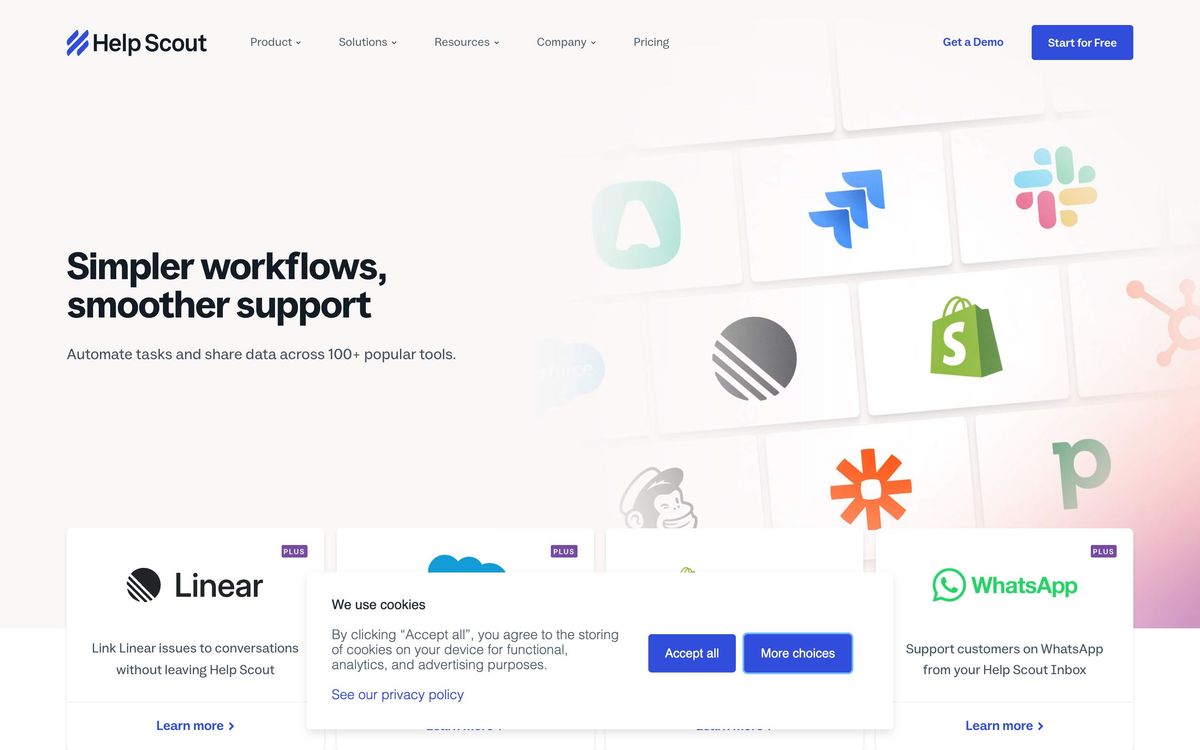
| Plus | $45 | per user, up to 50 users, 5 inboxes, advanced workflows and Salesforce, Jira and HubSpot |
| Pro | $75 | per user, 10 user minimum, 10 inboxes, SSO and HIPAA support |
What Help Scout actually does
Help Scout is a shared inbox with a help desk underneath it. Support email arrives in a queue the whole team can see, with collision detection so two people do not answer the same message, saved replies, tags, internal notes and assignment. The distinguishing decision is what the customer sees: nothing. No ticket number, no reference code, no portal login, no automated acknowledgement telling them their case has been received. The reply lands in their inbox looking like a message from a person, which is the entire premise of the product.
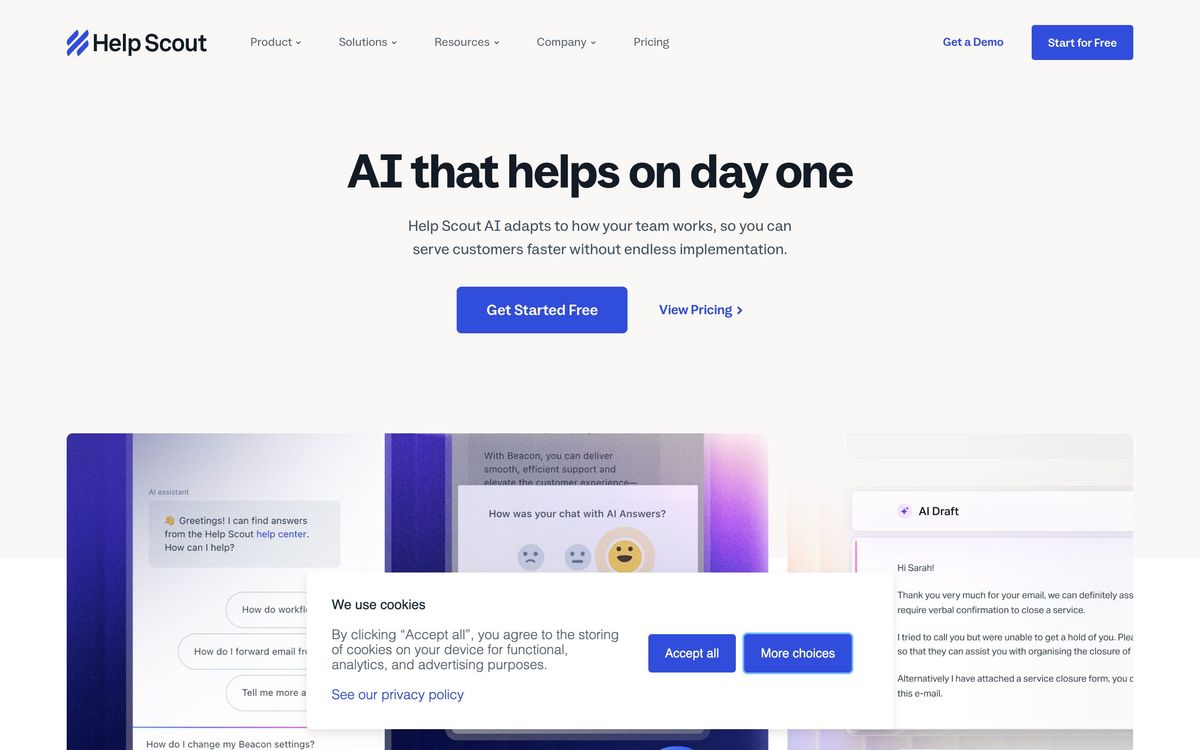
Around the inbox sit three other pieces. Docs is a knowledge base that publishes a customer-facing help centre, and larger plans allow several of them. Beacon is an embeddable widget that puts search, AI answers, live chat and a customer's own conversation history into a corner of the product or website. And a layer of AI features works inside the inbox, drafting replies from previous answers, summarising long threads and translating messages. Chat, SMS, WhatsApp, Instagram and Messenger feed into the same queue, so a conversation that starts on social does not live somewhere else. Workflows, SLA policies and routing rules scale up across the tiers.
Key features
The parts a support lead will use every day:
- Shared inbox with collision detection, saved replies, tags and private notes
- Docs knowledge base with a customer-facing help centre and article analytics
- Beacon widget combining search, AI answers, live chat and conversation history
- AI drafts, thread recaps and translation written into the reply editor
- Workflows, SLA policies and round-robin assignment on the higher plans
- Proactive in-app messages, surveys and NPS requests
Who it's for
Help Scout suits a support team of roughly two to twenty-five people at a company where the relationship with the customer is personal: a subscription product, an agency, a clinic, a store with repeat buyers. It rewards teams that would rather write a good reply than close a ticket quickly, and it is fast to adopt because it behaves like the email client everyone already knows. A small team can be running on it in an afternoon.
It gets uncomfortable in two directions. High-volume ecommerce teams that need deep automation, order-level context and detailed channel analytics will find the reporting shallow and the automation limited. And any team where the phone is a primary channel will have to run a second system, because Help Scout has no native voice, which means call history lives outside the customer record.
How it compares
Zendesk is the incumbent and wins on breadth: voice, custom and real-time reporting, a large app marketplace and enterprise administration. It costs more in both money and setup time, and it makes every interaction feel like a ticket. Front is closer in spirit and better at shared internal collaboration and multi-channel management, with a higher price and a busier interface. Gorgias beats both for Shopify stores specifically, because order data and refunds sit inside the conversation. Help Scout's argument against all three is that a small team gets ninety per cent of the function with none of the administrative weight.
Verdict
Help Scout is the right default for a small support team that cares how its replies read, and the combination of inbox, knowledge base and widget in one subscription removes two other purchases. The rating reflects real limits rather than a soft product: reporting is pre-built and cannot answer a question the vendor did not anticipate, thread-based counting makes resolution metrics look better than they are, there is no voice channel, and inboxes are metered so a multi-brand team pays extra to stay organised. Teams that will outgrow twenty-five agents or need custom analytics should look at Zendesk or Front before committing.
Ready to try Help Scout?
There's a free tier, so you can test it before committing.
More service-businesses tools like Help Scout
SupportBee
3.5Email-first ticketing with a shared inbox, knowledge base and customer portal for small support teams.
Read SupportBee review →Textline
4.1Shared inbox for business texting, with HIPAA-grade controls for support, logistics and clinic teams.
Read Textline review →respond.io
4.0Shared inbox and automation layer for WhatsApp, Instagram, Messenger and TikTok conversations across a whole team.
Read respond.io review →Nextiva
3.9Cloud phone system that extends into a contact centre with shared inboxes, chat and AI call handling.
Read Nextiva review →Ruby
3.8Live virtual receptionists and managed website chat answering for small businesses around the clock.
Read Ruby review →Tradify
4.6Job management app for tradespeople covering quoting, scheduling, invoicing and payments in one place.
Read Tradify review →