
Planday review
Shift scheduling, clock-in and payroll-ready timesheets for hospitality, retail and care teams.
A mature rota and timesheet system for shift businesses with real payroll and POS connections, though the standard annual contract makes it a slow mistake to unwind.
Pros
- Schedule, clock-in, absence and staff cost reporting live in one system, so hours flow to payroll without a spreadsheet in the middle
- Payroll connections cover Xero, QuickBooks Online, ADP, Paychex and Sage 50, which is unusually wide for a scheduling tool
- POS integrations with Square, Lightspeed, Clover and Zettle let managers schedule against forecast revenue rather than guesswork
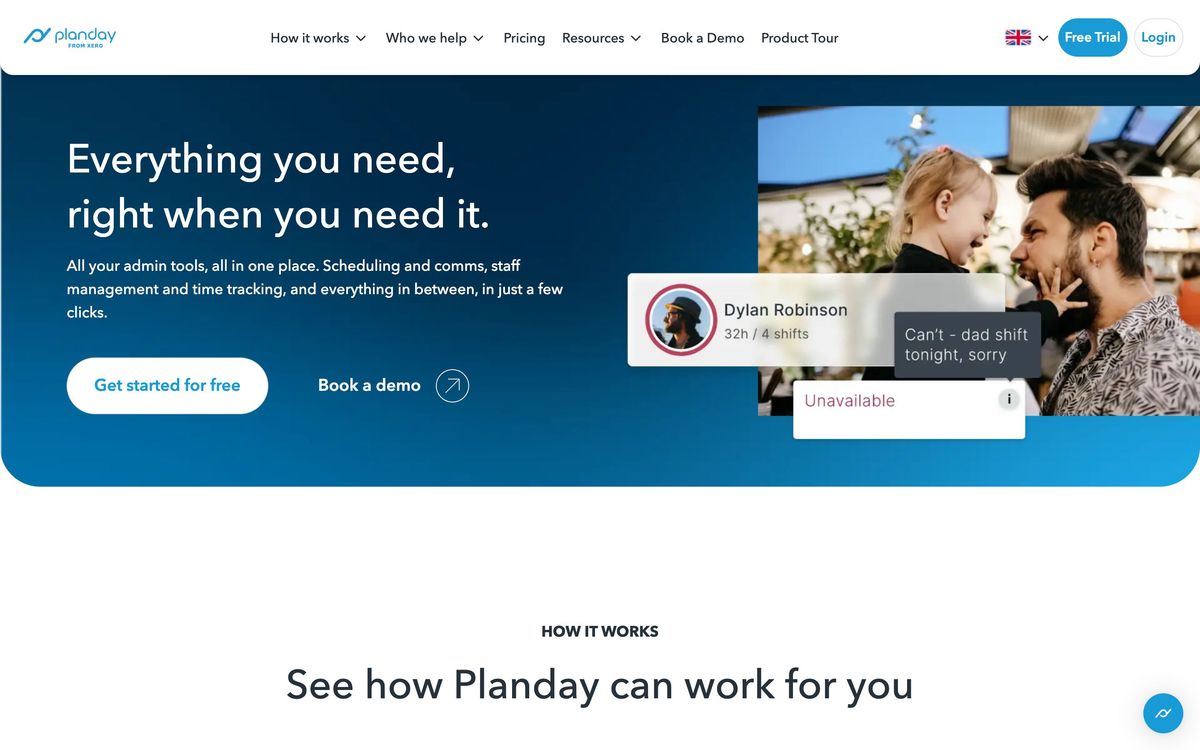
- Employees get shift swaps, availability and leave requests in the mobile app, which removes most of the manager's message traffic
- Compliance rules, TOIL and overtime policies are configurable per country, so European and US labour rules are both handled
Cons
- Reviewers repeatedly report the mobile app taking tens of seconds to load, which matters when staff check rotas on a phone
- Contracts typically run twelve months and users describe cancellation as awkward, so a trial is the only cheap way out
- The pricing page shows tier names but no per-user figures for most regions, so a real quote requires a sales conversation
Planday pricing
List prices in USD per month, taken from the vendor at review time.
| Plan | Per month | What it covers |
|---|---|---|
| Starter | $2.99 | per user/month, five-user minimum; regional pricing varies |
| Plus | $4.49 | per user/month, ten-user minimum, plus a monthly platform fee |
What Planday actually does
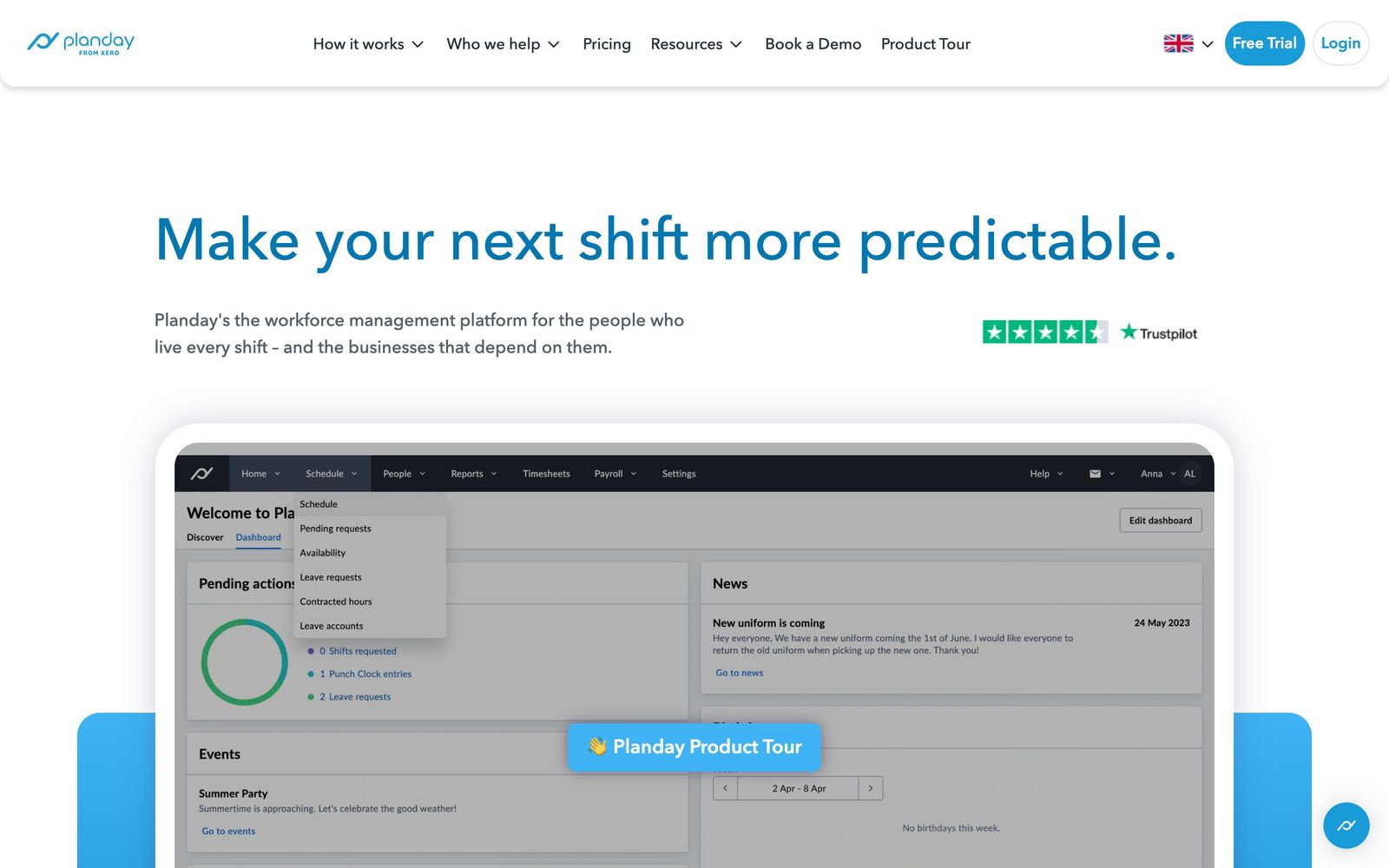
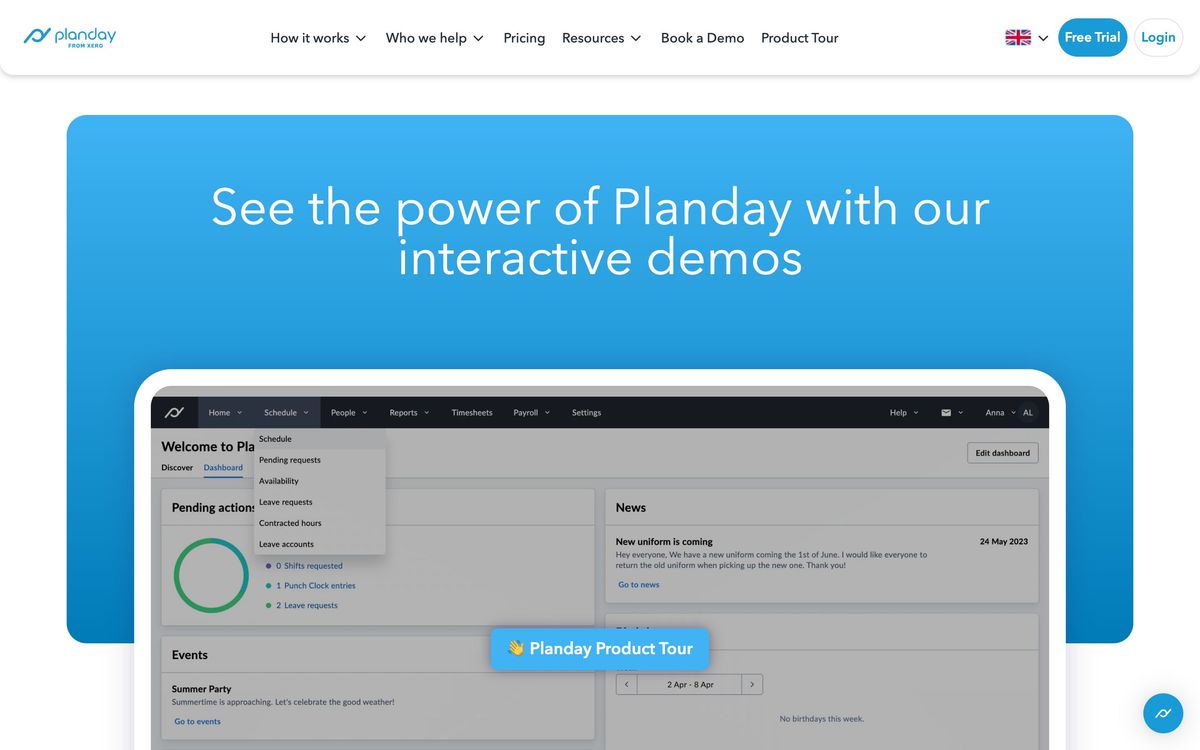
Planday is workforce management for businesses that run on shifts. The centre of it is the rota: managers build a schedule from templates or from staff availability, publish it, and let the app handle the swaps, no-shows and last-minute cover requests that follow. Around that sit the pieces that make a rota useful downstream, namely mobile clock-in, timesheets, absence and holiday tracking, and reports that translate hours into staff cost. Now owned by Xero, it has been sold into hospitality, retail, care homes, hotels, leisure and fitness for well over a decade.
What separates it from the many lightweight rota apps is the plumbing on either side. On the payroll side it connects to Xero, QuickBooks Online, ADP, Paychex, Sage 50, TriNet and several European systems, so approved hours become a pay run rather than a re-typed spreadsheet. On the revenue side it connects to point-of-sale systems including Square, Lightspeed, Clover, Zettle and Mews, which lets a manager compare planned labour cost against forecast takings before publishing the week rather than discovering the overspend afterwards. Delivery is browser plus native mobile apps, with a thirty-day trial and no card required.
Key features
The product is narrow by design and the feature list reflects a decade of shift-work edge cases.
- Rota building from templates, staff availability and AI-assisted shift suggestions, with published schedules pushed to phones
- Mobile clock in and out, timesheet approval and overtime tracking that feed payroll reports directly
- Absence, holiday and leave-balance management, including time off in lieu and configurable overtime policies
- Staff cost and revenue forecasting reports, broken down by site, department and period
- Shift swaps and cover requests handled between employees, with manager approval rather than manager coordination
- In-app messaging, SMS and a newsfeed, plus employee document storage and basic HRIS records
Who it's for
The fit is a business with somewhere between a dozen and a few hundred hourly staff, one to several sites, and a payroll deadline that currently costs somebody a day of copying hours. Restaurants, cafes, shops, gyms, hotels and care homes are the recognisable buyers, and the labour-cost reporting is genuinely useful when margin lives or dies on rota discipline. Multi-site operators get the most out of it, because that is where manual scheduling breaks down first.
It is not the right tool for salaried teams with fixed hours, for project-based work where people are assigned to jobs rather than shifts, or for a field service business that needs dispatch, job costing and customer records. Very small teams will also feel the minimum seat counts and the annual commitment more than the product benefit; a five-person cafe can run a rota in a group chat and lose nothing.
How it compares
Deputy is the closest rival and matches Planday on scheduling and time clock while going further on demand forecasting and North American compliance, at a higher per-user rate. Connecteam undercuts both on price and bundles training, checklists and internal comms, which suits deskless teams that want one app for everything but leaves its scheduling shallower. 7shifts is sharper for restaurants specifically, with tip pooling and sales-per-labour-hour built in, and correspondingly less useful outside food service. Planday's advantage over all three is the breadth of European payroll and POS connections and the Xero relationship; its disadvantage is the contract.
Verdict
This is a solid, unfashionable system that does the shift-management job properly and hands clean hours to payroll at the end of it, which is most of the value a scheduling tool can deliver. The reporting is good enough to change how a manager staffs a quiet Tuesday. The reservations are practical rather than functional: reviewers keep flagging a sluggish mobile app, the pricing page hides real numbers behind regional variation, and the standard annual term means a bad fit is a year-long one. Trial it properly, on phones, during a busy week, before signing.
Ready to try Planday?
More service-businesses tools like Planday
Atto
3.6Mobile time clock with GPS, automated timesheets and shift scheduling for hourly and field-based crews.
Read Atto review →Tradify
4.6Job management app for tradespeople covering quoting, scheduling, invoicing and payments in one place.
Read Tradify review →Weave
4.5All-in-one phone, texting, scheduling and payments platform for dental, vet and optometry practices.
Read Weave review →Jane
4.4Practice management and EMR for allied health clinics: booking, charting, billing and payments in one record.
Read Jane review →Synthflow AI
4.4No-code voice AI agents for inbound and outbound calls: booking, lead qualification and support, 24/7.
Read Synthflow AI review →Bókun
4.3Booking system and OTA channel manager for tour, activity and rental operators, owned by Tripadvisor.
Read Bókun review →