
Connecteam review
Mobile app for deskless teams: shift scheduling, GPS time clock, checklists, chat and training.
The best-value app for managing shift workers from a phone, though buying more than one of its three hubs turns a cheap subscription into three of them.
Pros
- Teams of up to ten people get every hub and feature at no cost, which is unusually generous for this category
- GPS-verified clock in and out with geofencing and automatic clock-out reduces the timesheet arguments that dominate shift work
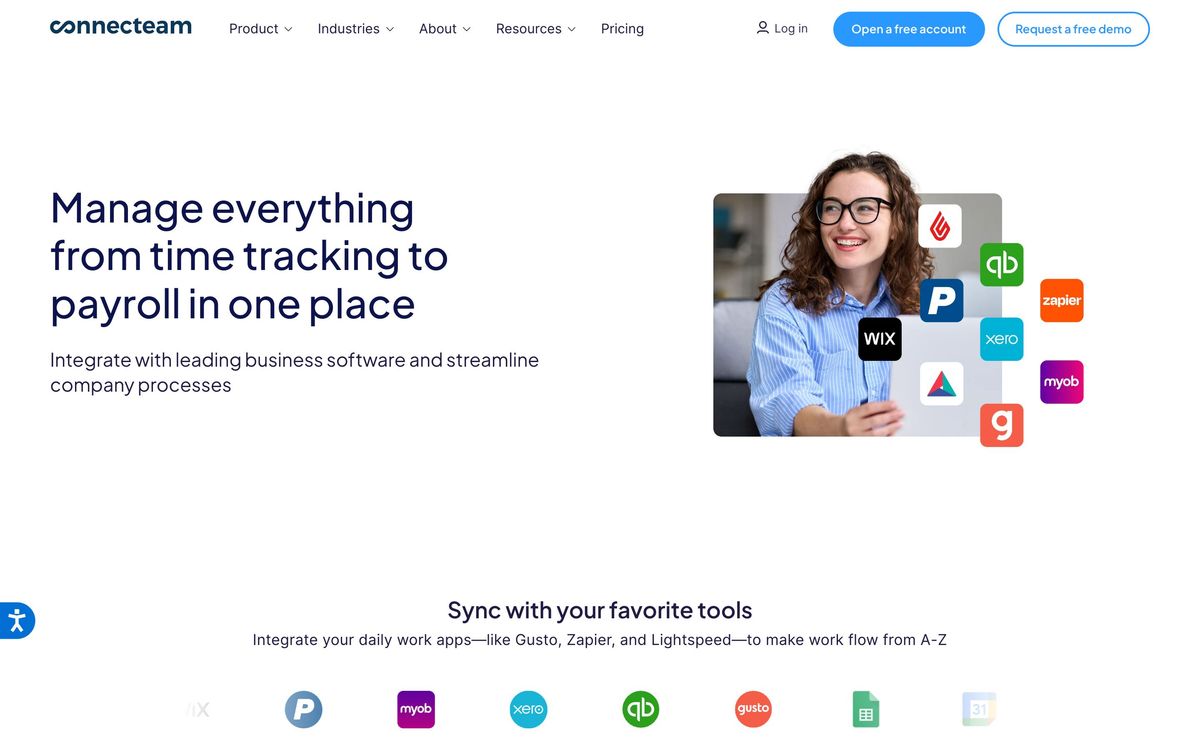
- Timesheets export to Gusto, Paychex Flex, QuickBooks, Xero or ADP rather than being retyped
- Forms, checklists and task management sit in the same app as the schedule, so job steps and proof of completion stay together
- Chat, company updates, a knowledge base and training courses cover the communication side without a second app
Cons
- The product is split into three separately priced hubs, so a company needing scheduling, chat and HR pays three subscriptions
- Paid tiers are sold in a block covering the first thirty users, so an eleven-person team pays the same as a thirty-person one
- Reporting is the weakest area: filtering before export is limited, and teams wanting deep analysis end up working in a spreadsheet
Connecteam pricing
List prices in USD per month, taken from the vendor at review time.
| Plan | Per month | What it covers |
|---|---|---|
| Small Business | Free | free for life for up to 10 users, all hubs included |
| Basic | $29 | per hub, billed yearly, covers first 30 users; $35 month-to-month |
| Advanced | $49 | per hub, billed yearly, covers first 30 users; $59 month-to-month |
| Expert | $99 | per hub, billed yearly, covers first 30 users, adds API access; $119 month-to-month |
What Connecteam actually does
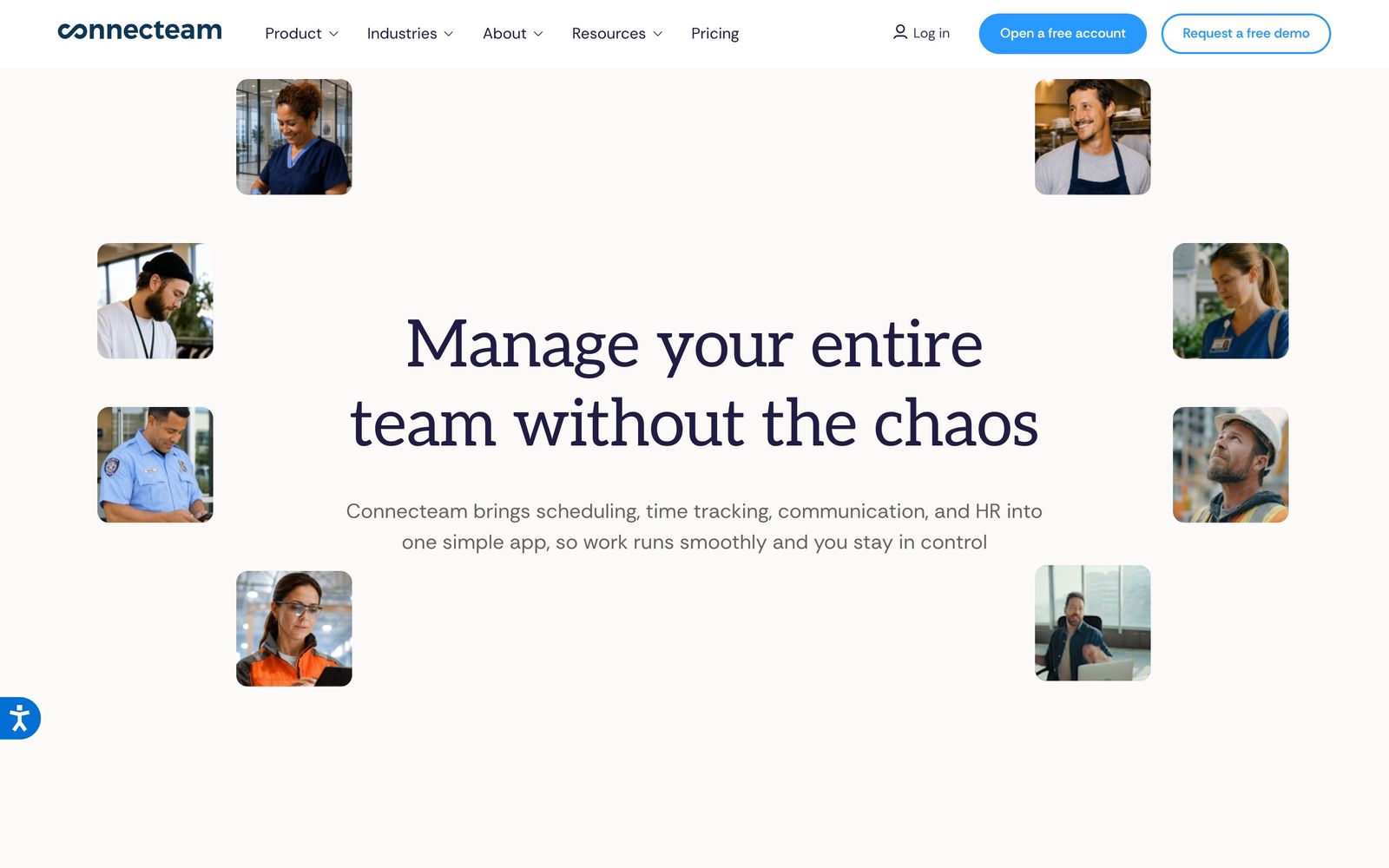
Connecteam is a phone-first app for managing people who do not sit at a desk: cleaners, technicians, drivers, kitchen staff, security teams. Managers build the schedule in a browser and workers see their shifts, clock in with GPS verification, complete a checklist on site, message a supervisor and read company updates from the same app. Timesheets then export to payroll rather than being copied by hand.
The product is organised into three hubs that are licensed separately. Operations covers the time clock, scheduling, forms and tasks. Communications covers chat, the company feed, directory, surveys, knowledge base and a help desk. HR and skills covers hiring, onboarding, training courses, documents with e-signature, time off and recognition. A free tier gives small teams everything in all three, which is the reason the product spreads through word of mouth among small operators; past that ceiling, each hub is bought on its own tier.
Key features
The modules that carry the work:
- Scheduling with open shifts, repeating templates, shift tasks, auto-assignment and shareable live links
- Time clock with GPS stamps, geofenced job sites, automatic clock-out and payroll-ready timesheets
- Digital forms and checklists with conditional fields, attachments and automatic reports
- Chat, company feed with read confirmation, surveys, directory and searchable knowledge base
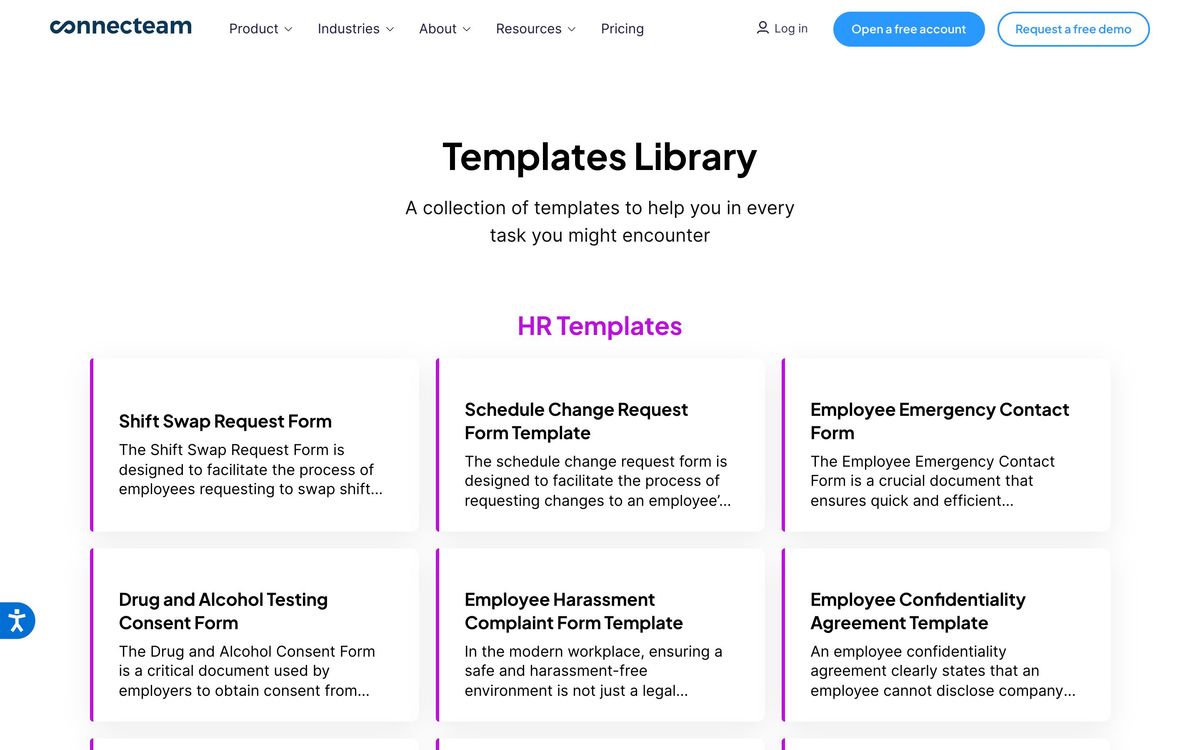
- Training courses, onboarding flows, document storage with e-signature and time-off tracking
- Payroll and accounting exports to Gusto, Paychex Flex, QuickBooks, Xero and ADP
Who it's for
The fit is a business whose staff work away from a computer and whose current system is a group chat plus a spreadsheet: cleaning companies, HVAC and field service firms, restaurants, retail chains, care providers, security contractors. Ten people or fewer can run the whole thing at no cost, which makes it an easy first system for a growing operator. Between ten and a few hundred employees, the scheduling and time-clock combination usually pays for itself in payroll accuracy alone.
It is a poor fit for desk-based teams already using a project tool and a chat platform, since the mobile-first design offers them little. Companies with complex labour rules, union agreements or heavy analytics requirements will also outgrow it, and organisations wanting one number for everything should note that the hub structure works against that. It is worth deciding early which hub carries the main workload, because a team that starts with scheduling and later adds chat and training discovers the cost tripling rather than stepping up a tier.
How it compares
Deputy is stronger on scheduling depth, labour cost forecasting and compliance rules, and charges per user, which is cheaper for tiny teams and more expensive for large ones. When I Work is simpler and cheaper for scheduling alone, without the communication or training modules. Homebase focuses on hourly retail and hospitality in the United States with a solid free tier and better hiring tools, but less field-service capability. Connecteam wins on breadth per unit of cost, provided the requirement sits within one hub.
Verdict
For deskless teams, Connecteam gives more usable capability per unit of spend than almost anything else in the category, and the free tier for small teams is a genuine offer rather than a demo. The rating holds just short of the top because of how the plans are shaped. Splitting the product into three separately priced hubs means the advertised cost rarely matches the real one, the thirty-user block penalises small teams that outgrow the free plan, and reporting remains thin for managers who want to analyse rather than export. Strong tool, awkward pricing structure, and still the first thing to try for a shift-based business leaving spreadsheets behind.
Ready to try Connecteam?
There's a free tier, so you can test it before committing.
More service-businesses tools like Connecteam
Guesty
4.1Runs short-term rental operations: channel sync, guest messaging, cleaning tasks, payments and owner reporting.
Read Guesty review →Housecall Pro
4.1Job management for home-service trades: scheduling, dispatch, estimates, invoicing and card payments in one app.
Read Housecall Pro review →Planday
4.1Shift scheduling, clock-in and payroll-ready timesheets for hospitality, retail and care teams.
Read Planday review →Shopmonkey
4.1Cloud shop management for auto repair: estimates, work orders, inspections, parts and payments in one workflow.
Read Shopmonkey review →Shiftie
4.0Rota planning, availability and time clock in one system for UK shift teams.
Read Shiftie review →Contractor Foreman
3.9All-in-one construction management for small contractors: estimates, job costing, schedules and field time cards.
Read Contractor Foreman review →