
Buddy Punch review
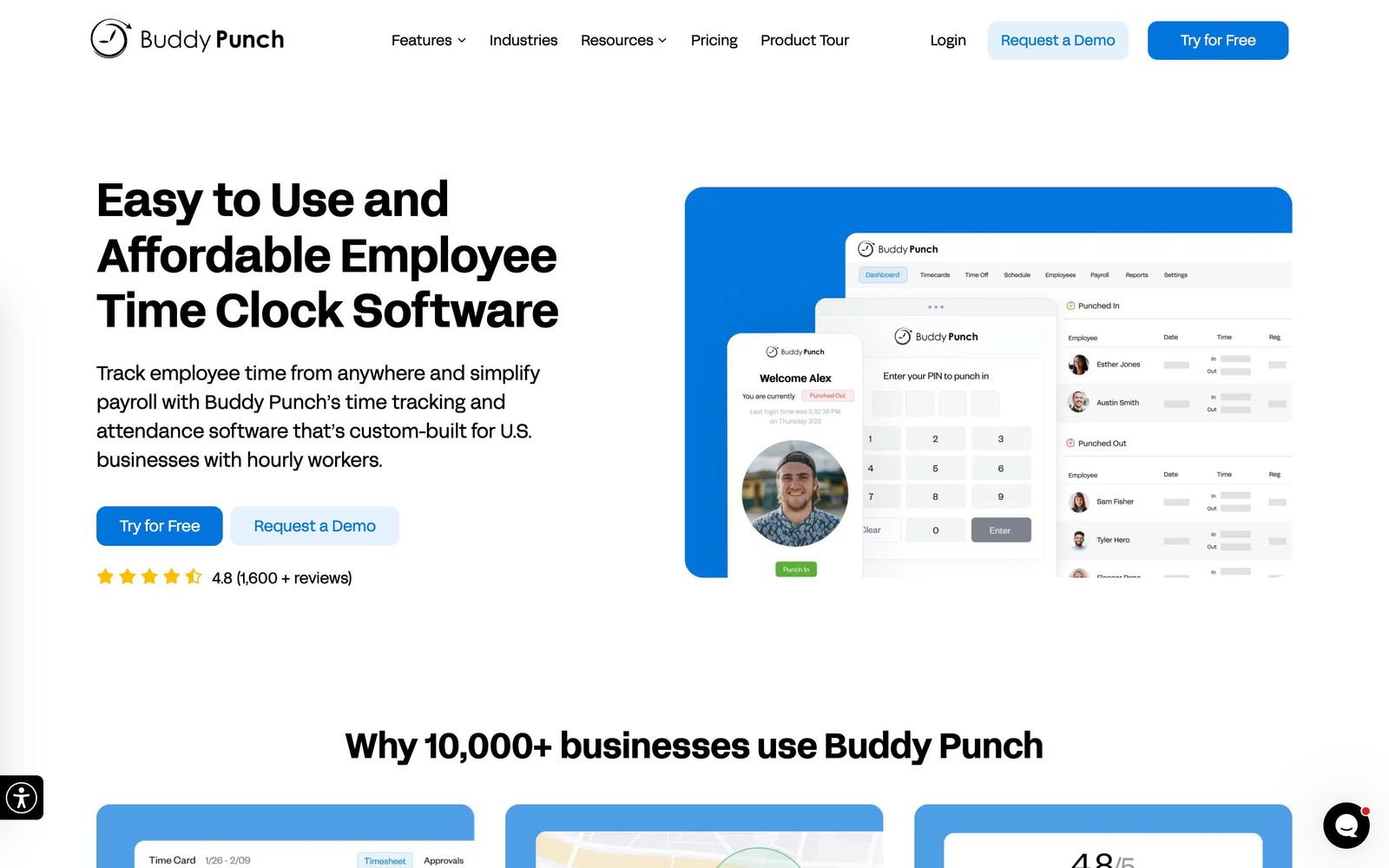
Online time clock for hourly staff, with GPS, geofencing and photo verification on every punch.
A dependable time clock that exports cleanly to almost any US payroll system, though the useful controls sit in paid add-ons that inflate the headline per-user price.
Pros
- The payroll integration list is unusually long for a tool this size, covering QuickBooks, ADP, Gusto, Paychex, Paylocity, Rippling, Workday and more
- Punch verification is layered rather than single-method: GPS coordinates, geofences, webcam photos, QR codes and IP restrictions can be combined
- Break rules and overtime alerts can be configured to match state requirements, which is the part that turns into wage claims when it is wrong
- Employees can be blocked from punching in before their scheduled shift, which stops the slow drift in labour cost that manual timesheets hide
- Setup is quick enough that a small operator can run their first payroll week on it without onboarding help
Cons
- Real-time GPS, scheduling, onboarding tasks and extended data retention are billed as add-ons, so the advertised per-user rate is rarely the final one
- Every plan carries a flat monthly base fee on top of per-user pricing, which weighs heaviest on the smallest teams
- Advanced reporting, SSO and granular manager permissions are reserved for the top tier, pushing growing teams up two levels for admin controls
- The product is built for US labour rules and US payroll providers; teams outside that market get little of the compliance value
Buddy Punch pricing
List prices in USD per month, taken from the vendor at review time.
| Plan | Per month | What it covers |
|---|---|---|
| Starter | $4.99 | per user billed annually, plus a $19 monthly base fee |
| Pro | $6.99 | per user billed annually; adds geofencing, kiosk, photos and API |
| Advanced | $12.99 | per user billed annually; adds SSO, advanced reporting and real-time GPS |
What Buddy Punch actually does
Buddy Punch replaces a paper timesheet or a spreadsheet with a time clock that runs in a browser, on a phone or on a shared tablet at the door. Employees punch in and out, the system records when and where, and at the end of the pay period a manager approves the timesheets and sends them to payroll. That last step is the point of the product: the export lands in QuickBooks, ADP, Gusto, Paychex or a dozen other systems rather than being retyped.
The interesting part is verification. A punch can require a GPS reading, sit inside a geofence, capture a webcam photo, use a QR code at a fixed location, or be limited to a specific IP address. Employers choose how much proof they need, which matters because the disputes that reach a wage claim are usually about whether someone was where they said they were. Around the clock sit scheduling, PTO accruals and requests, overtime alerts, break rule enforcement and job codes for costing hours against a customer or project.
Key features
The scope is narrow, which is a virtue here.
- Clock in and out from web, mobile app or a shared kiosk device
- GPS capture on punches with geofences that block clock-ins from the wrong place
- Facial recognition, webcam photos and QR codes as punch verification options
- Drag-and-drop shift scheduling with alerts for late, early or missed shifts
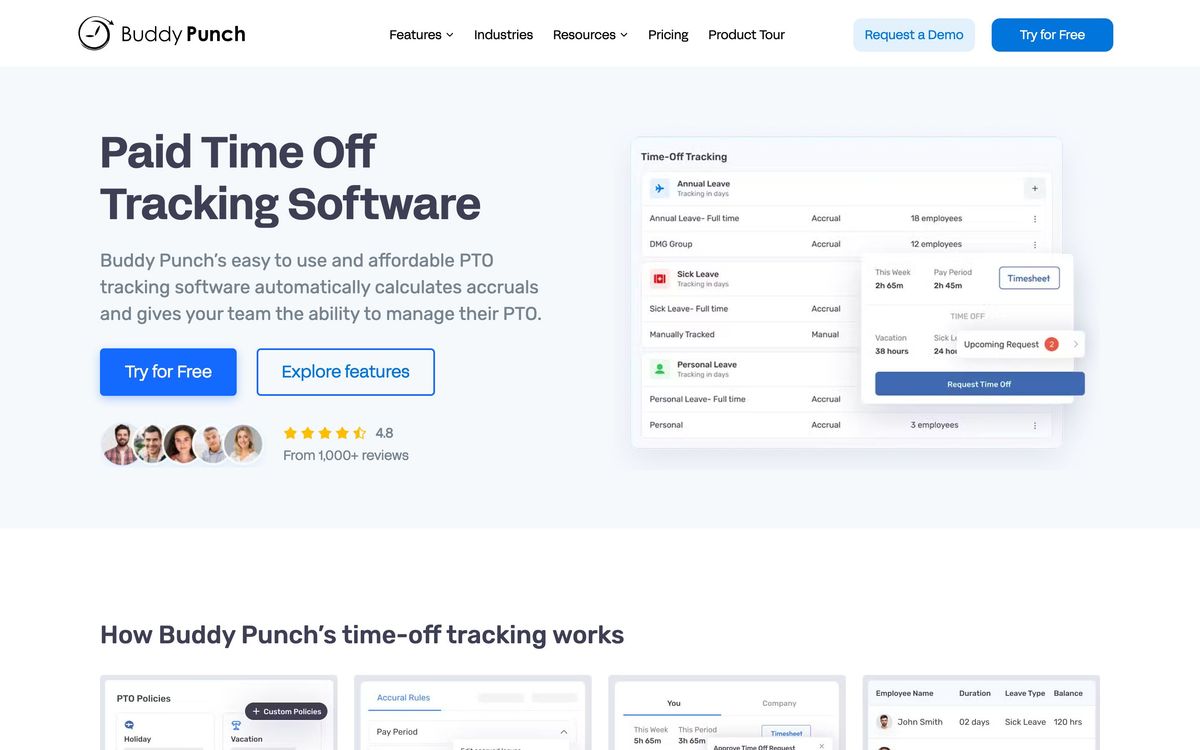
- PTO accrual tracking with employee requests and approval workflow
- Automatic overtime calculation, state break rules and job costing by code
Who it's for
This fits a US business of roughly five to a few hundred hourly employees where hours are the payroll: cleaning and landscaping crews, restaurants and retail, clinics with front-desk shifts, contractors tracking hours against jobs. Field-heavy operations get the most out of it, because geofencing and photo punches answer the question that a mobile workforce always raises. The 14-day trial is long enough to run one real pay period, which is the only useful test.
It is not a fit for salaried teams, where a clock adds friction and nothing else, or for project agencies who need to bill time against tasks and deliverables rather than shifts. Nor is it an HR system: there is no performance review, benefits administration or applicant tracking here, and the onboarding module is a task checklist rather than a people platform. Companies operating outside the US will find the compliance features and the payroll connectors aimed somewhere other than their rules.
How it compares
Connecteam bundles time tracking with communication, checklists and training in a free-for-small-teams package, and is the better buy for an operator who wants one app for the whole deskless workforce. Deputy is stronger on scheduling: demand forecasting, shift swaps and award interpretation, and is priced accordingly. When I Work occupies similar ground with a scheduling-first bias. Buddy Punch keeps its scope to the clock and wins on the breadth of payroll exports and the depth of punch verification, and loses to anything that also wants to be the team's operating system.
Verdict
Buddy Punch is a sensible, boring purchase, and boring is what a time clock should be: staff learn it in minutes, the punches are defensible, and payroll day gets shorter. The rating stops short of the top because of the pricing structure, where a base fee plus per-user rates plus separately billed add-ons mean the number a buyer sees first is not what they end up paying. Price the tier with the add-ons the operation actually needs before comparing it to the alternatives.
Ready to try Buddy Punch?
More service-businesses tools like Buddy Punch
Atto
3.6Mobile time clock with GPS, automated timesheets and shift scheduling for hourly and field-based crews.
Read Atto review →Tradify
4.6Job management app for tradespeople covering quoting, scheduling, invoicing and payments in one place.
Read Tradify review →Weave
4.5All-in-one phone, texting, scheduling and payments platform for dental, vet and optometry practices.
Read Weave review →Jane
4.4Practice management and EMR for allied health clinics: booking, charting, billing and payments in one record.
Read Jane review →Synthflow AI
4.4No-code voice AI agents for inbound and outbound calls: booking, lead qualification and support, 24/7.
Read Synthflow AI review →Bókun
4.3Booking system and OTA channel manager for tour, activity and rental operators, owned by Tripadvisor.
Read Bókun review →