
Housecall Pro review
Job management for home-service trades: scheduling, dispatch, estimates, invoicing and card payments in one app.
The most complete operating system a small home-services crew can buy off the shelf, though the advertised plan price is rarely the final bill once seats and add-ons land.
Pros
- Covers the whole job cycle: online booking, dispatch, estimate, invoice, card payment and review request
- The technician app is designed for the van rather than the office, and viewing works offline
- Two-way QuickBooks Online sync on the middle tier removes most of the bookkeeper's double entry
- Unusually deep trade integration list, including CompanyCam, CallRail, Gusto, Thumbtack, Angi and Yelp
- Card processing and consumer financing are built in, so deposits and approvals happen at the kitchen table
Cons
- Extra seats are billed on top of the plan at a rate that can exceed the base subscription for a growing crew
- Sales proposals, route optimisation and open API access are withheld until the top tier
- Support is chat-led with limited escalation, which reviewers raise most often when a billing or invoicing bug blocks payment
Housecall Pro pricing
List prices in USD per month, taken from the vendor at review time.
| Plan | Per month | What it covers |
|---|---|---|
| Basic | $79 | 1 user; $59/mo billed annually |
| Essentials | $189 | 5 users, $100/mo per extra user; $149/mo billed annually |
| Max | $329 | 8 users, $75/mo per extra user; $299/mo billed annually |
What Housecall Pro actually does
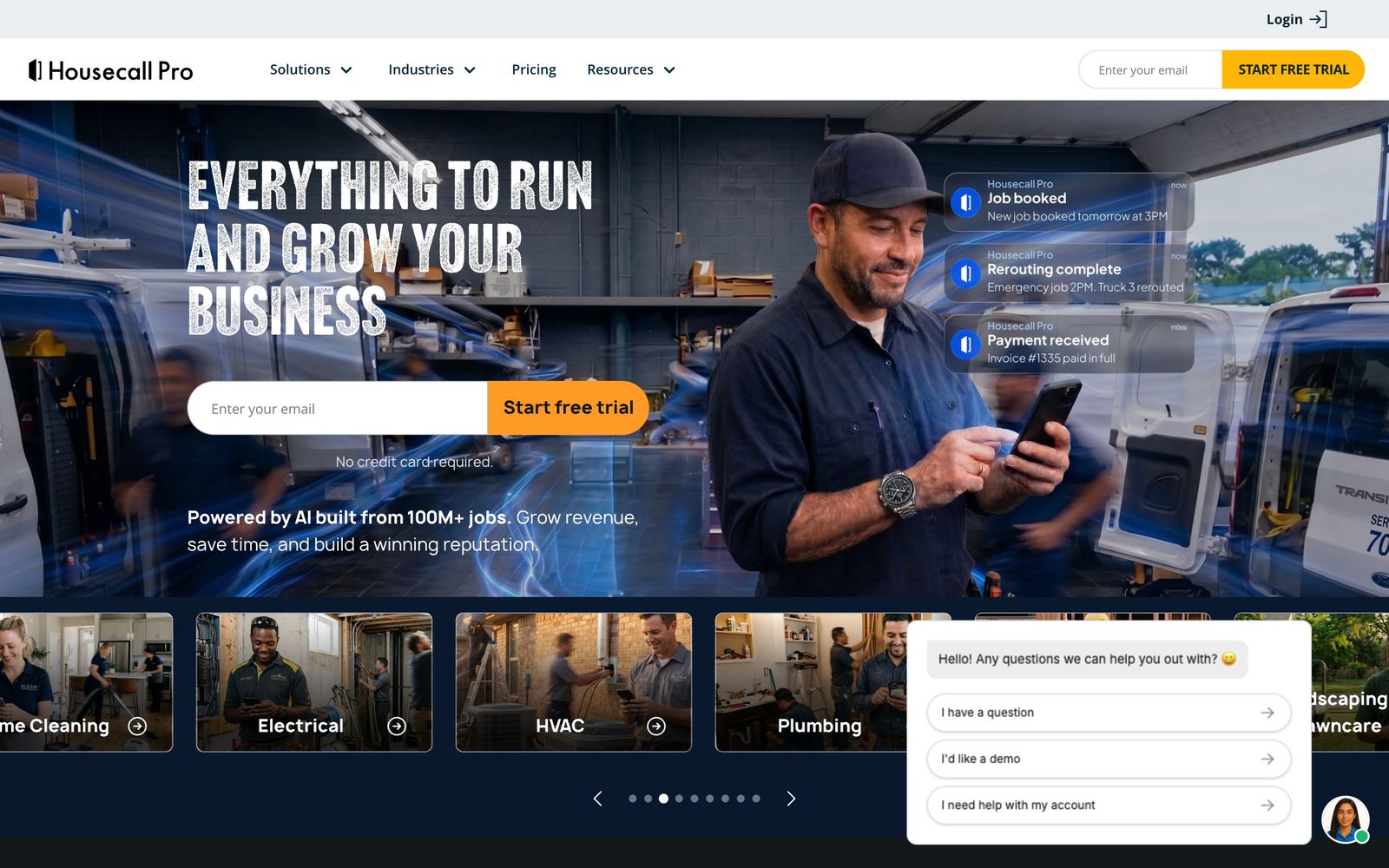
Housecall Pro is field service management software for home-service trades. It covers HVAC, plumbing, electrical, cleaning, pest control, landscaping and roughly fifty other categories, and it holds the customer record and the job record together. A phone call becomes a scheduled visit, the visit becomes an estimate, the estimate becomes an invoice, and the invoice is paid by card in the driveway. Office staff work in a browser on a dispatch board; technicians work in an iOS or Android app showing the day's route, the customer's history and the price book, with viewing available when the signal drops.
The second half of the product is money and marketing, and this is what separates it from a plain scheduler. Card processing, consumer financing, payroll and expense cards are sold inside the platform rather than left to third parties. Automated review requests, email campaigns and a booking widget for the company website sit alongside them, and an AI answering service picks up calls out of hours on the plans that include it. The effect is less a scheduling tool than a small operating system, which is why switching into it and out of it are both slow.
Key features
The pieces a crew touches every day:
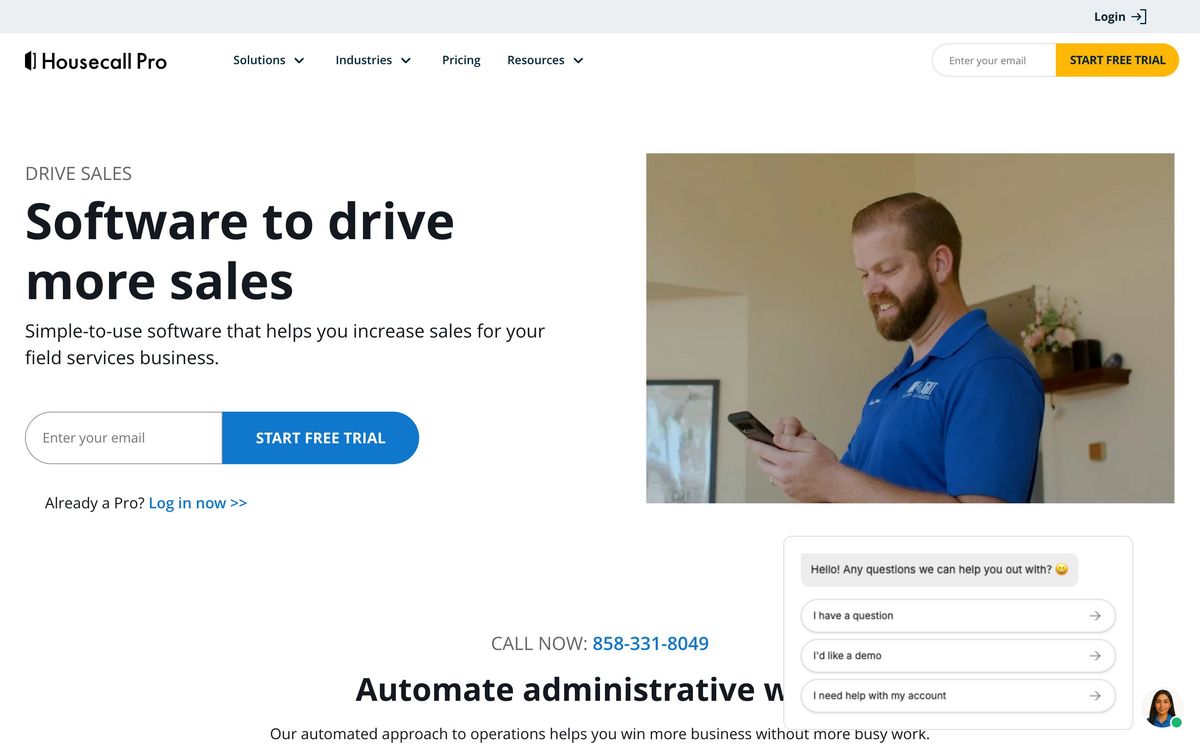
- Drag-and-drop dispatch board with technician GPS tracking and routing
- Online booking widget and a lead pipeline for inbound enquiries
- Price book with flat-rate options, estimates and multi-option proposals
- Invoicing with integrated card processing and consumer financing offers
- Job costing that reports profitability per job rather than per month
- Automated review requests and email campaigns to the customer list
Who it's for
The sweet spot is an owner-operator who has hired two to fifteen technicians and can no longer run the schedule from a phone and a notebook. Those businesses get the most from the bundle, because the alternative is stitching together a scheduler, an invoicing tool, a payments provider and a review service, each with its own login and its own bill. Trades with recurring maintenance agreements benefit further, since service plans and repeat visits are modelled natively.
It is a poor fit at both ends of the range. A solo operator doing a handful of jobs a week will not recover the entry subscription, and a simple invoicing app plus a calendar is enough. Larger contractors running dozens of trucks, warehouse inventory and complex commercial contracts tend to hit the ceiling: reporting is designed for a small business owner rather than a controller, and the routing and inventory depth do not match enterprise field service platforms.
How it compares
Jobber is the closest rival and is generally cleaner for quoting and client communication, while Housecall Pro pushes harder on payments, financing and consumer marketing. ServiceTitan is the enterprise answer, with far stronger reporting, inventory and call-centre tooling, at a cost and implementation length that only larger contractors absorb. Workiz sits nearer the budget end and suits locksmiths and appliance repair, but its ecosystem of trade integrations is thinner. For most crews under twenty people the real choice is Jobber or Housecall Pro, decided by whether payments or quoting matters more.
Verdict
Housecall Pro earns its reputation because it removes the seams between booking, doing and getting paid, and the technician app is one of the few in this category that field staff do not fight. The caveat is cost creep. Seats above the plan allowance are expensive, useful capabilities such as proposals and route optimisation sit on the top tier, and add-ons accumulate quietly until the monthly total looks nothing like the advertised figure. Price the whole configuration, including every seat, before signing.
Ready to try Housecall Pro?
More service-businesses tools like Housecall Pro
Contractor Foreman
3.9All-in-one construction management for small contractors: estimates, job costing, schedules and field time cards.
Read Contractor Foreman review →Guesty
4.1Runs short-term rental operations: channel sync, guest messaging, cleaning tasks, payments and owner reporting.
Read Guesty review →Shopmonkey
4.1Cloud shop management for auto repair: estimates, work orders, inspections, parts and payments in one workflow.
Read Shopmonkey review →VEA
3.4Business management for solo operators: customers, work orders, scheduling, invoicing and accounting in one place.
Read VEA review →Weave
4.5All-in-one phone, texting, scheduling and payments platform for dental, vet and optometry practices.
Read Weave review →Jane
4.4Practice management and EMR for allied health clinics: booking, charting, billing and payments in one record.
Read Jane review →