
Keap review
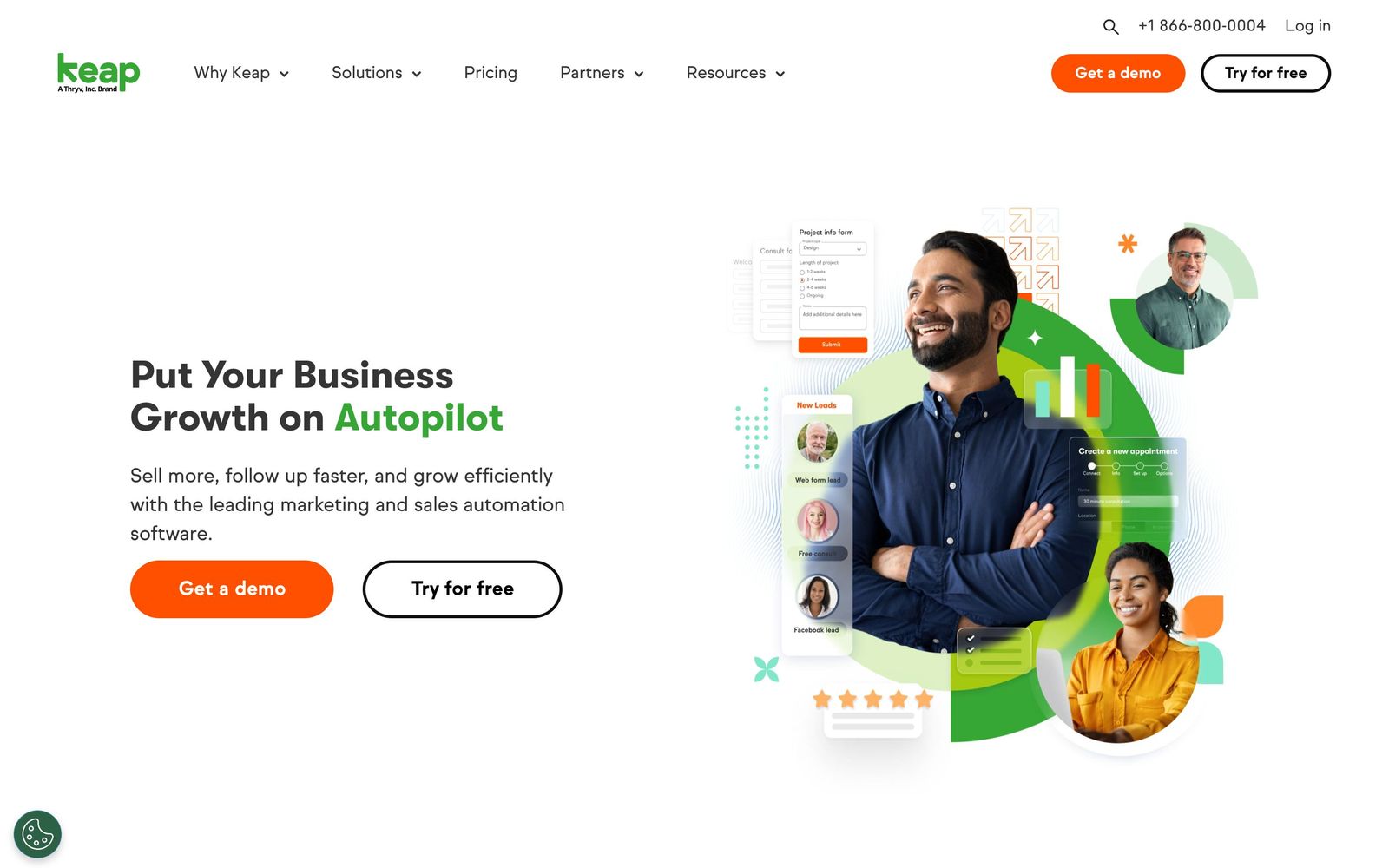
CRM, follow-up automation, email and text marketing sold to small service businesses as one platform.
A capable all-in-one for service businesses that live on follow-up, though the dated interface, required implementation and single high-priced plan rule it out for most small teams.
Pros
- CRM, email, text messaging, landing pages, appointments, quotes and invoicing come from one vendor with one contact record behind them
- The automation builder handles multi-step follow-up sequences that most small-business CRMs cannot express
- Text marketing is native, including one-to-one messages, broadcasts and a dedicated business number in supported countries
- Lead scoring, tags and saved lists make segmentation practical for a database built over years
- US phone support, round-the-clock chat and an assigned success manager come with the subscription
Cons
- One plan at one entry price with paid implementation attached, so the real first-year cost is well above the advertised figure
- The interface and automation logic feel dated next to newer competitors, and reviewers consistently describe a steep learning curve
- Cost scales with contacts and extra users, and an annual contract carries an early termination fee if it is cancelled mid-term
Keap pricing
List prices in USD per month, taken from the vendor at review time.
| Plan | Per month | What it covers |
|---|---|---|
| Keap | $299 | starting price, includes 2 users and a tiered contact allowance; additional users $39 a month each, paid implementation required |
What Keap actually does
Keap is the current form of what used to be Infusionsoft, and it still does the same job: keep every customer record in one database and automate the follow-up around it. Contacts carry tags, custom fields, lead scores and a full history of which automations they have passed through. From that record the platform sends email broadcasts and one-to-one messages, fires text messages, books appointments, issues quotes and invoices, and collects payment. Landing pages and forms feed new leads into the same place.
The automation builder is the reason people buy it. Sequences are assembled visually and triggered by form submissions, tags, purchases or inactivity, which lets a small business run the kind of nurture campaign that normally requires a marketing hire. The company has since layered AI assistance over the campaign and email builders. Pricing was simplified into one plan that contains everything, sold with an implementation package on top, so onboarding is a paid consulting engagement rather than a self-serve signup.
Key features
What sits inside the single plan:
- Contact database with company records, custom fields, tags, saved searches, lead scoring and automation history
- Visual automation builder for multi-step follow-up triggered by behaviour, tags or forms
- Email marketing with broadcasts, newsletters and one-to-one sending synced to Gmail or Outlook
- Native SMS including broadcasts, automated messages, reply handling and a separate business number
- Sales pipeline, appointment booking, quotes, invoices and payment collection
- Landing pages, multi-page funnels, lead capture forms and lead source tracking
Who it's for
The business that gets value here has a database of a few thousand contacts, a repeatable service to sell, and revenue that depends on following up consistently: home services companies, clinics, coaches and consultants, franchise operators. If leads currently arrive and then sit in an inbox until someone remembers them, the automation is worth real money, and having invoicing and appointments in the same tool removes a stack of small subscriptions.
It is the wrong tool for a young business testing its offer, for teams that want to configure software themselves in an afternoon, or for anyone whose main need is a clean sales pipeline rather than marketing automation. The required implementation and the contact-based scaling both punish experimentation, and the interface asks more of new users than modern competitors do. Teams that send heavy SMS volume should also price the messaging add-ons separately, because texting sits outside the headline subscription once usage passes the included allowance.
How it compares
HubSpot's starter suite is friendlier, better designed and cheaper to begin with, then becomes expensive as marketing contacts grow, and its automation on the lower tiers is thinner than Keap's. ActiveCampaign wins on email and automation sophistication for less money but offers a lighter CRM and no invoicing or appointment tooling. GoHighLevel undercuts Keap on price for agencies willing to assemble the pieces themselves, at the cost of stability and support. Keap's argument is consolidation plus service, and it is a reasonable one for owners who do not want to integrate three products.
Verdict
Keap remains a serious small-business platform with automation depth that its price tier mostly justifies, and the bundled support is better than most competitors offer at any price. The problems are entry cost and age. A single plan with mandatory paid implementation puts the first-year commitment beyond what a small operation can casually try, and the interface carries two decades of accumulated complexity, which is why reviewers keep describing a learning curve. Worth it for an established service business committed to running follow-up properly; too heavy for anyone else.
Ready to try Keap?
More service-businesses tools like Keap
Jane
4.4Practice management and EMR for allied health clinics: booking, charting, billing and payments in one record.
Read Jane review →Synthflow AI
4.4No-code voice AI agents for inbound and outbound calls: booking, lead qualification and support, 24/7.
Read Synthflow AI review →Bókun
4.3Booking system and OTA channel manager for tour, activity and rental operators, owned by Tripadvisor.
Read Bókun review →Boulevard
4.3Booking, point of sale and client records for salons, spas and medspas that run on appointments.
Read Boulevard review →Buddy Punch
4.3Online time clock for hourly staff, with GPS, geofencing and photo verification on every punch.
Read Buddy Punch review →Connecteam
4.3Mobile app for deskless teams: shift scheduling, GPS time clock, checklists, chat and training.
Read Connecteam review →