
ngram review
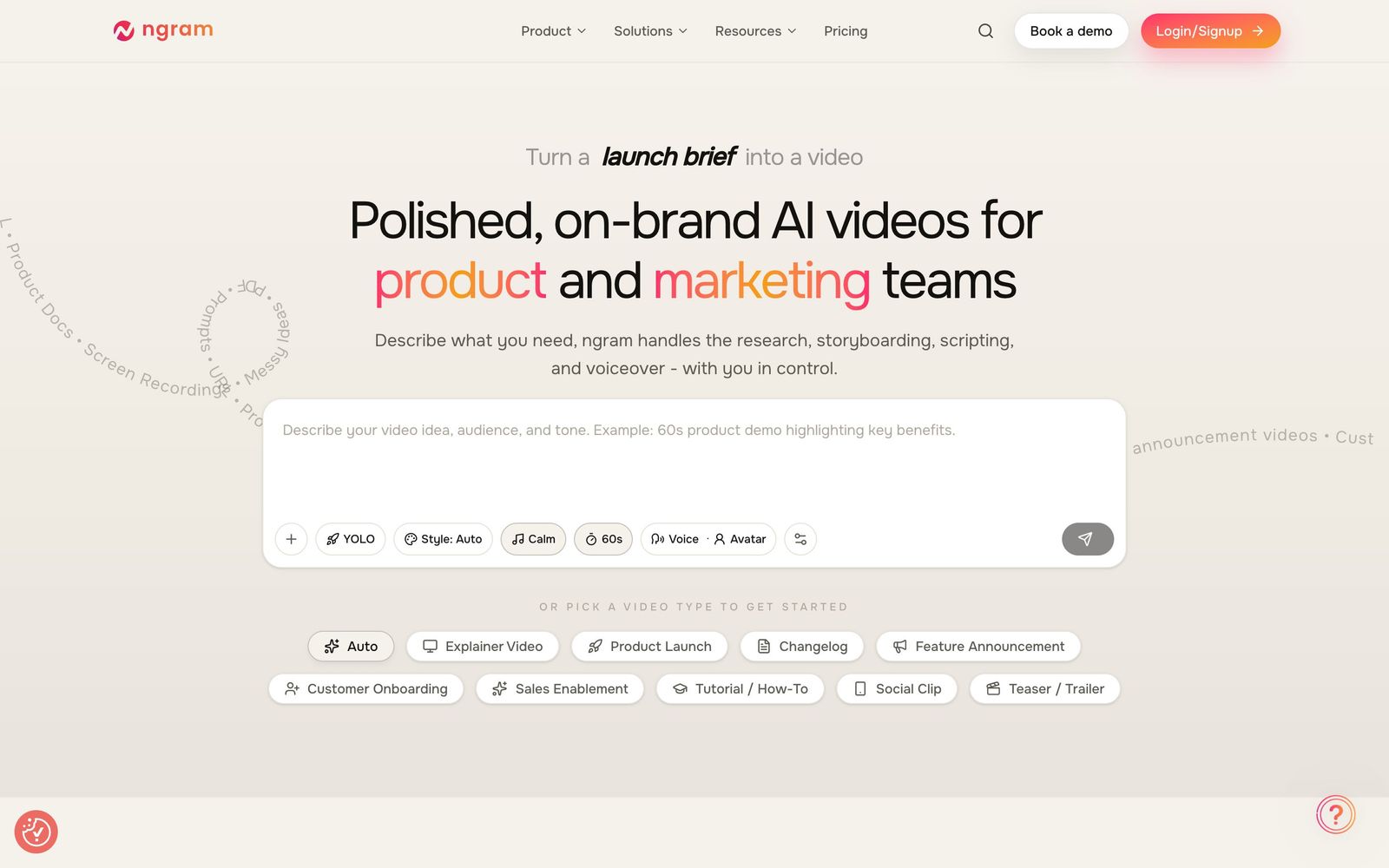
AI video engine that turns prompts, docs, URLs, or screen recordings into polished, on-brand marketing videos
The strongest pick for product and marketing teams that need branded video without a video team, though credit-based generation and a watermarked free tier mean real usage requires a paid plan.
Pros
- Starts from almost anything: a prompt, URL, PDF, slide deck, image, or screen recording
- Handles research, scripting, storyboarding, and AI voiceover in one planned, editable draft
- Brand kit applies your logo, colors, and fonts automatically across every video
- Exports 16:9, 9:16, and 1:1 from a single project for multi-channel campaigns
- Turns rough screen recordings into walkthroughs with smart zooms, auto-cut dead air, and step labels
Cons
- Free plan is a one-time credit allocation with watermarked 720p exports
- Credit-based generation makes heavy production months hard to predict
- Brand kits and model selection are reserved for higher tiers
Video consistently outperforms static content in marketing, yet most product and marketing teams still skip it because production is slow and editors are expensive. ngram positions itself as an AI video engine for exactly these teams: software that handles research, storyboarding, scripting, voiceover, and motion graphics so a marketer can ship a professional, on-brand video without hiring a video team.
What ngram actually does
The defining trait of ngram is how many starting points it accepts. You can begin from a plain text prompt, a URL, a PDF or product doc, a slide deck, an image, or a raw screen recording. From that input, the platform plans the video first: it drafts a script tailored to your stated audience and goal, lays out a storyboard, and only then produces a draft with AI voiceover, captions, transitions, lower thirds, and emphasis text already in place. You edit in plain language or directly on the timeline rather than wrestling keyframes.
The screen-recording path deserves its own mention. ngram converts rough recordings into polished product walkthroughs by adding smart zooms on clicks, cutting dead air automatically, and labeling steps with callouts. For SaaS marketers producing demos, feature announcements, and onboarding clips, this single feature replaces most of what a junior video editor would do.
Brand consistency is handled by a brand kit: set your logo, colors, fonts, and intro and outro once, and every subsequent video inherits them. One project exports to 16:9, 9:16, and 1:1, so the same announcement can ship to YouTube, LinkedIn, X, and vertical placements without re-editing.
Key features
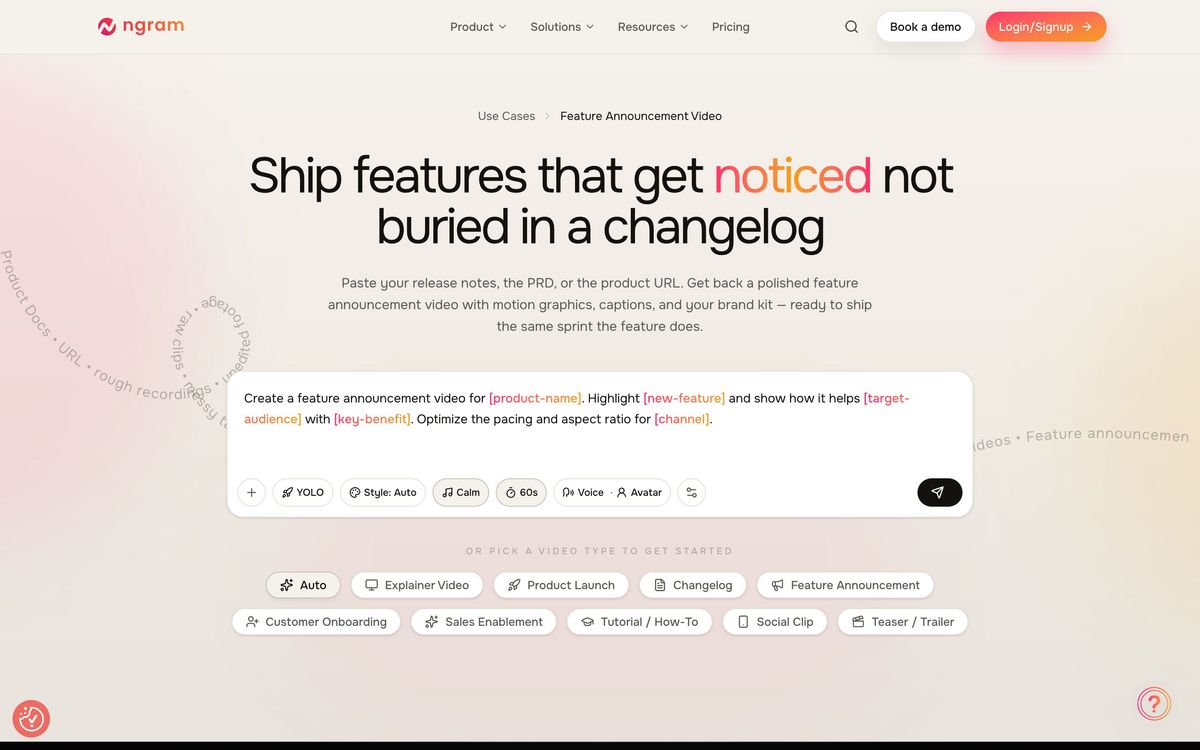
- Prompt, URL, document, deck, image, or screen recording as the starting input
- AI script generation, storyboarding, voiceover, captions, and motion graphics in one pipeline
- Smart screen-recording cleanup: zooms on clicks, dead-air removal, step callouts
- Brand kit for logos, colors, fonts, and standard intros and outros
- Multi-format export (16:9, 9:16, 1:1) from a single project
- Automation hooks via Zapier, Make, n8n, a Chrome extension, and an MCP server
Who it's for
ngram fits product marketing managers, growth teams, customer success, and founders at SaaS companies who need a steady stream of demos, feature updates, and help-center walkthroughs. Agencies and consultants producing video for multiple clients also benefit from the brand kit and format flexibility. The free plan, with its one-time credit allocation, is enough to judge output quality but not to run real campaigns; treat it as an extended test drive.
It is not aimed at cinematic brand films or influencer-style talking-head content. Teams that need a human presenter on camera will want an avatar-based platform instead.
How it compares
Synthesia is the obvious adjacent choice, but it solves a different problem: photoreal AI avatars presenting to camera, which suits training and corporate communications more than product marketing. ngram's strength is document-to-video and screen-recording-to-walkthrough flows where no presenter is needed. Pictory is a closer rival on repurposing, turning blogs and long videos into clips, but it offers far less of ngram's planning layer, brand enforcement, and product-demo intelligence. If your output is product-led marketing video, ngram is the more purpose-built of the three.
Verdict
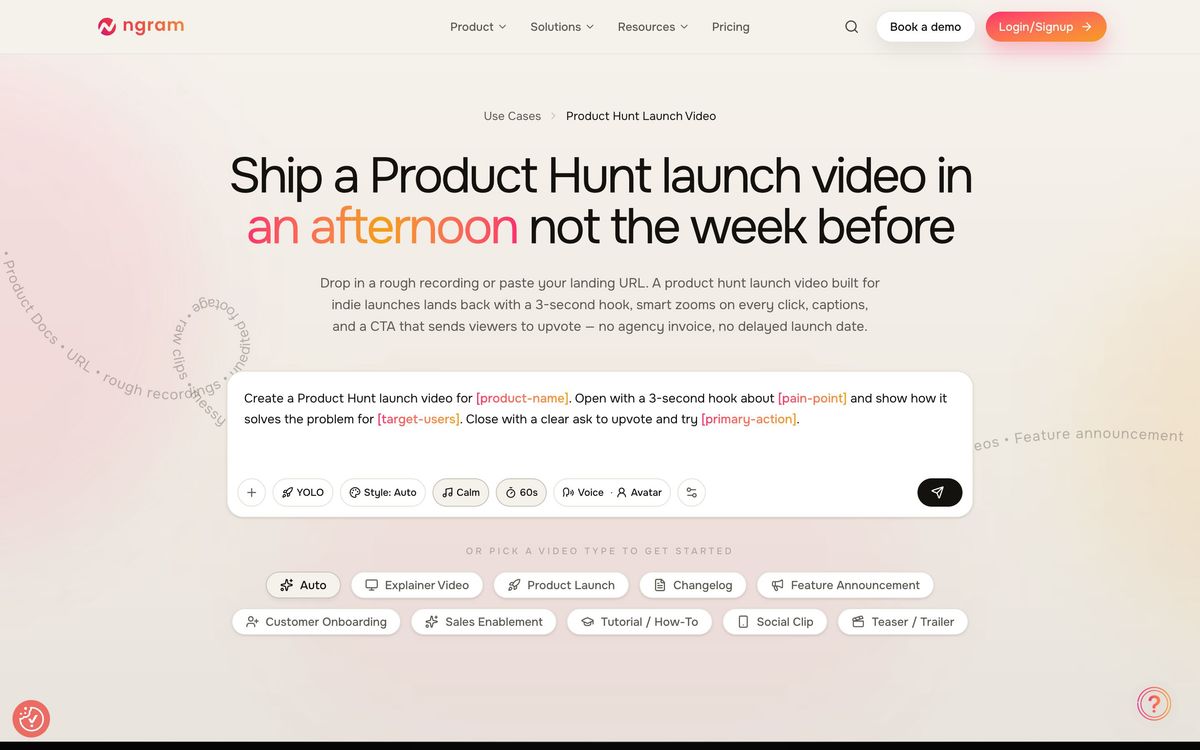
ngram delivers on the AI video engine framing: it plans videos like a producer would, keeps everything on-brand by default, and is unusually good at making screen recordings presentable. The trade-offs are a free tier that is effectively a sampler, credit math that punishes unpredictable production schedules, and brand kits gated to higher tiers. For marketing and product teams that publish video weekly and have no editor on staff, it removes the bottleneck that usually kills the habit.
Ready to try ngram?
There's a free tier, so you can test it before committing.
More marketers tools like ngram
Livestorm
4.1Browser-based webinar platform with registration pages, reminder emails and CRM sync for marketing and demo sessions.
Read Livestorm review →Wistia
4.1Video hosting, recording and analytics for marketing teams that need viewer data, not view counts.
Read Wistia review →ActiveCampaign
4.3Email marketing and automation platform with a built-in CRM, contact scoring, and SMS and WhatsApp sending.
Read ActiveCampaign review →AgencyAnalytics
4.3Client reporting for marketing agencies: 85+ connectors, white-label dashboards and scheduled reports.
Read AgencyAnalytics review →Bouncer
4.3Email verification and deliverability testing that strips invalid addresses before a send hurts your domain.
Read Bouncer review →Customer.io
4.3Behaviour-triggered messaging across email, SMS, push and in-app, built on your own event data.
Read Customer.io review →