
Livestorm review
Browser-based webinar platform with registration pages, reminder emails and CRM sync for marketing and demo sessions.
The most attendee-friendly webinar tool in its class because nothing has to be installed, though the attendee-credit pricing makes a successful year cost more than a quiet one.
Pros
- Attendees and speakers join in a browser tab with no download, which removes the single biggest cause of no-shows at the start of a session
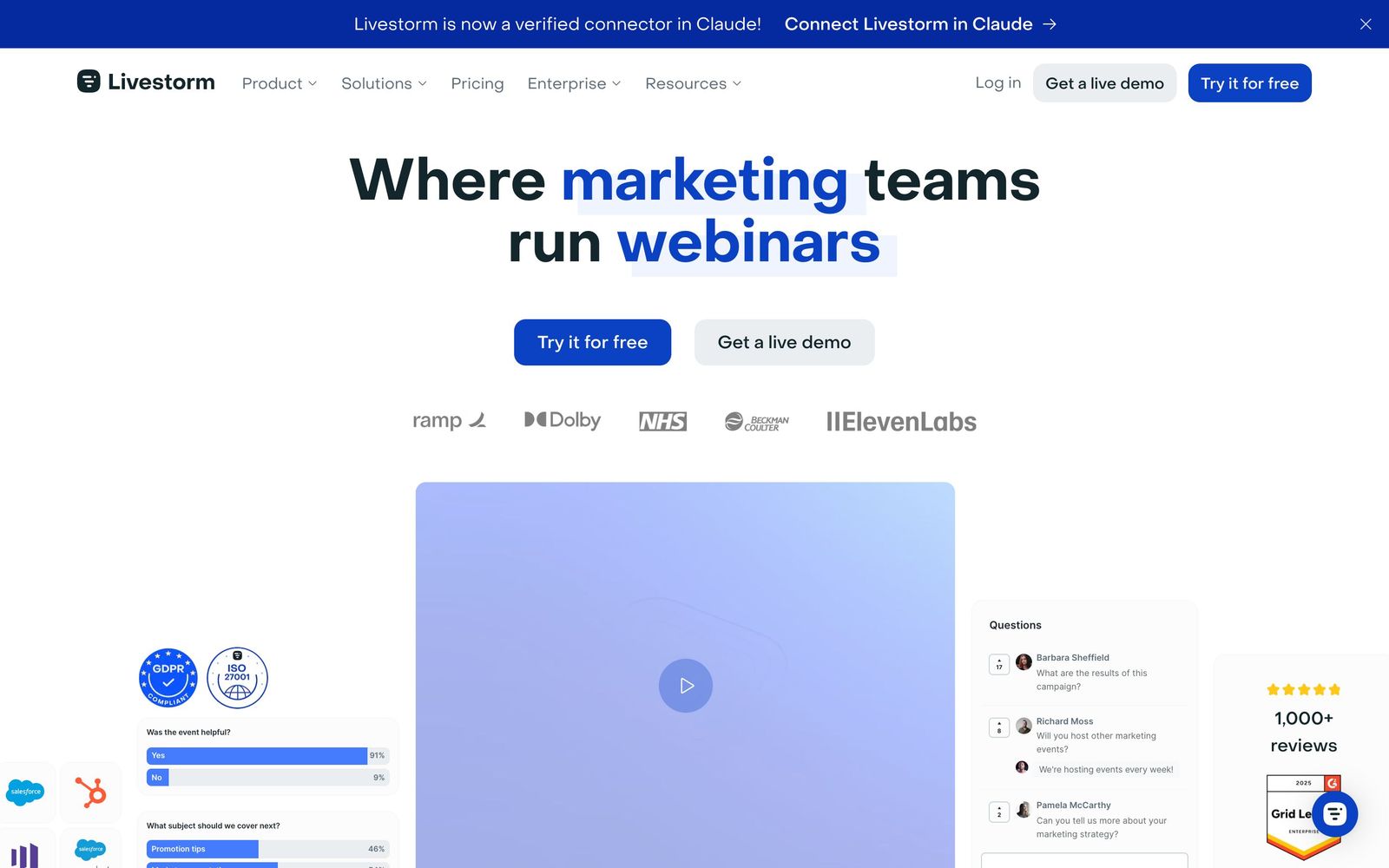
- Registration pages, embeddable widgets and the reminder email cadence are part of the product rather than a marketing automation job
- Team members and speakers do not consume attendee credits, so growing the internal team costs nothing
- Native HubSpot, Salesforce, Marketo and Pardot sync writes registration, attendance and replay activity back to the contact record
- Recordings convert to on-demand sessions with their own registration, which keeps generating leads after the live date
Cons
- Pricing is bought in advance as yearly attendee credits, so a campaign that overperforms burns budget and an unused package is money left on the table
- A long list of capabilities are paid add-ons rather than plan features, including single sign-on, live translation, extra workspaces and RTMP input
- Sessions on the standard plan are capped at four hours, which rules out full-day conferences without moving to the quoted tier
What Livestorm actually does
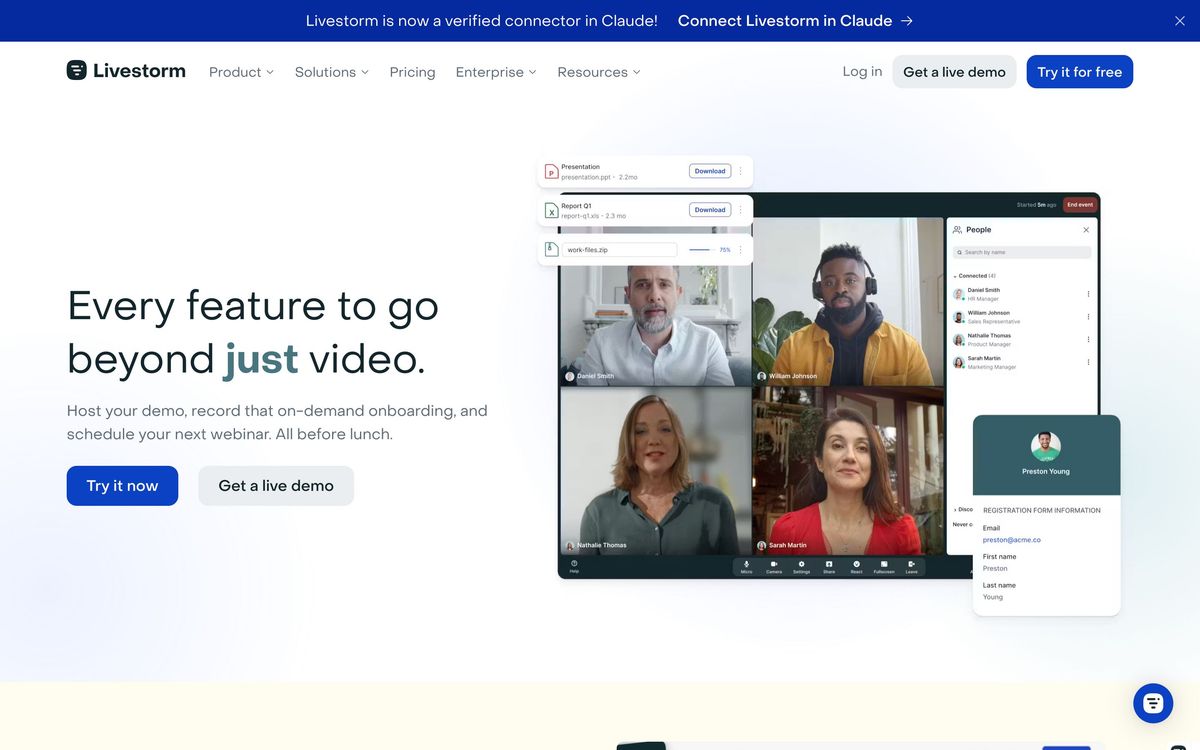
Livestorm runs webinars in a browser. Attendees click a link and are in the room; speakers do the same, with camera, screen share and slides handled by the same tab. There is no client to install, no meeting ID, no plug-in prompt three minutes before the session starts. For a marketing team, that single decision explains most of the product: attendance rates for a registered audience rise when the barrier at the door is removed, and the whole platform is arranged around that funnel.
The rest is the machinery around the session. Registration pages are built in Livestorm and can be embedded on your own site; the invitation, reminder and follow-up emails are configured as a cadence rather than exported to a marketing tool. During the event there are polls, chat, moderated question queues and calls to action. Afterwards, the recording can become an on-demand session with its own registration page, so the same asset keeps collecting contacts. Attendance, engagement time and the campaign source of each registrant sync back to HubSpot, Salesforce, Marketo or Pardot, which is where the sales conversation actually continues. It is a French company with European hosting options, which matters to teams with data-residency requirements.
Key features
The platform is built for recurring sessions rather than one-off broadcasts.
- Browser-based live rooms with no installation and up to twenty-five simultaneous speaker streams
- Registration pages, embeddable widgets and an automated invitation, reminder and follow-up email cadence
- Polls, chat, moderated Q&A and in-session calls to action
- Unlimited events and recordings, with replays convertible into on-demand registration pages
- Attendance, engagement and UTM analytics that sync to the CRM contact record
- AI transcription and live translation, with RTMP input and restreaming available as add-ons
Who it's for
Livestorm suits marketing and revenue teams that run webinars on a schedule, monthly demand-generation sessions, weekly product demos, customer onboarding classes, and want registrant data in the CRM without an integration project. Because internal team members do not consume attendee credits, it works well where many colleagues host occasionally: a solutions engineer running demos, a customer success manager running training, marketing running the flagship session, all from one workspace.
It is a poor fit for two cases. Teams whose events are unpredictable in size will struggle with a model that requires estimating a year of attendance in advance. And anyone producing high-production broadcasts, multiple camera sources, live switching, branded overlays, will find the browser studio limiting, and will be paying extra for RTMP input to bring in the tools they already use.
How it compares
Demio is the closest competitor in feel and is usually cheaper for small audiences, with simpler pricing, but it is weaker on virtual events and on European hosting. Zoom Webinars costs less per attendee and everyone already knows the interface, though registration, reminders and analytics are noticeably thinner and attendees are pushed toward the desktop client. ON24 is the enterprise demand-generation option with deeper engagement scoring and content hubs, at several times the price and with a much longer implementation. GoTo Webinar remains the incumbent in older organisations and shows its age in the attendee experience.
Verdict
Livestorm gets the fundamentals right: a session your audience can actually join, a registration and reminder flow that does not need a second tool, and CRM sync that makes webinar attendance visible to sales. For a team running a steady programme of marketing webinars, it is among the easiest platforms to operate. The reservation is commercial. Buying attendee credits a year ahead turns forecasting into a purchasing risk, and several features other platforms include as standard sit behind add-ons here, so the quote you compare should be assembled from everything you will actually switch on.
Ready to try Livestorm?
There's a free tier, so you can test it before committing.
More marketers tools like Livestorm
Tidio
4.5AI customer service platform with Lyro AI agent, live chat, ticketing, and automations for 300K+ businesses
Read Tidio review →Vista Social
4.5Social media management covering publishing, inbox, listening, reviews, and reporting across 11+ networks.
Read Vista Social review →Unbounce
4.4Landing page builder with AI traffic routing (Smart Traffic), A/B testing, popups, and sticky bars.
Read Unbounce review →ActiveCampaign
4.3Email marketing and automation platform with a built-in CRM, contact scoring, and SMS and WhatsApp sending.
Read ActiveCampaign review →AgencyAnalytics
4.3Client reporting for marketing agencies: 85+ connectors, white-label dashboards and scheduled reports.
Read AgencyAnalytics review →Bouncer
4.3Email verification and deliverability testing that strips invalid addresses before a send hurts your domain.
Read Bouncer review →