
Softr review
No-code builder for client portals and internal tools on top of Airtable, Notion or a SQL database.
The quickest way to put a permissioned front end on data a team already keeps in a spreadsheet or database, though the block system hits a customization ceiling once the design gets specific.
Pros
- Connects directly to Airtable, Notion, Google Sheets, Coda, Supabase, MySQL, PostgreSQL or a REST API rather than forcing a data migration
- User groups and record-level rules mean each client or staff member sees only their own rows, which is the hard part of portal building
- Ships with a built-in database and workflow engine, so a project can start without any external data source at all
- Apps publish to web and can be wrapped as mobile apps without a second build
- The free plan is usable for evaluation: unlimited apps, databases, workflows and forms before any payment
Cons
- Layouts are assembled from prebuilt blocks, and anything outside their options needs custom code or a compromise; forms in particular resist customization
- Responsiveness depends on the connected source, so an app reading a large Airtable base can feel slow through no fault of the builder itself
- Feature placement is aggressive: removing Softr branding requires the mid tier, and connectors for HubSpot, BigQuery or Salesforce sit on the top tiers
Softr pricing
List prices in USD per month, taken from the vendor at review time.
| Plan | Per month | What it covers |
|---|---|---|
| Free | Free | unlimited apps, databases, workflows and forms, 5 AI credits a month |
| Basic | $19 | billed annually, adds custom domain and conditional form logic; $25 monthly |
| Pro | $99 | billed annually, removes Softr branding and adds app-user sign-in options; $119 monthly |
| Business | $329 | billed annually, adds filtered user sync and two-factor authentication; $395 monthly |
What Softr actually does
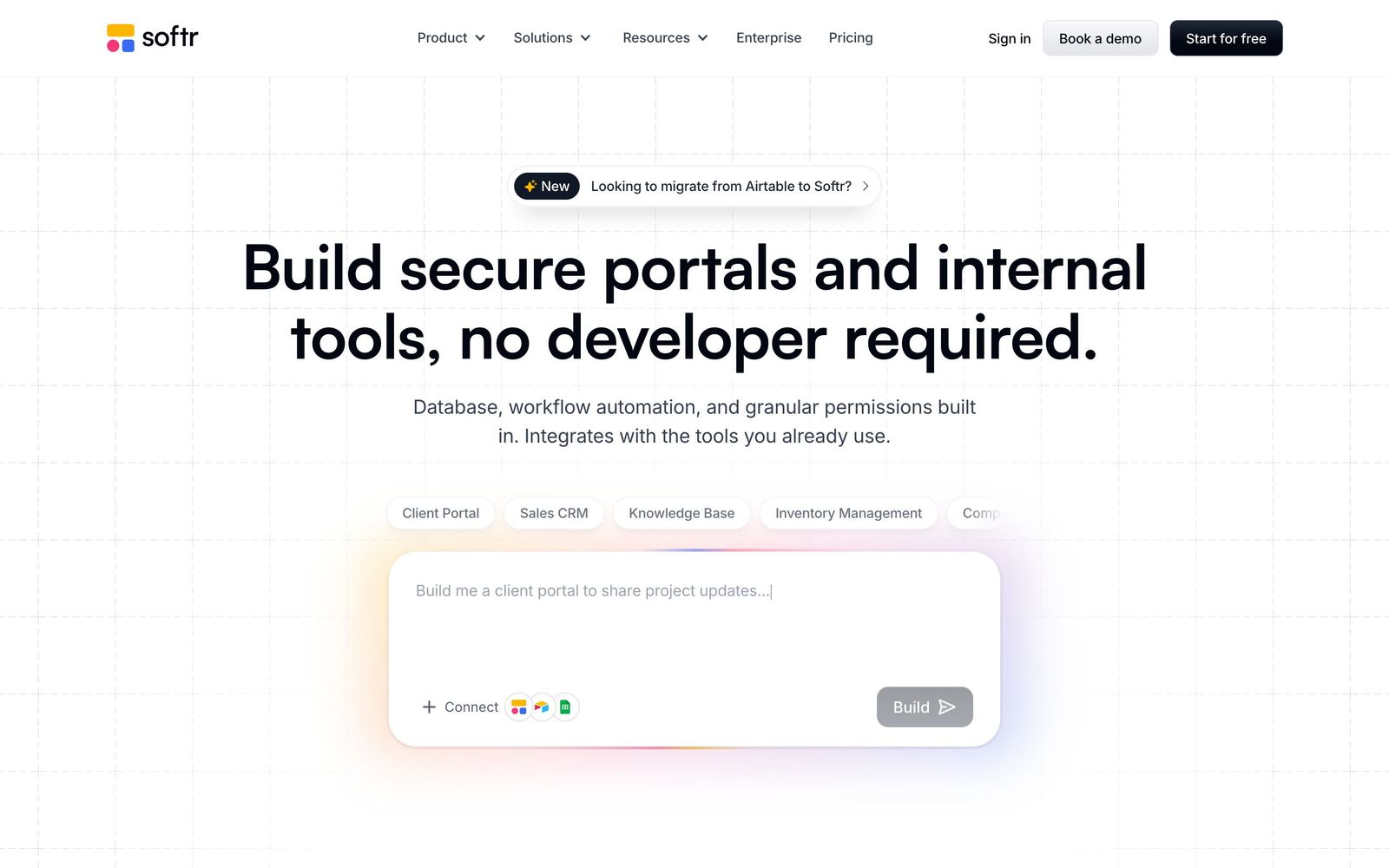
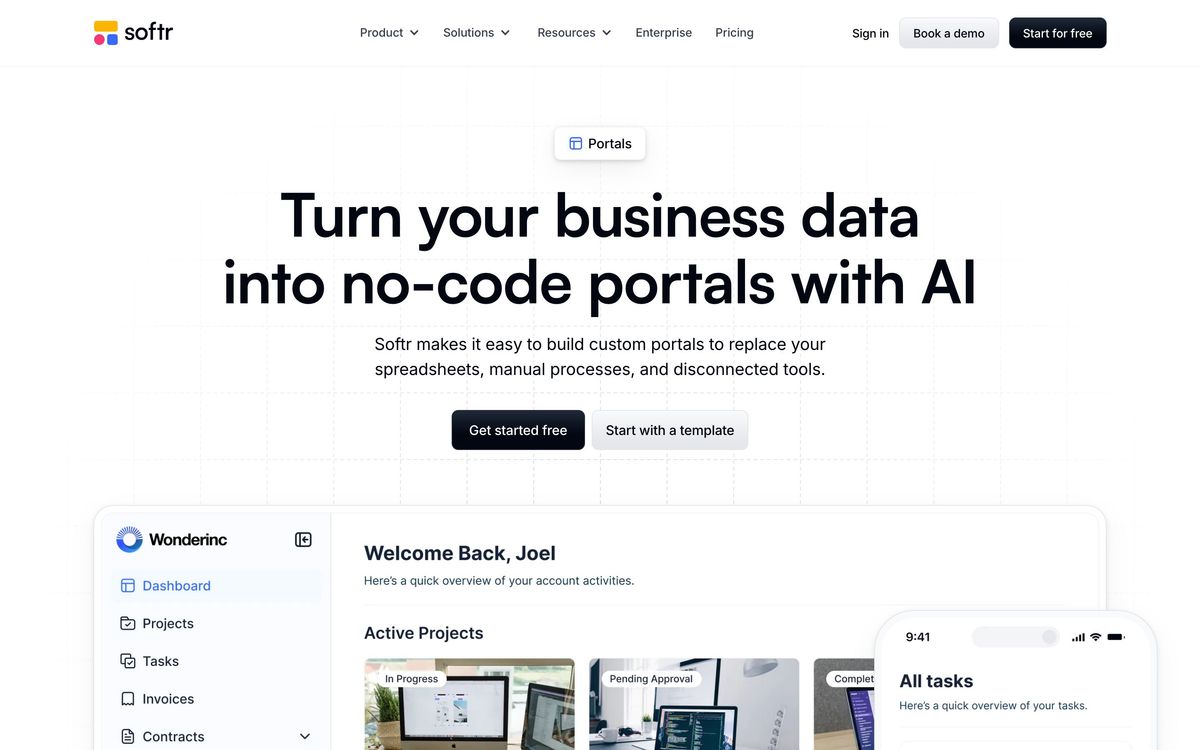
Softr puts an interface on data that already exists somewhere else. A team points it at an Airtable base, a Notion database, Google Sheets, Supabase or a Postgres instance, and builds a web app from prebuilt blocks: lists, tables, charts, detail pages, forms, calendars. The result is a client portal, an internal tool, a directory or a dashboard, published to a custom domain and locked down so each person sees only their own records. There is now also a built-in database and a workflow engine, so a project no longer has to start with an external source.
The permission model is the part that earns the subscription. User groups, memberships and record-level rules handle the problem that stops most spreadsheet-to-portal projects: showing a client their own three projects and nothing else. On top of that sits an AI builder that generates a first version of an app, its data structure and its logic from a written description, which is closer to scaffolding than to finished work but removes the empty-canvas problem. Automations connect the pieces, and apps can be wrapped for mobile without a separate build.
Key features
The capabilities that decide most evaluations:
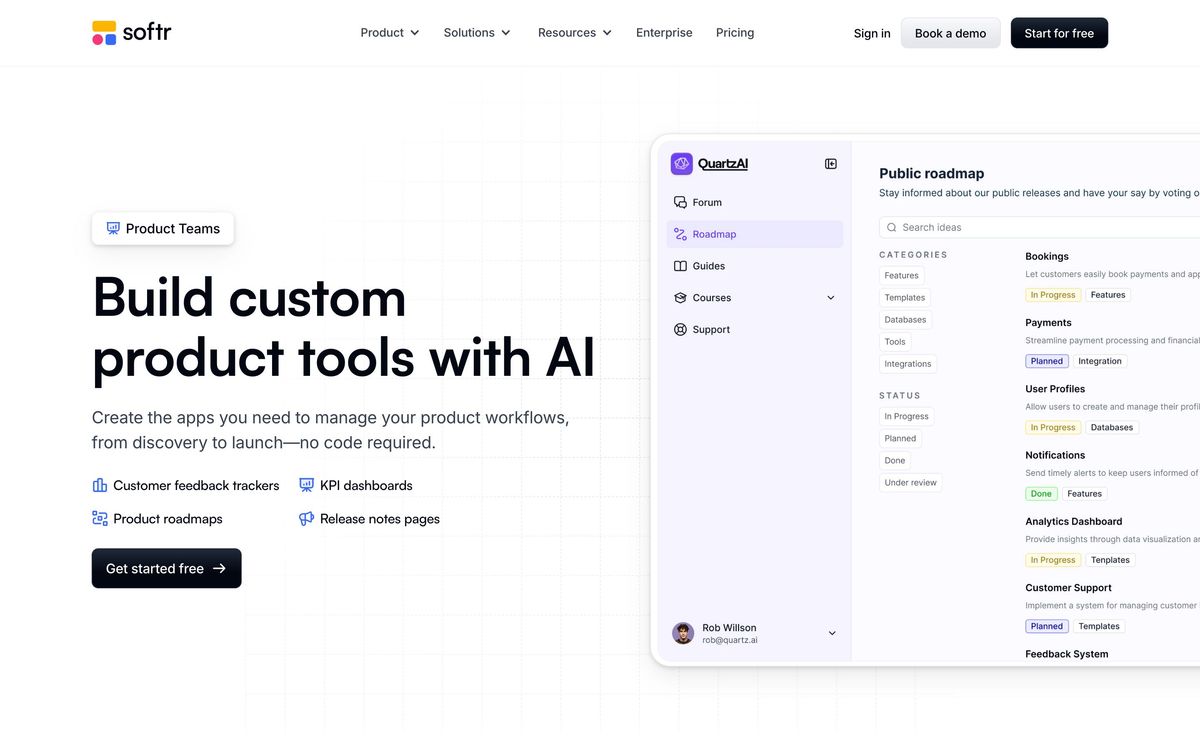
- Native connections to Airtable, Notion, Google Sheets, Coda, Supabase, MySQL, PostgreSQL and REST APIs, with more sources on higher tiers
- User groups and global data restrictions that filter records per signed-in user
- Built-in database, forms with conditional logic, and workflow automations
- AI app generation that produces a working app with data and logic from a prompt
- Block library covering lists, tables, charts, detail pages, calendars and inventory-style views
- Custom domains, mobile publishing and sign-in through email codes, Google or single sign-on
Who it's for
The natural buyer is an operations person who already runs the business in Airtable and needs to expose part of it: a client portal for an agency, an applicant tracker for a small recruiting team, an inventory view for a warehouse crew, an intranet for staff. Someone comfortable with spreadsheet logic can have a usable app running in a day, and the permission rules hold up well enough to put in front of paying customers.
Design-led teams will struggle. Blocks constrain layout to what the vendor anticipated, and forms are the most commonly cited limit. Anyone with an unusual interface requirement, heavy custom interactions or performance-critical queries over large datasets should treat Softr as a prototype tool rather than the destination.
How it compares
Glide targets the same job with a stronger mobile-first feel and its own pricing complications around updates and users. Noloco is closer to Softr on Airtable-backed portals and often more flexible on layout, with a smaller ecosystem behind it. Retool is the serious alternative for internal tools when a developer is available, offering far more control and requiring far more effort. Bubble sits further along the same line: near-total freedom in exchange for a real learning curve. Softr wins when the requirement is a decent-looking permissioned portal this week rather than a bespoke application next quarter.
Verdict
Softr does one thing convincingly: it turns a database a team already maintains into a permissioned application without hiring anyone. For client portals and internal tools, that is often the entire requirement, and the connector list plus the permission model make it a safer bet than most no-code builders. The ceiling is real, though. Layout freedom runs out sooner than expected, form customization frustrates people regularly, and app speed inherits whatever the connected source can deliver. A strong choice for straightforward portals, a poor one for anything bespoke.
Ready to try Softr?
There's a free tier, so you can test it before committing.
More founders tools like Softr
Glide
4.1Turns a spreadsheet or database into a mobile and desktop business app without code, with role-based views per user.
Read Glide review →monday.com
4.3Board-based work platform where typed columns drive timelines, dashboards and automated hand-offs.
Read monday.com review →Typewise
4.3AI agent platform that resolves customer service requests end-to-end across CRM, ERP, and helpdesk systems.
Read Typewise review →SmartSuite
4.2Structured records, views, dashboards and automations in one platform for teams outgrowing spreadsheets.
Read SmartSuite review →Turbotic Automation AI
4.2No-code automation platform where you build and run workflows by chatting with AI in natural language.
Read Turbotic Automation AI review →Dry Ground AI
4.1AI lab behind CompanyClaw, an autonomous business operator, and Nexa, a delivery platform for AI consultants.
Read Dry Ground AI review →