
Glide review
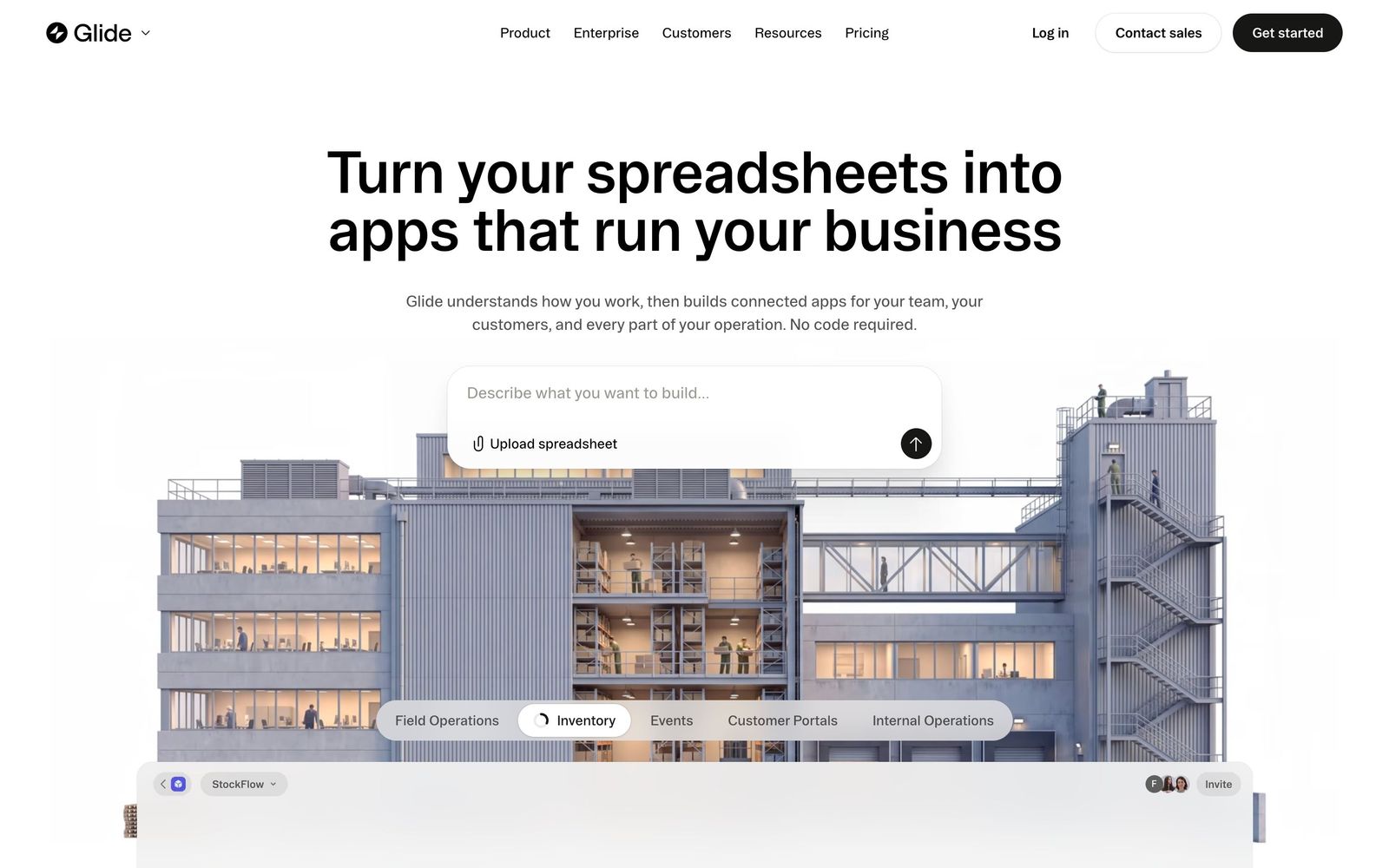
Turns a spreadsheet or database into a mobile and desktop business app without code, with role-based views per user.
The fastest route from a spreadsheet to an internal app a field team will actually open, though metered updates and per-user pricing make public-facing apps expensive to run.
Pros
- A working app comes out of an existing spreadsheet in an afternoon, with no build step or app store submission
- Apps run in the browser on phone and desktop, so field staff install nothing and updates ship instantly
- Row owners and role-based views let one app show a technician their jobs and a manager the whole board
- Connects to Google Sheets, Excel, Airtable, Postgres, Snowflake and Salesforce as live data sources rather than imports
- Holds SOC 2 Type 2 with GDPR and CCPA commitments, which clears most internal security reviews
Cons
- Pricing meters both seats and data updates, so an app with heavy real-time use burns through its allowance and lands overage charges
- Layout control is limited to the components Glide provides, and precise positioning or multi-action buttons are not available
- Performance and row limits bite on larger datasets, which rules it out as a front end for anything genuinely high volume
Glide pricing
List prices in USD per month, taken from the vendor at review time.
| Plan | Per month | What it covers |
|---|---|---|
| Free | Free | 1 project and a limited monthly credit allowance |
| Solo | $25 | 5 projects, 2 team members, unlimited apps |
| Team | $125 | 20 projects, from 5 team members, team dashboard and shared database |
What Glide actually does
Glide takes structured data a business already keeps, usually a Google Sheet, an Excel file, an Airtable base or a Postgres table, and wraps it in an application interface. The builder reads the columns and relationships, proposes screens, and the result runs in the browser on a phone or a laptop without an install or an app store review. Where a spreadsheet forces every user to see and potentially break everything, a Glide app shows a technician only their assigned jobs, a manager the full pipeline and a customer a read-only status page, from the same underlying table.
The platform has widened beyond simple app skins. It now includes its own database, workflows that fire on edits, submissions or a schedule, AI features that summarise or classify records, and a natural-language query layer for asking questions of the data. Pricing has moved with it: plans are sold by projects, team members and a monthly credit allowance, and every data operation counts against that allowance. Understanding the metering is the difference between a cheap internal tool and an unexpectedly large bill.

Key features
The substance is in how much of an operational app comes for free once the data is connected.
- App generation from an existing sheet or table, with suggested screens, relations and forms
- Live connections to Google Sheets, Excel, Airtable, PostgreSQL, Snowflake, QuickBooks and Salesforce rather than one-time imports
- Row owners and role-based views so each user's records stay private without building an auth layer
- Workflows and automations triggered by form submissions, record changes or a schedule
- Ask Glide, which answers plain-language questions about the connected business data
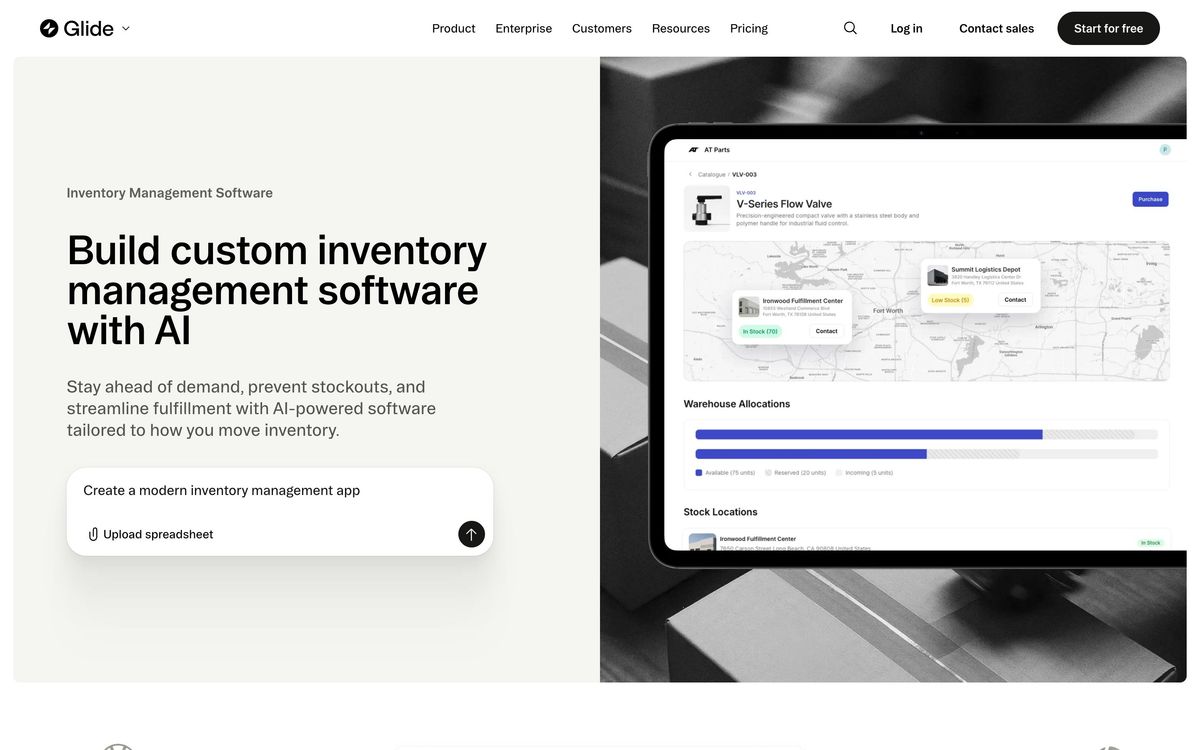
- A template marketplace covering inventory, inspections, directories, field service and lightweight CRM
Who it's for
Glide suits small operations teams with a spreadsheet that has outgrown itself: a field service company logging site visits, a nonprofit tracking cases, a shop running inventory counts, an agency collecting client requests. The people who benefit most are operators rather than developers, because the tool rewards someone who understands the process and can already model it in columns. Deployment to phones without an app store is the feature that usually seals it.
It is the wrong tool for a consumer product with unpredictable traffic, where per-user pricing and update metering scale badly, and for anything requiring a specific interface design, since layout freedom stops where Glide's components stop. Teams needing complex relational logic, heavy datasets or offline-first behaviour will hit the ceiling and should be looking at a real development stack or a database-first platform.
How it compares
Softr is the closest rival for Airtable-centred teams and offers more control over page layout, though its mobile experience is weaker. Airtable's own interfaces cover much of the same ground when the data already lives there and no external users are involved, and they avoid a second subscription. Bubble is far more capable for building a real product with custom logic and design, at the cost of weeks rather than hours of work. Glide's advantage is speed to something usable; its disadvantage appears the moment requirements stop being ordinary.
Verdict
Glide remains the quickest honest path from a shared spreadsheet to an app that staff will open on a phone, and the role-based data model solves a permissions problem that would take real engineering time to build. Reviews are consistently warm about ease of use, and the security posture is good enough for internal rollouts at mid-sized companies. The caveat is commercial: metered updates and seat counts mean cost tracks usage rather than value, and the ceiling on layout control and data volume arrives sooner than the marketing suggests. Treat it as excellent internal tooling, not as a platform for a customer-facing product.
Ready to try Glide?
There's a free tier, so you can test it before committing.
More founders tools like Glide
Softr
4.1No-code builder for client portals and internal tools on top of Airtable, Notion or a SQL database.
Read Softr review →monday.com
4.3Board-based work platform where typed columns drive timelines, dashboards and automated hand-offs.
Read monday.com review →Typewise
4.3AI agent platform that resolves customer service requests end-to-end across CRM, ERP, and helpdesk systems.
Read Typewise review →SmartSuite
4.2Structured records, views, dashboards and automations in one platform for teams outgrowing spreadsheets.
Read SmartSuite review →Turbotic Automation AI
4.2No-code automation platform where you build and run workflows by chatting with AI in natural language.
Read Turbotic Automation AI review →Dry Ground AI
4.1AI lab behind CompanyClaw, an autonomous business operator, and Nexa, a delivery platform for AI consultants.
Read Dry Ground AI review →