
Process Street review
Checklist-driven workflow platform for recurring processes, approvals and audit-ready completion records.
A strong choice for teams that must prove a process ran the same way every time, though hiding every price behind a sales call makes it hard to size before committing.
Pros
- Every workflow run leaves a timestamped record of who completed which step, which is what auditors ask to see
- Conditional logic reveals or hides steps based on earlier answers, so one template covers several variants
- Form fields inside the checklist capture structured data during the process rather than in a separate tool
- Approvals, assignments and due dates turn a written procedure into work that is actually tracked
- Reviewers repeatedly single out responsive support, including help building the first workflows
Cons
- Pricing is quote-only on every tier, and reviewers report seat minimums that push the real entry cost well above the per-seat rate
- Occasional contributors still consume paid seats, since guest access is limited in what it can do
- Mobile support and permission granularity trail the desktop experience, a recurring theme in user reviews
What Process Street actually does
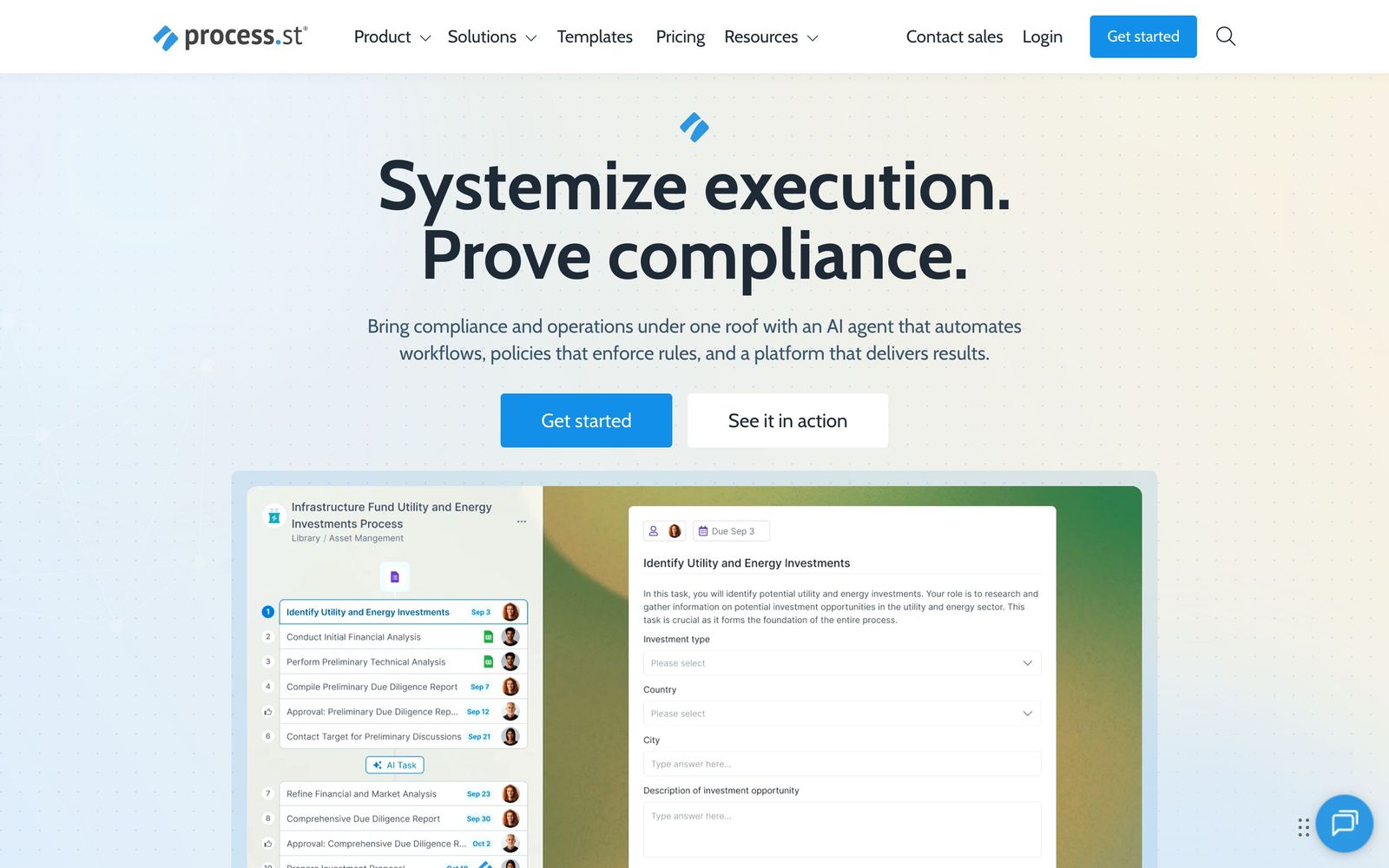
Process Street turns a written procedure into a checklist that runs. An administrator builds a template once, describing each step, who owns it, what data it captures and what has to be true before the next step opens. Every time the process is needed, someone starts a run of that template, and the run behaves like a small project: tasks are assigned, due dates apply, form fields collect answers, approvals block progress until someone signs off, and the whole thing is timestamped as it completes. The output is not only the work but the record that the work happened in the prescribed order.
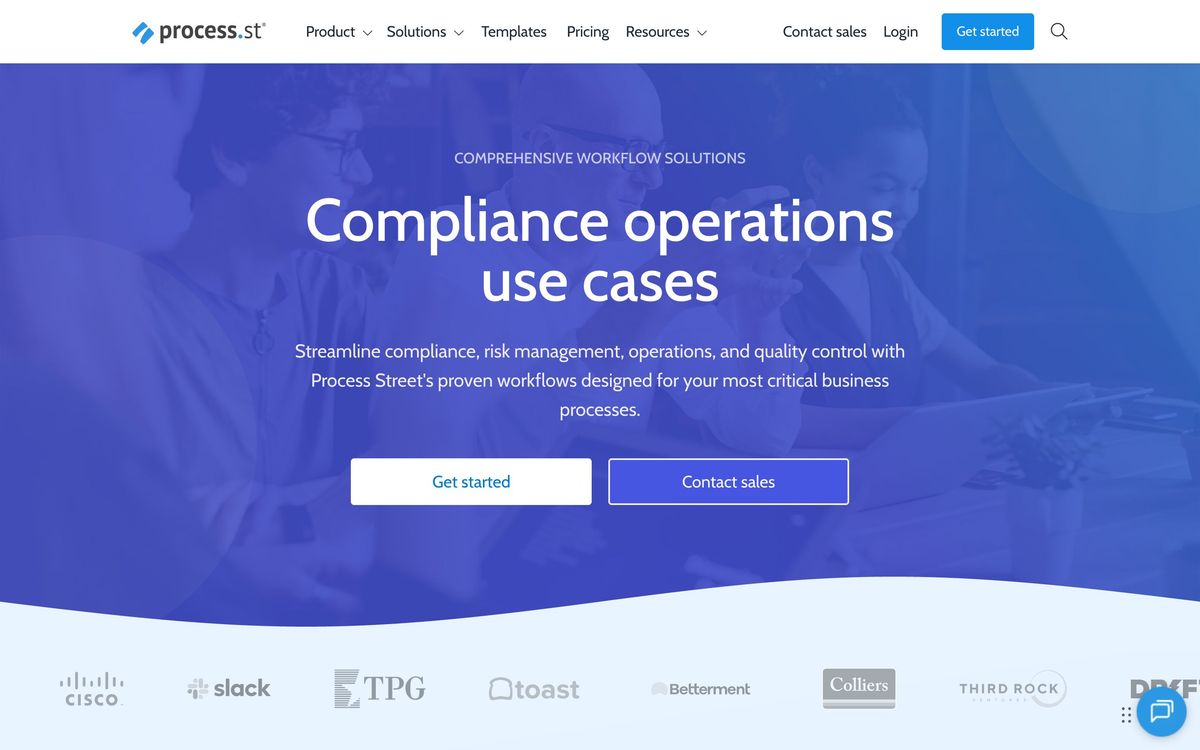
That record is why the company now positions itself as a compliance operations platform rather than a checklist app. Alongside workflows there is document and policy control, so the procedure and the policy it enforces live in the same system, and reporting that shows which runs are stalled and where. An AI layer generates workflows from a description and monitors for regulatory change. In practice most customers use a fraction of that: employee onboarding, client onboarding, month-end close, incident response, equipment checks, and similar processes that go wrong when someone improvises.
Key features
What separates it from a shared document:
- Workflow templates that run as assignable checklists with due dates
- Conditional logic that reveals or hides steps based on form answers
- Form fields and data sets that capture structured data during the run
- Approval steps with role-based assignment and sign-off
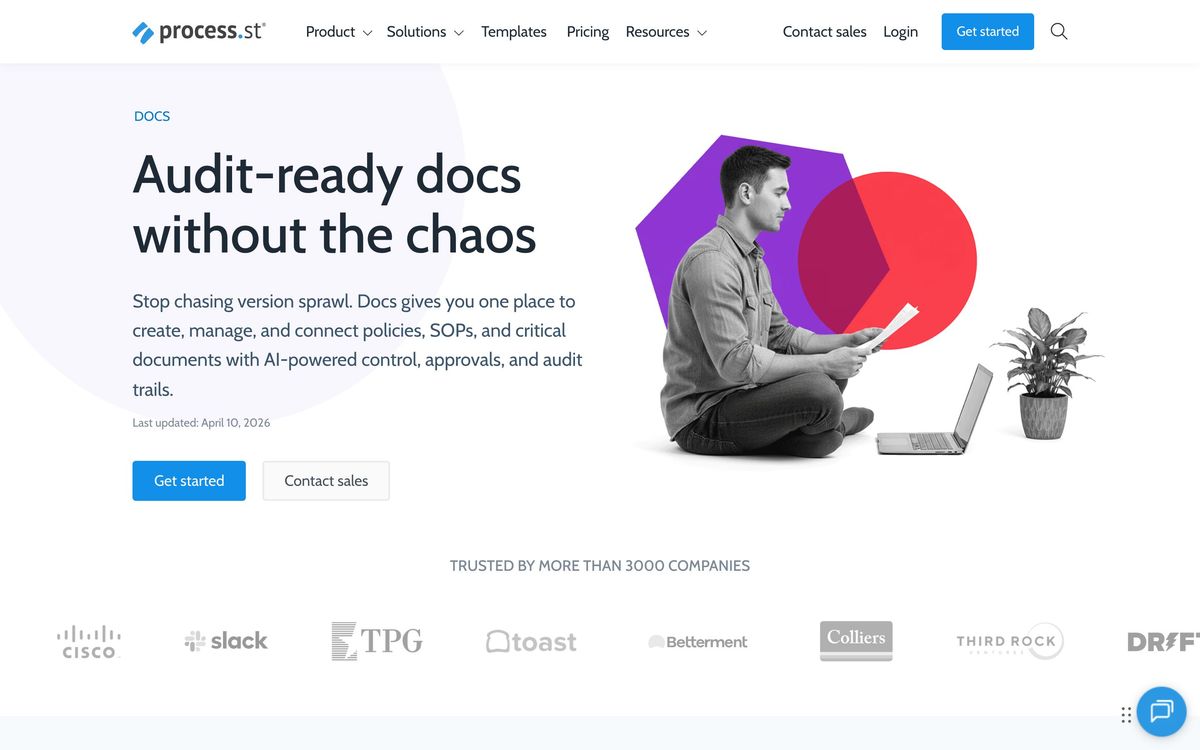
- Policy and document control kept next to the workflows they govern
- Reporting on run status, bottlenecks and completion times
Who it's for
The natural buyer is an operations, HR or compliance lead in a company between roughly twenty and a few hundred people, where processes are repeated often enough to be worth encoding and where getting one wrong has consequences. Financial services, healthcare, property management and managed IT show up repeatedly in the customer base for exactly that reason. It also suits an agency running identical onboarding for every client, where consistency is the product.
It is a poor fit for small teams with mostly one-off work, who will find a project tool or a shared document does the job for nothing. It is also awkward where a large number of people need to tick a single box occasionally, because those people consume seats and the guest tier is too limited to lean on. The economics work when a small group of heavy users runs many processes, not when many light users run one.
How it compares
Asana and similar project tools handle recurring work through templates, but they track tasks rather than proving compliance, and they cannot gate a step on a form answer. Pipefy overlaps closely and is stronger on structured request queues and forms, weaker on documentation as a first-class object. Trainual comes from the training side, excellent at documenting how something is done and much thinner at running it with approvals and data capture. Process Street's distinctive claim is the completion record, and it is a real one.
Verdict
If the requirement is evidence rather than a to-do list, Process Street does something most alternatives only imitate, and long-term users describe it as the tool that stopped things falling through cracks. The rating is held back by commercial opacity rather than capability. Every tier now routes to a sales conversation, seat minimums mean the real floor is higher than the headline per-user rate suggests, and the cost climbs as light users are added. Get a written quote for the full seat count before building anything on it.
Ready to try Process Street?
More founders tools like Process Street
monday.com
4.3Board-based work platform where typed columns drive timelines, dashboards and automated hand-offs.
Read monday.com review →Typewise
4.3AI agent platform that resolves customer service requests end-to-end across CRM, ERP, and helpdesk systems.
Read Typewise review →SmartSuite
4.2Structured records, views, dashboards and automations in one platform for teams outgrowing spreadsheets.
Read SmartSuite review →Turbotic Automation AI
4.2No-code automation platform where you build and run workflows by chatting with AI in natural language.
Read Turbotic Automation AI review →Dry Ground AI
4.1AI lab behind CompanyClaw, an autonomous business operator, and Nexa, a delivery platform for AI consultants.
Read Dry Ground AI review →Glide
4.1Turns a spreadsheet or database into a mobile and desktop business app without code, with role-based views per user.
Read Glide review →