
Format review
Portfolio site builder for photographers and designers, with client proofing galleries and a commission-free store.
A low-effort way for a photographer to get a serious-looking portfolio and client delivery in one subscription, though it trails Squarespace on everything that is not image display.
Pros
- More than ninety templates built specifically for visual work, so the default layout already respects large images
- Client galleries, proofing and file transfer are included rather than sold as a second subscription
- Lightroom integration moves finished edits into the site without a manual export and upload cycle
- The built-in store takes no commission on prints, digital downloads or services
- The Flex Block editor allows overlapping and freely placed elements without writing code
Cons
- The editor is less intuitive than Squarespace and takes noticeably longer to learn on a first site
- The entry plan caps high-resolution images at seventy and includes no image storage or hosted video, which is thin for a working photographer
- Blogging, email capture and general business pages are underdeveloped next to a general-purpose builder
Format pricing
List prices in USD per month, taken from the vendor at review time.
| Plan | Per month | What it covers |
|---|---|---|
| Basic | $14 | billed monthly and cheaper annually; 10 pages, 70 high-resolution images, 3 client galleries |
| Pro | $24 | unlimited pages, 1,500 images, 100 GB storage, 50 client galleries, 15 store products |
| Pro Plus | $36 | unlimited images, 1 TB storage, 250 client galleries, 1,000 store products, priority support |
What Format actually does
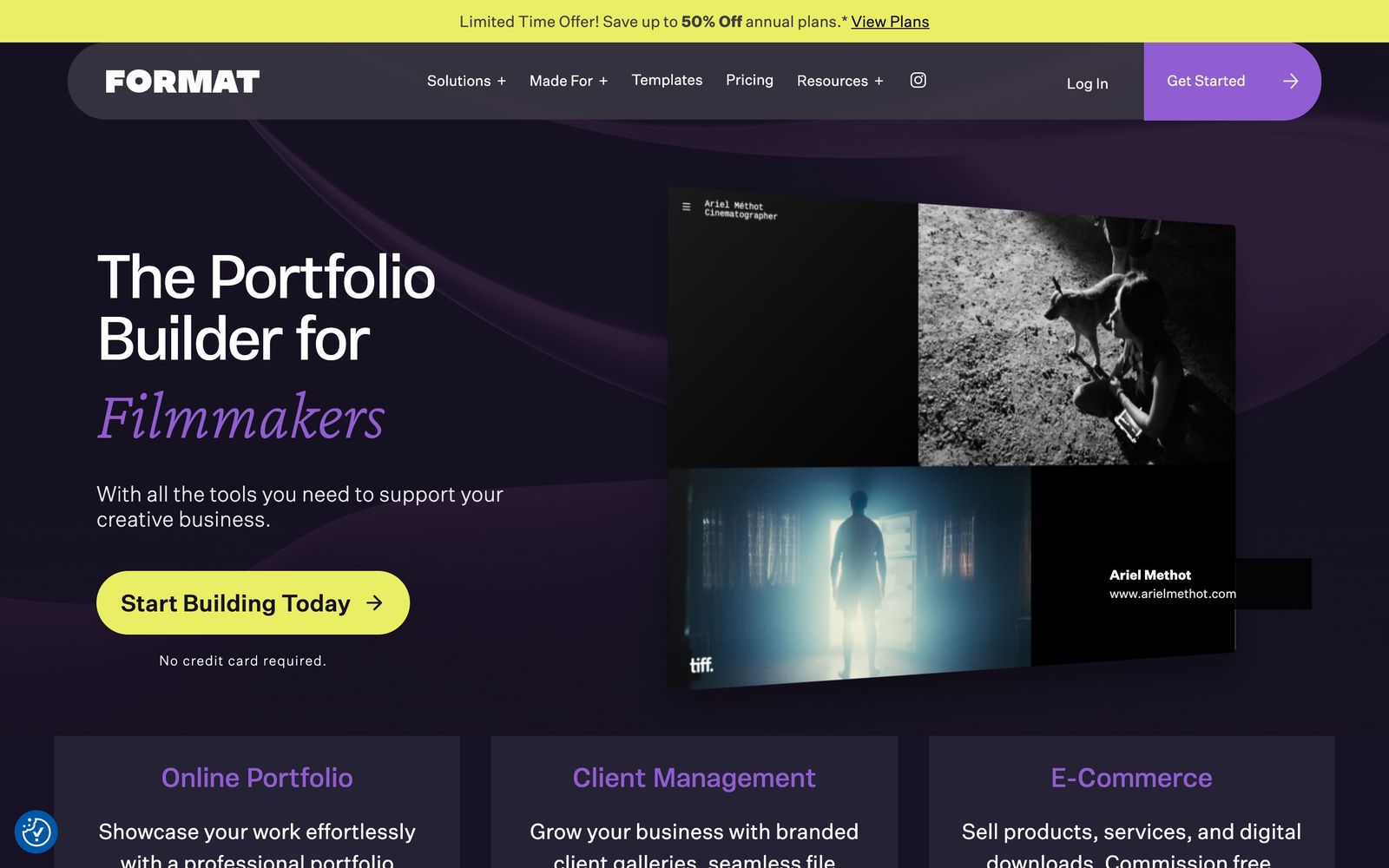
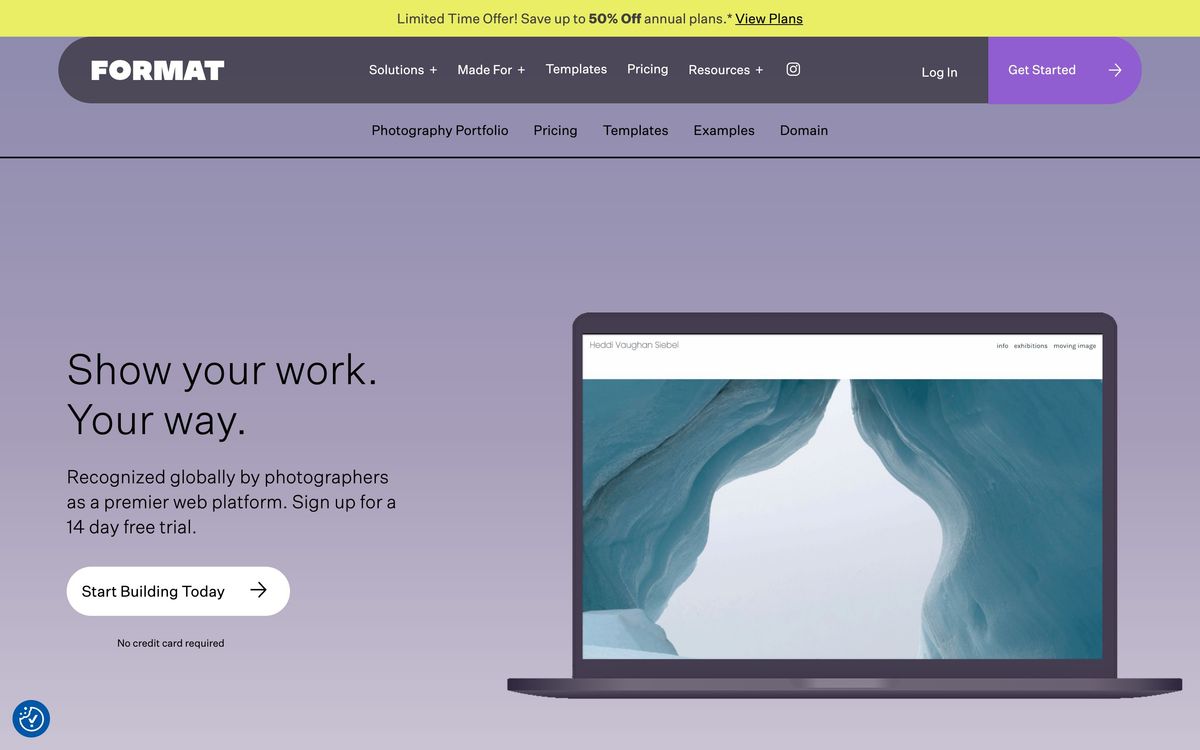
Format is a hosted website builder aimed squarely at people whose work is visual. It sells more than ninety templates designed around images rather than text, a page editor called Flex Block that allows elements to be overlapped and placed freely, hosting, SSL and a custom domain connection, all as one subscription. The pitch is that a photographer should be able to publish a portfolio that looks considered without hiring a designer or learning a general-purpose builder that was made for restaurants and consultants.
The part that distinguishes it from a plain site builder is the client layer. Format includes branded galleries where a client can review, proof and approve a shoot, file transfer for delivering finals, and contract handling, all under the same domain as the portfolio. There is also a commission-free store for selling prints, digital downloads and services, and hosted video up to a plan-dependent number of minutes. Images can be pushed in from Adobe Lightroom or Capture One so the editing workflow does not end with a manual export. SEO fields for titles, meta descriptions and image alt text are exposed, and Weglot handles translation for multi-language sites.
Key features
The pieces a working photographer would actually use:
- Ninety-plus templates built for photography, illustration, design, fashion and architecture
- Flex Block editor for layouts with overlapping and freely positioned elements
- Branded client galleries with proofing, approvals and download permissions
- File transfer for delivering finished work, sized by plan
- Commission-free store for prints, digital products and service bookings
- Lightroom and Capture One connections plus custom CSS and HTML for anyone who wants it
Who it's for
Format is for the working creative whose website is a portfolio first and a business second: photographers, illustrators, designers, architects and models. It earns its keep when the client galleries are used, because that is the subscription it replaces. A photographer running Format alongside a separate proofing platform is paying twice for the same job and should consolidate one way or the other.
It is the wrong tool for anyone whose site needs to do more than display work. If the plan involves a content programme, an email list, courses or a serious storefront, a general-purpose builder will get further with less resistance. The entry plan in particular is too tight for professional use, capping high-resolution images at seventy with no image storage and no hosted video, so the realistic starting point is the middle tier.
How it compares
Squarespace has more templates, a friendlier editor and much stronger commerce, blogging and marketing tooling, and it is the better choice for someone building a business around the site; Format wins on portfolio-specific design and on having client proofing included rather than bolted on. Pixieset is the mirror image: excellent client galleries and delivery, with a portfolio builder that feels dated by comparison, which is why some photographers run both. Adobe Portfolio is effectively free with a Creative Cloud subscription and perfectly adequate for a simple portfolio, but it has no client galleries, no store and far less design control.

Verdict
Format does one thing well and knows it: presenting visual work at a professional standard with as little setup as possible, while quietly absorbing the client delivery workflow that photographers otherwise buy separately. It sits in the upper middle of the range rather than the top because the editor demands more patience than Squarespace, the entry plan is too restrictive to recommend, and anything beyond showing work and delivering files is handled better elsewhere. Budget for the middle tier from the start and the value case holds.
Ready to try Format?
More creators tools like Format
Sellfy
3.7Storefront for creators selling digital files, subscriptions and print-on-demand merch in one place.
Read Sellfy review →ElevenLabs
4.7AI audio platform with 5,000+ voices in 70+ languages: text-to-speech, voice cloning, dubbing, and agents.
Read ElevenLabs review →Descript
4.5AI audio and video editor where you edit recordings by editing the transcript text.
Read Descript review →Gamma
4.5AI design partner that generates presentations, documents, websites, and social content from a prompt.
Read Gamma review →Riverside
4.5Browser recording studio that captures every remote guest locally in 4K, then edits and publishes the episode.
Read Riverside review →Consensus
4.4AI search engine over 200M+ academic papers, with a Consensus Meter showing where the science agrees.
Read Consensus review →