
Zenzap review
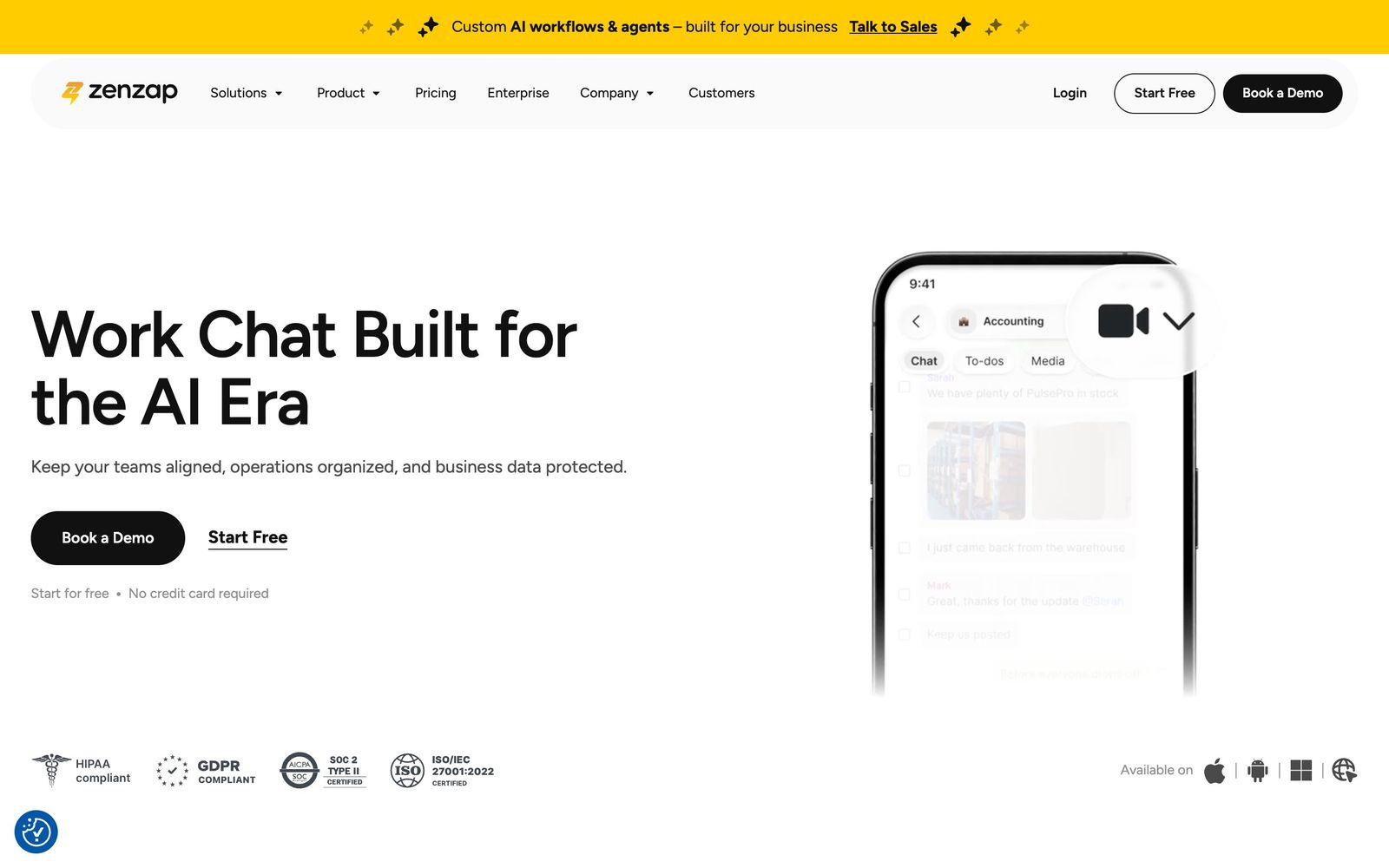
Work chat app for deskless and shift-based teams, built to move business conversations off personal WhatsApp.
A credible and cheap way to get frontline teams off personal messaging apps, though the integration catalogue is thin next to the incumbents.
Pros
- Chats are organised into topics with to-dos attached, so a work instruction does not scroll away like it does in a group thread
- Working-hours settings pause notifications outside a shift, which matters where messaging staff off the clock creates a wage claim
- Offboarding removes company conversations without touching an employee's personal phone data
- Certifications cover SOC 2, ISO, GDPR and HIPAA, which is unusual at this price point
- The free tier is genuinely usable for a small team, including chat migration from WhatsApp
Cons
- Integrations and API access are gated to the upper paid tier, and reviewers rate the connector ecosystem as thinner than Slack's or Teams'
- Storage on the free plan is a single gigabyte, so any team that shares photos or documents hits the ceiling within weeks
- As a young product it lacks the third-party app ecosystem and admin tooling that IT departments expect from an incumbent
Zenzap pricing
List prices in USD per month, taken from the vendor at review time.
| Plan | Per month | What it covers |
|---|---|---|
| Free | Free | unlimited chats and to-dos, 1 GB storage |
| Pro | $3 | per user, billed annually; adds calls, task templates and 100 GB storage |
| Business+ | $8 | per user, billed annually ($10 monthly); adds integrations, API access and HIPAA compliance |
What Zenzap actually does
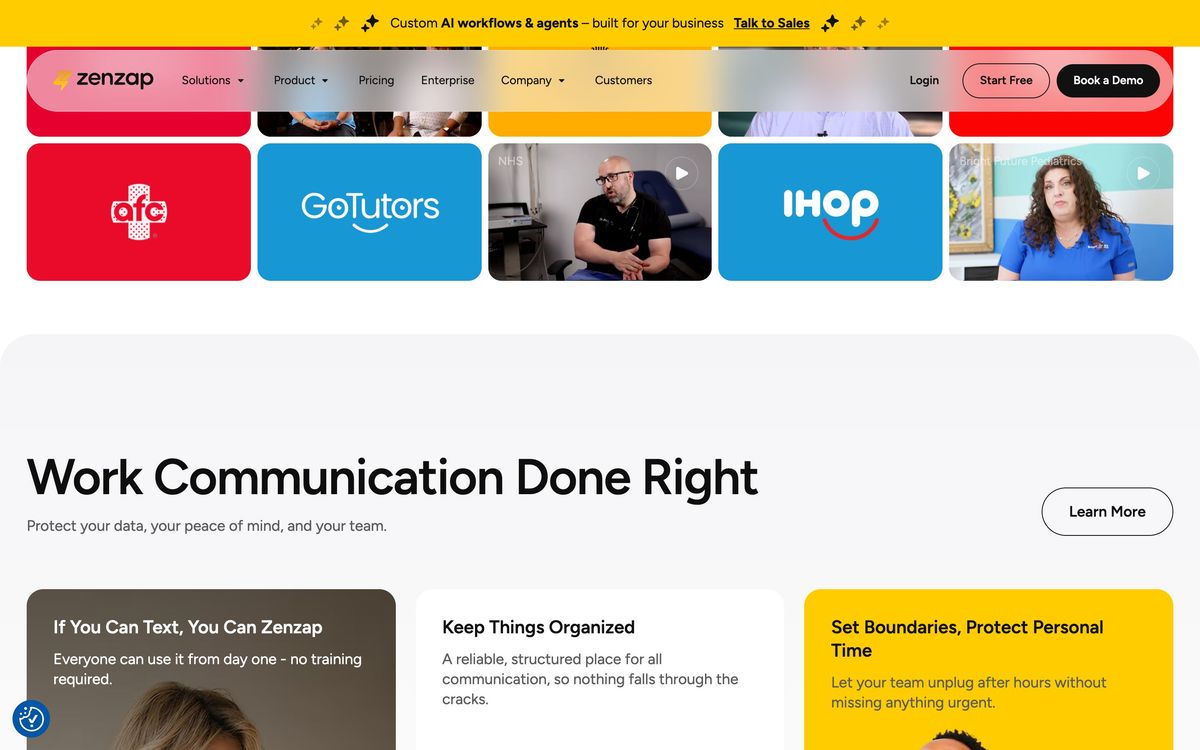
Zenzap is a team messaging app aimed squarely at businesses that never adopted Slack and instead run on personal WhatsApp groups and text messages. That describes an enormous share of hospitality, construction, clinics, retail and food service, where most staff do not sit at a desk and were never issued a company account. The product keeps the interaction model those workers already know, a phone-first chat list, and adds the structure a business needs: conversations grouped by topic, tasks that live inside the thread they came from, files that stay searchable, and an administrator who can see and control which accounts exist.
The compliance argument is the sharper half of the pitch. When a shift schedule or a patient detail travels through a manager's personal messaging account, the company has no record, no retention policy and no way to cut off access when that manager leaves. Zenzap keeps company conversations inside the company account, offboards a departing employee in one action without touching their personal device, and holds SOC 2, ISO, GDPR and HIPAA credentials to make that defensible in regulated sectors. Around this sit calls, calendar links, AI voice transcription and, on the upper tiers, configurable AI agents and an API. It runs on iOS, Android, desktop and the web.
Key features
The feature list is deliberately narrower than a general collaboration suite:
- Topic-based group chats, direct messages, and voice and video calls
- To-dos and task templates created directly from a message
- Working-hours settings that silence notifications outside a shift
- Searchable file storage with malware scanning on paid plans
- Admin permissions, device policy and one-click offboarding
- AI voice transcription, with AI agents and integrations on the upper tier
Who it's for
The clearest fit is a multi-site operator with fifty to several hundred staff, most of them hourly, currently coordinating on personal phones. For that business the alternative is not Slack, which frontline staff will not adopt and which prices per active user in a way that hurts when headcount turns over. It is the status quo, and the status quo carries real legal exposure. Zenzap is cheap enough per head to roll out to everyone, which is the only way an internal comms tool works when half the workforce is part-time.
It is a weaker choice for a knowledge-work team that already lives inside a productivity suite. Those teams want deep integration with ticketing, code repositories, CRMs and document tools, and Zenzap keeps its connectors and API behind the upper tier. It is also an awkward fit for organisations with a strict identity and device management posture, since single sign-on and encryption key management sit at the enterprise tier that must be quoted.
How it compares
Slack remains the deeper product for desk-based teams, with a large app directory and workflow tooling, but its per-seat pricing and desktop-centred design make it a poor match for hourly staff. Microsoft Teams comes bundled with an existing licence and now has a frontline offering, though administering it for staff without company email addresses is heavy work. Connecteam is the closest direct rival for deskless teams and goes further into scheduling, time clocks and training, while Zenzap stays a communication product and does that one job with less friction. Against all three, its trump card is the migration path from WhatsApp and a price that survives a large hourly headcount.
Verdict
Zenzap solves a specific and underserved problem: getting a frontline workforce off personal messaging without asking them to learn an office collaboration suite. The compliance certifications and the working-hours controls suggest a team that understands the operational reality of shift work. The rating reflects that clarity of purpose, held down by an integration layer reserved for the upper tier, tight storage on the free plan and the general immaturity of a young platform. Businesses whose main need is talking to staff will get value quickly; those wanting a hub for other systems should keep looking.
Ready to try Zenzap?
There's a free tier, so you can test it before committing.
More service-businesses tools like Zenzap
Synthflow AI
4.4No-code voice AI agents for inbound and outbound calls: booking, lead qualification and support, 24/7.
Read Synthflow AI review →Bókun
4.3Booking system and OTA channel manager for tour, activity and rental operators, owned by Tripadvisor.
Read Bókun review →Boulevard
4.3Booking, point of sale and client records for salons, spas and medspas that run on appointments.
Read Boulevard review →Buddy Punch
4.3Online time clock for hourly staff, with GPS, geofencing and photo verification on every punch.
Read Buddy Punch review →Connecteam
4.3Mobile app for deskless teams: shift scheduling, GPS time clock, checklists, chat and training.
Read Connecteam review →ServiceM8
4.3Job management for trade and home service crews, metered by jobs dispatched rather than by seat.
Read ServiceM8 review →