
PandaDoc review
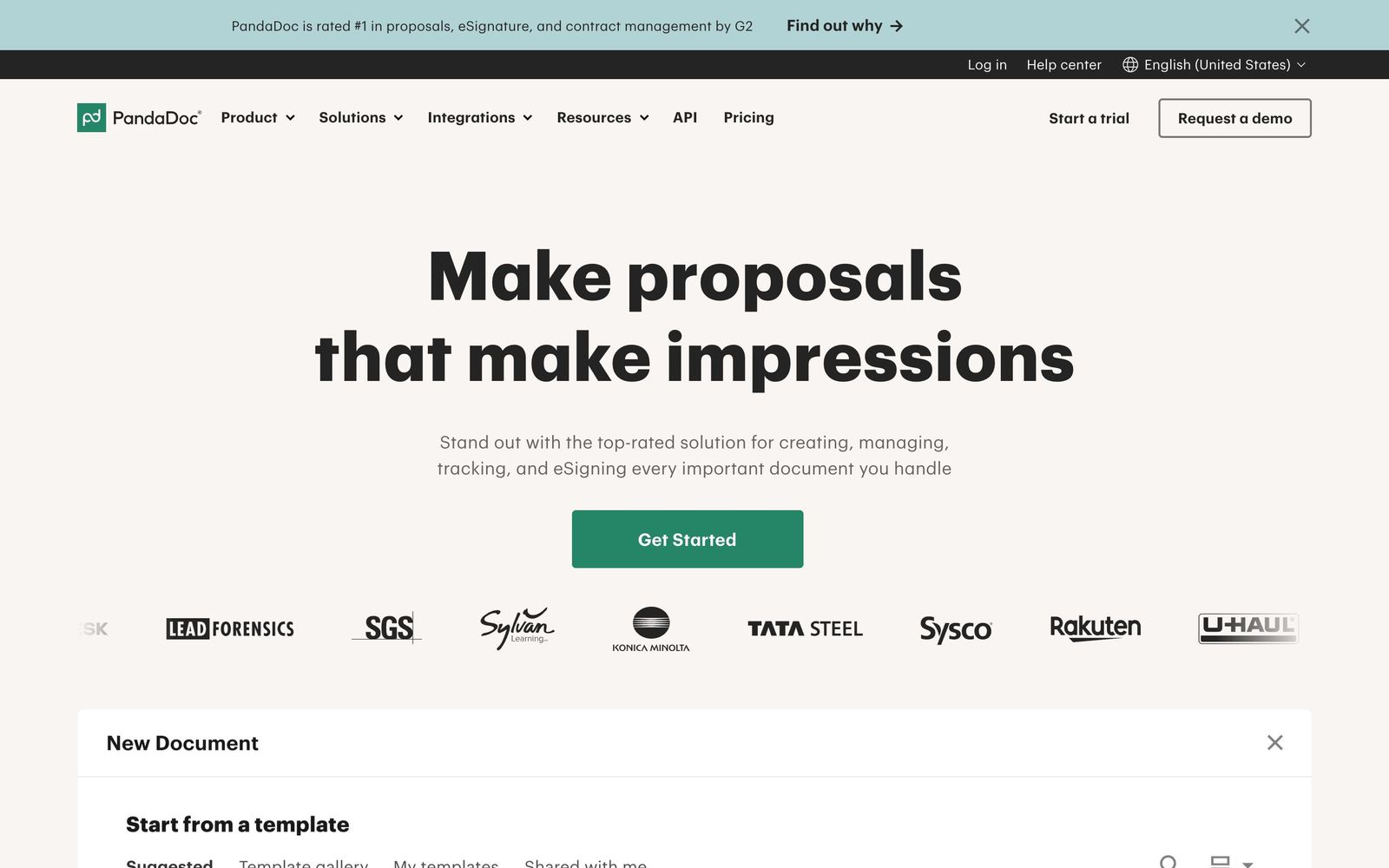
Proposal, quote and e-signature software that tracks what a buyer reads before they sign.
The most complete proposal-to-signature tool for small sales teams, though a document cannot be meaningfully edited once it has been sent.
Pros
- Document analytics show when a proposal was opened and which sections the recipient spent time on
- Reusable templates and a shared content library keep pricing and legal language consistent across a team
- Pricing tables calculate line items and let buyers select optional add-ons inside the document
- Approval workflows hold discounted quotes until a manager signs off, without leaving the document
- Payments can be collected at signature through Stripe, PayPal, Square or Authorize.Net
Cons
- A document that has already been sent cannot be edited; correcting a typo usually means recreating and resending it
- CRM integrations, bulk send and web forms sit on the Business tier, so the entry seat price is not what most sales teams actually pay
- The editor gets awkward with imported PDFs and mixed image-and-text layouts, and formatting often has to be rebuilt by hand
PandaDoc pricing
List prices in USD per month, taken from the vendor at review time.
| Plan | Per month | What it covers |
|---|---|---|
| Free | Free | e-signature only, 5 documents sent per month |
| Starter | $19 | per seat, billed annually |
| Business | $49 | per seat, billed annually; adds CRM integrations, approval workflows and deal rooms |
What PandaDoc actually does
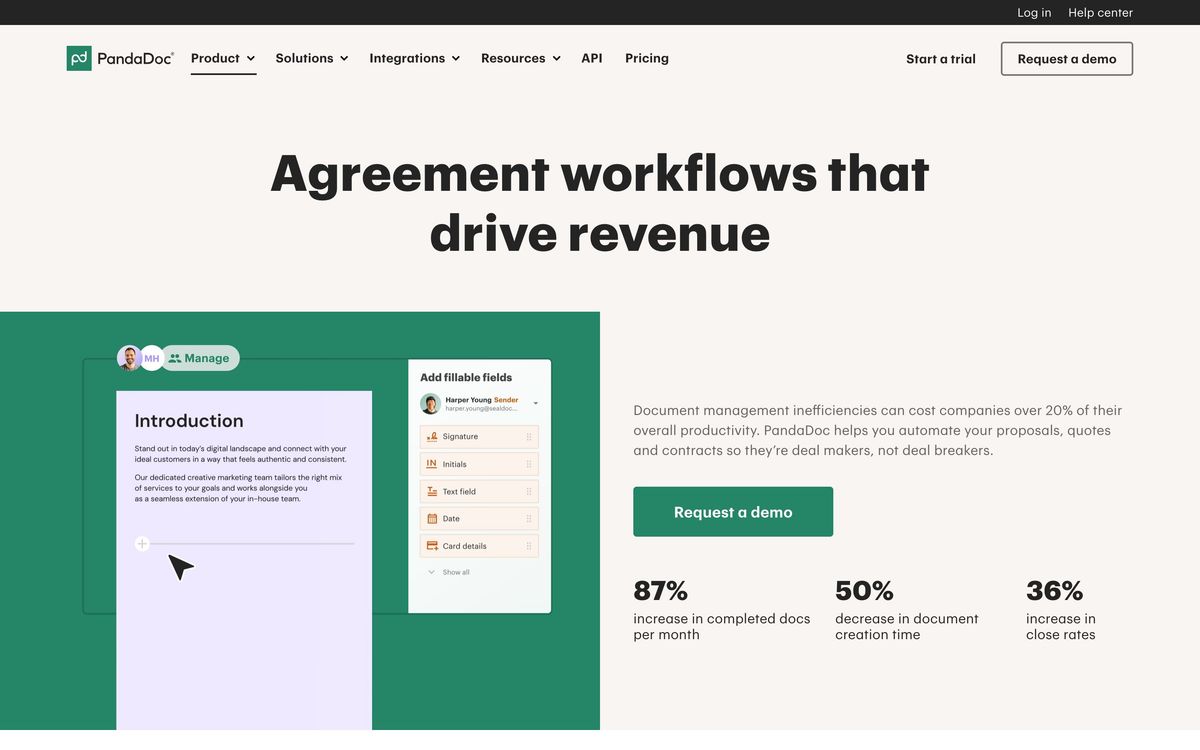
PandaDoc handles the last stretch of a deal: the proposal, the quote, the contract and the signature. Documents are assembled in a drag-and-drop editor from reusable templates and a shared content library, sent for signature, and then tracked while the recipient reads them. The sender sees when a document was opened, how long it was open and which sections held attention, which is the detail most sales managers actually want from a proposal tool.
The rest of the product is the machinery around that document. Pricing tables calculate line items and let a buyer add optional items themselves. Approval workflows hold a discounted quote until a manager releases it. Payment gateways can be embedded so an invoice is settled at the moment of signature. On the paid tiers it pulls deal and contact data from a CRM, so a quote is populated from the opportunity record instead of retyped. It runs in the browser, with mobile apps for signing and tracking and an API for teams generating documents from their own systems.
Key features
The capabilities that separate it from a plain signature tool:
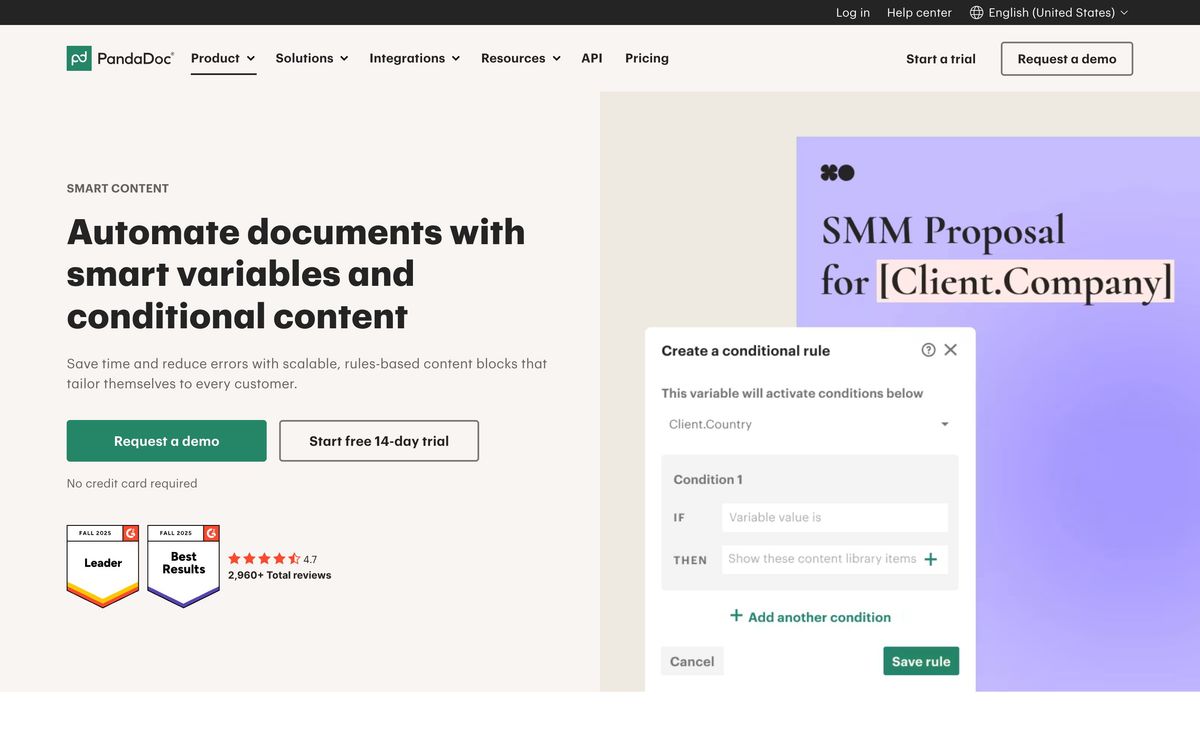
- Drag-and-drop editor with reusable content blocks, brand themes and a central library for approved pricing and legal language
- Legally binding e-signatures with signing order, court-admissible audit trail, and identity verification options including SMS and knowledge-based authentication
- Per-section document analytics with open notifications, time-on-page data and automatic reminders
- Quote and CPQ tooling driven by a product catalog, rules-based pricing and buyer-selectable options
- CRM integrations that populate documents from Salesforce, HubSpot or Pipedrive records and write status back
- Deal rooms, inline comments, suggested edits and approval workflows for documents that need internal sign-off
Who it's for
The natural buyer is a sales team of five to fifty that sends non-standard proposals: agencies, SaaS vendors with configurable pricing, professional services firms. If every deal needs a different scope, price and set of terms, the template library plus pricing tables removes most of the retyping, and the tracking data settles arguments about whether a prospect ever opened the quote.
Teams that only need a signature on a fixed document will overpay here. So will anyone hoping to run redlining-heavy contract negotiation through it; the post-send editing limits and the thin obligation management make it a weak substitute for a real contract lifecycle system. Finance-led organisations that need per-document rather than per-seat economics have to negotiate that separately with sales, and occasional signers are hard to justify at a full seat price, so most teams end up buying fewer licences than they would like and sharing a sender account.
How it compares
DocuSign remains the safer choice when signature volume, legal defensibility and enterprise identity requirements dominate, but its document creation is basic beside PandaDoc's editor and CPQ. Proposify is closer in spirit and cheaper to run for design-led agency proposals, with weaker CRM depth and no payment collection to match. Qwilr trades the paper metaphor for interactive web pages and wins on presentation, while lagging on approvals and workflow. Against all three, PandaDoc's advantage is that quoting, signing and getting paid live in one document rather than three tools.
Verdict
PandaDoc earns its rating on breadth: few tools take a deal from template to signed contract to collected payment without a handoff, and the tracking analytics are genuinely useful in pipeline reviews. The caveats are real, though. The useful integrations sit on the second paid tier, so per-seat cost climbs faster than the headline suggests, and the inability to edit a sent document is a daily irritation for teams that iterate on quotes. For sales organisations whose proposals vary deal by deal, it is still the most complete option in its price range.
Ready to try PandaDoc?
There's a free tier, so you can test it before committing.
More sales tools like PandaDoc
Clay
4.4A credit-based GTM data workbench that chains 100+ enrichment providers and AI into one spreadsheet.
Read Clay review →Smartlead
4.4Cold-email sending infrastructure built for unlimited mailboxes, continuous warmup, and one unified reply inbox.
Read Smartlead review →Apollo.io
4.3The default B2B contact database and SDR prospecting suite: huge data reach paired with built-in sequencing and dialing.
Read Apollo.io review →Blinq
4.3Digital business cards and event lead capture that push enriched contacts with context into the CRM.
Read Blinq review →Storylane
4.3Interactive product demos captured from a browser, embedded on a site or sent after a sales call.
Read Storylane review →Cognism
4.2B2B contact database with human-verified mobile numbers and compliance-checked records, strongest across Europe.
Read Cognism review →