
iContact review
Long-running email marketing service for small businesses that want newsletters sent and delivered.
A dependable newsletter platform with unusually accessible human support, though the editor and automation feel a decade behind Brevo or Mailchimp and reviewers regularly report formatting trouble.
Pros
- Support is reachable by phone, chat and email, and reviewers single it out as the strongest part of the service
- Deliverability guidance and account review come from a company that has been sending at volume since 2003
- Drag-and-drop editor with a template library covers the standard newsletter without design work
- Segmentation, A and B testing and signup forms are available without moving to a premium tier
- Landing pages are included, so a small campaign does not need a second subscription
Cons
- Reviewers repeatedly report inconsistent text and HTML formatting, with spacing and font problems appearing between the editor and the inbox
- Automation is basic next to current competitors and is reserved for the higher plan rather than included with the entry tier
- The integration list is short and shallow, so anything beyond the named connectors needs a middleware step
iContact pricing
List prices in USD per month, taken from the vendor at review time.
| Plan | Per month | What it covers |
|---|---|---|
| Basic | $14 | starting price for the smallest contact tier; cost rises with list size |
What iContact actually does
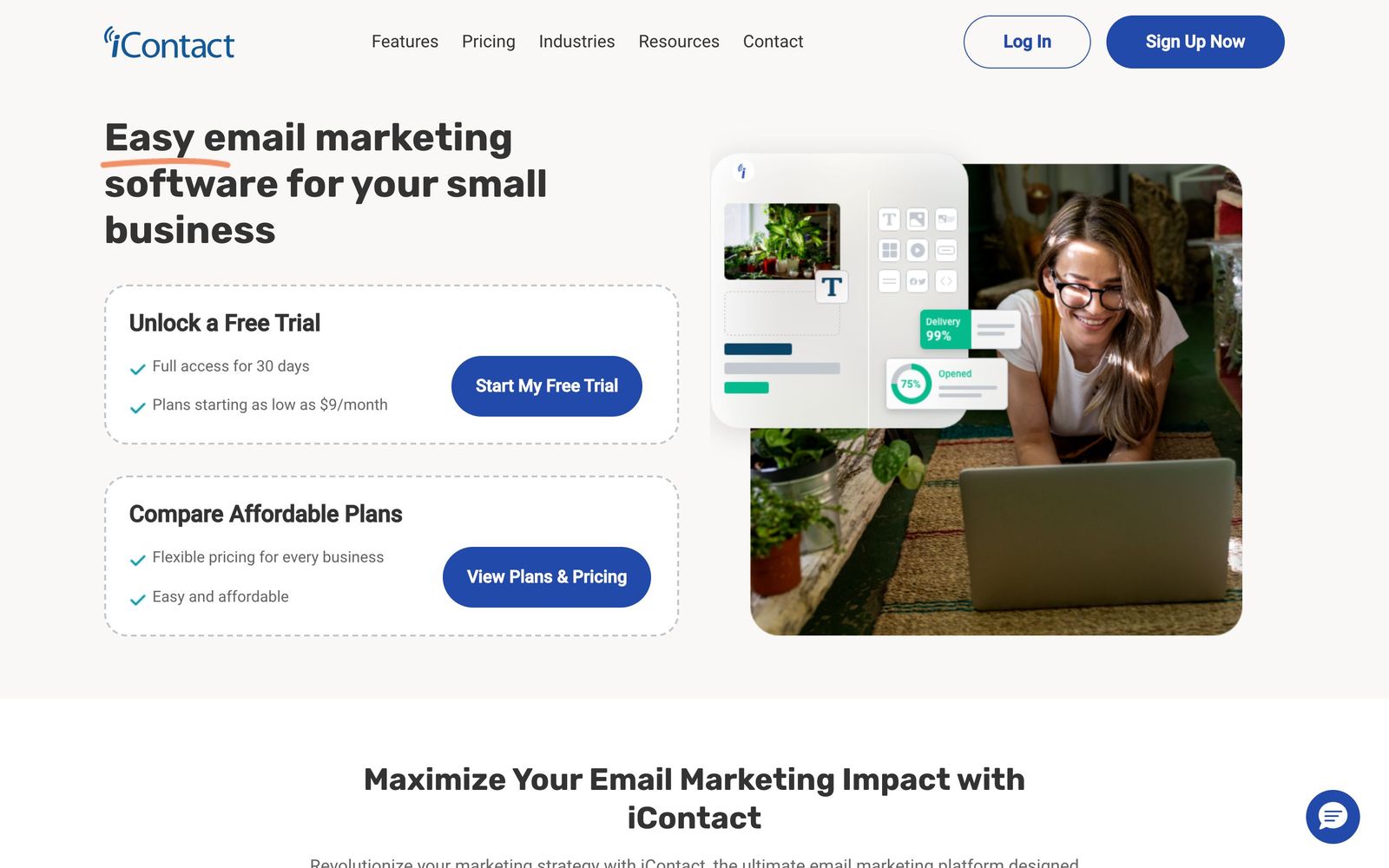
iContact is an email service provider that has been sending campaigns for small businesses since 2003, which in this category counts as ancient history. The job it does is the traditional one: hold a contact list, build a message in a drag-and-drop editor, segment the list, send, and report on what happened. Around that core sit signup forms, landing pages, A and B testing, and automated sequences for welcome messages and follow-ups on the higher plan.
What sets the company apart is less the software than the service wrapped around it. iContact has always sold access to people, with phone, chat and email support and deliverability guidance from a team that reviews accounts sending at volume. For a nonprofit or a local business whose newsletter is written by someone with four other jobs, that matters more than another automation branch. The platform is priced by contact count on a tier ladder starting with a small list, and the practical cost climbs as the list grows.
Key features
The capability set is conventional, and deliberately so.
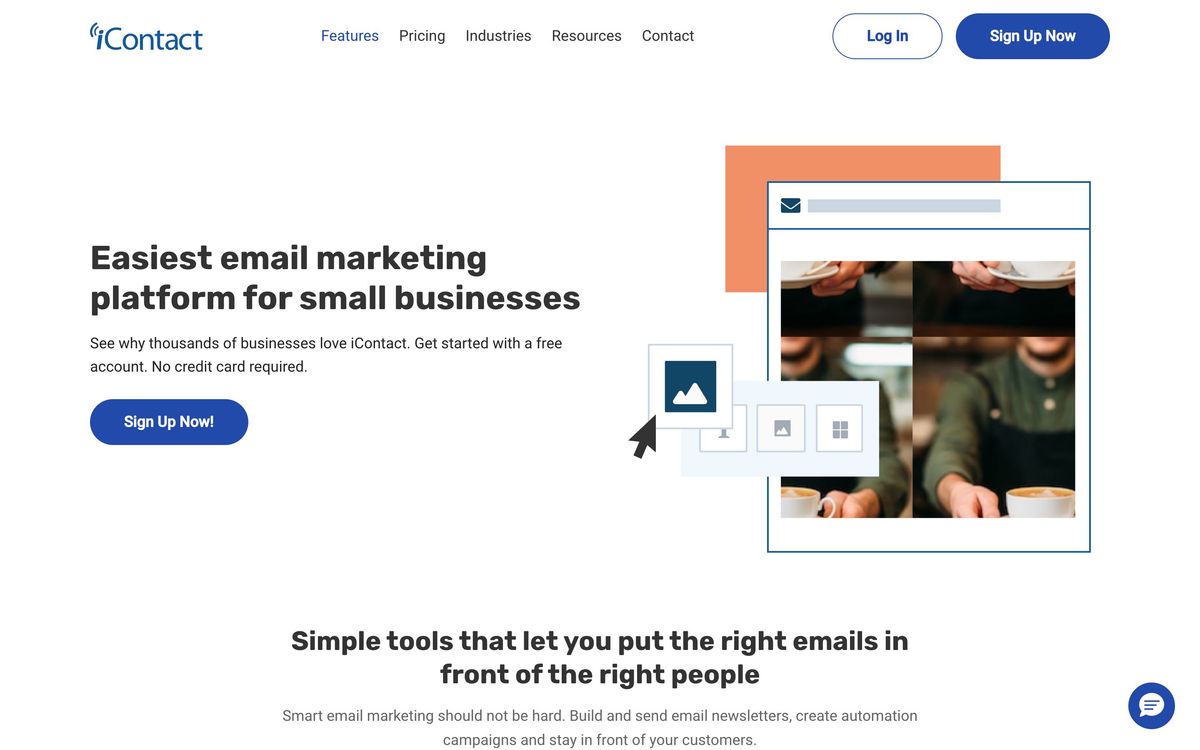
- Drag-and-drop editor with a template library and personalisation fields
- List management with segmentation, suppression and bounce handling
- Automated welcome and follow-up sequences on the higher plan
- A and B testing on subject lines and message content
- Signup forms and hosted landing pages for growing the list
- Reporting on opens, clicks, bounces and unsubscribes, with support-side deliverability review
Who it's for
iContact suits an organisation whose email programme is a regular newsletter plus the occasional announcement, and whose sender would rather call someone than read a help centre article. Nonprofits, associations, local retailers and professional practices fit this shape well, particularly ones sending to a list they have owned for years rather than one they are actively trying to grow. The support relationship is the product's real differentiator, and buyers who have been burned by a self-service platform with no phone number tend to value it accordingly.
It is a poor choice for anyone building behaviour-driven lifecycle messaging, running ecommerce flows tied to purchase data, or expecting the email tool to double as a light CRM. Modern competitors do all of that better and often for less. It is also awkward for design-led teams: reviewers report often enough to be a pattern that text and HTML formatting behaves inconsistently, with spacing and font issues surfacing between what the editor shows and what lands in the inbox.
How it compares
Mailchimp remains the default for small business email and beats iContact on templates, integrations and the breadth of its ecosystem, while charging more as lists grow. Brevo is the sharper value option, bundling email, SMS and transactional sending with automation that is genuinely more capable at the entry level. Constant Contact is the closest peer in spirit, another long-established provider selling support and simplicity to non-technical senders, and it currently offers a livelier event and social toolkit. Against all three, iContact competes on the accessibility of its support team rather than on features, which is a narrower argument than it was when the company started but still a real one for senders who have spent an afternoon waiting on a chat queue elsewhere.
Verdict
iContact still does the fundamental job. Lists are managed properly, campaigns go out, deliverability is taken seriously by people who will talk to a customer about it, and the tier structure keeps a small newsletter affordable. What it no longer does is keep pace. The editor produces formatting surprises, automation is thin and gated to the upper plan, and the integration list is short enough that any workflow beyond the obvious needs a middleware step. Choose it for the support relationship and the low starting tier; look elsewhere if the email programme is meant to become the engine of the business.
Ready to try iContact?
There's a free tier, so you can test it before committing.
More marketers tools like iContact
GetResponse
4.3All-in-one email marketing platform with automation, AI tools, webinars, and creator monetization features.
Read GetResponse review →CleverTap
4.2Behavioural analytics and cross-channel campaigns for teams whose customers live inside a mobile app.
Read CleverTap review →RGE Studio
4.1Drag-and-drop email and landing page builder that exports into whichever platform you already send from.
Read RGE Studio review →Sender
4.1Email and SMS marketing for small stores and newsletters, with automation included on the free plan.
Read Sender review →Brevo
4.0Email, SMS, WhatsApp and a light CRM on one bill, priced by messages sent rather than contacts stored.
Read Brevo review →InboxAlly
4.0Deliverability repair service that rebuilds sender reputation with seed inboxes, placement tests and DNS checks.
Read InboxAlly review →