
accessiBe review
Accessibility widget, scanner and manual services that patch a website's accessibility gaps at run time.
The fastest way to put an accessibility layer on a site you cannot rebuild, though a US regulator fined accessiBe over what it claimed the widget achieved, and overlays alone have not kept sites out of court.
Pros
- Installs as one script or a CMS plugin, so a site gets keyboard and screen-reader adjustments the same afternoon
- The automated scan reruns every 24 hours, which catches regressions on sites that publish frequently
- accessScan gives a free, public audit and score, useful as a before-and-after check independent of the purchase
- accessFlow moves the work upstream by surfacing issues for developers to fix in the source rather than patching at run time
- Manual services cover the parts automation cannot reach: expert audits, VPAT documentation, testing with disabled users and litigation support
Cons
- In 2025 the US Federal Trade Commission finalised an order requiring accessiBe to pay one million dollars over claims that its widget could make any website WCAG compliant, and sites running overlays have continued to draw accessibility lawsuits
- Run-time patching cannot repair source-level problems such as missing alt text, broken heading order, unlabelled form fields, wrong ARIA or keyboard traps, which is where most violations sit
- Plans are priced from an estimate of the site's monthly traffic taken from a third-party data provider, so the bill rests on a number the customer does not control
accessiBe pricing
List prices in USD per month, taken from the vendor at review time.
| Plan | Per month | What it covers |
|---|---|---|
| Micro | $59 | up to 5,000 monthly visits; 490 a year |
| Growth | $179 | up to 30,000 monthly visits; adds litigation support |
| Scale | $479 | up to 100,000 monthly visits; adds annual manual testing |
What accessiBe actually does
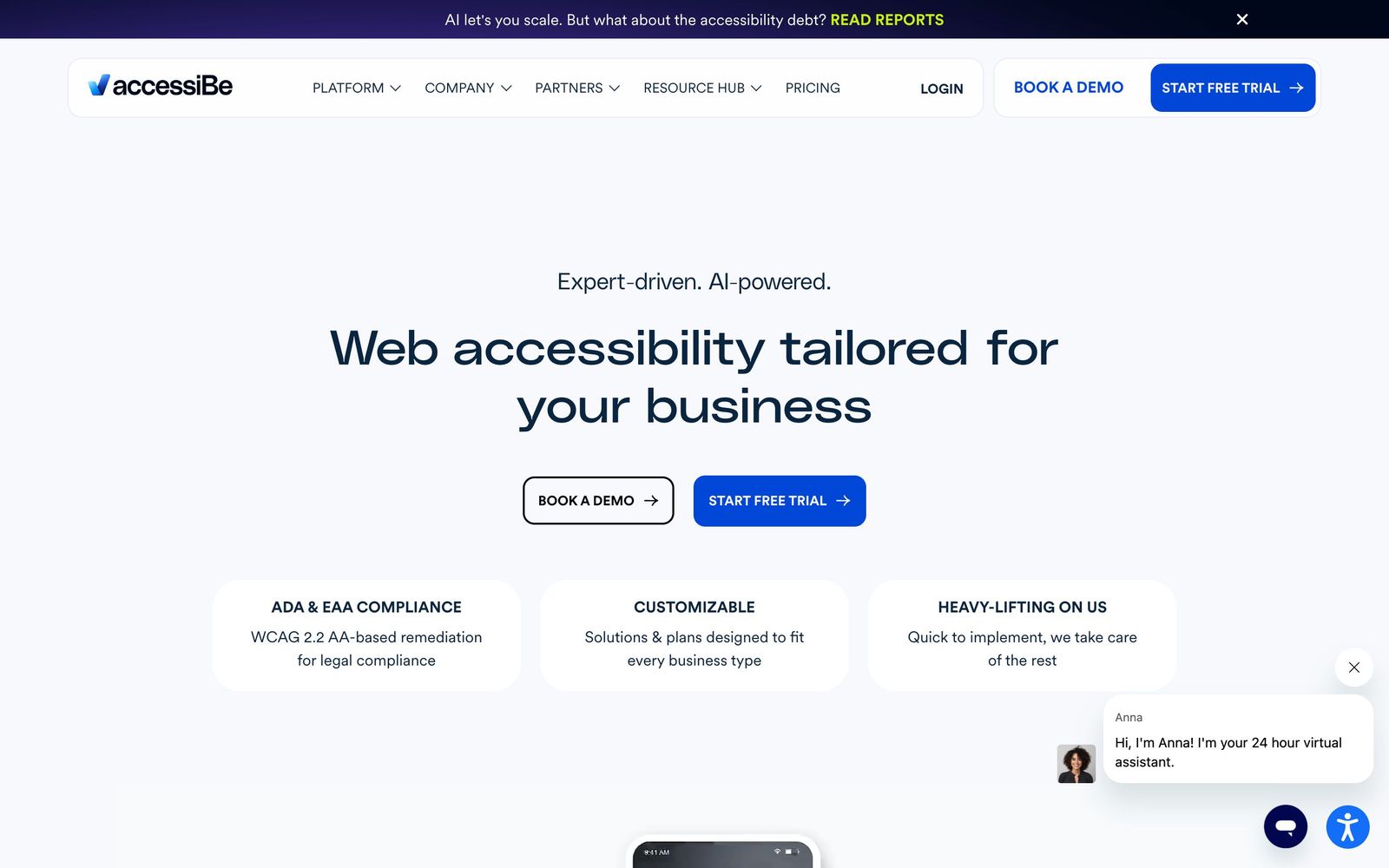
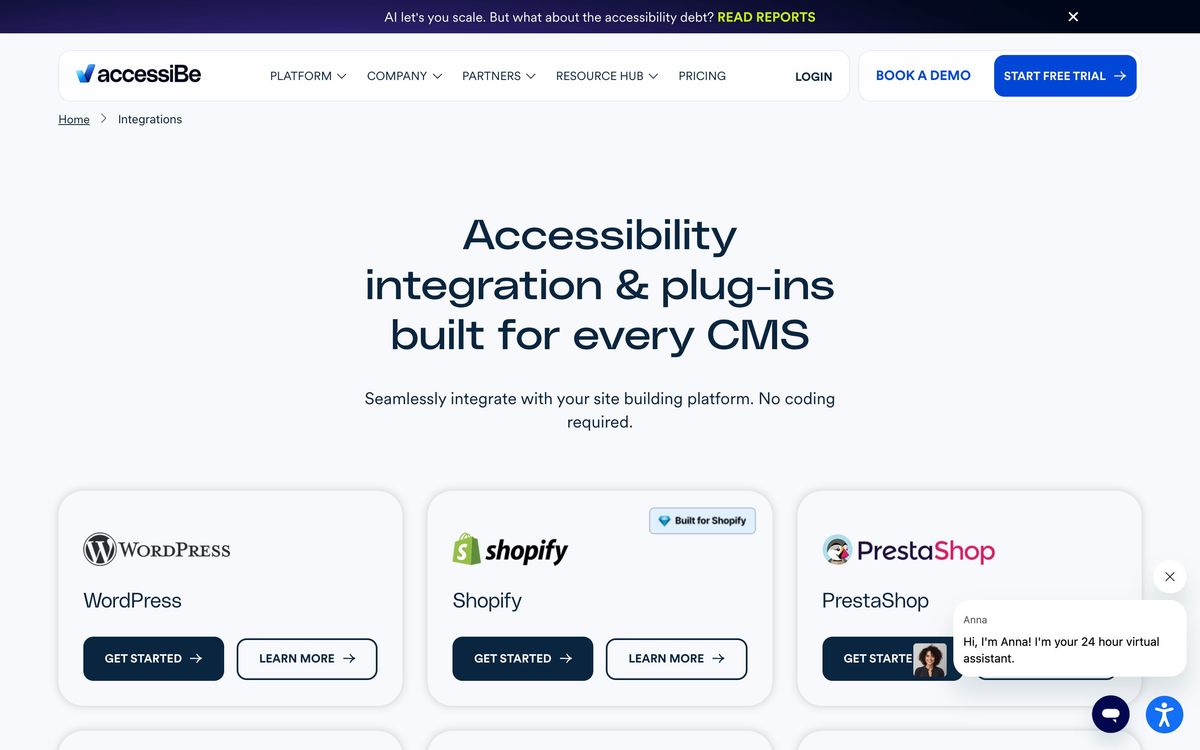
accessiBe sells accessibility as a subscription. Its best-known product, accessWidget, is a script that loads on the page and adjusts what the browser renders: it labels elements for screen readers, repairs some keyboard navigation, and offers visitors a control panel for contrast, text size, spacing and motion. An automated scan reruns every day, so a site that publishes constantly does not have to be re-audited by hand each time. Installation is a plugin on WordPress, Shopify, WooCommerce, Wix, Webflow, BigCommerce or Squarespace, or a single line of script anywhere else.
Around that sits a wider platform, and the company has clearly worked to broaden it. accessScan runs a free public audit and returns a score, which is a fair place to start whether or not anything is bought afterwards. accessFlow is aimed at developers, reporting issues so they are fixed in the source instead of patched at run time. accessServices is people rather than software: expert manual audits, conformance and VPAT documentation, testing with disabled users, and support when a demand letter arrives. Subscriptions are priced by estimated monthly traffic to the domain, drawn from a third-party traffic data provider, with a discount for paying annually.
Key features
The range now spans automation, developer tooling and human services.
- accessWidget for run-time adjustments to screen-reader labelling and keyboard navigation
- A visitor-facing panel for contrast, font size, spacing and motion preferences
- Automated rescanning every 24 hours as site content changes
- accessScan for a free audit and score on any URL
- accessFlow for reporting issues to developers for correction in code
- accessServices for manual audits, VPAT documentation, user testing and litigation support
Who it's for
The honest fit is a small business with a template site, no developer on retainer and no realistic path to a remediation project: a clinic, a local firm, a small store on a mainstream CMS. For them a widget plus the free scan raises the floor for a modest monthly cost, and the higher tiers bring in the human help that automation cannot provide.
It is the wrong purchase for any organisation with a legal obligation it must actually satisfy, and for anyone treating the subscription as insurance. Public sector bodies, healthcare providers, education and larger ecommerce operators need source-level remediation and evidence of conformance, and buying a script instead delays that work while creating a false sense of safety. Teams with engineering capacity should look at accessFlow or a dedicated testing toolchain rather than the overlay.
How it compares
UserWay and AudioEye are the direct rivals, sold on the same promise and open to the same criticism, though AudioEye pairs its automation with a larger managed-testing arm. Deque and Level Access represent the other philosophy: testing tools and expert services that find defects for developers to fix in the codebase, slower and considerably more expensive, and the approach accessibility practitioners recommend. The comparison is less about vendors than about which job is being bought, patching a rendered page or repairing the page itself.
Verdict
As software, accessWidget works as advertised and the wider platform is more substantial than its reputation suggests. The problem is the gap between what an overlay can do and what buyers were told it does. Hundreds of accessibility specialists have signed a public statement that overlays do not deliver conformance, the largest US organisation of blind people has objected to the marketing, and in 2025 the FTC finalised a million-dollar order over claims that the widget could make any website compliant. accessiBe is worth its entry price as a partial improvement on a site that would otherwise get nothing, and it is worth nothing at all as a substitute for fixing the code.
Ready to try accessiBe?
More marketers tools like accessiBe
Unbounce
4.4Landing page builder with AI traffic routing (Smart Traffic), A/B testing, popups, and sticky bars.
Read Unbounce review →ActiveCampaign
4.3Email marketing and automation platform with a built-in CRM, contact scoring, and SMS and WhatsApp sending.
Read ActiveCampaign review →AgencyAnalytics
4.3Client reporting for marketing agencies: 85+ connectors, white-label dashboards and scheduled reports.
Read AgencyAnalytics review →Bouncer
4.3Email verification and deliverability testing that strips invalid addresses before a send hurts your domain.
Read Bouncer review →Brand24
4.3Media monitoring tool tracking brand mentions across social, news, blogs, forums, podcasts, and reviews.
Read Brand24 review →Customer.io
4.3Behaviour-triggered messaging across email, SMS, push and in-app, built on your own event data.
Read Customer.io review →