
VisualCV review
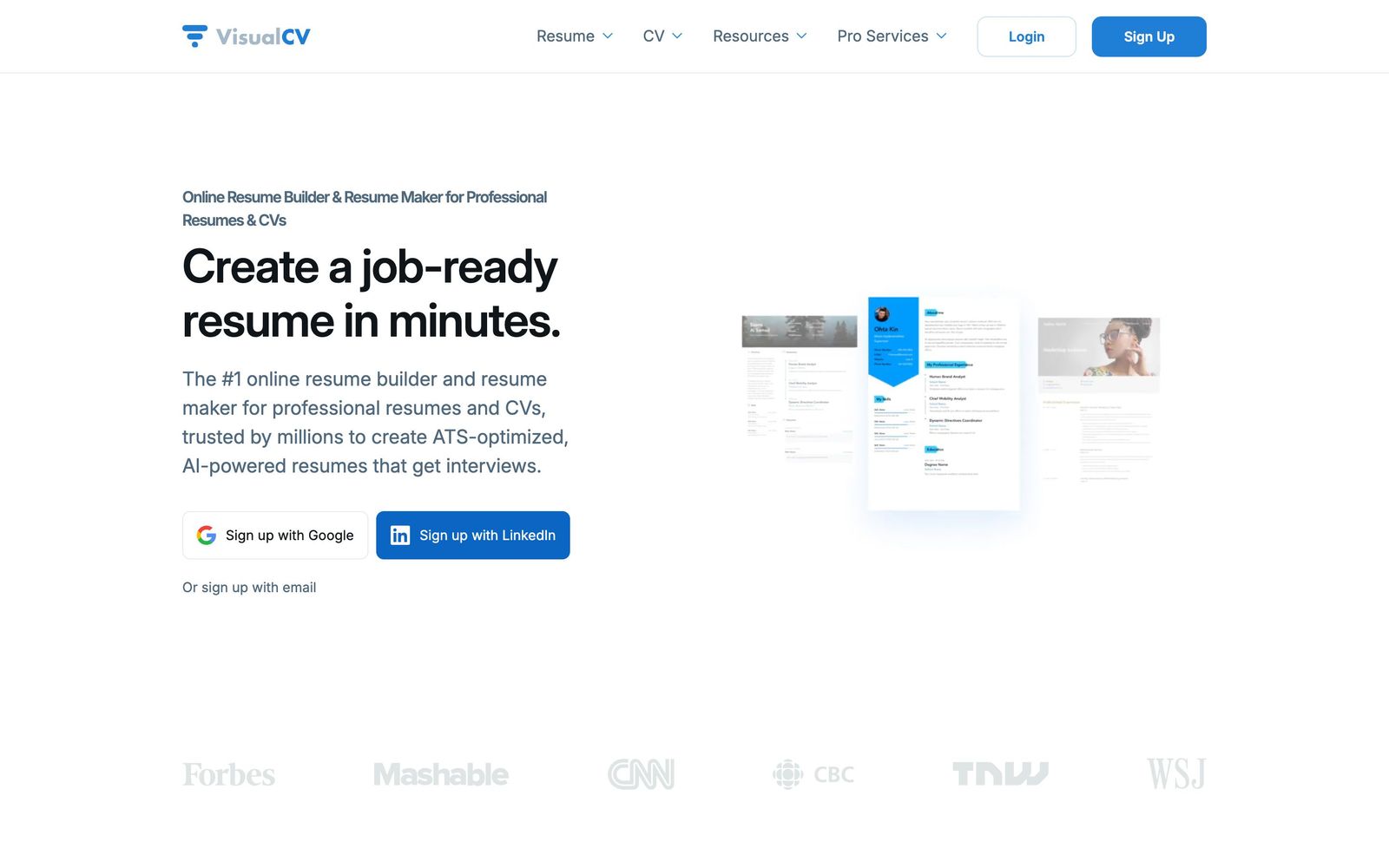
Resume and CV builder with hosted links, view analytics and a business tier for managing client CVs.
Worth a look for a staffing or consulting team that wants client CVs in one house style, though it is built first for the individual job seeker and connects to almost nothing else in a recruiting stack.
Pros
- Hosted resume links report when a CV was opened and how long it was read, which no applicant tracking system tells the sender
- The business account keeps every client CV in one place with version history and shared templates
- Templates are built to survive applicant tracking system parsing rather than only to look good on screen
- Portfolio links and work samples embed inside the CV structure without breaking the layout
- The free tier is usable for a single resume, so the product can be judged before paying
Cons
- There is effectively no integration layer: full LinkedIn profile import was withdrawn and nothing connects to an applicant tracking system
- Design control stops at the supplied templates, which frustrates anyone wanting to move blocks or change a layout
- Public review sites show complaints clustered on automatic renewal and cancellation rather than the product itself
VisualCV pricing
List prices in USD per month, taken from the vendor at review time.
| Plan | Per month | What it covers |
|---|---|---|
| Free | Free | one resume, basic template access |
| Pro | $16 | billed quarterly at $48 |
What VisualCV actually does
VisualCV is a hosted resume and CV builder that has been running since 2006. A person enters their history once into a structured profile, then generates as many versions of it as a job search requires, each using one of the thirty or so templates and each exportable as a document or published as a web page on a VisualCV link. Cover letters draw from the same profile, so a name change or a new role propagates everywhere rather than being retyped. A career journal keeps a running record of achievements between searches, which is the part most people wish they had when a recruiter calls unexpectedly.
The feature that separates it from the many cheaper builders is analytics on the hosted version. Send a link rather than an attachment and the sender sees when it was opened, how long the reader stayed and whether the file was downloaded. Alongside the individual product there is a business account, aimed at organisations that manage CVs for other people: an agency, a consultancy assembling profiles for a proposal, or a career service. That account keeps all client documents in one place with version history, shared templates and a named support contact.
Key features
The parts that justify a subscription:
- Structured profile that generates multiple tailored CV versions
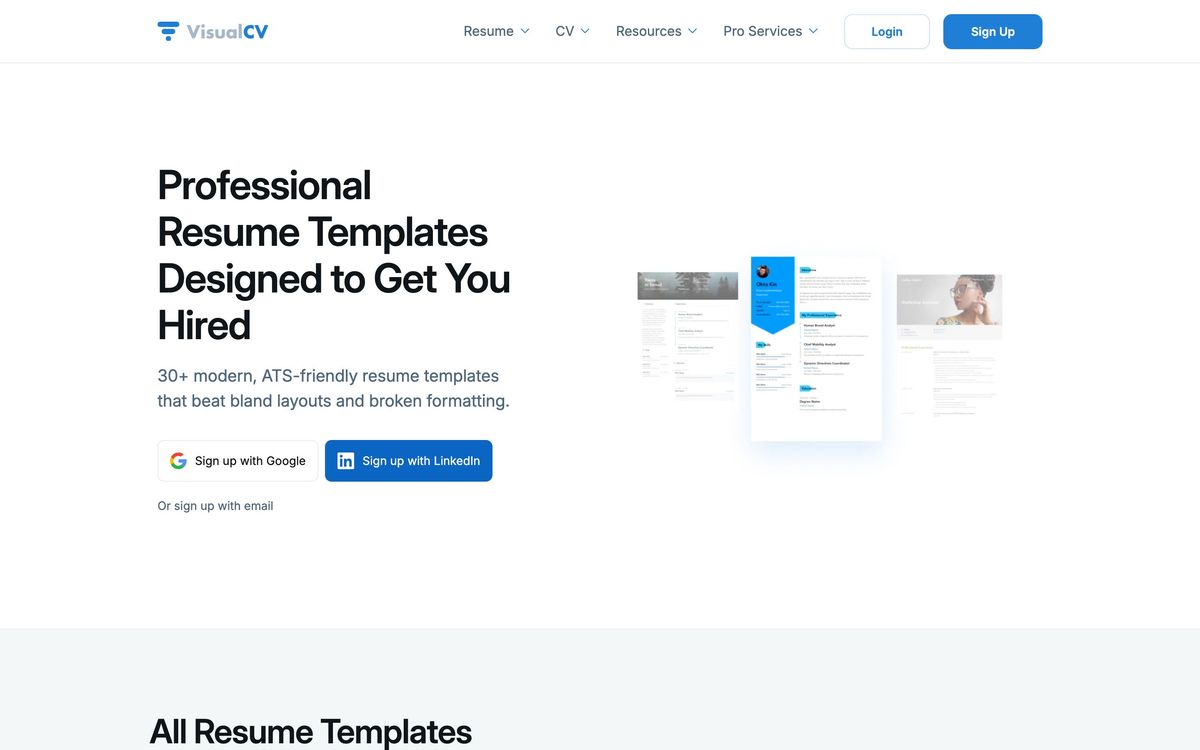
- More than thirty templates, including a set aimed at applicant tracking system parsing
- Hosted CV links with view, dwell time and download analytics
- Cover letter builder working from the same underlying data
- Career journal for logging achievements between job searches
- Business accounts with shared client CVs and version history
Who it's for
Inside our audience the relevant buyer is a recruitment or consulting team that has to present other people's experience in a consistent house style. Staffing agencies reformatting candidate CVs before sending them to a client, and consultancies assembling partner and staff profiles for bids, both do this work today in word processors and lose hours to formatting. The business account replaces that with templates and stored versions, and the analytics show whether the client actually read the profile that was sent.
Everyone else in the market is an individual job seeker, and that is who the product was designed for. It suits senior candidates, consultants and creative professionals who want a link rather than an attachment and who benefit from embedding work samples. It is unnecessary for anyone applying through a large-employer portal that strips formatting anyway, and unsuitable for a recruitment team that expects the tool to sit inside its existing hiring workflow, because it will not.
How it compares
Teal approaches the same job from the job-search side, with application tracking and tailoring against a specific posting, and no equivalent of the hosted analytics. Enhancv competes directly on design, offering more attractive layouts and more control over them, while lacking the read tracking and the team account. CV Partner is the purpose-built answer for consultancies and bid teams, with proper skills databases and export to corporate templates, at a price and complexity that only firms with dedicated bid staff justify. VisualCV sits between the consumer builders and that professional tier.
Verdict
As a resume builder VisualCV is competent and its analytics are genuinely unusual, which is why it retains a following among senior candidates. As a purchase for a recruiting or consulting team it is a partial answer: the shared account solves house style and version control, but nothing links it to an applicant tracking system, so CVs still move by hand at both ends. The rating reflects that isolation, along with the recurring billing complaints on public review sites. Treat it as a formatting tool, not as part of the hiring stack.
Ready to try VisualCV?
There's a free tier, so you can test it before committing.
More recruiters tools like VisualCV
HiBob
4.3HRIS for mid-sized, multi-country companies, covering the employee record, performance, compensation and payroll sync.
Read HiBob review →Recruit CRM
4.3An all-in-one ATS and CRM built specifically for recruitment and executive-search agencies.
Read Recruit CRM review →Breezy HR
4.2Drag-and-drop applicant tracking and hiring automation built for small and growing recruiting teams.
Read Breezy HR review →CoRecruit
4.2Records recruiter calls across phone, video and in person, then writes the notes and candidate submittals into the ATS.
Read CoRecruit review →Deputy
4.2Shift scheduling, time clocking and break compliance for businesses that run on hourly staff.
Read Deputy review →Manatal
4.2Affordable AI-powered ATS and recruitment CRM with candidate enrichment, built for agencies and lean in-house teams.
Read Manatal review →