
WiseStamp review
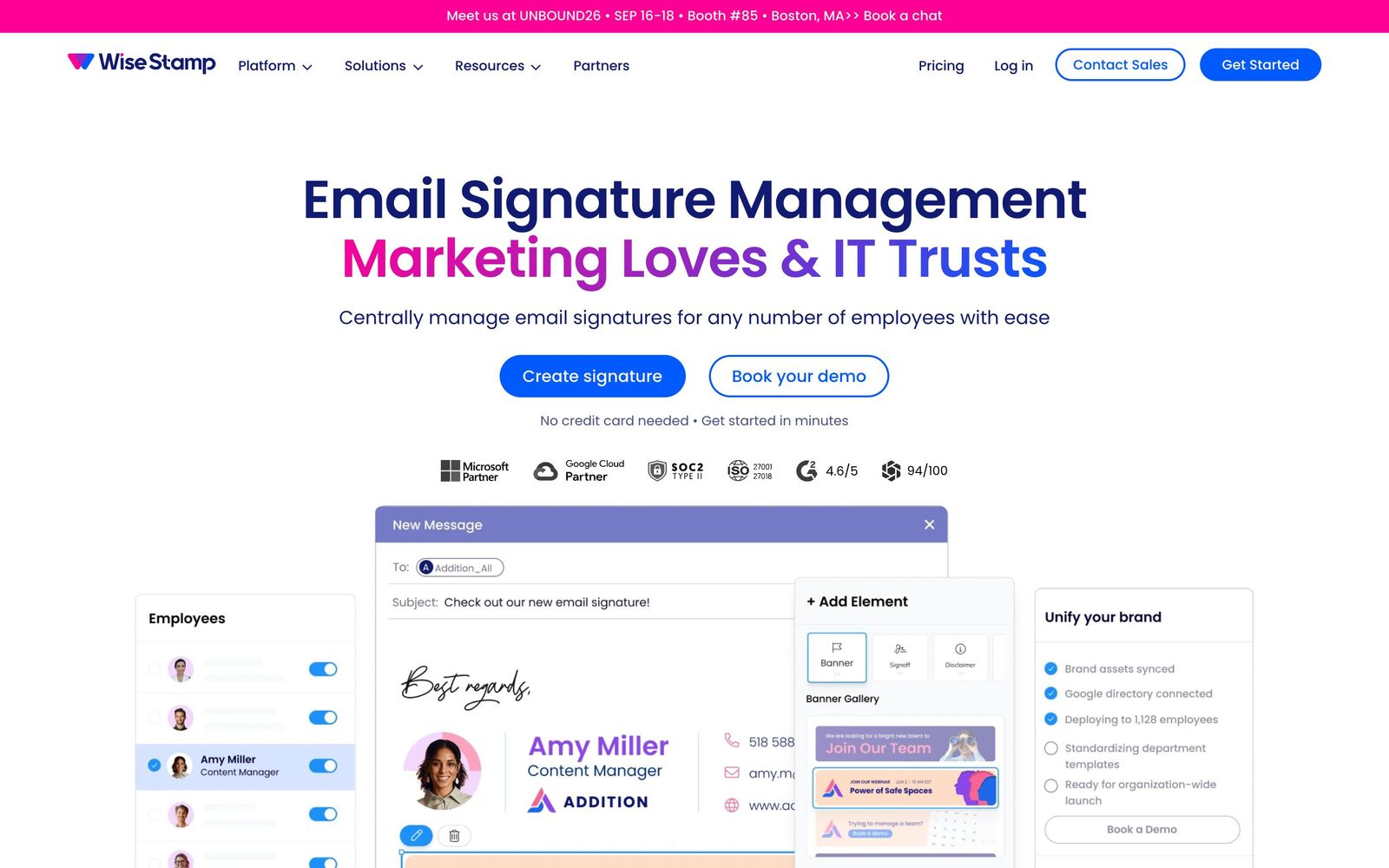
Central email signature management for Google Workspace and Microsoft 365, with campaign banners and click tracking.
The most marketer-friendly signature manager of the big three, though its audit and compliance trail is thinner than what regulated IT teams get from CodeTwo.
Pros
- Directory sync with Microsoft Entra ID, Google Directory or SCIM keeps titles and phone numbers correct without manual edits
- Campaign banners can be swapped company-wide on a schedule, which turns outbound email into a promotable channel
- Departments and groups can carry different templates while legal disclaimers stay locked from employee editing
- Client-side, server-side and hybrid deployment options cover mixed Outlook and browser environments
- Banner impression and click reporting gives marketing a real number for the channel
Cons
- No free plan: every tier is a paid annual subscription after the two-week trial
- Admin seats and template counts are capped by tier, so a mid-size company with several brands is pushed up the price list quickly
- Cancellation cannot be done in-product and requires going through support, which reviewers describe as slow
WiseStamp pricing
List prices in USD per month, taken from the vendor at review time.
| Plan | Per month | What it covers |
|---|---|---|
| Pro+ | $9 | billed annually, individuals and micro-teams, extra members charged per seat |
| Basic | $19 | billed annually plus a per-user fee, 1 admin and 5 templates |
| Grow | $49 | billed annually plus a per-user fee, 5 admins and 20 templates |
| Platform | $189 | billed annually plus a per-user fee, 10 admins and unlimited templates |
What WiseStamp actually does
WiseStamp manages email signatures for a whole company from one console. An administrator builds a template, maps its fields to the employee directory, and WiseStamp deploys the result across Google Workspace, Microsoft 365 or Exchange. When someone changes job title or a new hire arrives, the signature updates itself; when someone leaves, it is removed. That sounds mundane until you have watched a fifty-person company try to keep signatures consistent by emailing around a block of HTML and hoping people paste it correctly.
The second job is marketing. Under the contact block sits a banner slot that marketing owns: a webinar promotion, a product launch, a seasonal message, scheduled to appear and expire on given dates and targeted at particular departments. WiseStamp reports impressions and clicks on those banners, which is what separates it from a pure IT utility. Deployment can be client-side through an Outlook add-in or Chrome extension, server-side so signatures are stamped in transit, or a hybrid of the two, depending on whether employees need to see the signature while composing.
Key features
What an administrator actually configures:
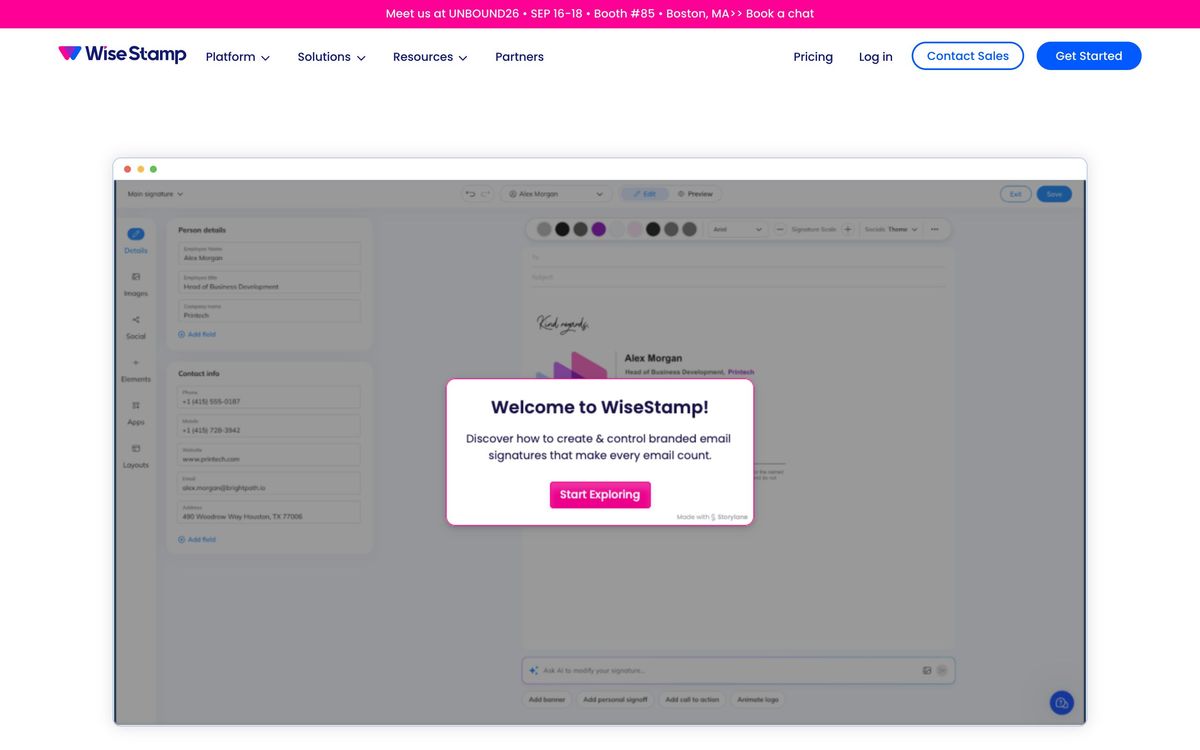
- A drag-and-drop editor with a template library and AI-assisted layout generation from a text prompt
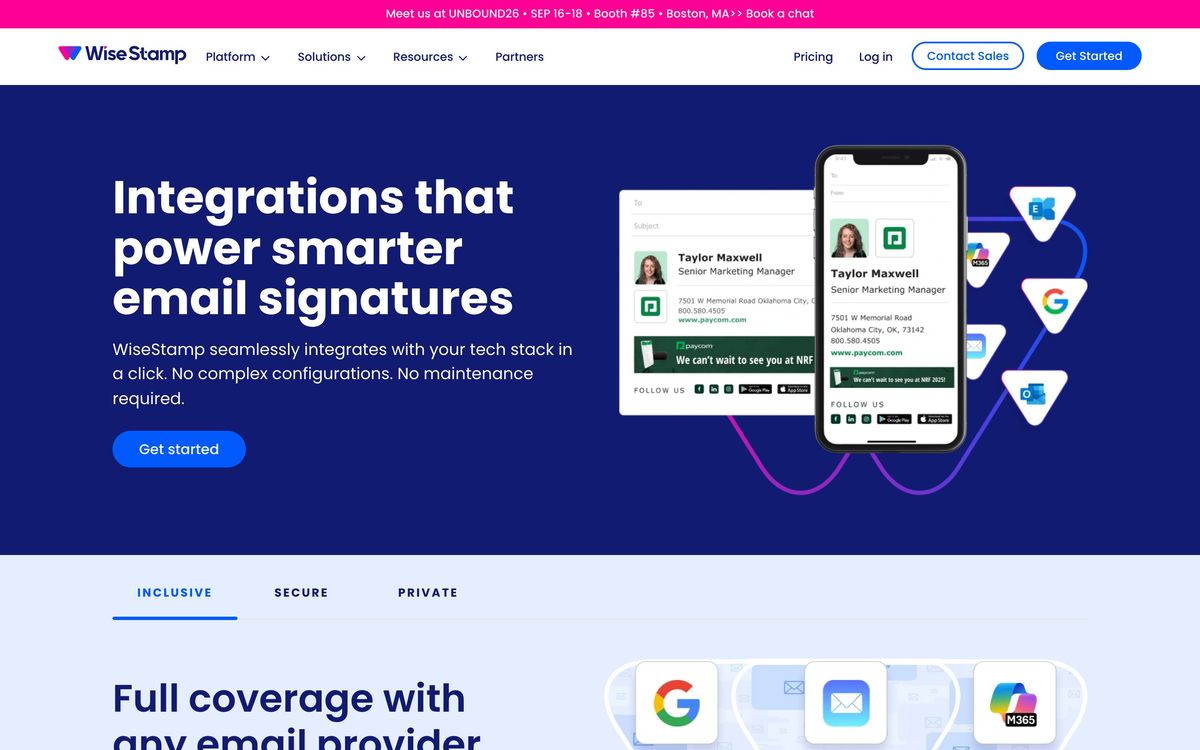
- Directory sync from Microsoft Entra ID, Google Directory or a SCIM provider, with automatic provisioning and de-provisioning
- Department and group targeting, so sales, support and executives carry different templates
- Scheduled campaign banners with impression and click-through reporting by campaign and department
- Locked fields for legal disclaimers that employees cannot edit, alongside social icons and meeting links
- Role-based access control separating IT administration from marketing campaign control
Who it's for
The natural buyer is a marketing or brand lead at a company between roughly twenty and a thousand employees, where signatures have drifted into a dozen variants and nobody owns them. WiseStamp is built so marketing can run the banner calendar without an IT ticket, while IT keeps directory sync and disclaimer enforcement. Companies with several subsidiaries or brands are handled through multi-brand support, though that capability lives on the upper tiers.
It fits badly in two situations. A solo consultant or two-person shop needs a signature generator, not a management platform, and paying an annual subscription for governance features nobody uses is waste. At the other end, IT teams in tightly regulated industries, financial services, healthcare, government contracting, usually need to prove which signature and disclaimer a specific employee sent on a specific date, and that evidentiary trail is not WiseStamp's strength. Those teams should evaluate the Microsoft-certified alternatives first.
How it compares
Exclaimer is the closest competitor and the more complete platform, with a longer compliance record and deeper analytics, at a correspondingly higher cost and a heavier setup. CodeTwo Email Signatures 365 holds a Microsoft 365 certification and is the usual choice for IT departments in regulated sectors, but its console is built for administrators rather than marketers and campaign management feels bolted on. Against both, WiseStamp wins on speed to first deployment and on how comfortable a marketing team feels inside it; it loses when the buyer is an IT security function with an audit checklist.
Verdict
WiseStamp turns an unglamorous problem into a managed one, and it is the version of this product a marketing department would actually choose. Directory sync removes the maintenance burden, banner scheduling makes company email a measurable channel, and deployment options are flexible enough for mixed environments. The reservations are commercial and administrative: there is no free plan, admin and template allowances push multi-brand companies toward the expensive tiers, cancellation requires a conversation with support rather than a button, and regulated IT teams will find the compliance evidence thinner than certified alternatives provide. For most marketing-led companies that is an acceptable trade; for a bank's IT department it is not.
Ready to try WiseStamp?
More marketers tools like WiseStamp
Vista Social
4.5Social media management covering publishing, inbox, listening, reviews, and reporting across 11+ networks.
Read Vista Social review →Unbounce
4.4Landing page builder with AI traffic routing (Smart Traffic), A/B testing, popups, and sticky bars.
Read Unbounce review →ActiveCampaign
4.3Email marketing and automation platform with a built-in CRM, contact scoring, and SMS and WhatsApp sending.
Read ActiveCampaign review →AgencyAnalytics
4.3Client reporting for marketing agencies: 85+ connectors, white-label dashboards and scheduled reports.
Read AgencyAnalytics review →Bouncer
4.3Email verification and deliverability testing that strips invalid addresses before a send hurts your domain.
Read Bouncer review →Brand24
4.3Media monitoring tool tracking brand mentions across social, news, blogs, forums, podcasts, and reviews.
Read Brand24 review →