
Datarails review
FP&A platform that consolidates ERP and spreadsheet data centrally while the modelling stays in Excel.
The right FP&A choice for a finance team that will not give up Excel, though the data mapper and a multi-entity rollout take real implementation time before the reporting pays off.
Pros
- Analysts keep working in Excel through an add-in, so nobody has to relearn modelling in a proprietary interface
- Connectors pull from ERPs, accounting ledgers, CRMs and warehouses into one governed set of figures
- Consolidation across entities and currencies runs automatically, which removes the monthly copy-paste ritual
- Every number keeps a version history and an audit trail back to the source row, which shortens the argument about whose file is right
- Dashboards and board reporting sit on the same data, so the deck and the workbook cannot drift apart
Cons
- No published pricing: the licence and the professional services that come with implementation are quoted per deal
- The data mapper is the heart of the system and takes weeks to learn on complex source structures, with multi-entity rollouts measured in months rather than days
- The Excel add-in has a weaker history on macOS, with reports of formulas built on Windows misbehaving after a Mac rollout
What Datarails actually does
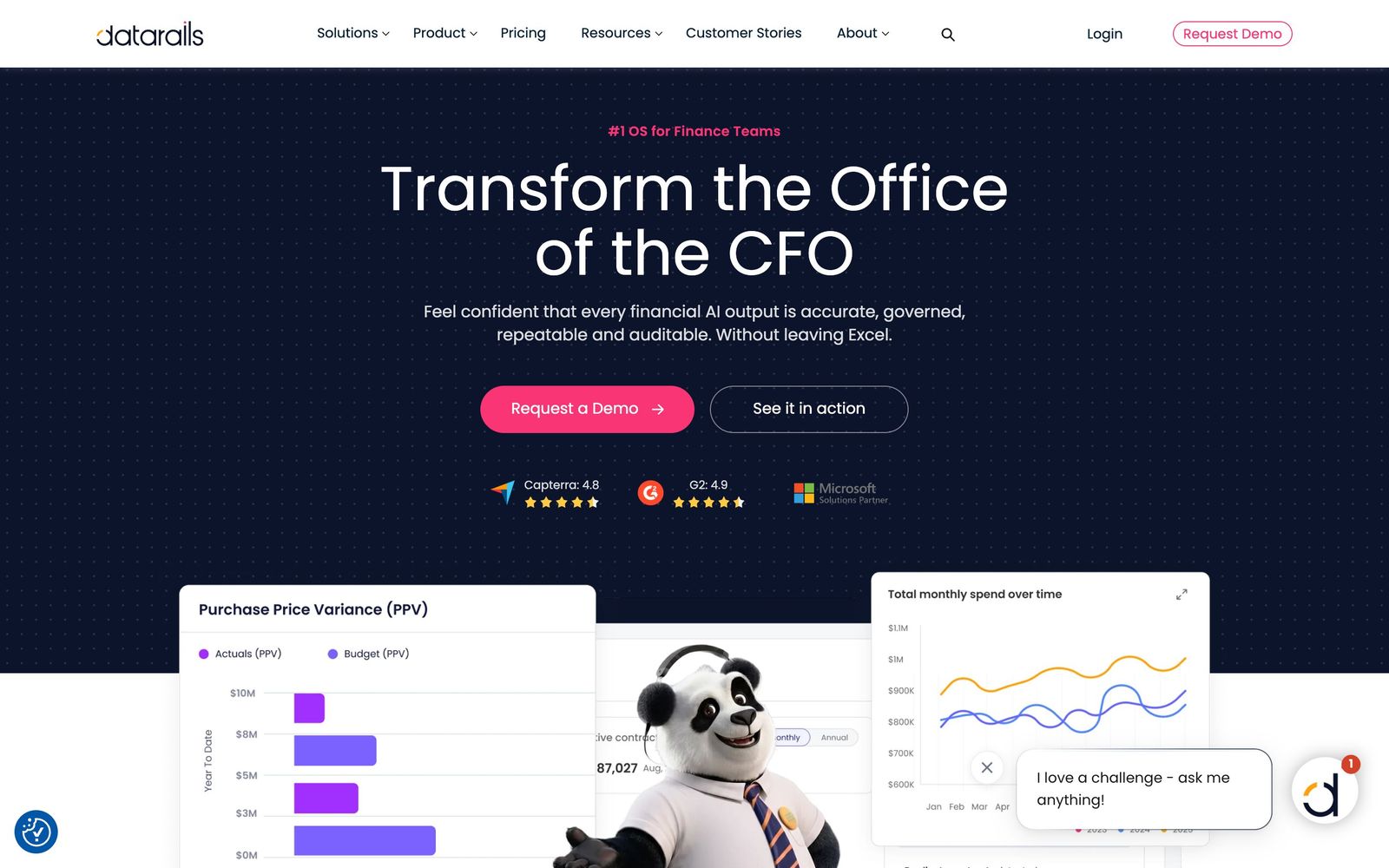
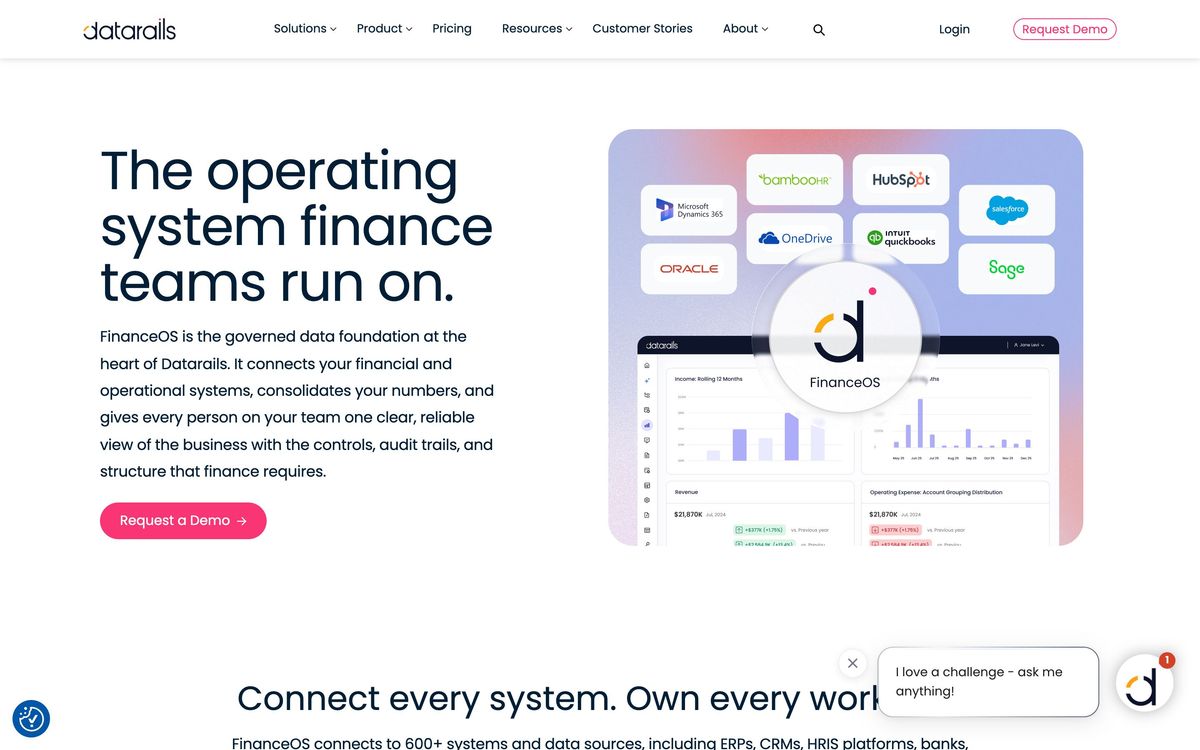
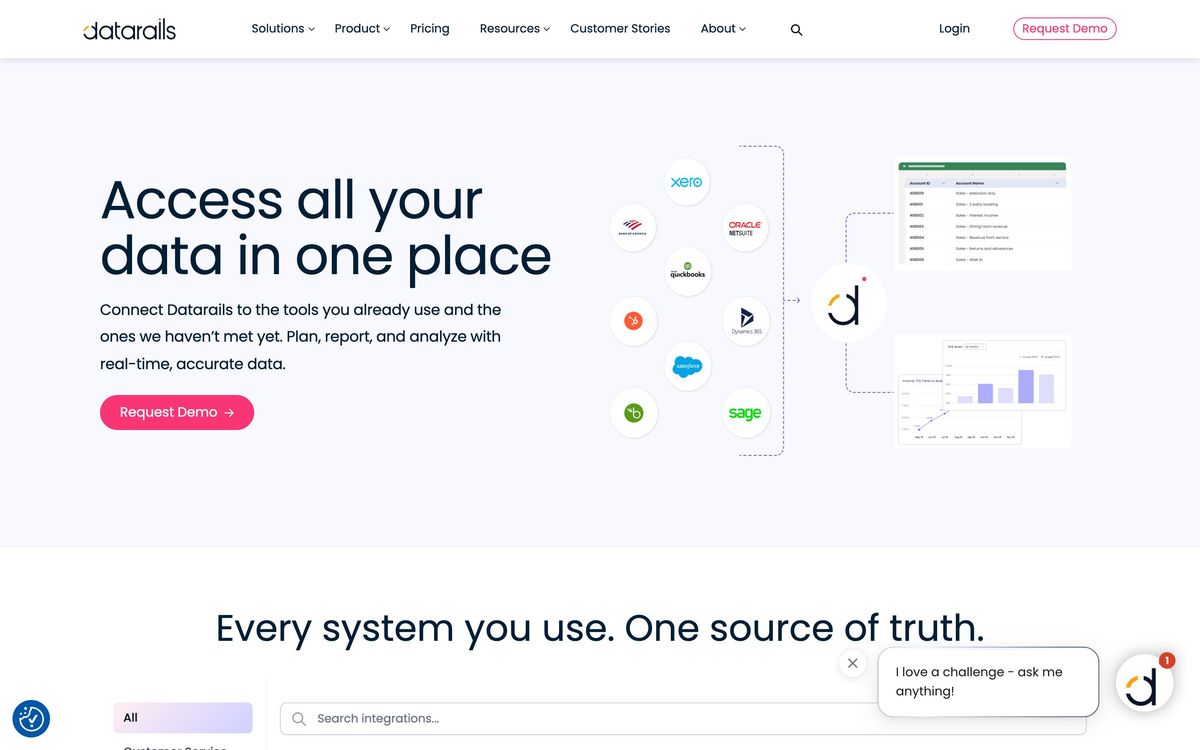
Datarails is financial planning and analysis software built on a premise most vendors resist: the finance team is going to use Excel, so build around that rather than against it. Analysts work through an add-in inside their own workbooks, while the data behind those workbooks is pulled, mapped and governed centrally. Connectors reach into ERPs, accounting ledgers, CRMs and warehouses, so the budget model refreshes from NetSuite, QuickBooks, Xero, Sage or SAP instead of from a colleague's export.
What the platform adds is everything spreadsheets are bad at. Consolidation across entities and currencies runs on a schedule. Each figure keeps a version history and a trail back to the source row, which turns the familiar argument about whose file is current into a lookup. Dashboards, board reporting and a mobile view read from the same consolidated layer, so the deck and the workbook cannot quietly diverge. On top of that sit close workflows, cash forecasting, spend and contract visibility, anomaly detection and AI-assisted analysis with permission controls. Pricing is not published; the company quotes per deal, and implementation is typically a scoped engagement rather than a self-serve signup.
Key features
The design goal throughout is to leave the analyst's habits alone and fix what sits underneath them.
- Excel add-in that keeps models in the workbook while data governance happens centrally
- Connectors across ERPs, accounting systems, CRMs and data warehouses
- Automated multi-entity, multi-currency consolidation
- Version control and audit trails from any figure back to its source
- Dashboards, board packs and a mobile app reading the same consolidated numbers
- Anomaly detection and AI-assisted analysis with permission settings
Who it's for
The fit is a mid-market finance function, roughly a controller and two to six analysts, running budgets and rolling forecasts in Excel across several entities. That team has outgrown file-based consolidation but does not want an enterprise planning platform, and it wants the model to remain something it can open and read. Groups closing monthly across subsidiaries feel the benefit fastest, because consolidation is where the manual hours actually go.
It suits nobody who wants to leave spreadsheets behind. A team that has decided its future is a database-backed planning model should buy that instead, since Datarails deliberately keeps Excel at the centre with all the fragility that implies. Very small companies are also poor candidates: with one ledger and one entity, the setup effort outweighs the saving. Mac-heavy finance teams should test the add-in on their own hardware before signing.
How it compares
Cube is the closest rival and the lighter one, working with both Excel and Google Sheets, faster to implement and cheaper, but thinner once consolidation gets complicated. Vena also builds on Excel and pushes further into workflow and modelling depth, at a heavier implementation and a stronger tilt towards the Microsoft stack. Anaplan and Pigment sit above all of them, replacing spreadsheets with a real planning engine, which is the better answer for large or complex businesses and a considerable overreach for a five-person finance team. Datarails wins where the requirement is consolidation and governance without retraining anyone.
Verdict
Datarails solves a specific, expensive problem: finance teams lose days each month reconciling exports from systems that do not agree, and none of that work is analysis. Keeping the modelling in Excel while moving the plumbing into a governed layer is a pragmatic answer, and the audit trail alone justifies the effort for teams that report to a board or an auditor. The caveat is the runway. Mapping the sources takes real time, complex structures take longer, and the professional services that come with it are quoted rather than listed. Budget for a slow first quarter, and treat the demo as an implementation conversation rather than a feature tour.
Ready to try Datarails?
More accountants tools like Datarails
Zoho Books
4.4Cloud accounting and ledger software for small and mid-size businesses, part of the wider Zoho suite.
Read Zoho Books review →BILL
4.4Category-leading AP/AR automation for US firms, with a free Spend & Expense module bundled in.
Read BILL review →DataSnipper
4.4Excel-native AI document extraction and matching for audit and finance teams.
Read DataSnipper review →Gusto
4.4Full-service US payroll, benefits and HR with a genuinely strong accountant partner dashboard.
Read Gusto review →Datamolino
4.3Bookkeeping automation that extracts data from bills, receipts and bank statements into your cloud ledger.
Read Datamolino review →Synder
4.3Connects e-commerce and payment platforms to accounting software, syncing and reconciling sales, fees and payouts.
Read Synder review →