
Virtual Staging AI review
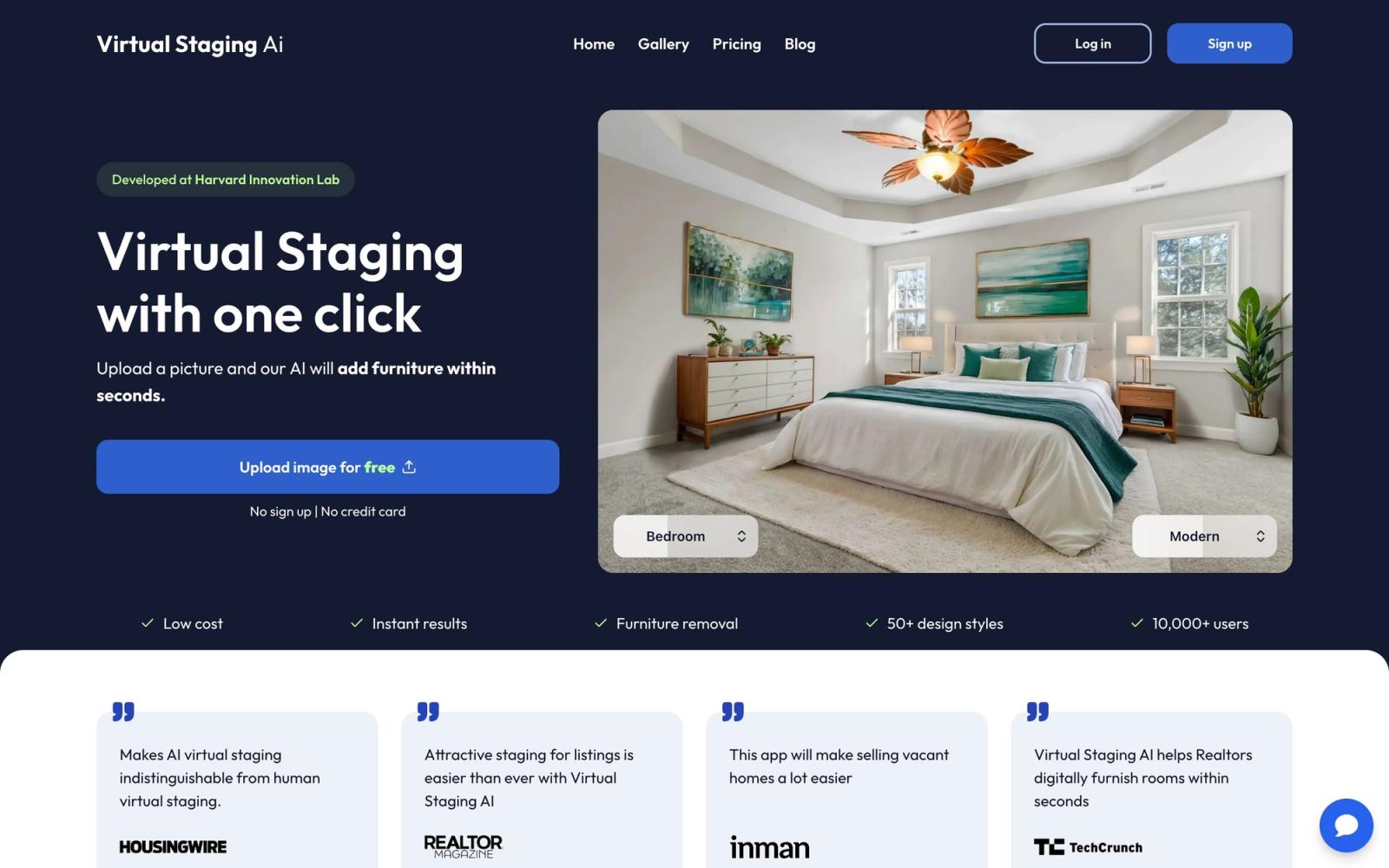
One-click AI virtual staging with ~10-second turnaround and no watermark.
Cheapest per-image staging at scale and genuinely fast. It does nothing but stage, which, at this price, is the point.
Pros
- Drops to ~$0.53/image on the top tier
- No watermark on any paid plan
- ~10-second renders with furniture removal included
Cons
- Low tiers are poor per-image value
- Standalone tool: no CRM/MLS pipeline, export and upload yourself
Key features
- All room types and design styles
- Unlimited renders & downloads on paid plans
- API access on higher tiers
Virtual Staging AI pricing
List prices in USD per month, taken from the vendor at review time.
| Plan | Per month | What it covers |
|---|---|---|
| Basic | $16 | 50 images/mo |
| Standard | $19 | 20 images/mo |
| Professional | $39 | 60 images/mo |
| Enterprise | $79 | 150 images/mo (~$0.53/image) |
What it is and who it's for
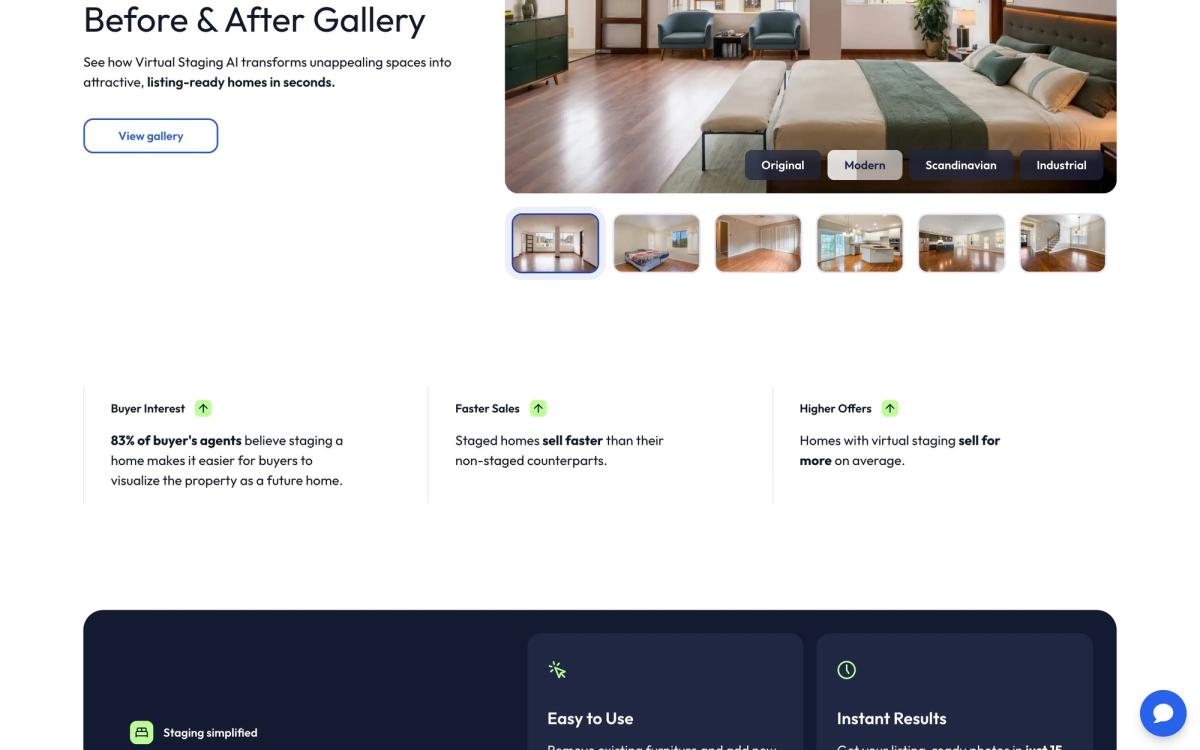
Virtual Staging AI is a single-purpose tool: upload a room photo, get it furnished in about ten seconds, download it without a watermark. It removes existing furniture and restyles in any room type. There is no CRM, no MLS feed, no marketing suite; you export the image and put it in your listing yourself. That focus is exactly why high-volume agents and real-estate photographers like it.
The per-image math (read this before you pick a tier)
Pricing is really about cost-per-image, and the tiers are not linear. Enterprise ($79 for 150 images) works out to roughly $0.53 an image; the cheapest in the category. But Basic ($16 for 50) and especially Standard ($19 for only 20) are poor value per image. If you stage at volume, jump to Professional or Enterprise; if you only stage occasionally, a credit-based competitor with a free trial is a better fit.
Strengths and weaknesses
Strengths: speed, no watermark on paid plans, an API for teams that want to automate, and unlimited renders and downloads within your image quota. Weaknesses: it is a point tool, so you get none of the compliance detection (plates, signs, faces) that REimagineHome offers, and the odd tier structure means it is easy to overpay if you pick the wrong plan.
Pricing
Monthly: Basic $16 (50 images), Standard $19 (20), Professional $39 (60), Enterprise $79 (150). A free image-editing trial is included. Note the quirk that Standard gives fewer images than Basic; choose by your monthly image count, not by the tier name.
Verdict
The value pick for agents who stage a lot and just want fast, clean, watermark-free images. Skip the low tiers, mind the disclosure rules yourself, and it is hard to beat on price.
Ready to try Virtual Staging AI?
There's a free tier, so you can test it before committing.
More realtors tools like Virtual Staging AI
ListingAI
4.2AI real-estate marketing suite centered on MLS-compliant, multilingual listing descriptions.
Read ListingAI review →Pipedrive
4.2A pipeline-first sales CRM that's easy to learn and well-suited to tracking property deals from lead to close.
Read Pipedrive review →Jasper AI
4.1AI marketing copywriter built for brand-consistent content at scale, repurposed for real estate listings.
Read Jasper AI review →Lofty
4.1All-in-one real estate CRM with IDX websites, lead generation and an AI assistant.
Read Lofty review →Write.homes
4.0Turns MLS data into ready-to-publish listing copy, social captions, emails and flyers.
Read Write.homes review →Houzz Pro
3.9All-in-one project, estimate and client-portal software built for home-design and build pros, not pure listing agents.
Read Houzz Pro review →